Server-side filters, applied before you open the app. No rules to recreate locally. No IMAP sync lag.
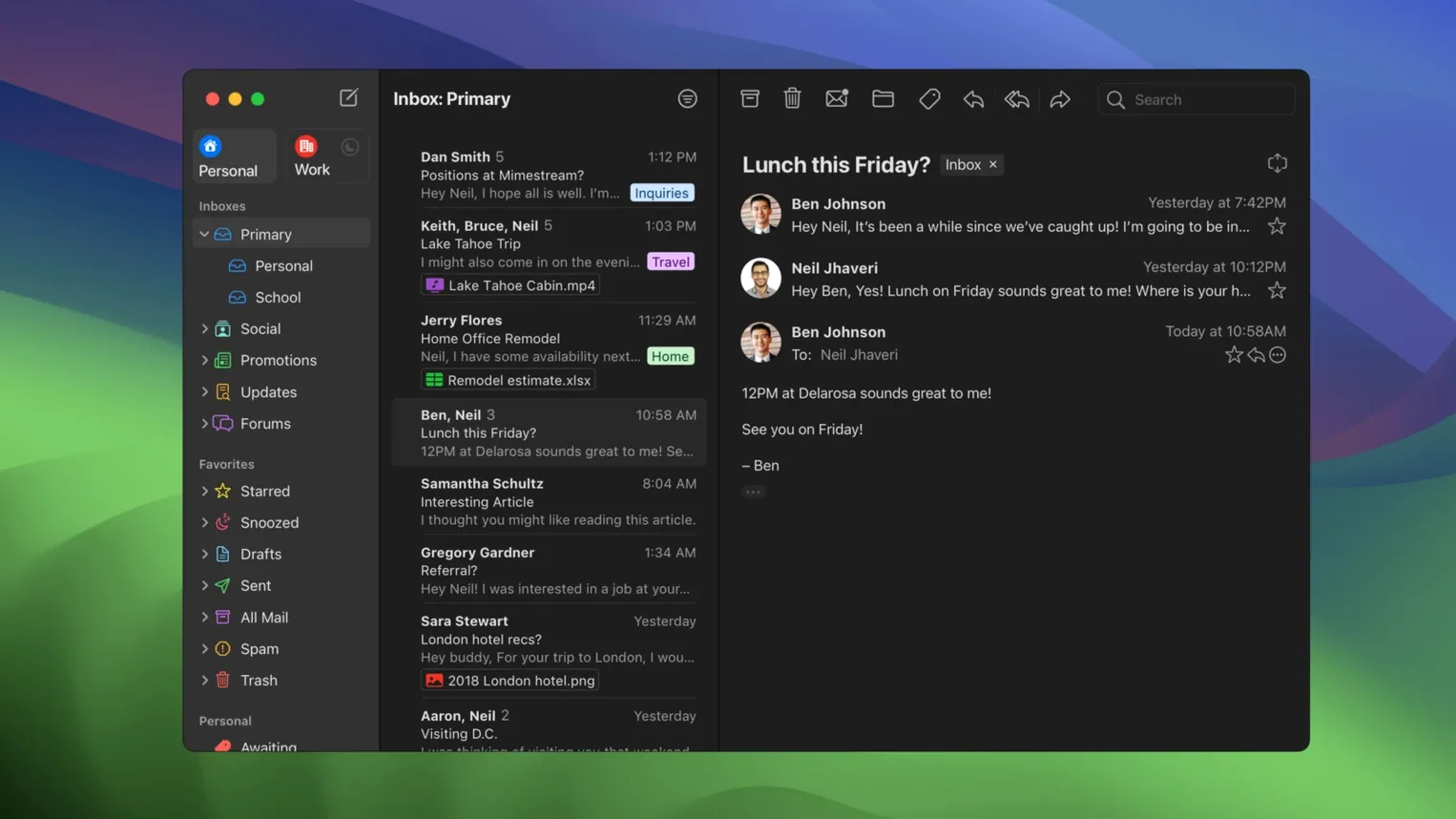
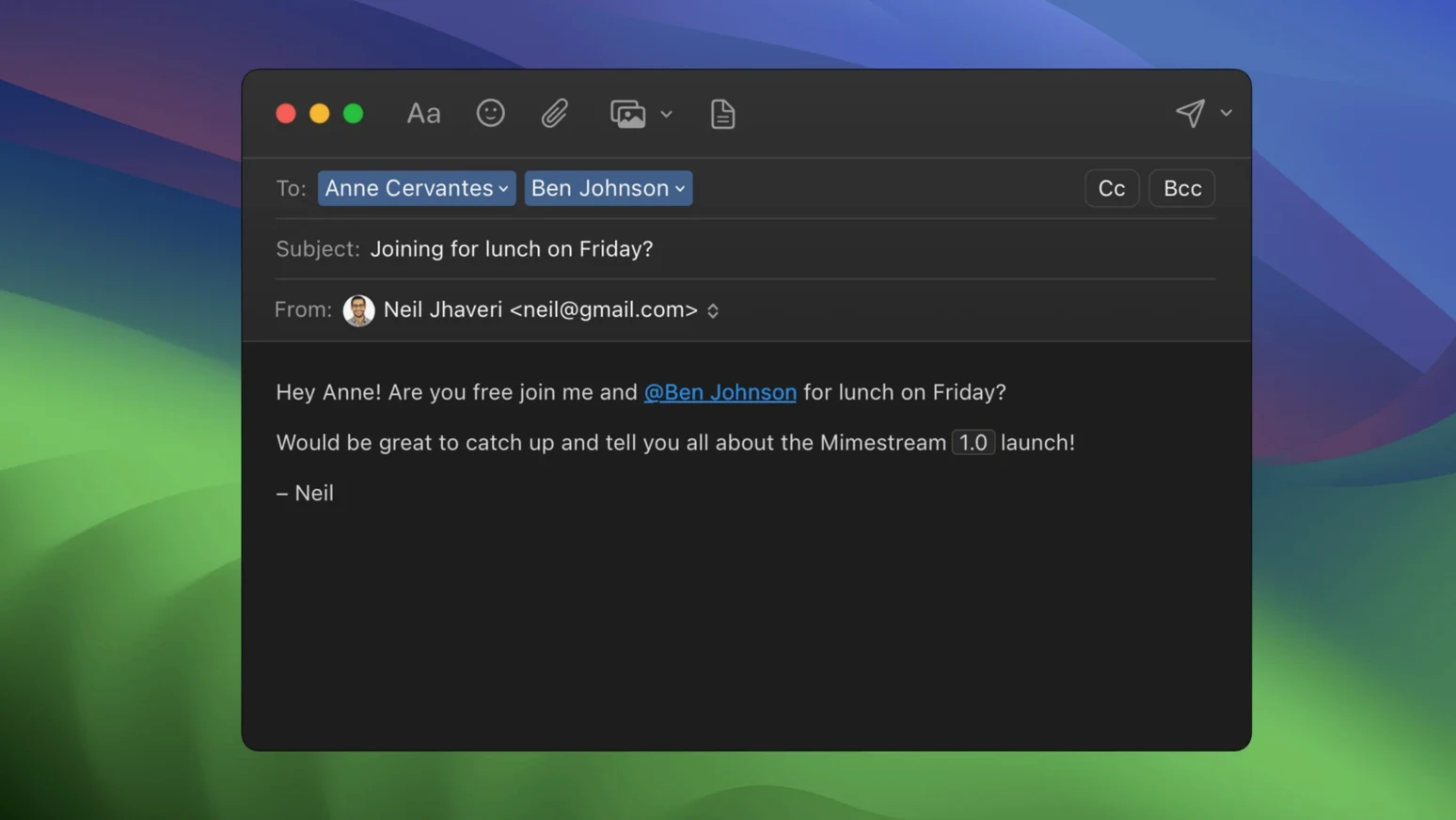
Mimestream is a desktop email client for one service: Gmail. It uses the Gmail API directly, so your aliases sync without setup and search works while you are offline. The interface stays native on Apple Silicon and Intel Macs. Keyboard shortcuts are built in; pick the Gmail or Apple Mail set and move fast.
Gmail-only focus
Someone who lives in Gmail but wants a focused Mac app. If you need a general-purpose client for multiple providers, look elsewhere. If your accounts are Google accounts, this strips away the browser tab and gives you a clean, responsive desktop layer for the Gmail features you already use.
The trade-off
One service, done well. That means no IMAP fallback and no support for non-Google mail. The current version 1.10.8 requires macOS 12 Monterey; future versions will need macOS 14. A Google account is required.
Best fit
Heavy Gmail users who process dozens of messages an hour. The keyboard-driven flow suits people who treat email as a queue, not a garden.
Travelers and commuters. Offline search and full offline access mean a patchy connection never blocks your work. Compose on a plane, send when you land.
Privacy-conscious users with Google accounts. Tracking-pixel blocking covers over 50 services out of the box, no extensions required.
Private Push
Version 1.10 added Private Push notifications, enabled by default on macOS 26 and later. Notifications arrive without revealing which messages you received until you click them.
An optional All profile unifies your inbox view across multiple accounts. Configurable notification actions let you archive or delete directly from a banner. Unknown senders now show their address, so you can judge a message before opening it.
Muscle memory pick
Pick one shortcut set and stick with it. Switching between Gmail and Apple Mail bindings slows muscle memory. The Gmail set feels more natural here because the app mirrors Gmail’s labeling logic.
Set up notification actions early. Choose the one you perform most often—archive, mark read, or delete—and assign it to the primary banner action.
If you want a mimestream download that feels responsive from day one, let the app cache fully before you go offline. Open it, connect, and leave it in the background for an hour. After that, offline search runs without hesitation.
A mimestream free trial is not a thing you will find here, but the app’s disk footprint stays small because it caches only recent messages. A Mimestream torrent can be a lightweight way to grab the build if you verify the checksum matches the developer’s release.