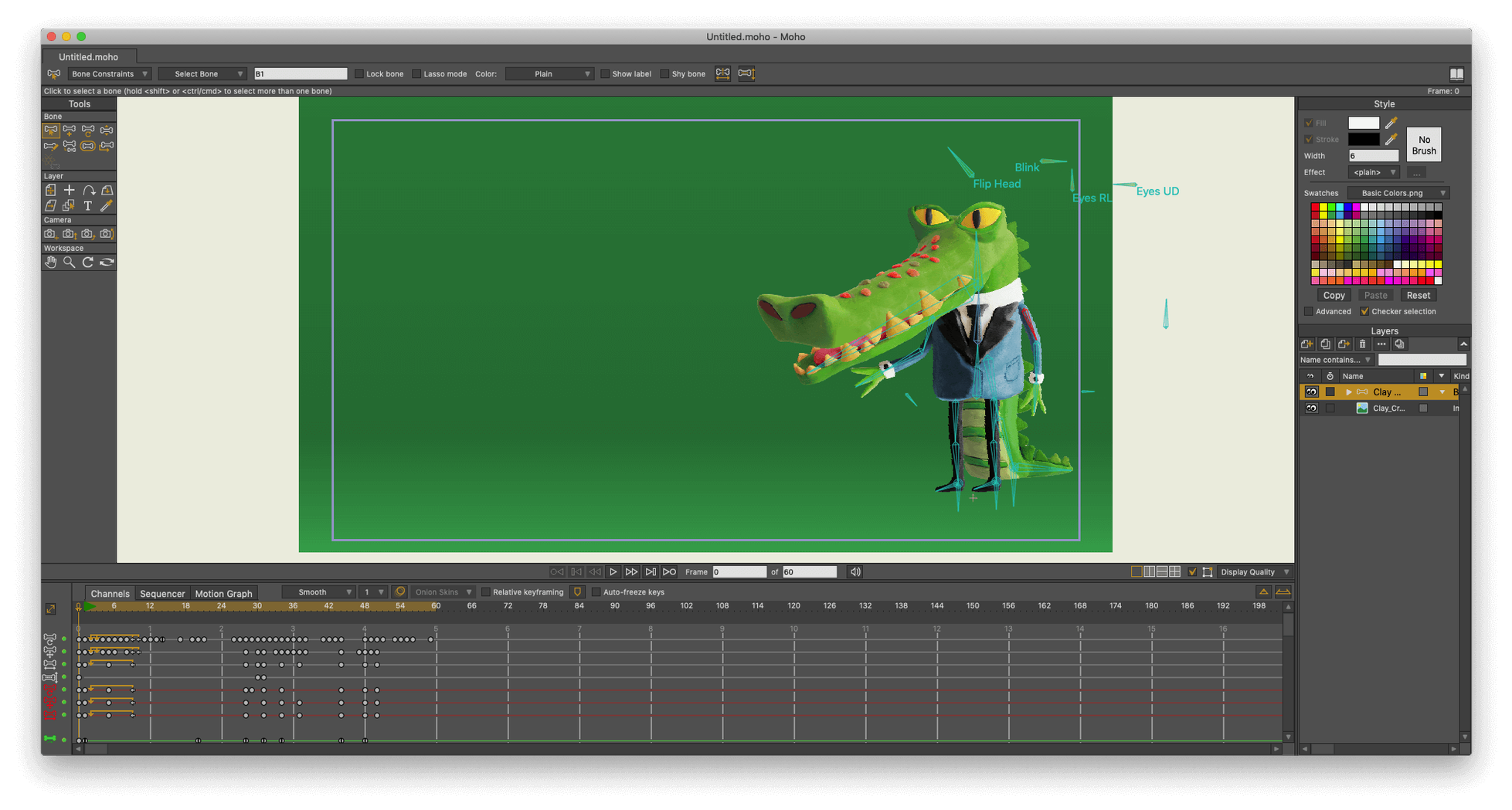
Liquid Shapes, they call the new freehand drawing stabilizer. The name says it.
glTF export — direct output to Unity, Unreal, Godot. The file lands with bones and weights intact.
Lua 5.4.4 — the scripting interface moved up from 5.1. Old scripts break, new ones run faster.
Particles — fixed. Layers — fixed. The release notes are quiet, but the timeline feels more predictable.
Poser import — still here. Drop a 3D scene behind your vectors and match the camera moves.
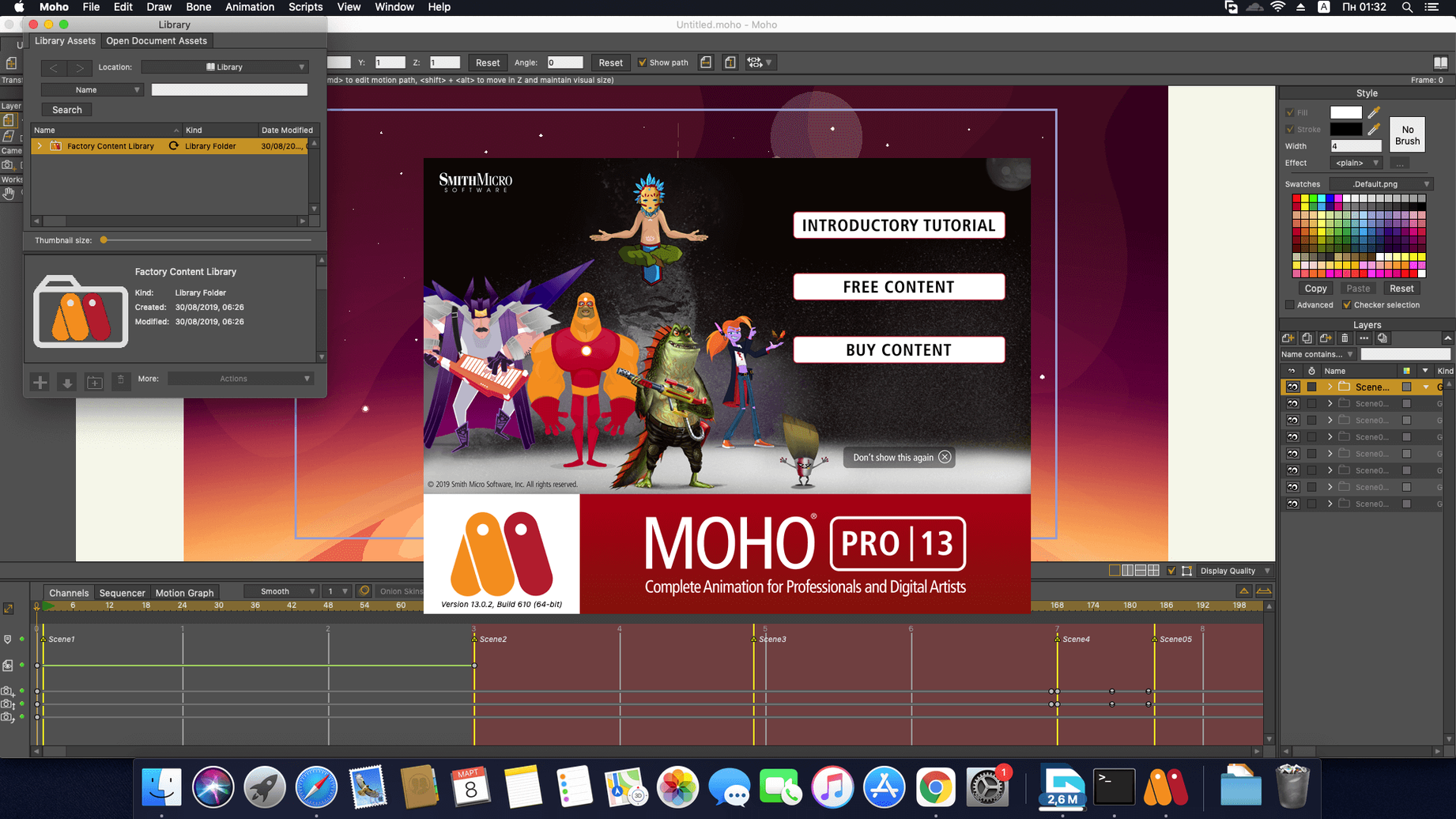
Fifteen interface languages. One installer. macOS or Windows. The core hasn't changed: draw, rig, animate, export. Moho 14.4 just hands you cleaner files at the end.
Photoshop roundtrip
Moho sits well with other tools. Photoshop files open with layers preserved. Adjust a texture, save, and the project updates. The round trip is short.
HD video in and out means you can mix live footage with vector work. Drop a clip on a layer, add a cut-out character above it, render.
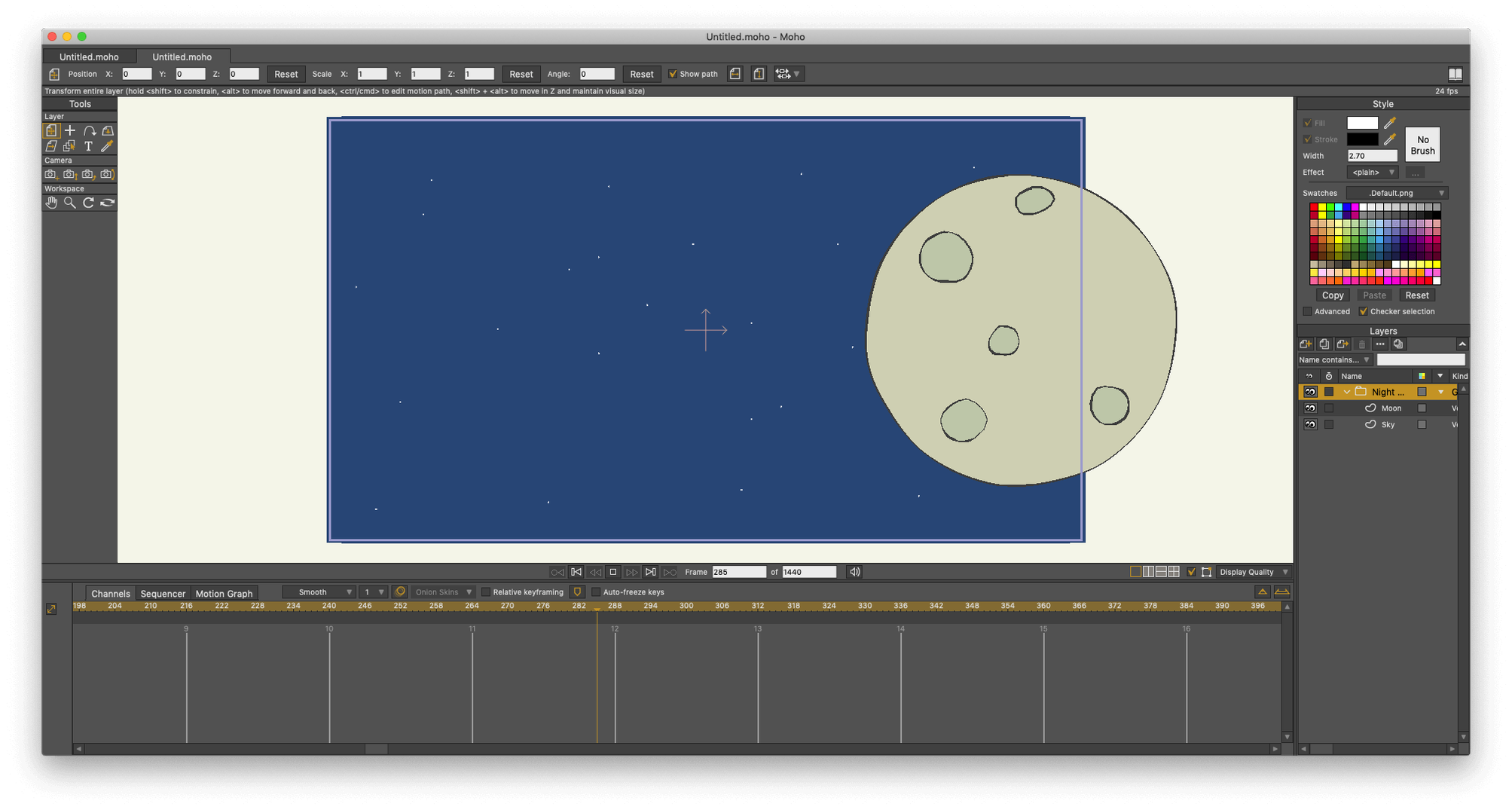
The sequencer keeps sound and scenes in one place. No second app for timing. Record dialogue, scrub, tighten the synch.
macOS features work quietly. Trackpad zoom, standard shortcuts, Spaces. Nothing fights the system.
Rig after sketch
Rigging before sketching. New users build a full skeleton on a rough drawing, then redraw the art. Bones no longer match. Sketch first, rig second.
Ignoring layer binding. A bone moves, but the arm stays. Bind layers deliberately. One click saves an afternoon.
Too many keyframes. Moho interpolates well. Set the pose, move down the timeline, set the next pose. Let the curves do the middle.
Expecting 3D depth. Moho makes 3D-looking objects from 2D layers, not true 3D. Learn the difference early.
Broken scripts
Old scripts fail after the move to Lua 5.4.4. If a menu item goes missing, check the script version. Most active ones have updates.
Slow canvas on large files. Turn off unneeded layer effects while animating. Render with them on.
Particle bursts look wrong after import. Reset the simulation before rendering. The fix takes seconds.
Export from the wrong menu. Use File > Export for final video, not the quick preview. Quality settings live there.
If a Moho file opens empty from an external drive, copy it to the Mac first. macOS sandboxing sometimes blocks reads.