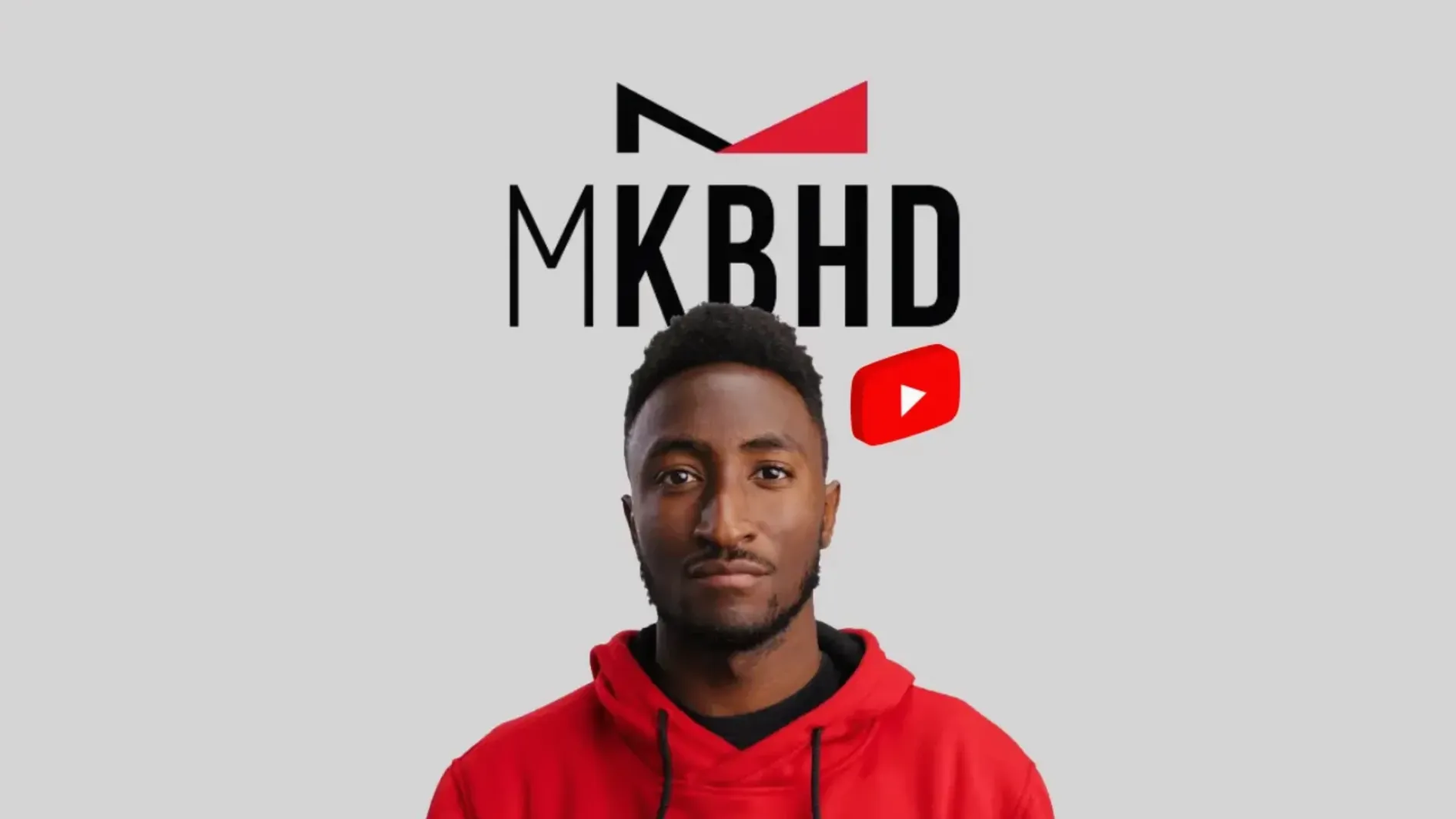
You drop a clip on the timeline, scan the browser for a title treatment that doesn't need tweaking, and apply it between two cuts. The edit moves forward without a detour into keyframes.
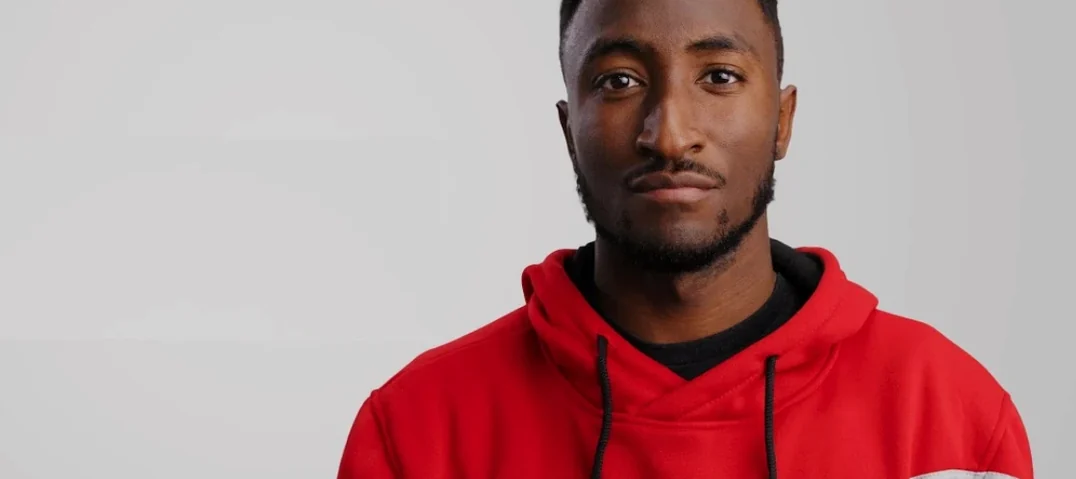
- 51 ready-made presets drawn from MKBHD's visual style
- Covers Final Cut Pro, DaVinci Resolve, and Adobe Premiere Pro
- DaVinci Resolve supports horizontal and vertical timelines
- Premiere Pro package includes 45 titles and 6 transitions
- Drag-and-drop workflow — no manual animation work
A single folder goes to Transitions, another to Titles. After that, the presets sit inside the host app where you expect them. No panels to dock, no separate launcher.
51 presets in one box
The recent release consolidated the preset library. Instead of hunting across separate installs for each host, you get one package per editor. The count settled at 51 presets — titles, effects, transitions — split according to what each host handles best.
Vertical timeline support arrived for DaVinci Resolve users. If you cut for short-form social, the presets now respect the frame without manual adjustment. Premiere Pro remains horizontal-only for now.
Under the hood, the distribution moved to simple archive extraction. No activation. No serial number dialog. Just unpack and place the folders.
One editor's afternoon
A freelance editor opens a client project — a four-minute product reel cut in DaVinci Resolve. The brief asks for MKBHD-style motion: clean zooms, fast text reveals, zero fluff. She has two hours before the review call.
She drags a zoom-in title preset onto a clip of a laptop closing. The animation lands with the timing she needs. No keyframe adjustments. She drops a transition between two product close-ups — the wipe echoes a camera move from MKBHD's own videos. The edit holds together without her touching the fusion page.
With 35 titles, 10 effects, and 6 transitions at hand, she builds the entire reel inside an hour. The remaining time goes to audio balancing and export. The call goes well.
His visual identity, packaged
motionVFX mKBHD is not a general-purpose mograph toolkit. It is a curated set tied to one visual identity. That narrowness is the point. If you want MKBHD's look without reverse-engineering it, this gets you there in a drag-and-drop motion.
motionVFX mTitle Simple Pack offers broader title styles but lacks the transitions and the specific kinetic feel of MKBHD's edits. It fits more project types — but it does not mimic a signature style.
Pixel Film Studios TransMatte gives you transition packs with more variety, but the design language leans toward flashier YouTuber intros. Applying an MKBHD-style edit with TransMatte means building the effect from scratch. With mKBHD, the timing curve and motion blur are already dialed in.
If you search for a motionvfx download mac, you will find many packs. Most are general-purpose. mKBHD is for editors who want a specific rhythm — fast cuts, clean text, no excess — without spending an afternoon inside the motion tab.