
Silicon ready
Mountain Duck runs on Apple Silicon and Intel 64-bit Macs. You need macOS 13 or later.
What's the central idea?
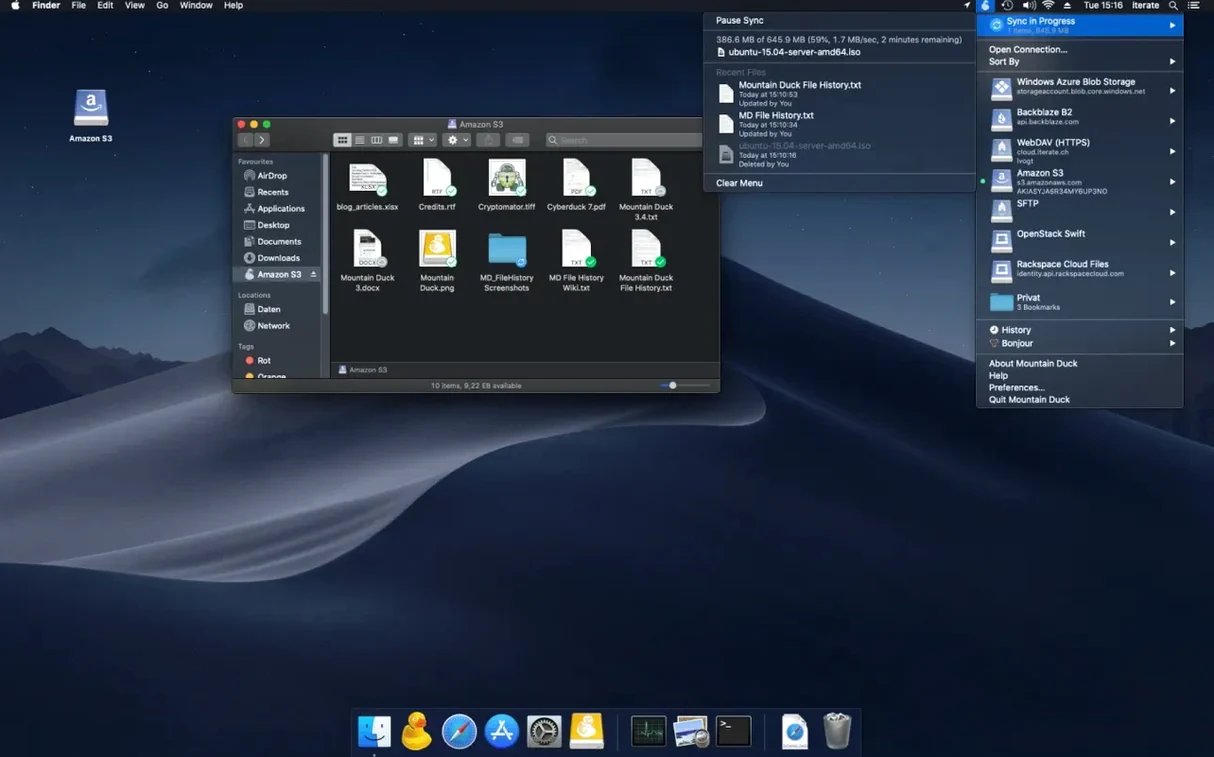
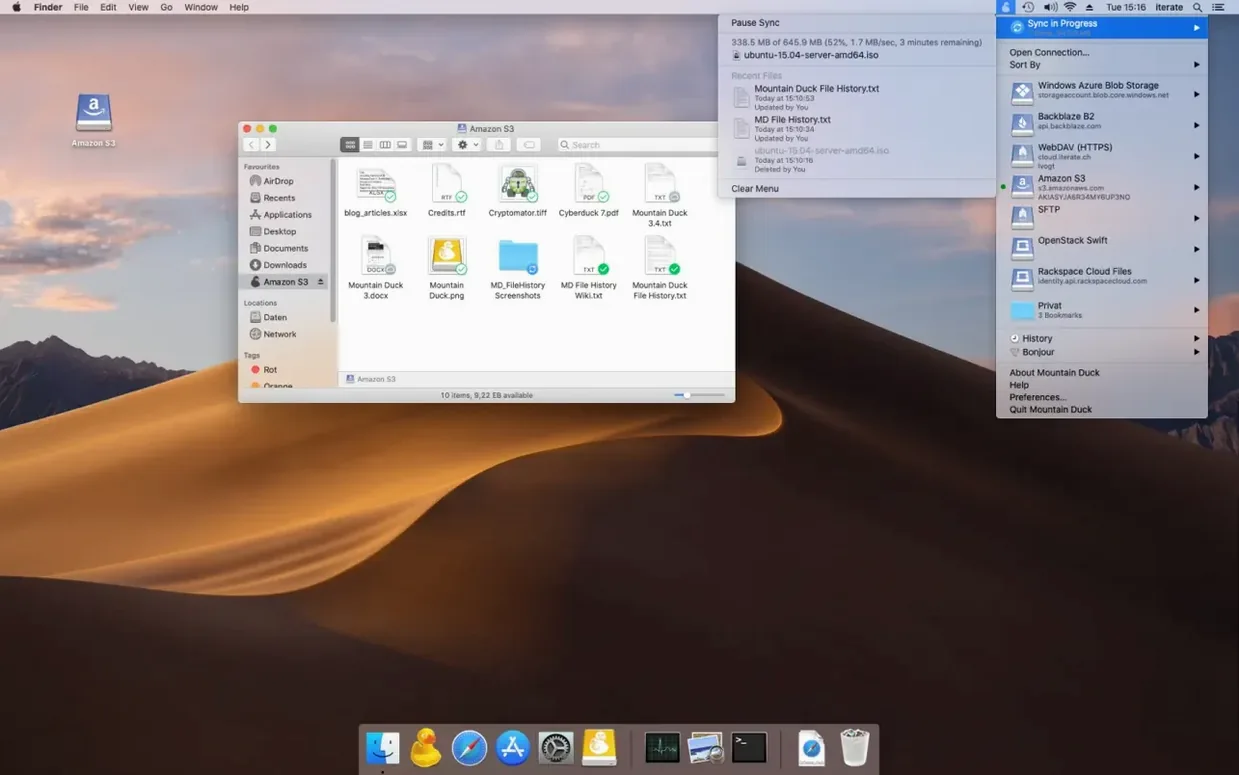
It mounts remote and cloud storage as a local disk in Finder. You browse servers like any external drive.
Which services work with it?
FTP, SFTP, WebDAV, Amazon S3, Google Drive, Dropbox, Backblaze B2, and several others. It also supports encryption at rest with compatible Cryptomator storage.
Version highlights
Mountain Duck vs the alternatives
For mounting S3 buckets, Transmit excels at transfers but doesn’t give you a persistent Finder volume. You drag, you drop, you close the window and the connection ends. Mountain Duck keeps the bucket sitting in your sidebar, quietly syncing as you work.
CloudMounter covers similar ground with a different feel. It bundles its own file manager for transfers. Mountain Duck stays out of your way — there is no separate window to learn. Just Finder, as usual.
For SFTP alone, the built-in macOS Connect to Server gets the job done until you need encryption layering or offline access. Mountain Duck adds both without changing how you reach the files.
Hidden controls
A few things you might not notice right away:
- Right-click any mounted volume in Finder and choose Mountain Duck to see sync status or force an immediate upload.
- The menu bar icon shows active transfers at a glance. Click it once to pause all syncing — useful when you are on a metered connection.
- Bookmarks sync across machines if you also use Cyberduck. Add a server once, and it appears in both apps.
- Holding Option while launching the app rebuilds the local cache index. Helpful after a long offline stretch.
Native feel
Memory use stays modest. With three S3 buckets and a WebDAV share mounted, the background process hovers around 120 MB. That does not climb during long sessions.
File access feels native. Opening a 40-megabyte Photoshop file from a remote SFTP server adds maybe a second of delay before the file appears, then editing proceeds as if local. Changes upload in the background without prompting.
Stability over a week of constant use is uneventful. No Finder freezes, no unexpected dismounts after sleep. If the network drops, the volume icon dims and waits. When connectivity returns, pending uploads resume without intervention.
Integrated Connect Mode, added in version 5, routes traffic through the existing Finder extension rather than a separate kernel component. The result is less overhead and fewer permission prompts. For a tool that runs all day, that restraint matters.
Version 5 introduced Integrated Connect Mode. Bookmarks are shared with Cyberduck if you have it installed.