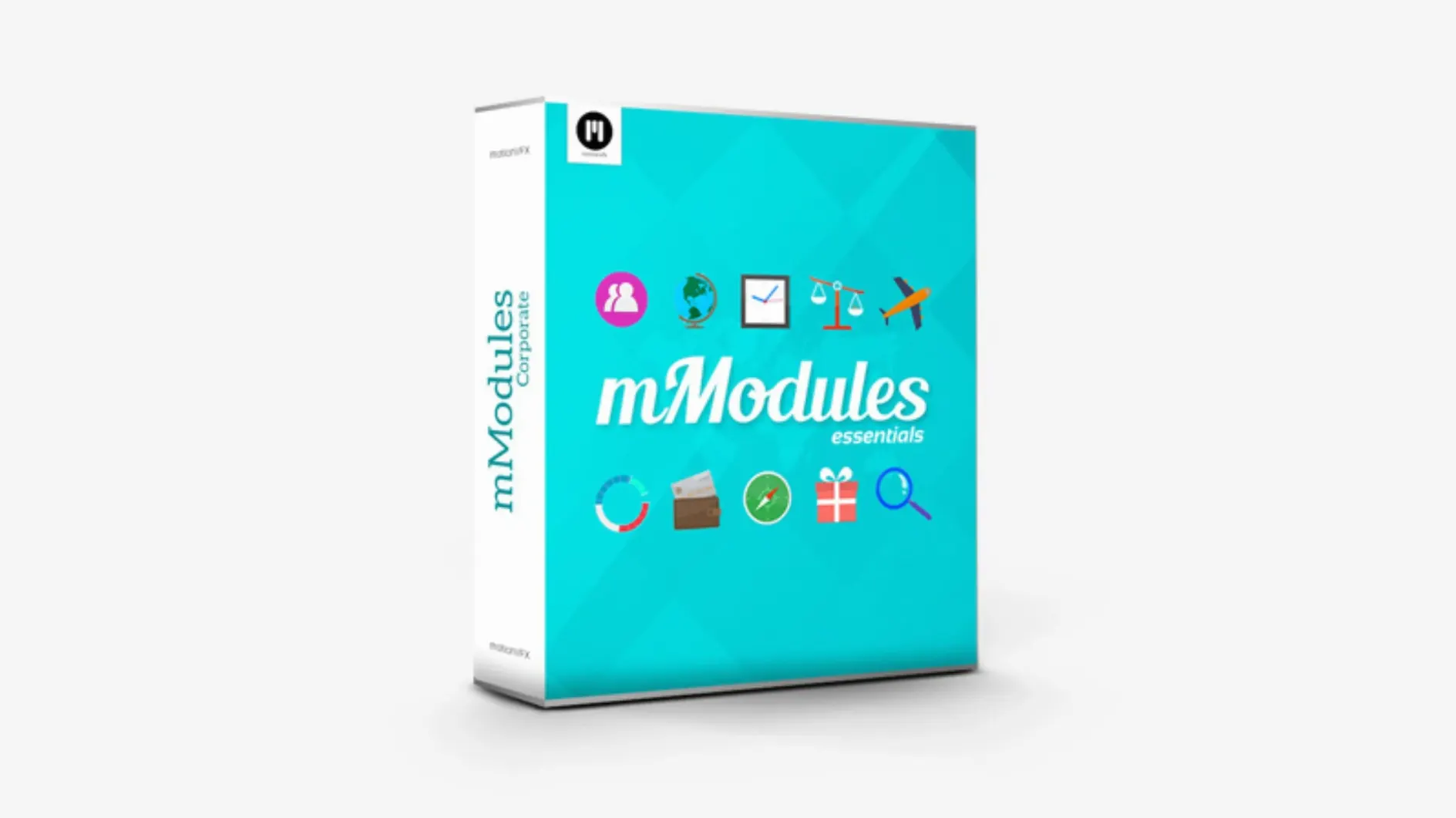
60 elements. One folder.
mModules strips out the hunting. A clean set of graphic accents that land directly in your Final Cut Pro timeline.
Place
Drag a module onto a clip. It sits exactly where you drop it — no repositioning dance.
Adjust
Published parameters in the inspector let you tweak scale, color, and timing.
Cut
Lay a module over an edit point. The transition gains a brief, sharp accent that avoids the softness of a crossfade.
Good fits
Editors who cut under deadline get the most from mModules. The set suits short-form work — promos, title cards, YouTube intros, social cuts. A module adds texture without a detour into Motion.
Template users benefit too. If you build Final Cut Pro projects from the same bones each week, these elements slip into existing structures. Nothing to rebuild.
Motion graphics beginners will find the inspector forgiving. Change a color, soften a shadow, shorten an animation. The parameters stay shallow enough to learn in an afternoon.
Borrowed pieces
mModules behaves well beside other motionVFX tools. It sits in the same Titles category as mTitle packages and mTransition sets, so nothing spreads across your system.
The templates also respect ordinary Final Cut Pro habits. They react to the same snapping, the same blade tool, the same compound clips. Add an adjustment layer above a module to grade it without touching the original.
Some editors drop a module into a secondary storyline. That keeps the accent attached to a specific moment while the main track continues underneath.
Fuss-free setup
The current build keeps installation plain. Unpack the archive, move the contents to /Users/Your User Name/Movies/Motion Templates/Titles, and the modules appear in the Titles Browser. No activation screens.
Recent versions have focused on compatibility with newer Final Cut Pro releases. The templates now resolve more predictably when you update macOS or FCP.
If you already run other motionVFX packs, this one shares the same folder logic. No separate categories to manage.
Everything lives in the Titles Browser under motionVFX. Simple.