If you know where your Motion Templates folder lives, this set slots in without touching the interface.
What it adds
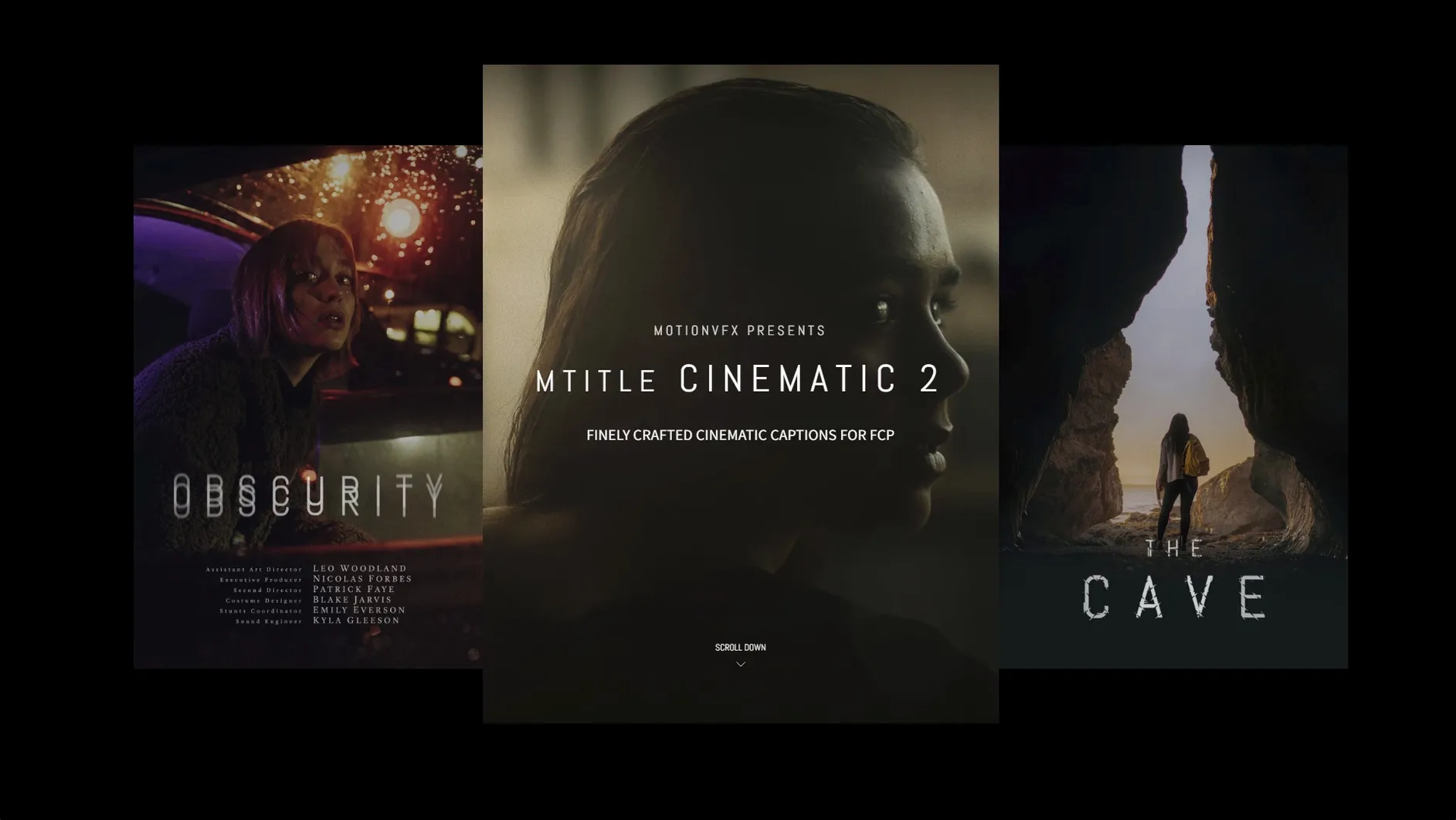
Fifty captions. Openers, credits, lower-third blocks — all built for a horizontal frame.
Browser-native
Right inside the Final Cut Pro titles browser, alongside your other generators. No separate host app.
Who notices it first
Quick moves
Double-click a title in the browser and it lands at the playhead. No dragging.
Once applied, Option-drag a title in the timeline to copy it elsewhere. Same timing, same look.
The on-screen controls in the Viewer let you reposition text without opening the Inspector. Click the text block, nudge with the arrow keys. Small taps for small moves.
For a fast style reset, select the title clip and hit Control-Shift-R. Removes custom adjustments, returns to the baked-in animation.
Text engine
The keyword set now uses the standard Final Cut Pro text engine. That means system fonts render sharper at small sizes, and titles preview faster on Apple Silicon machines. No more waiting for a preview render on a complex timeline.
Transparency handling improved. Titles with alpha fades now composite cleanly over dark footage. The old version could leave a faint edge in high-contrast scenes.
Folder depth
Missing titles in the browser. Almost always a folder path issue. Final Cut Pro expects the .title files inside /Users/username/Movies/Motion Templates/Titles. No subfolders allowed one level deeper. If you nested them by mistake, pull them up one level and restart Final Cut Pro.
Title appears blank. This happens when a font required by the template isn't installed. The motionVFX pack leans on system fonts, but a few mTitle Cinematic styles reference fonts from older macOS releases. Open the title in the Inspector, click the Text tab, and pick any installed font. The animation itself stays intact.
Playback stutter on long titles. Apple Silicon Macs handle these smoothly, but Intel machines can hitch on 4K timelines with multiple title layers. Select the title clip, press Control-R to render just that segment. Or switch the Viewer to Better Performance mode while you cut — the final export always uses full quality.
Scale drift after copying between projects. If you paste a title into a project with a different frame size, the text may shift. Select the title, open the Video inspector, and click the Transform reset arrow. Then reposition. Takes three seconds.
Editors cutting trailers, openers, or anything that needs a title to land hard and get out of the way.