Runs on any Mac that handles Final Cut Pro, on Intel or Apple Silicon.
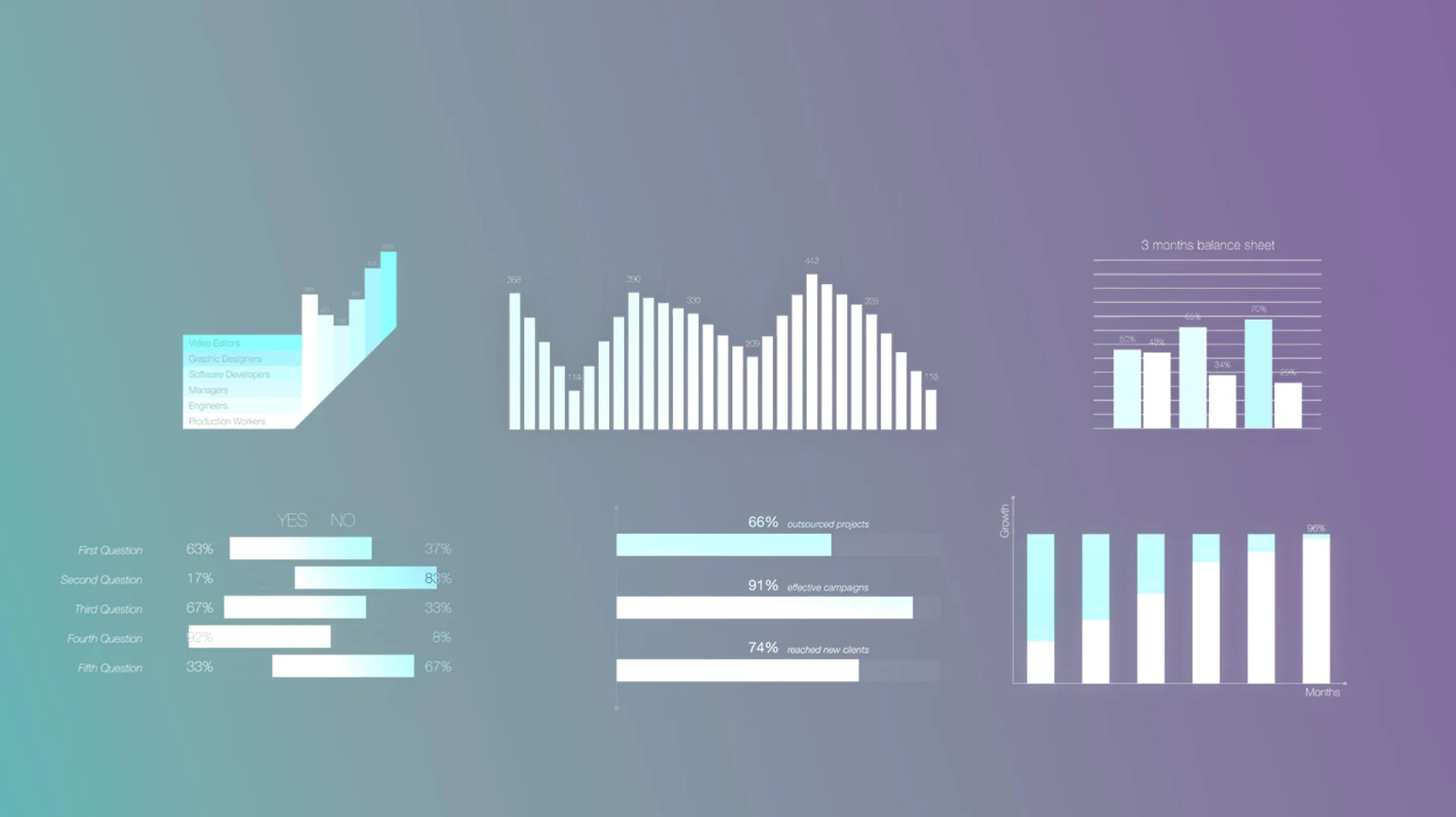
Sixty elements. That is the whole set. Each one is a container for numbers and short descriptions, dressed with motionVFX typographic styling. You drop an element onto the timeline, open its controls, and replace the placeholder values with your own data.
Charts and graphs push the numbers into simple visual form. Captions give you a second layer of text with its own weight and placement. Nothing here animates wildly — the motion is quiet, meant to keep attention on the figure, not the transition.
Single-stat polish
- Adding a single stat to a talking-head frame
- Building short data sequences without leaving Final Cut Pro
- Typography that already feels considered
Fixed sixty pack
- Sixty elements is a fixed set — no generator for new chart styles
- Designed for infographics, not freeform motion graphics
- Requires Motion Templates folder placement
Drag before judging
After you move the folders into Motion Templates, restart Final Cut Pro. Open the Titles browser and type minfo in the search field — the whole set appears at once. Drag a few onto an empty timeline just to see how the on-screen controls behave before you commit one to a real project.
Pick three elements and customize them fully. Change the numbers, edit the description line, adjust the caption weight. Doing this without a deadline teaches you the control layout faster than reading a list of parameters. The sliders respond immediately, so small nudges are better than large ones.
Keep the original download archive somewhere outside your Movies folder. A clean copy saves time if you ever overwrite a template by accident.
Controls pulled forward
Recent releases stayed quiet. No new element count, no interface redesign. The adjustments came in how the on-screen controls map to the viewer — more direct, fewer trips to the inspector. Typographic spacing tightened across the caption set, which matters most when you place two elements close together in a lower third.
Apple Silicon support is native now. On an M-series machine, the templates load without Rosetta overhead, and scrubbing through a timeline with several infographic layers feels smooth. Intel Macs run them the same way they always did — fine, with no extra demands.
FCP exclusivity
People often ask whether the plugin works outside Final Cut Pro. It does not. These are Motion Templates built exclusively for the FCP Titles layer. If you work in DaVinci Resolve or Premiere, the folders will sit there unused — though some editors grab a motionvfx free download just to inspect the file structure for their own Motion projects.
Another common question is about the number of elements. Sixty sounds modest. In practice, a single bar chart template can serve ten different scenes if you change the colors and data. The limitation is not the count but how you reuse each one. You will not find a motionvfx torrent that adds more — the set is what it is, clean and closed.