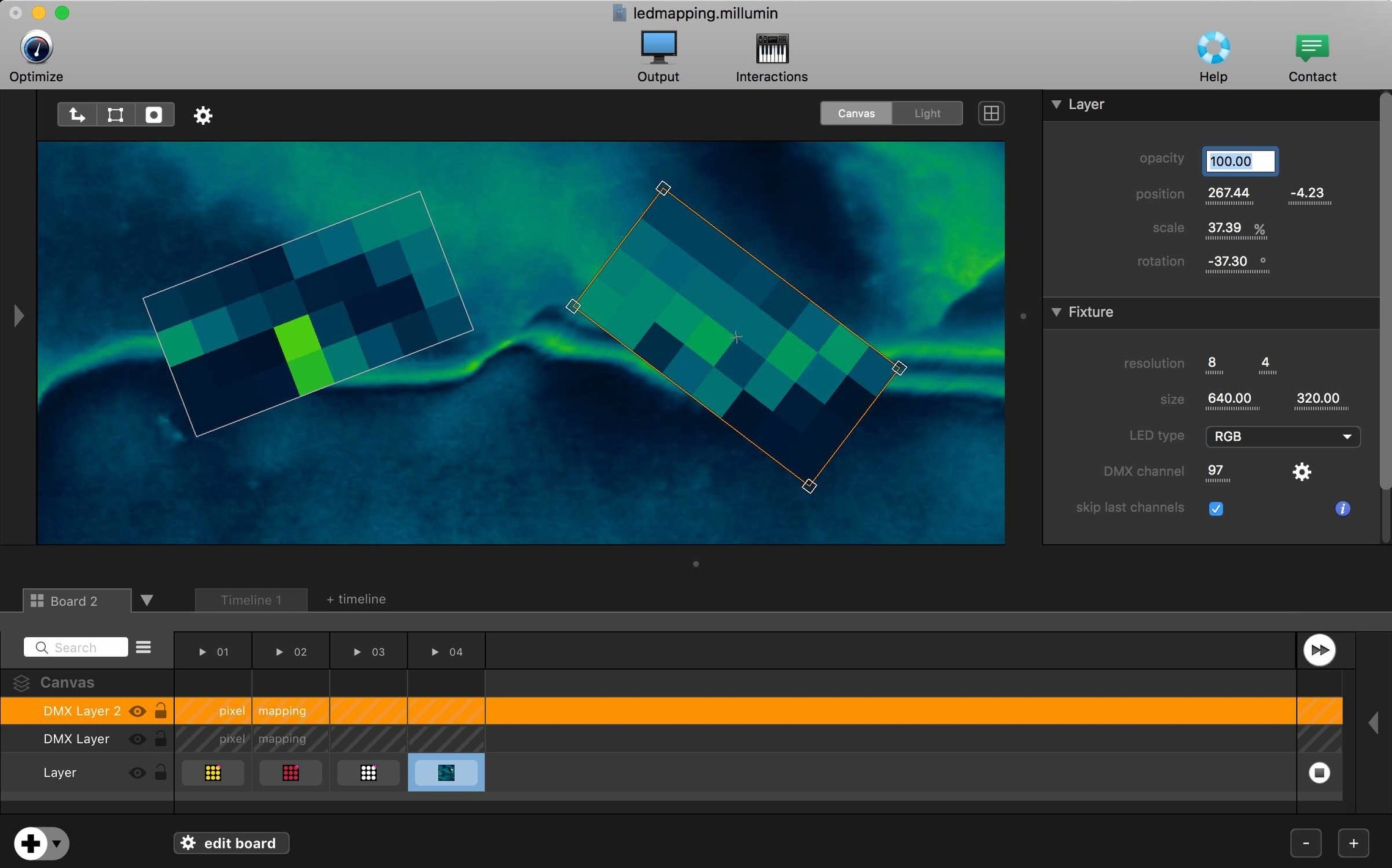
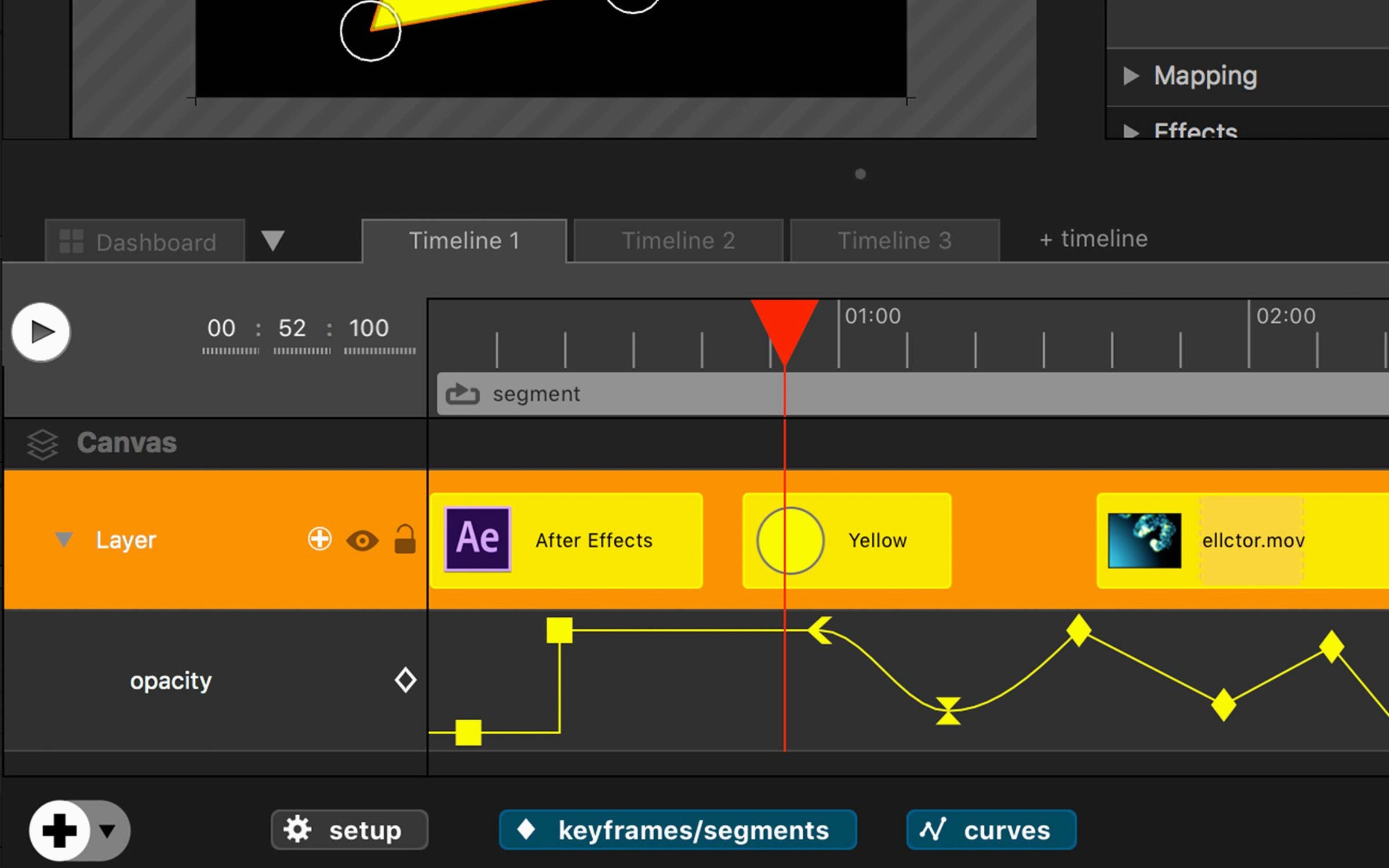
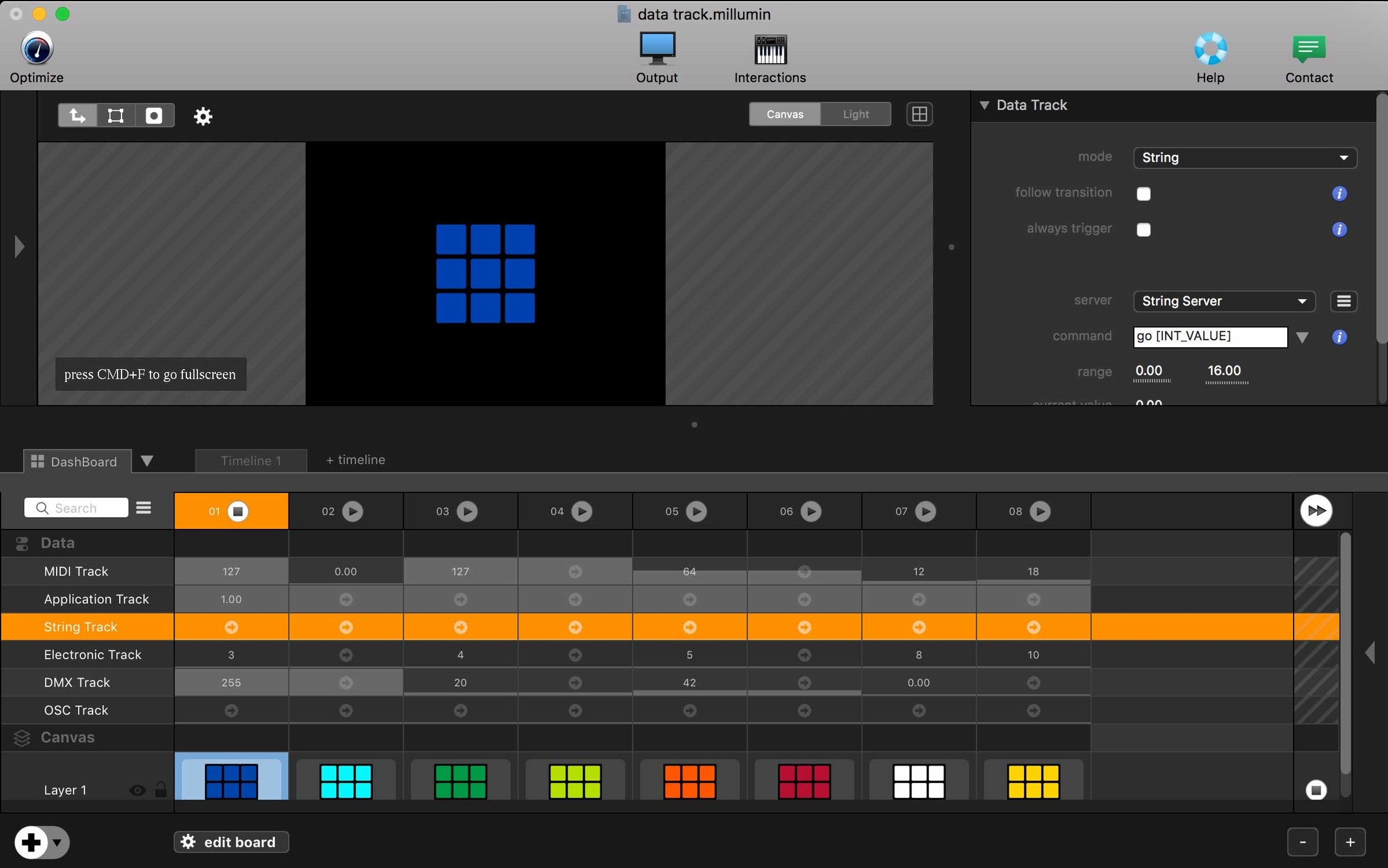
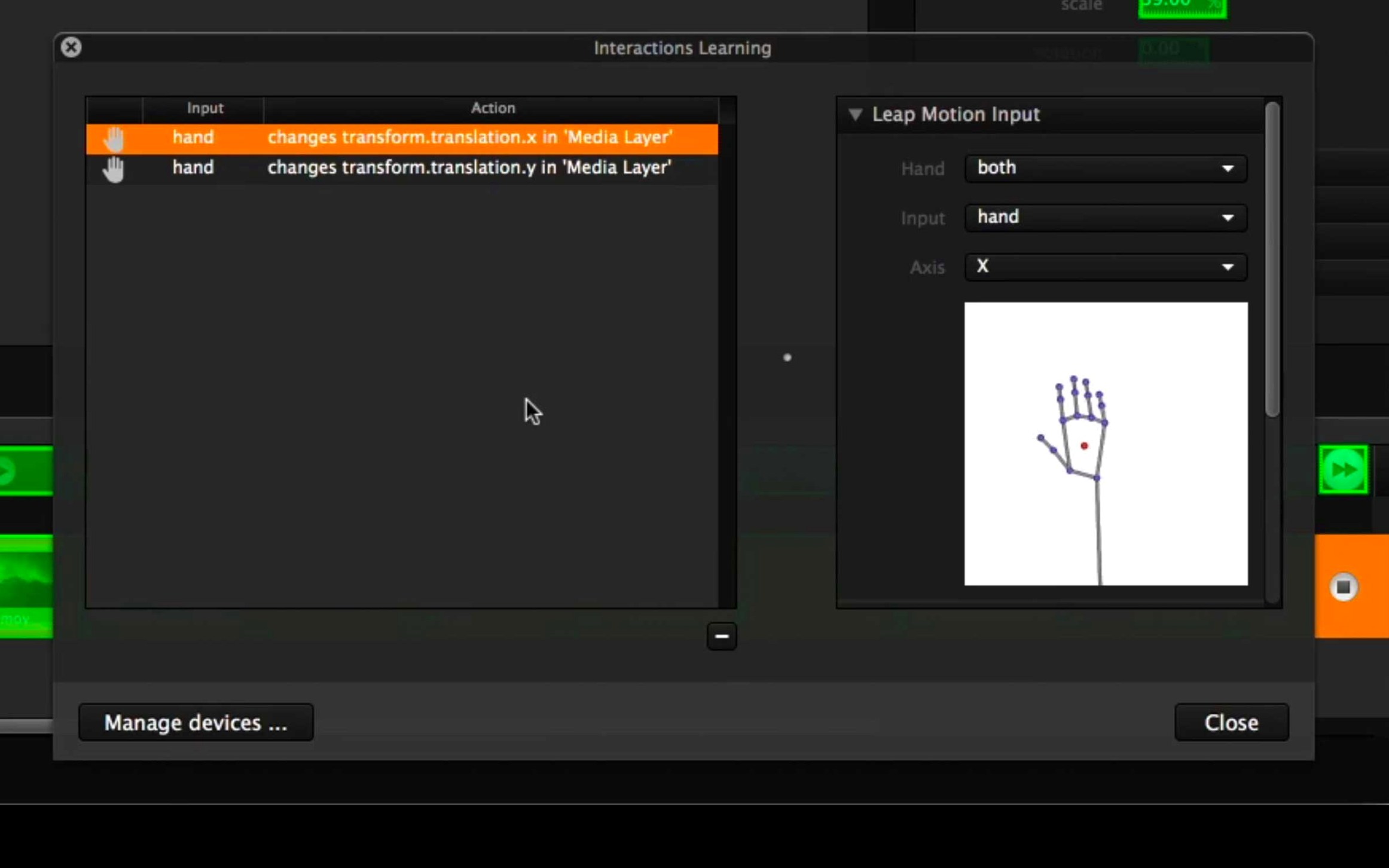
Keyframe the opacity of a video layer from a MIDI controller—that's the kind of direct, performative control at the heart of Millumin. A creative toolkit for live shows and storytelling.
Compatibility — Built for Intel 64‑bit Macs. Requires macOS 11 Big Sur or newer, including Tahoe 26 and Golden Gate 27.
Current version — The package provides version 5.14.j. A newer V5 release exists.
Use — Theater productions, dance performances, videomapping, and interactive installations.
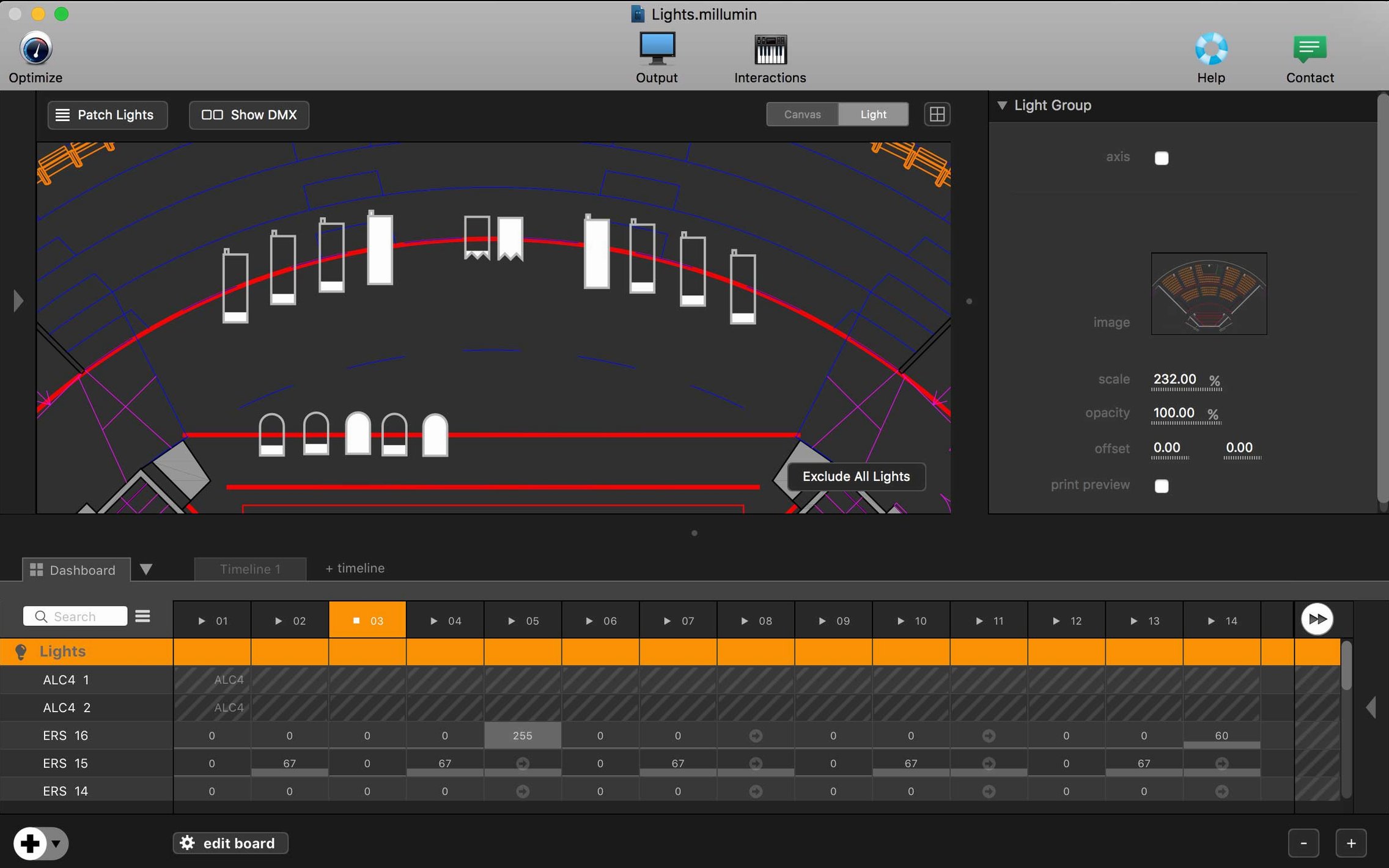
A timeline scrubbing through a dozen 4K layers rarely stutters here. That’s not a promise — it’s just what happens on a well-cooled Intel Mac with enough RAM. Millumin keeps its render pipeline tight. Memory use climbs gently, not in sudden spikes. When you fire cues from a lighting desk over OSC, the response feels immediate. On older machines, a complex videomapping canvas might drop a frame, but the playback engine recovers without glitching the show. Stability over long tech rehearsals holds up. I’ve left a project open for six hours while adjusting masks and never saw a crash. The app doesn’t phone home or run background services that tax the CPU. Resource use stays low enough that you can keep QLab or Ableton Live open alongside it without the fan screaming.
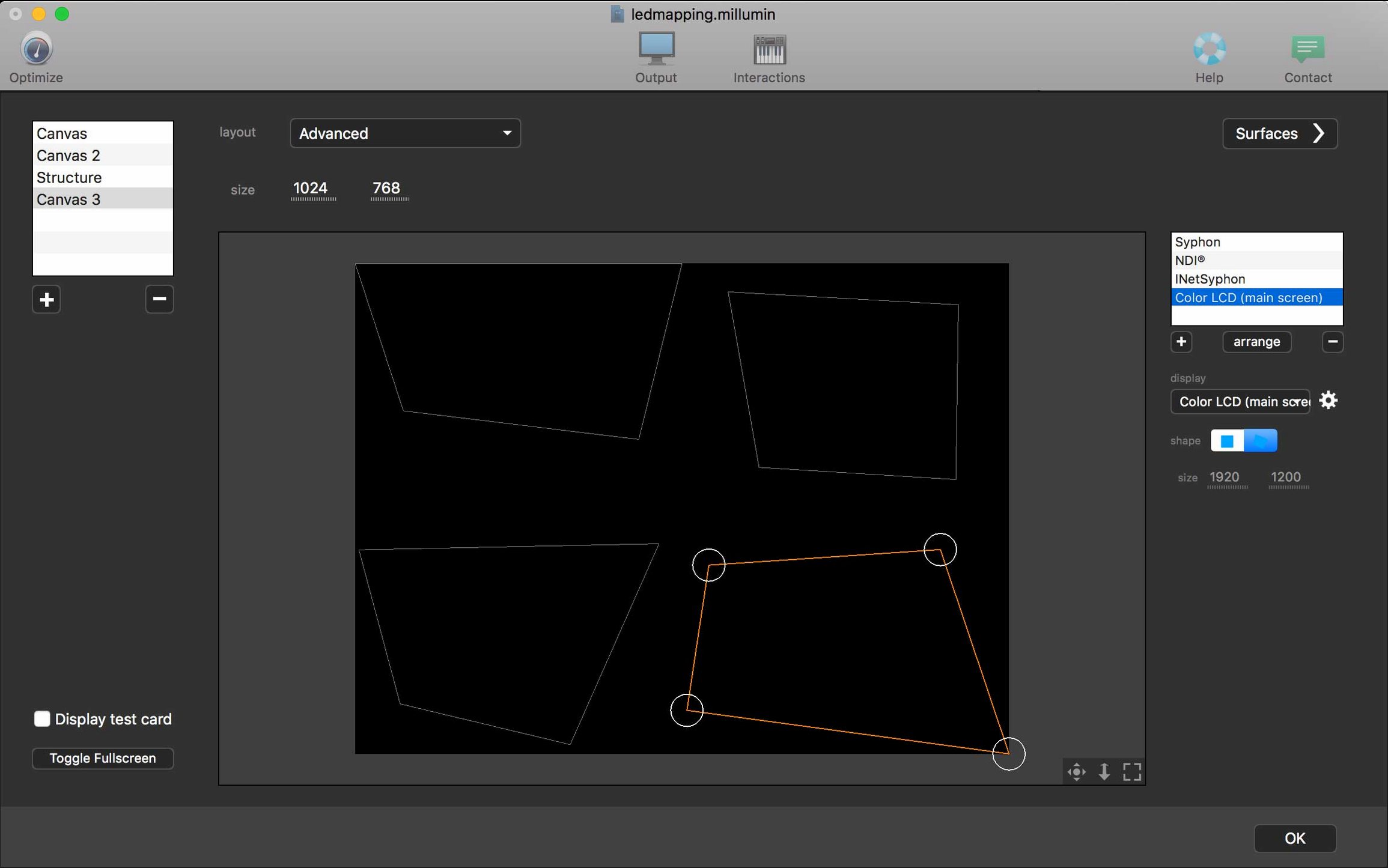
What the latest V5 cycle changed in daily work is mostly tactile. Column management in the dashboard got smarter — you can color‑tag cues and collapse unused columns faster. The interaction board, where you build touch‑based control surfaces, now snaps elements to a finer grid. That small change removes fifteen minutes of pixel‑pushing before a tech run. Canvas warping for projection mapping gained a visual grid overlay that you toggle with a single key, so lining up a building facade or a stage floor happens by eye, not by punching numbers. If someone hands you a millumin 5 download of the most recent build, you’ll notice the contextual help panel follows your selection more accurately — click a patch and the help text actually shows patch‑specific options instead of a generic page.
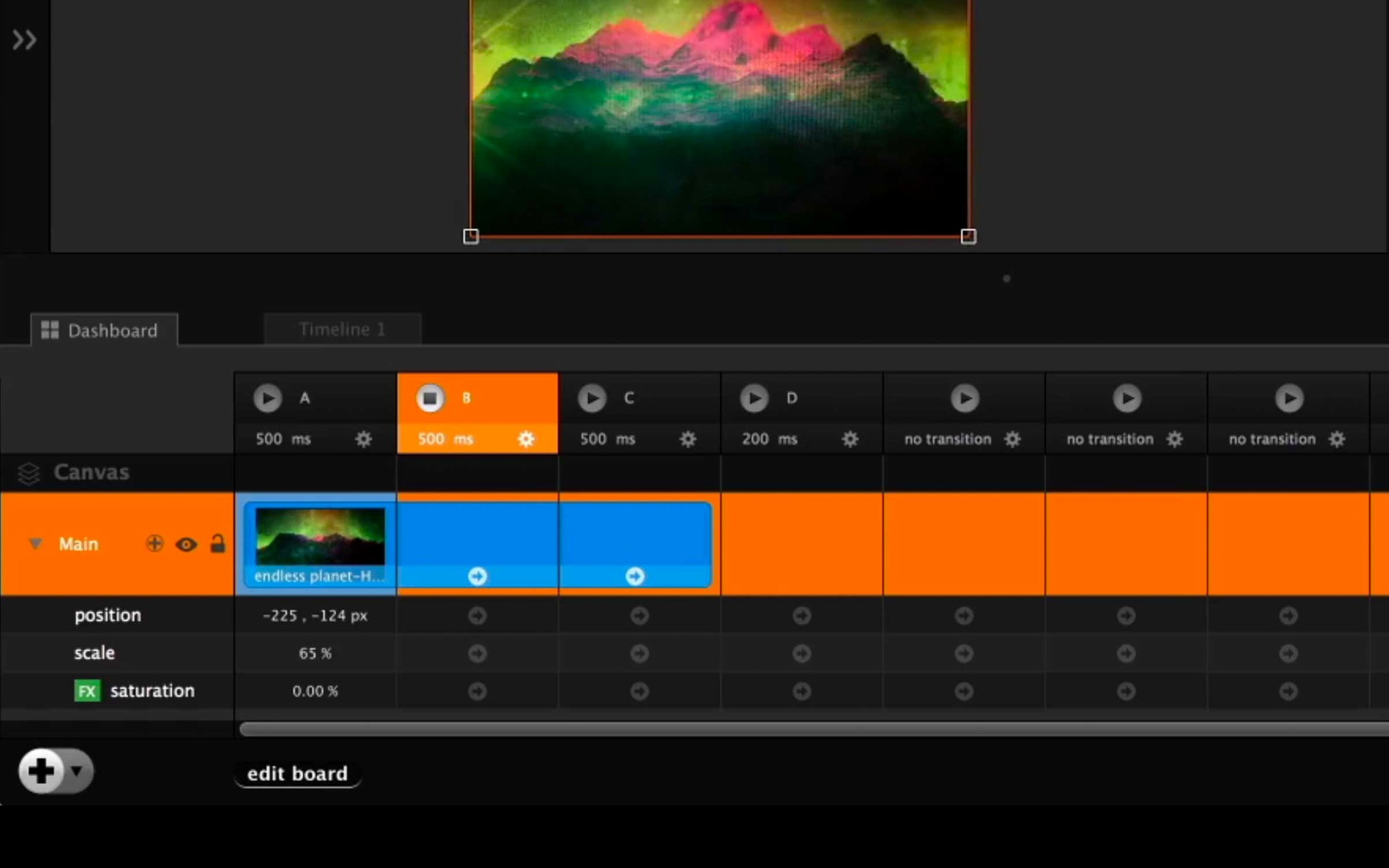
Drag, Assign, Play
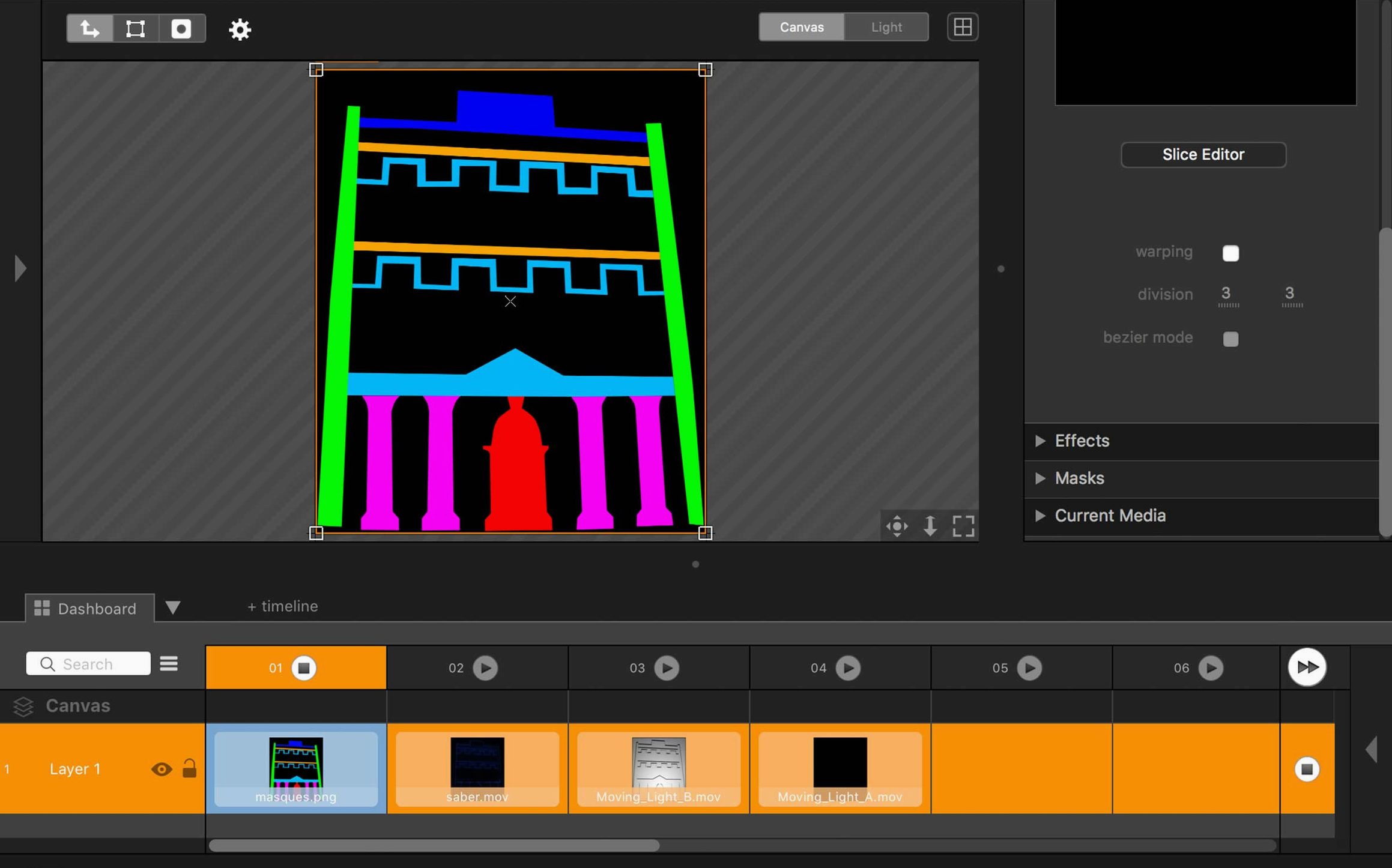
You walk into a black‑box theater with a projector aimed at a curved wall. Millumin opens to an empty dashboard. First step: drag a ProRes file onto column one. The thumbnail builds instantly. You assign it to a canvas and switch to the output monitor — the image spills across the curved surface, distorted. You toggle the warp grid. Four control points appear. You pull the top‑right corner until the grid aligns with the physical curve. The blend feels right after two adjustments. Next, you add a second column — a live camera feed via Syphon. You set an opacity fade triggered by a MIDI foot pedal. The dashboard shows the fade curve as a thin blue line. You test it twice. It works. Finally, you build an interaction board with three touch zones: play column one, crossfade to column two, blackout. You save, lock the UI, and hand the iPad to the stage manager. The whole session — from empty canvas to a cued show — takes under an hour. That speed comes from the app’s refusal to bury common actions in menus.
Artists who grab a Millumin torrent often do it to test whether their aging Intel Mac can handle a multi‑projector setup. It usually can. The rendering path hasn’t bloated with V5. With a cracked version, the online tutorial library requires a connection, while the built‑in help still works offline. For quick experiments, that’s enough. For a touring show, you’ll want the real thing.