Editors, archivists, and anyone who needs to know exactly what’s inside a file use MediaInfo. Before they install it, a few questions come up often.
What data does it show?
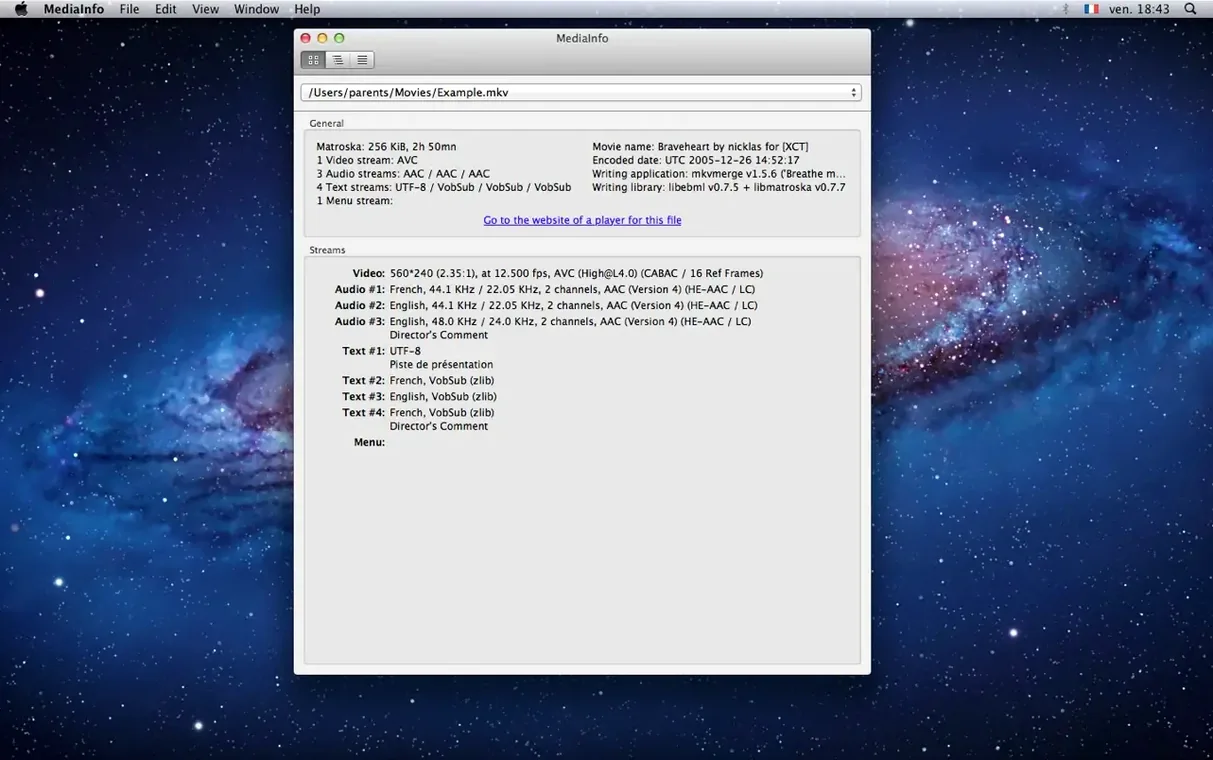
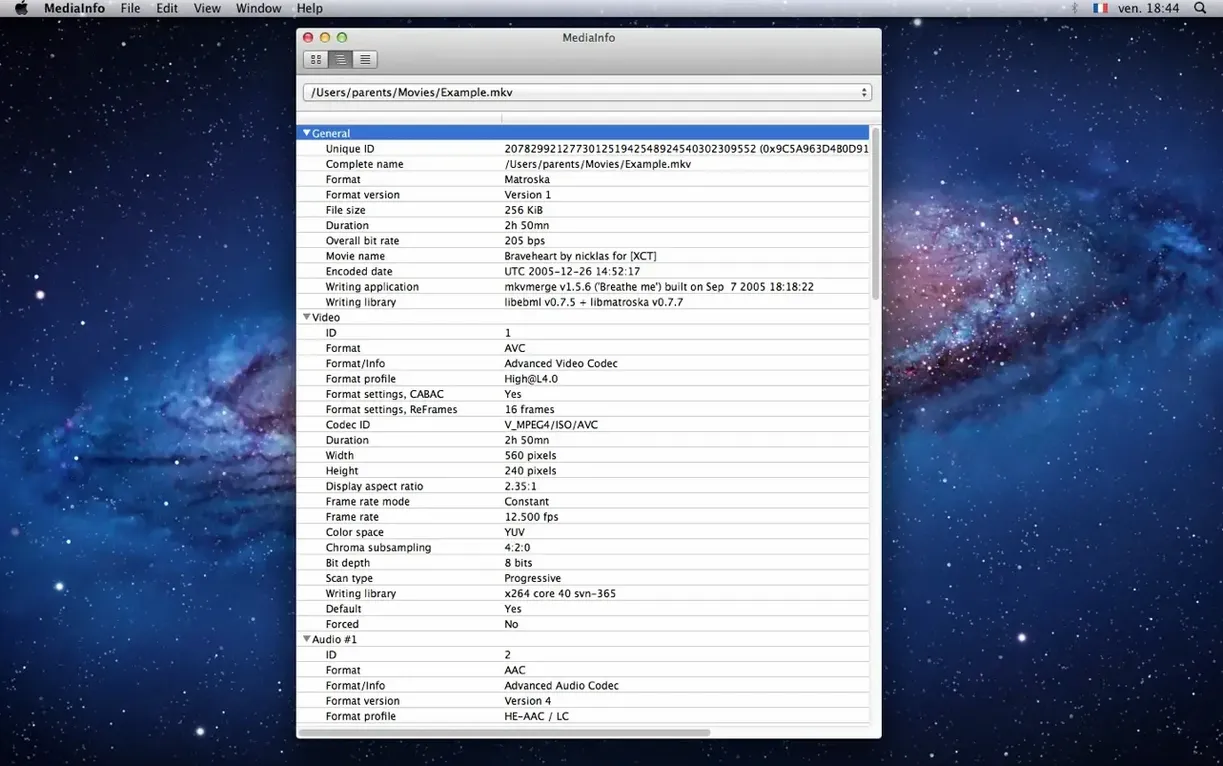
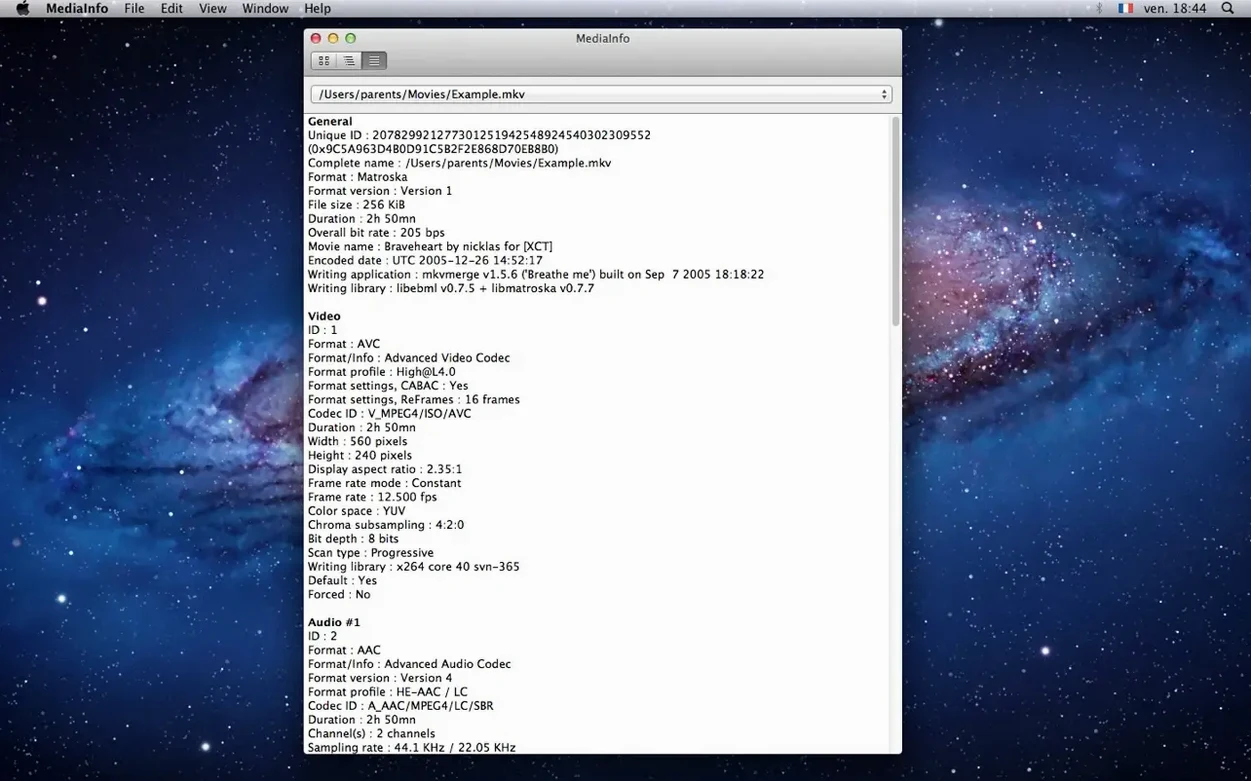
Video details like codec, frame rate, color space, and scan order. Audio includes sample rate, channels, bitrate, and language. Subtitles, chapters, and more are listed too.
How does it present the information?
You can switch between a simple text sheet and a tree view. Chapter counts and full chapter lists are displayed clearly in both.
Can I export the data?
Assistants, colorists, and anyone preparing files for broadcast get the most from the tree view. A quick look at chroma subsampling or scan order often explains a mismatch before it reaches an edit suite. Audio engineers tend to stay in text view, copying codec and channel details into session notes. Developers reach for the export options when building tooling around media pipelines.
Archivists value the chapter list and tag fields. Those details are easy to miss in a Finder preview, but they matter when cataloging a collection.
Tree view first
Switch the view to tree before anything else. The default text sheet is compact, but tree view groups related fields and makes long files easier to scan.
Set your preferred export format early. JSON works well for scripts and small utilities; EBUCore suits broadcast documentation.
If you rarely inspect subtitles, hide that section to keep the display quiet. The same applies to chapters for files where they never appear.
Some users treat mediainfo mac download as a one-time helper. Others keep it in the Dock and drop files onto it daily. Either way, the app stays out of the way.
Yes. Export to text, XML, JSON, or EBUCore for use in other tools.