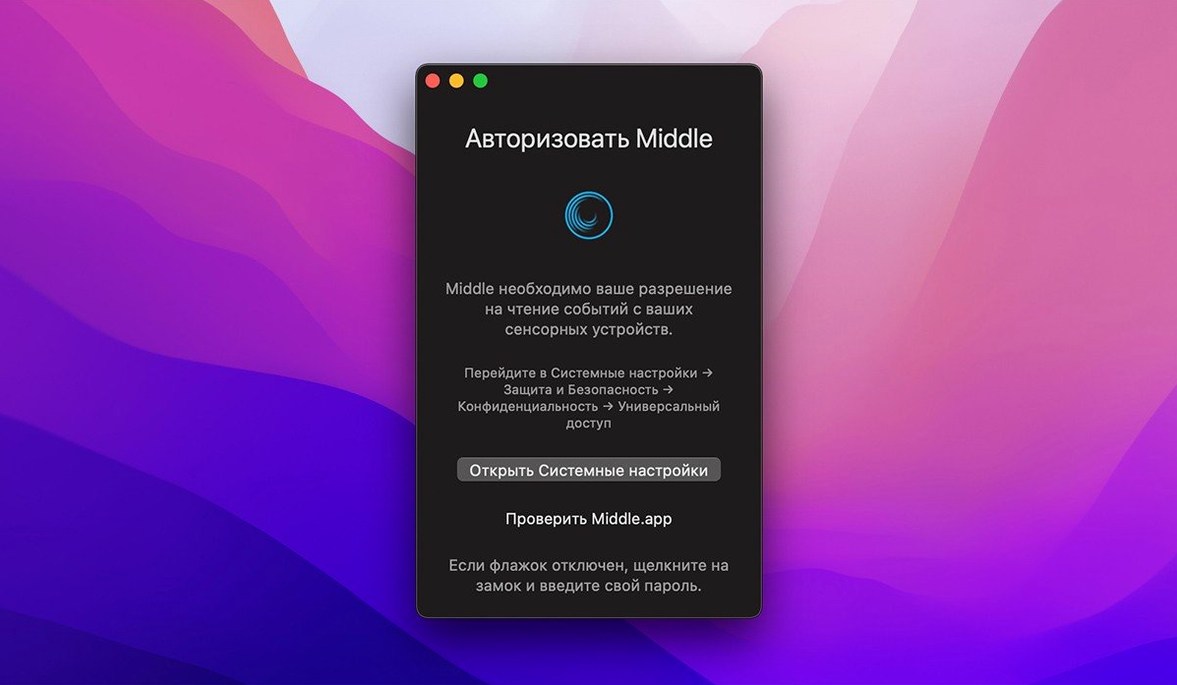
Version 1.14.0 requires nothing new from you. It just works. If you've just installed it, start with the gesture that feels most natural to your hand.
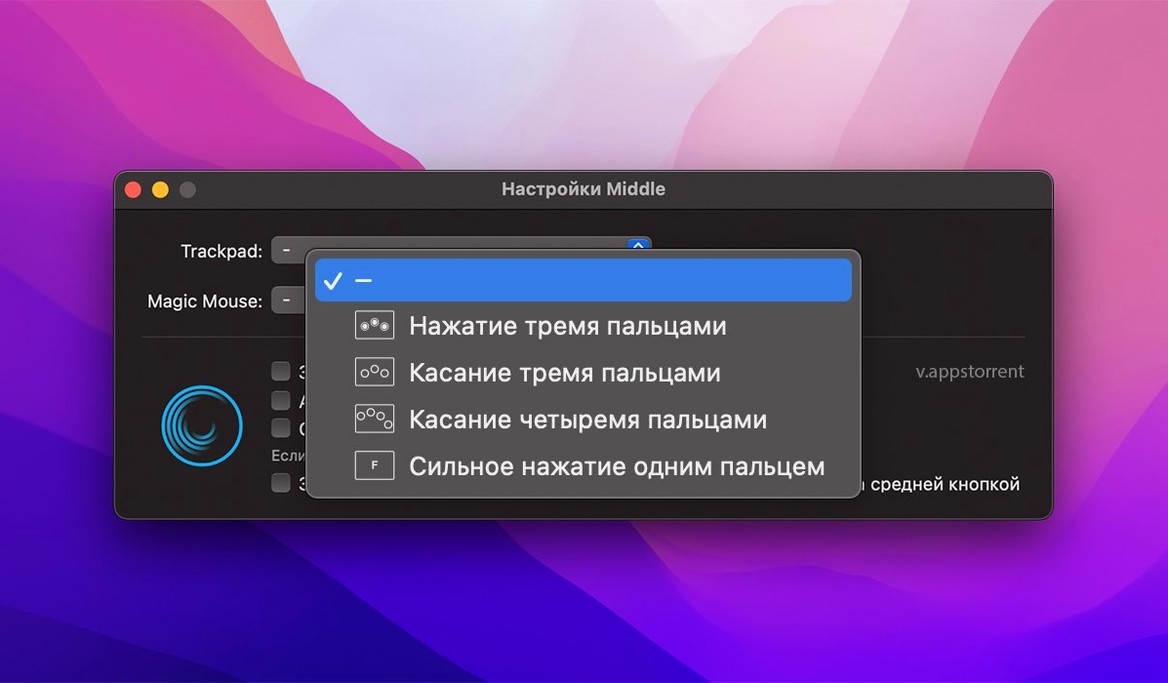
On a Force Touch trackpad, try a one-finger force click. That's often the quickest path to muscle memory. The action is immediate and quiet.
No Force Touch? Configure a three-finger tap or click. Both feel distinct enough that you won't trigger them by accident.
After that, pick one app where middle-click saves you friction. A browser tab, a CAD viewport, a link you'd rather open in the background. Use it there first. The habit forms in a single afternoon.
One scenario
A researcher collecting papers for a literature review keeps twenty tabs open in Safari. Before Middle, opening a reference meant right-clicking, finding “Open in New Tab,” then dragging the cursor back. Now she three-finger taps a link and moves on. The tab opens behind her current one. Her reading queue fills itself while she stays in the search results.
She also uses the same tap in Zotero to close attachment previews without reaching for the tiny close button. The gesture stays identical across apps. That consistency is what makes it stick.
Accidental tap fix
Three-finger tap feels too easy to trigger by accident. In System Settings, under Trackpad, turn off “Look up & data detectors” for three-finger tap. Middle then claims that gesture cleanly.
Middle-click opens nothing in some apps. Check the app’s own shortcuts first. Firefox and Chrome treat middle-click as open-in-background by default, but a few utilities remap it. If another tool binds the same gesture, disable one.
Force click doesn’t register on an older Magic Trackpad. That model lacks Force Touch entirely. A three-finger tap or click remains the workaround.