
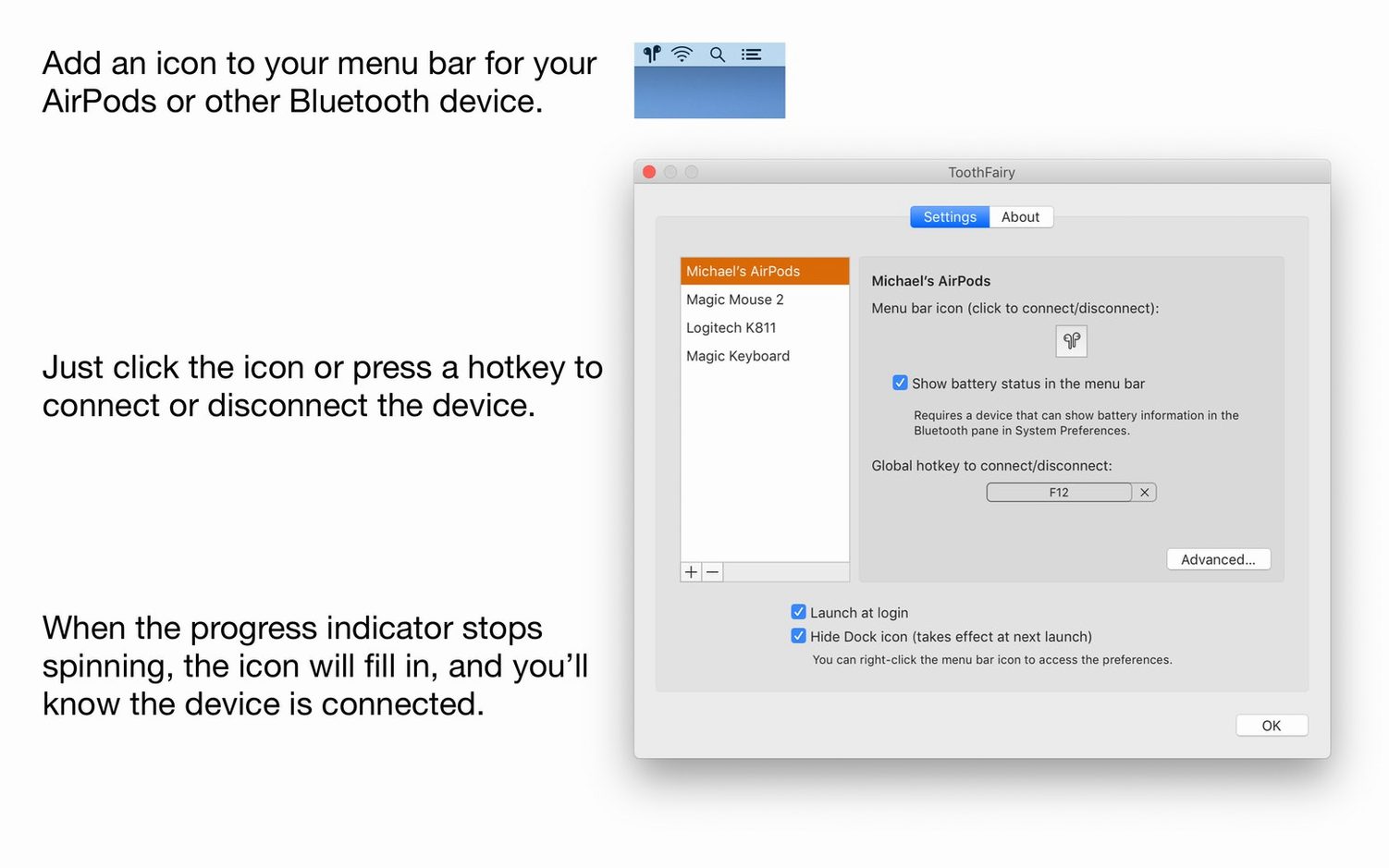
ToothFairy shrinks Bluetooth device management into a single menu bar icon.
What does it add to the standard macOS Bluetooth menu?
Speed and visibility. Apple’s menu forces extra clicks. ToothFairy shows connection status and battery level at a glance.
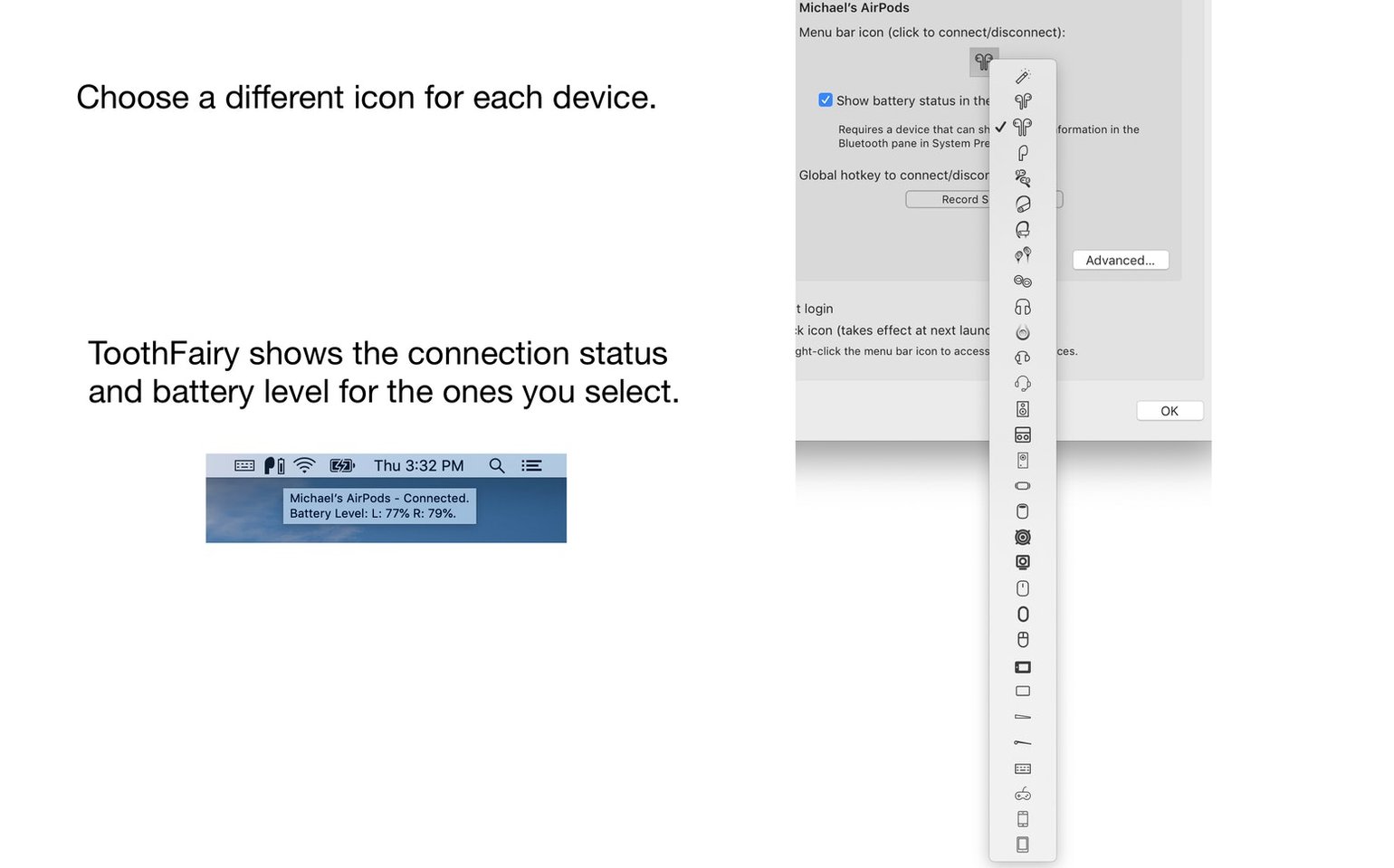
Custom icons
Yes. Controllers, keyboards, headsets, and mice all get the same treatment. Custom icons let you tell devices apart instantly.
Can it improve audio quality?
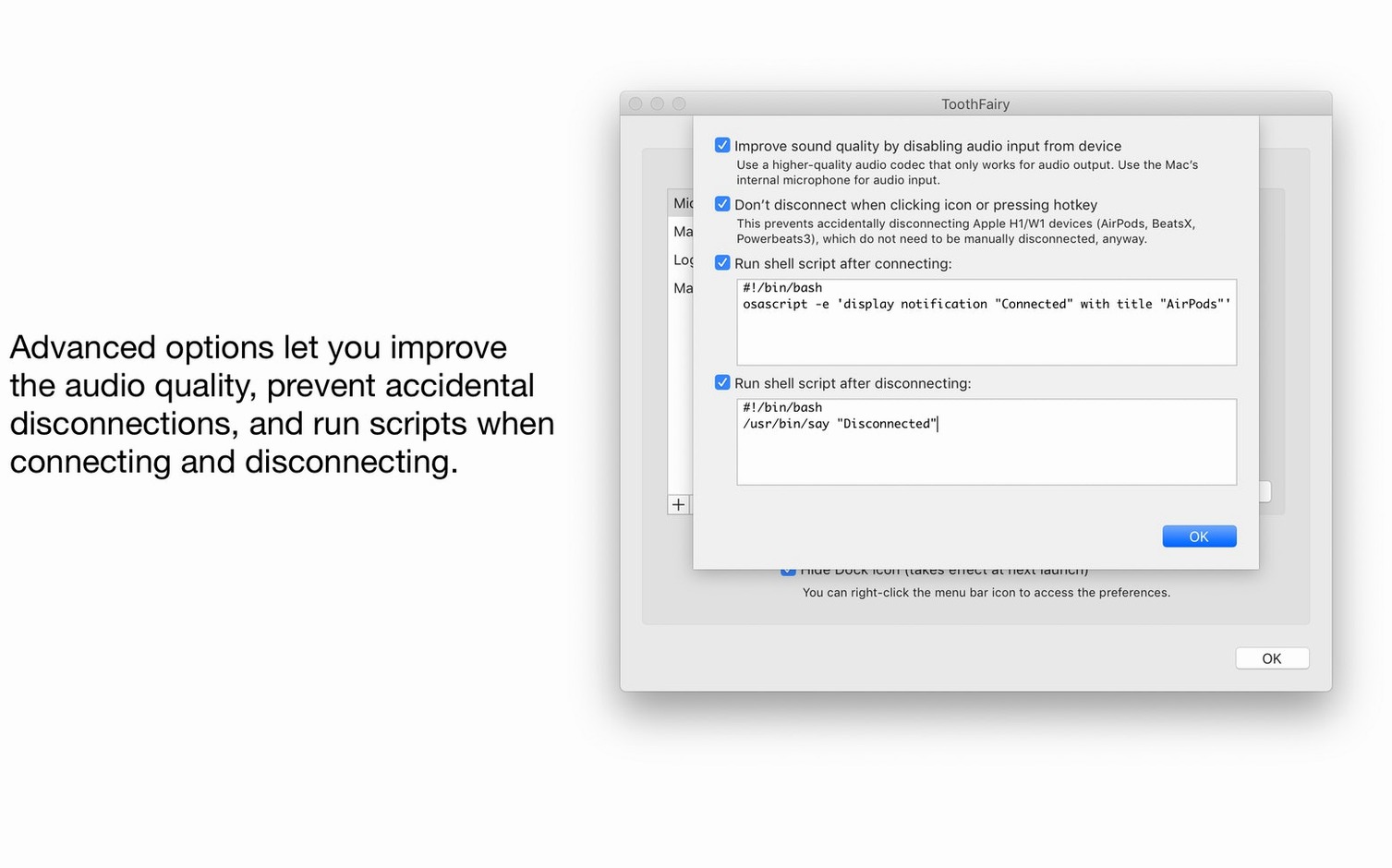
It can force the AAC codec for audio output. A small switch that keeps music sounding right.
What about keyboard shortcuts?
Shared desk
A desk shared between a Mac and an iPad. A pair of AirPods that bounces between devices. ToothFairy removes the friction of reconnecting each time you sit down.
People who use a Bluetooth mouse and keyboard with two Macs get the same reward. One click, no waiting.
If you move between rooms with headphones on, the shell script triggers can pause playback or switch outputs by themselves.
Per-device icon
Assign a distinct icon per device. The default works, but a tiny controller or headphone shape prevents wrong clicks.
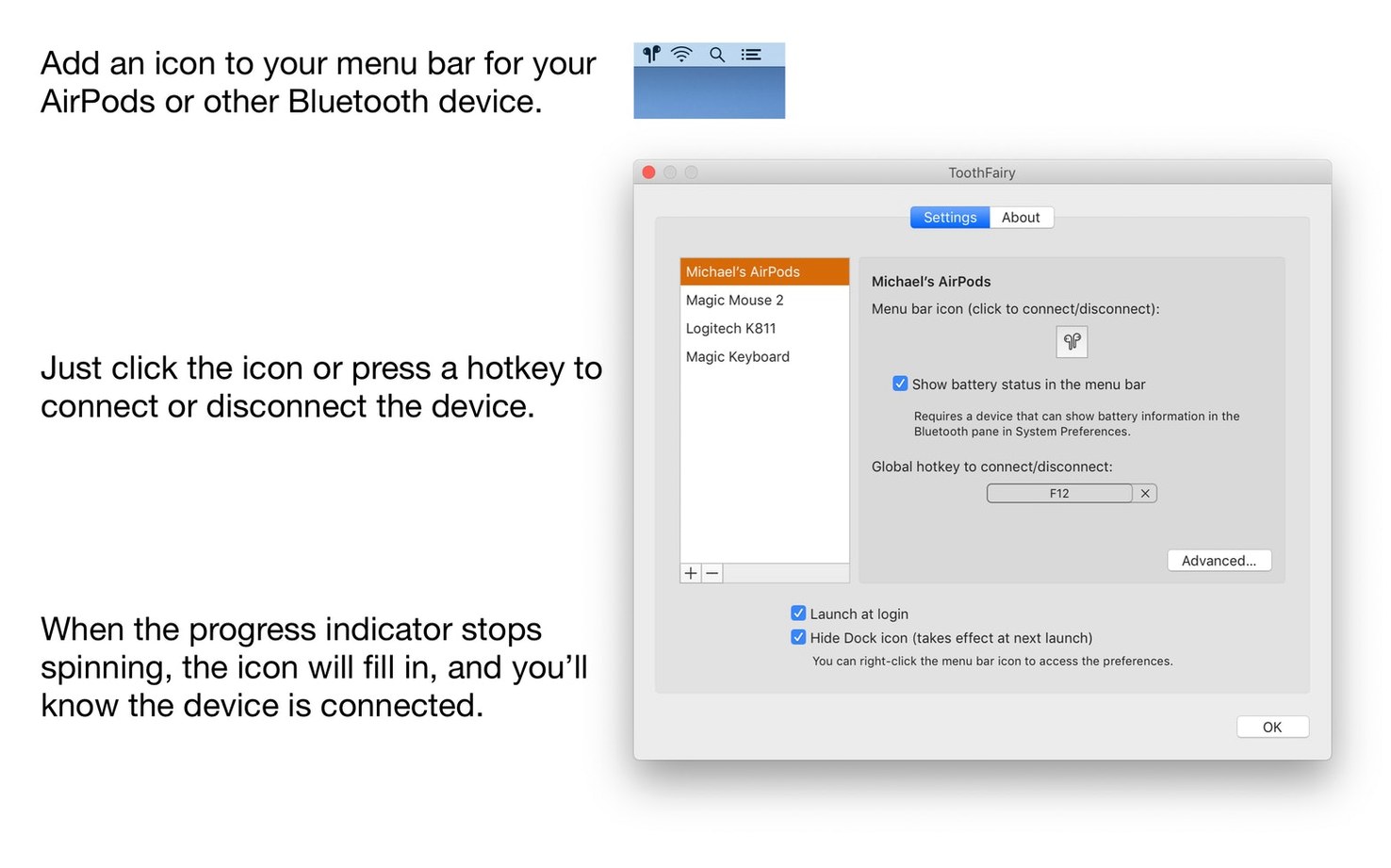
Set a global shortcut for your most-used pair. The connection feels instant when you map it to a key you already touch by habit.
Turn on Launch at login. ToothFairy weighs almost nothing at startup, and you skip the small step of opening it each morning.
Check the battery display style. A percentage reads faster than a bar for small menu bar real estate.
If audio occasionally sounds thin, switch the AAC codec preference on for that device. It stays set per device, so you do this once.
A quiet extra: the toothfairy macos free download includes the same clean interface as the paid version, so nothing gets in the way of trying it.
You can assign a shortcut to connect or disconnect any device. No menu diving needed.