
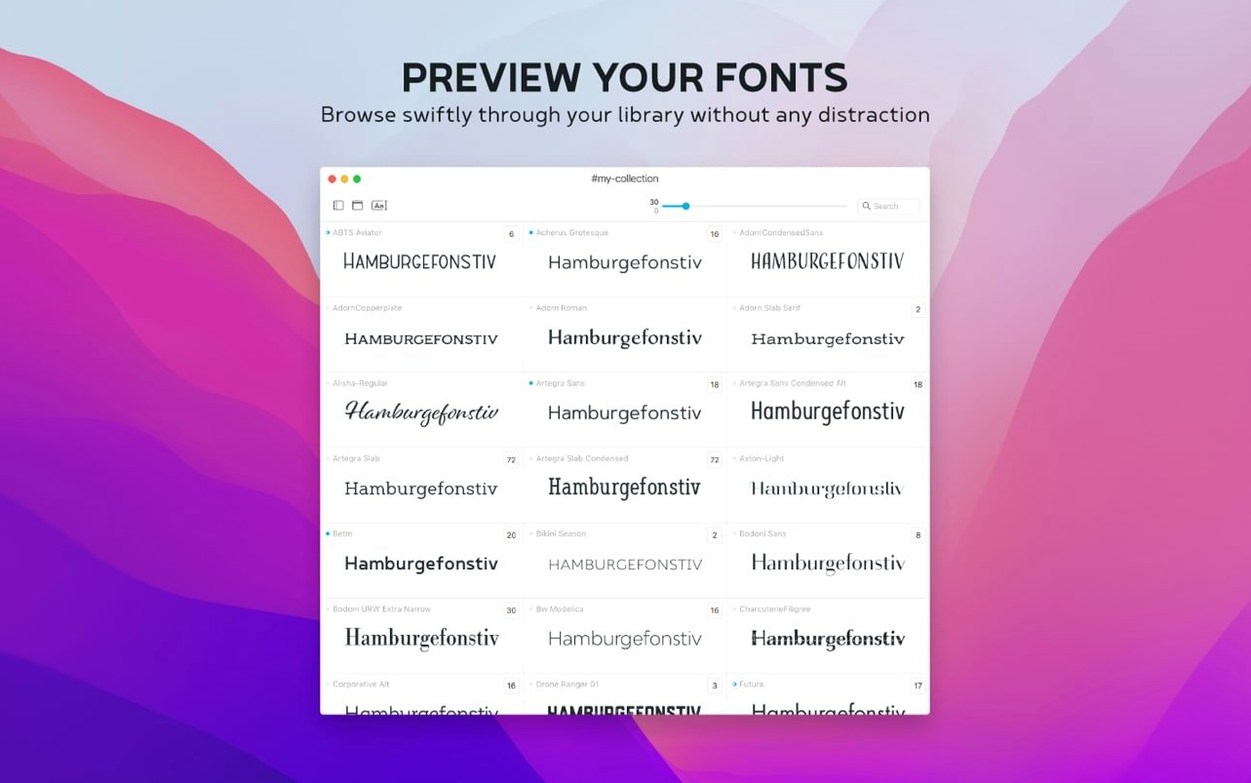
You open a folder of client fonts. You need to see which serif pairs well with the sans-serif you picked yesterday. You drag a few candidates into Typeface and lay them out side by side, same sample text, same size.
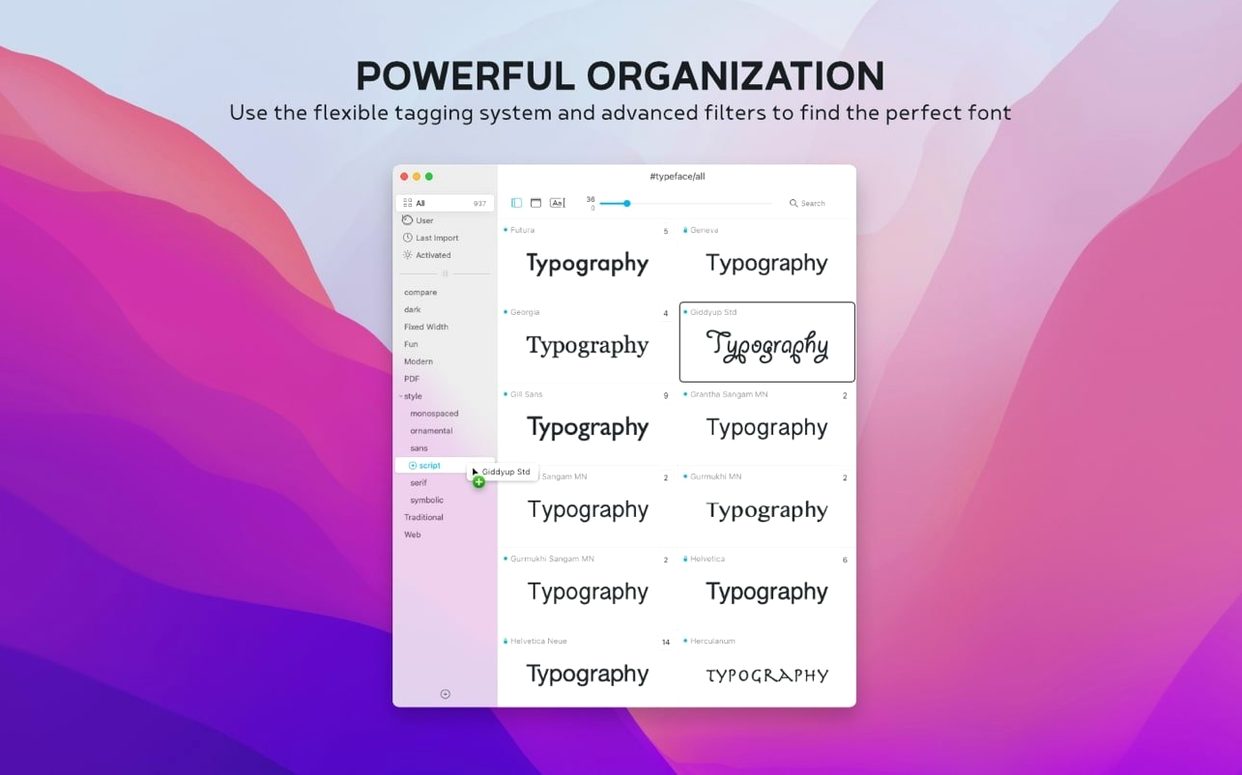
Tag by client
- Browsing all your installed Mac fonts and custom fonts without activating them permanently
- Grouping fonts into collections and families
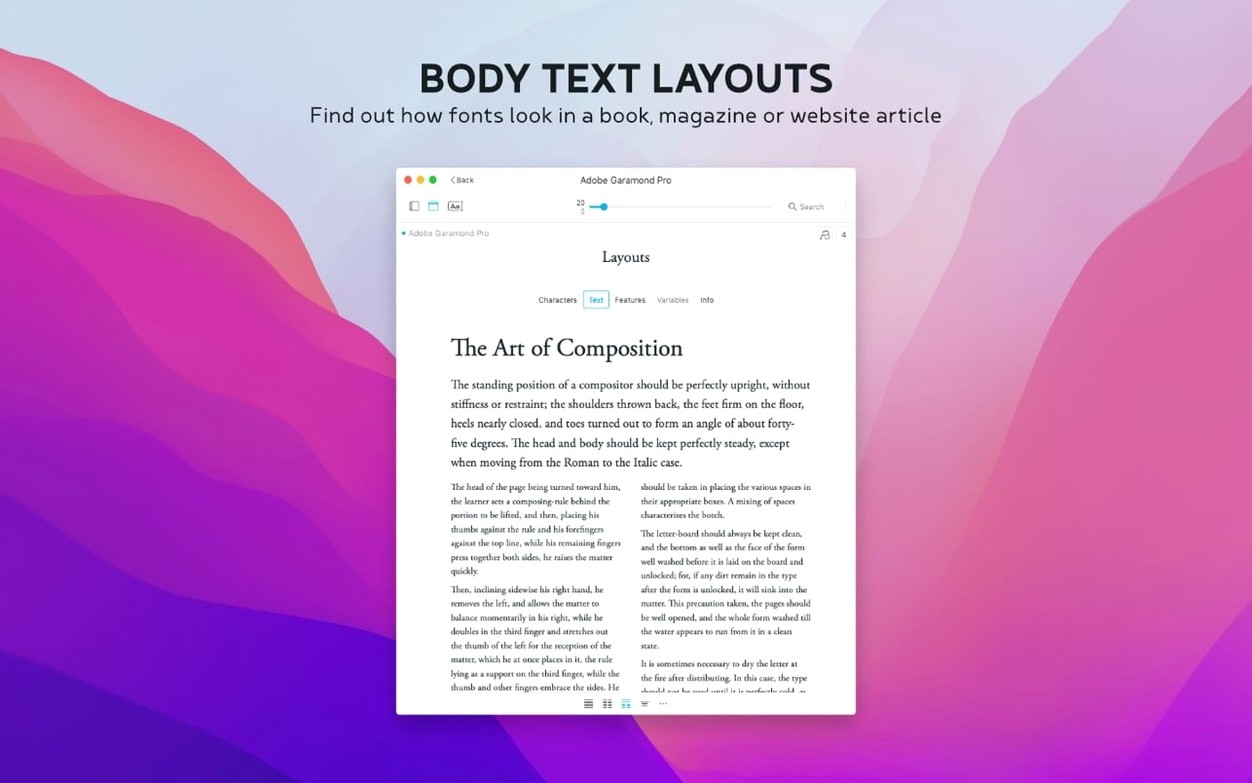
- Comparing faces with adjustable previews: size, weight, sample text
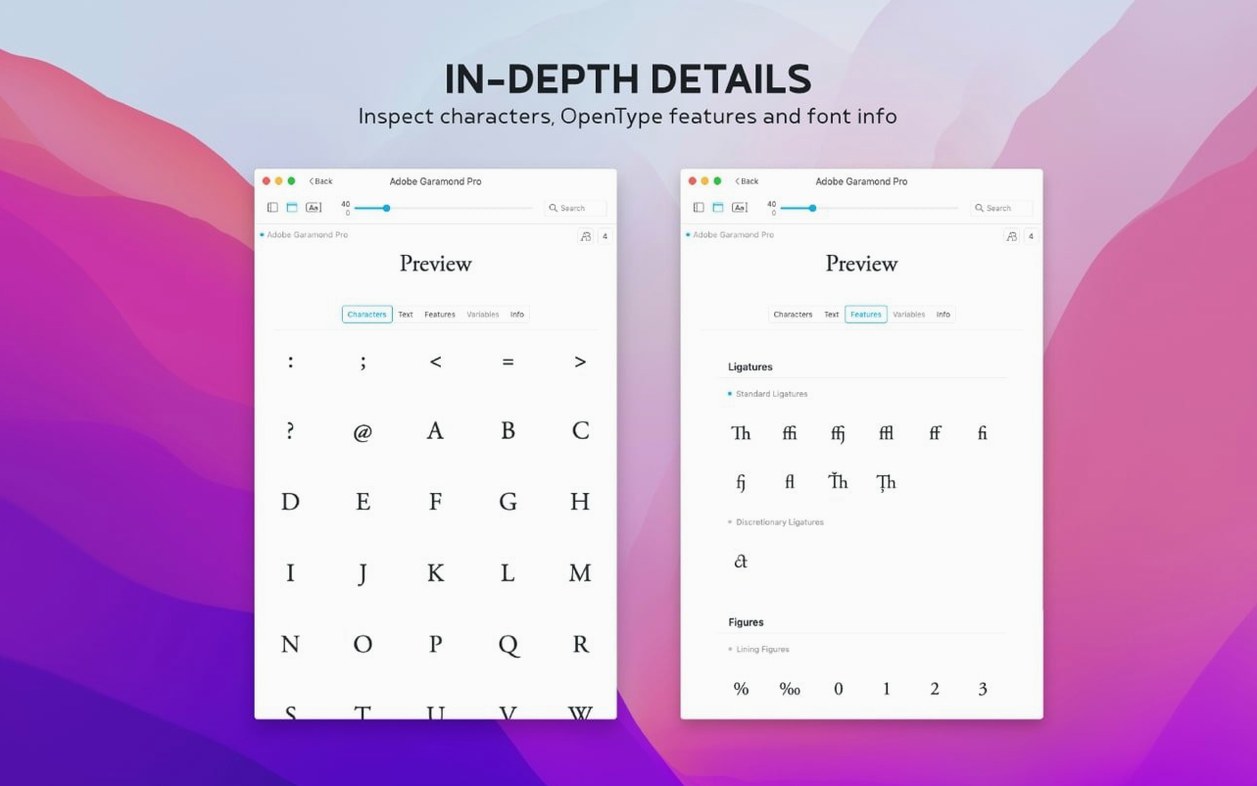
- Checking metadata, copyright, and tags in the info tab
Stays silent
- It needs macOS 12 or later
- It is a standalone manager, not a plug-in
Typeface stays out of your way. It opens fast, scrolls through large libraries without stuttering, and uses about 120 MB of RAM on a typical system. I have left it running alongside Illustrator and a dozen browser tabs without noticing it. CPU spikes are rare—mostly when importing a few thousand Google Fonts in one go. Even then, it settles within seconds.
One thing people miss at first: Typeface shows what is installed, but it does not auto-activate fonts for other apps. That is by design. If a font is grayed out in a layout app, open Typeface, find it, and drag it onto the desktop or into a font activation tool. A small friction that prevents font menu chaos.
Partial imports
The Google Fonts import expects a stable connection. A dropped network mid-import can leave a partial set. The fix is simple: clear the collection and import again. No duplicates pile up.
Some .otc files from older foundries may not parse. The 4.5 update improved this, but if a multi-font .otc shows only the first face, try extracting individual .otf files with a command-line tool or locate a Typeface torrent of the original release if the foundry provides one.
Tagging is flexible but manual. There is no auto-tagging by style or classification. If you bring in 800 fonts, set aside twenty minutes to tag them. It pays off the next time you search for a condensed mono.
Preview five projects
Start with a small collection. Pick five projects you are working on now. Tag fonts by client name, not by style. You already know a serif from a sans. Client tags make Tuesday morning quicker.
Set a default sample text that includes numerals, a few accented characters, and an ampersand. Something like “Hamburg 2025 — café & büro” reveals more about a font than “The quick brown fox.”
Use the side-by-side view early. Drop three candidates in, lock the preview size, and cycle weights. You will eliminate two in under a minute. The one that remains is usually the right one.
Version 4.5 adds .otc support, a notes field, and sorting by the last time you activated a font.