
Developers, sysadmins, and anyone who edits raw config files over FTP. That’s who reaches for this.
Syntax language list
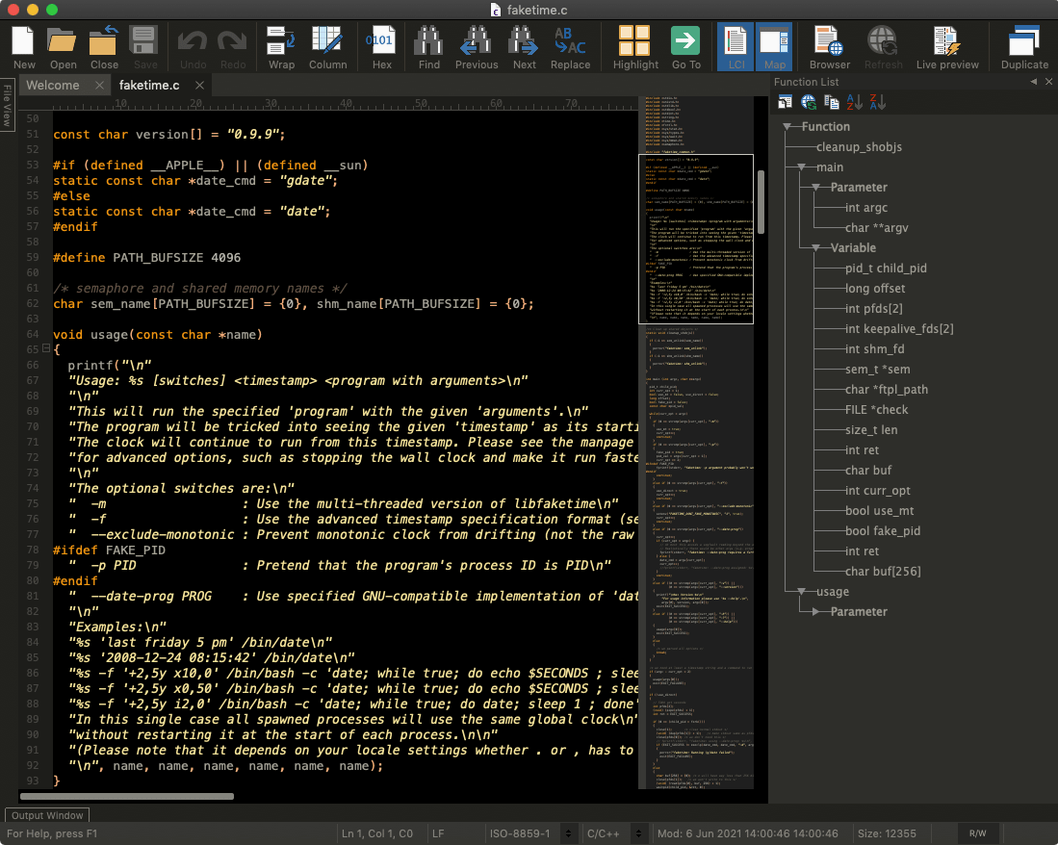
- Does it handle my languages? It ships with syntax highlighting for C/C++, Java, HTML, Perl, and a few others. You can add dictionaries for anything else.
- What about version control? Branch cloning, commit, merge, push, pull — it’s all in there.
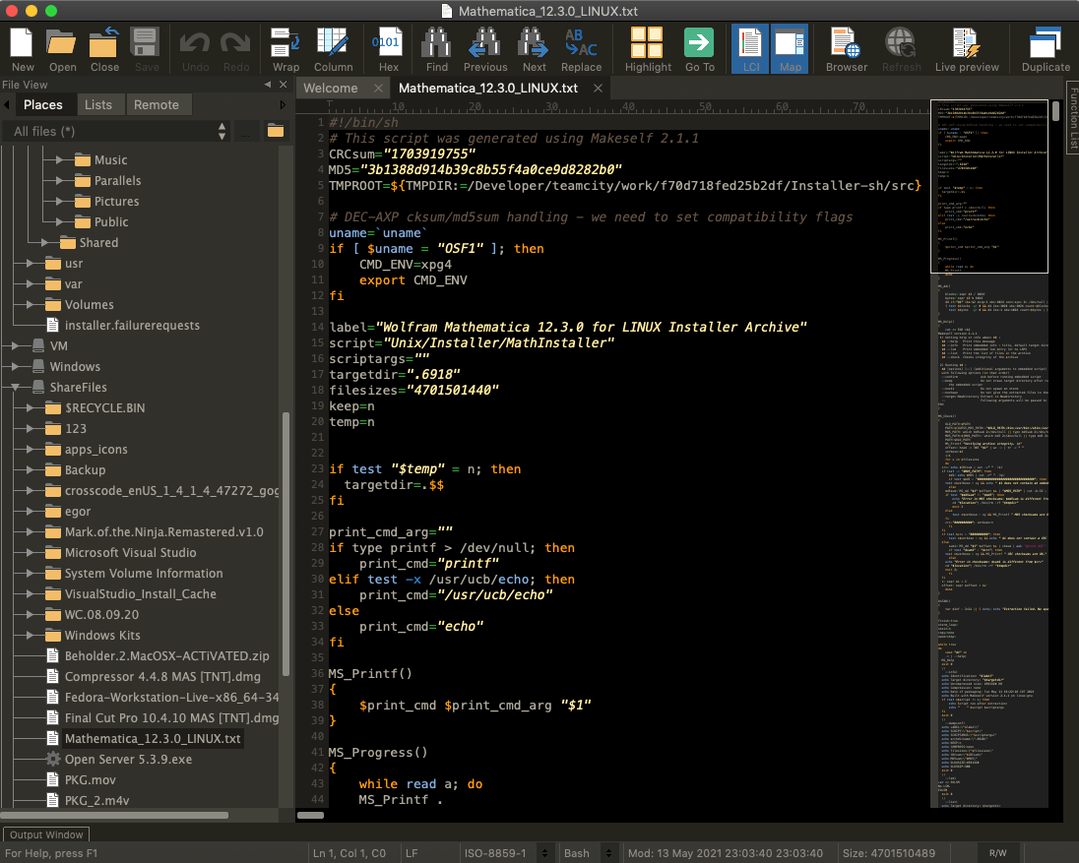
- FTP? Built in. No separate client.
Remote CSS editing
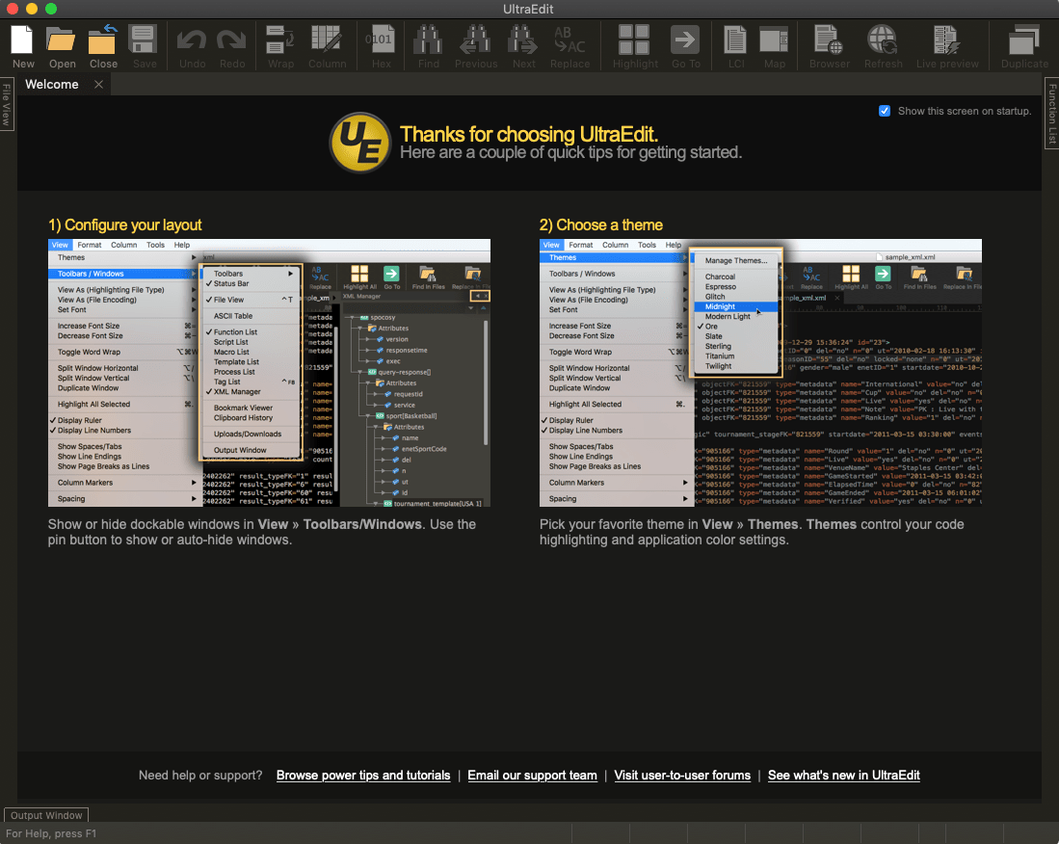
It’s a multi-window editor with a strong preference for letting you set things your way. Macros, tag libraries, flexible settings. The interface stays out of your way.
A common task: editing a remote CSS file while cross-referencing the HTML structure. Open the FTP browser in a sidebar. Navigate to the server, open style.css. A second window holds index.html on the local disk. Triple-click a class name in the HTML — column mode is off for this — then switch to the CSS window and place your edit. The macro bar records a quick series of find-replace actions across both files. No palette toggling, no separate client.
since 2025
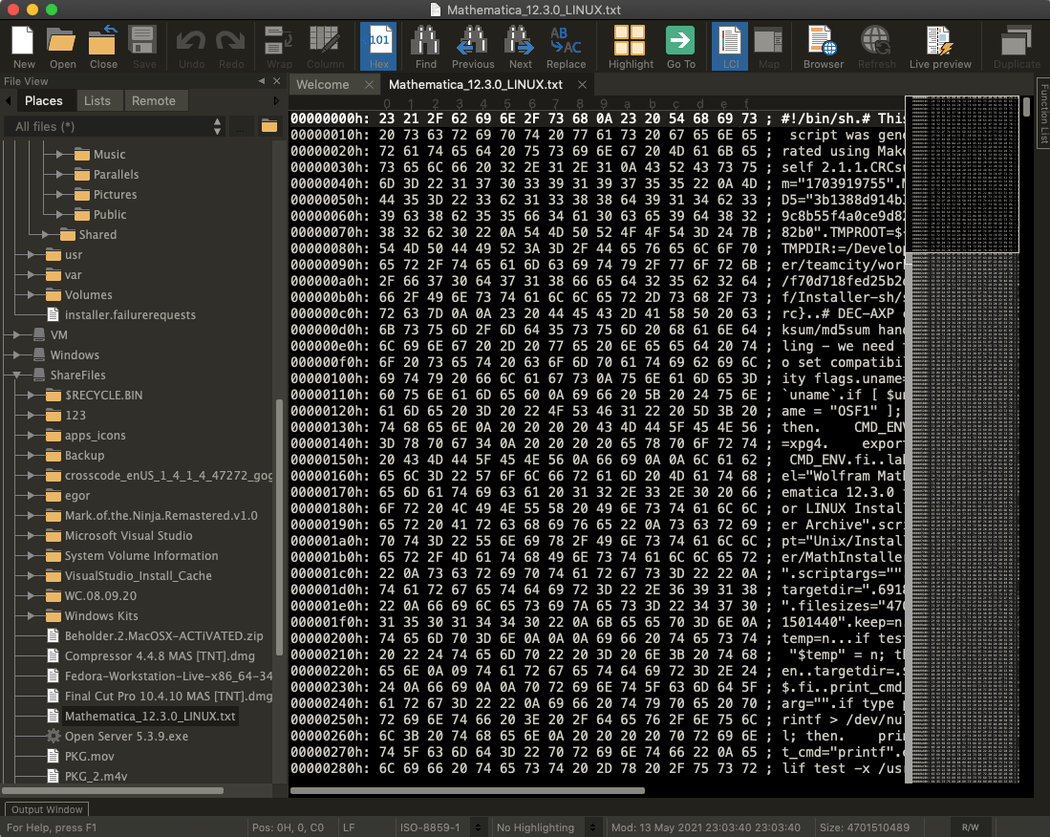
Version 25.0.0.11 tightened the editor’s feel. Syntax highlighting now loads faster on files with deeply nested structures. Column mode got more predictable when dragging selections across window edges. The FTP pane no longer redraws on directory change if the file list hasn’t shifted.
Everyday use changed in small ways. You spend fewer moments waiting for the cursor to catch up. The scripting engine handles larger macros without a hiccup. For anyone who tracked down an ultraedit mac full version solely for the multi-caret editing, this build rewards that choice with less distraction between keystrokes.