
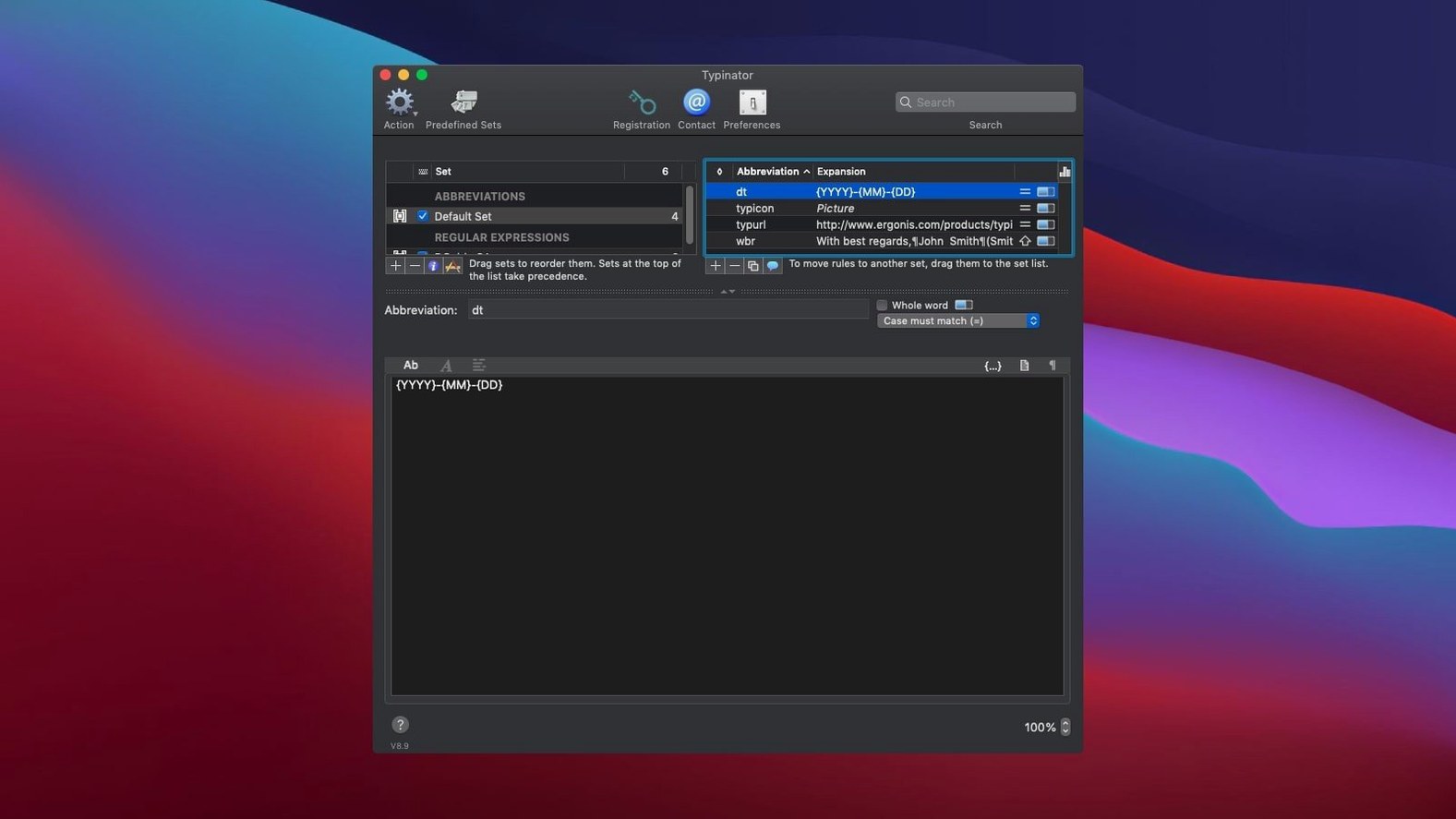
Quick Search is where you go to find a snippet among thousands without taking your hands off the keyboard. In version 10.2, it gets noticeably faster, even in very large collections.
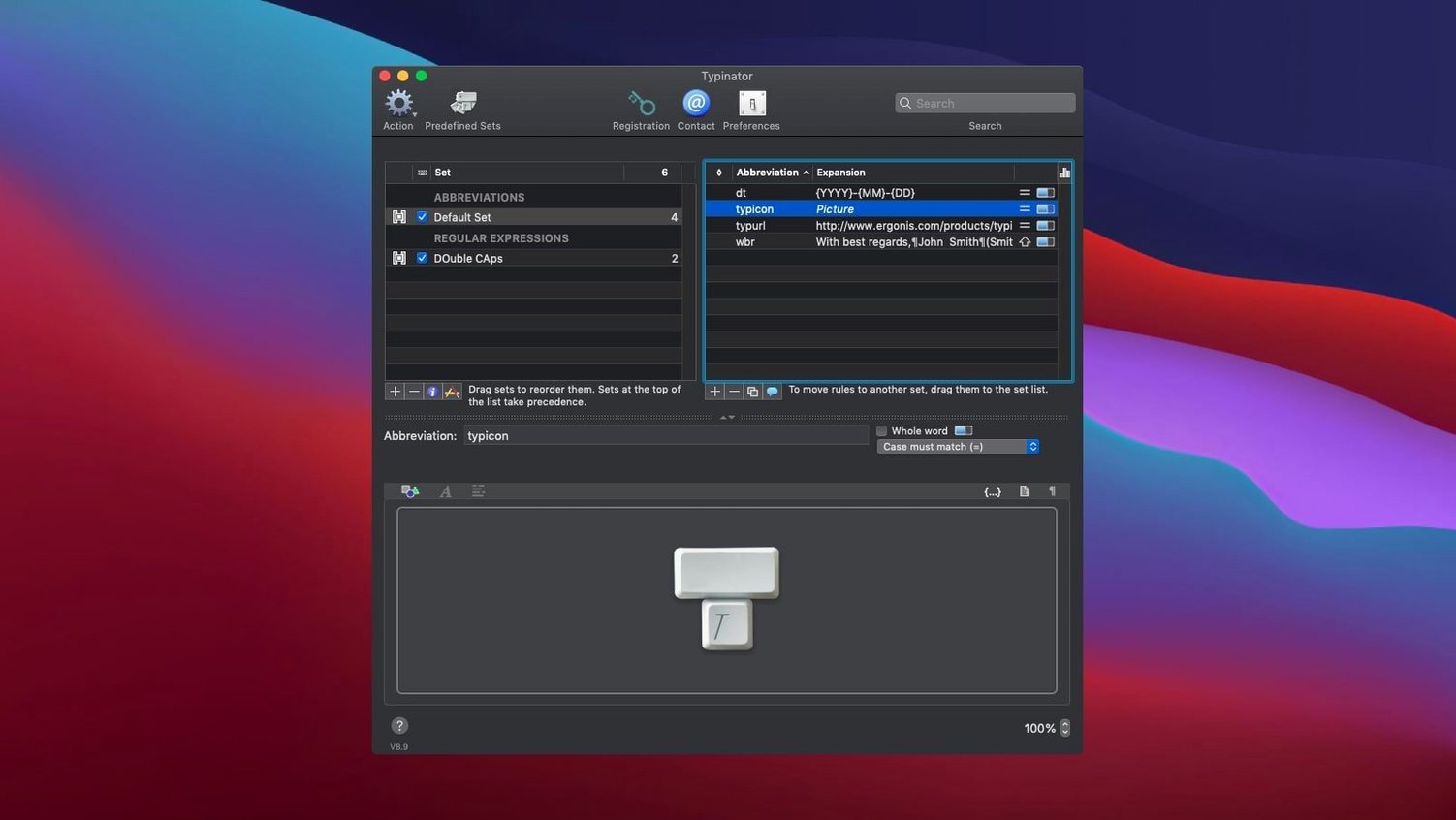
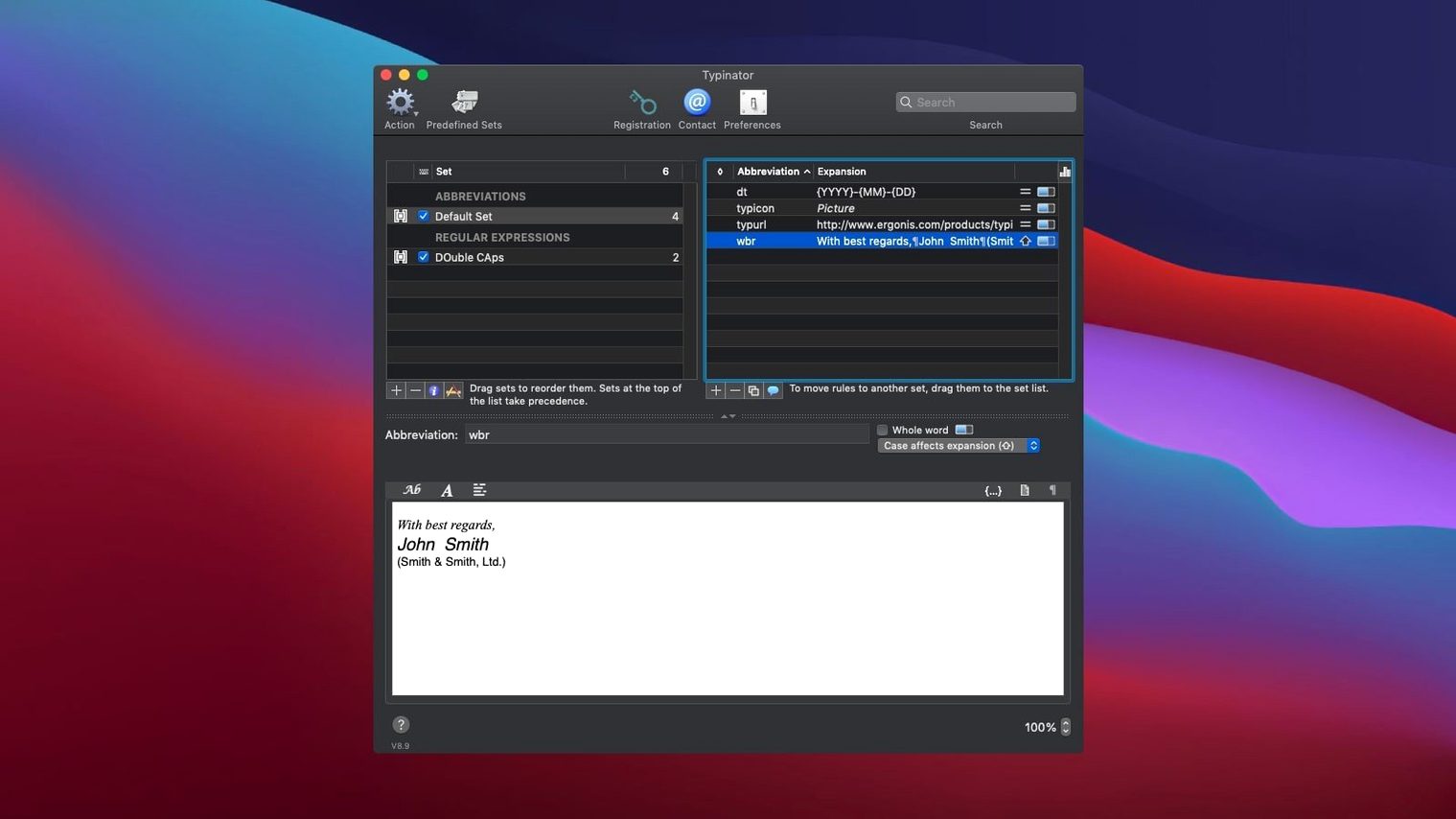
The app watches what you type and expands a short abbreviation into something longer. HTML boilerplate. An email sign-off. The current date, formatted exactly how you need it. It can insert images, too.
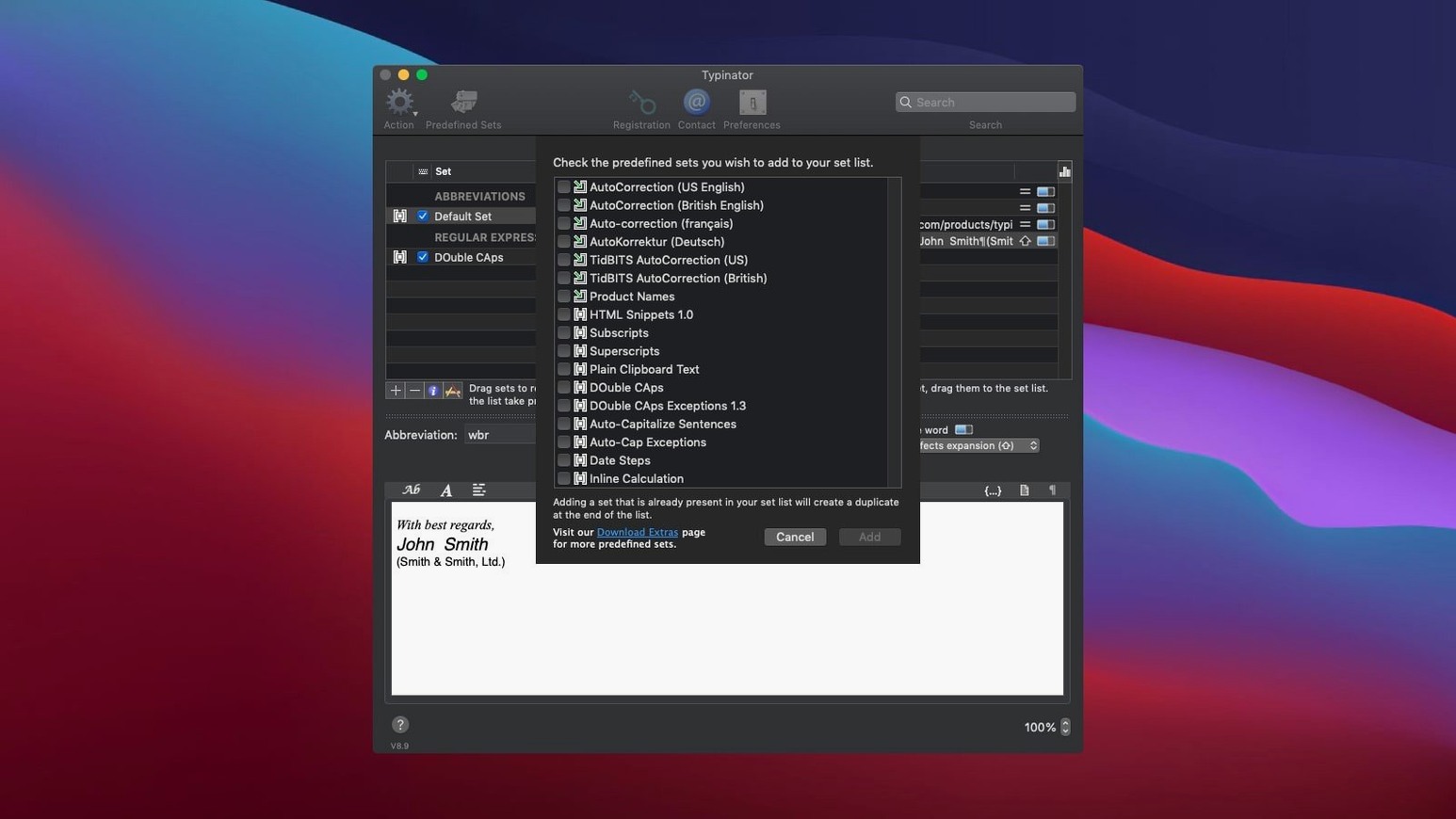
You bring your own shortcuts. Or start with the built-in sets for English typo corrections and common code snippets. Import from TextExpander, aText, or Alfred if you are moving over.
Three-letter replies
Support staff who answer the same questions every day. The canned response that once took three copy-pastes becomes a three-letter string.
Developers writing boilerplate. A function stub, a test skeleton, a SQL query template — all mapped to muscle memory. Version 10.2 handles large abbreviation sets with less lag when switching and editing, which matters once you have a few hundred programming snippets.
Anyone typing in more than one language. The autocorrect sets catch spelling slips in English and German as you go, without a grammar-checker interface getting in the way.
Secure input blocks
Expansion stops working in a specific app. That app probably uses secure input — password fields and Terminal in certain modes. Version 10.2 improves detection here, but if it persists, try the Quick Define shortcut to check whether Typinator recognizes the field at all.
Sync feels off after an update. A forced refresh usually helps: quit Typinator on both machines, reopen, then trigger a manual sync from the menu bar. The 10.2 release tightened error reporting, so you will at least know what broke.
Importing from another expander and the results look wrong. If you used typinator crack mac searches in the past to test an older build, leftover preference debris can interfere. A clean install of the current version sorts this. For legitimate imports, the app now reads from aText, Alfred, Espanso, and PhraseExpress directly — no export step needed. Some people still look for a download typinator 9.1 for mac link, and 10.2 handles those old snippet formats without complaint.
Typinator runs silently in the menu bar. No cloud account required.