Runs on any Mac with macOS 10.14.6 or later, Intel or Apple Silicon.
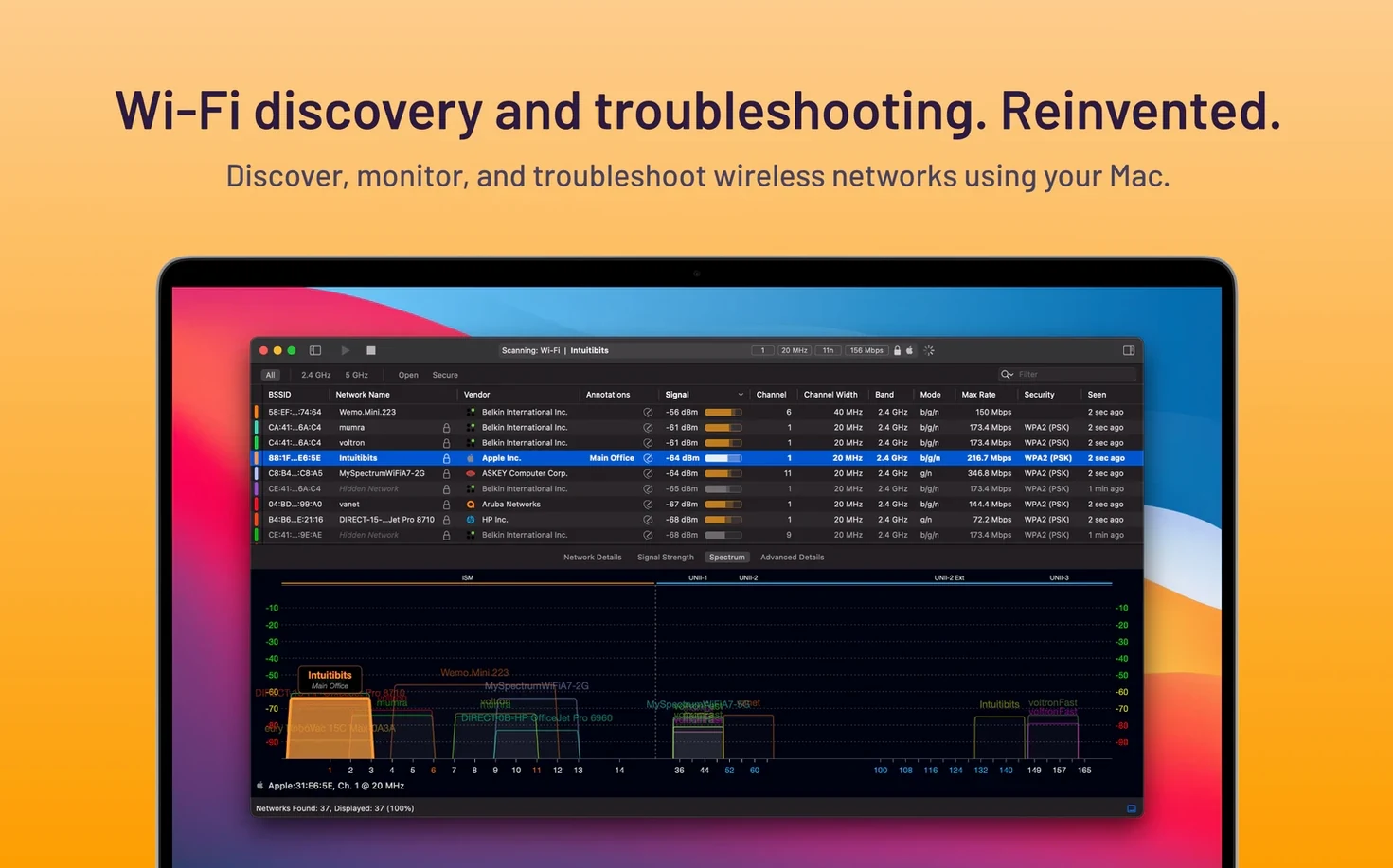
Visual graph — each nearby network plotted by signal strength and channel overlap, so congestion is immediate.
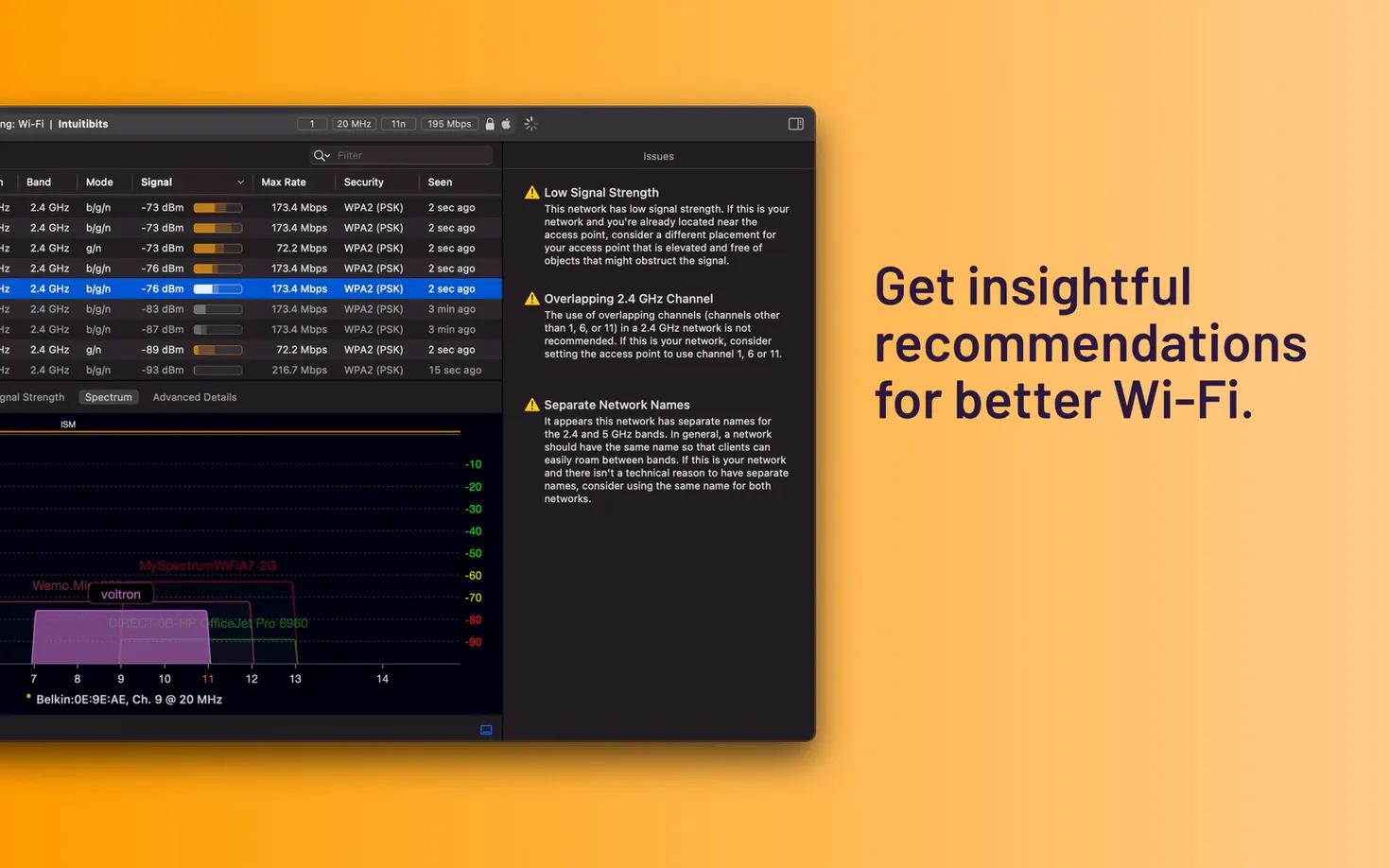
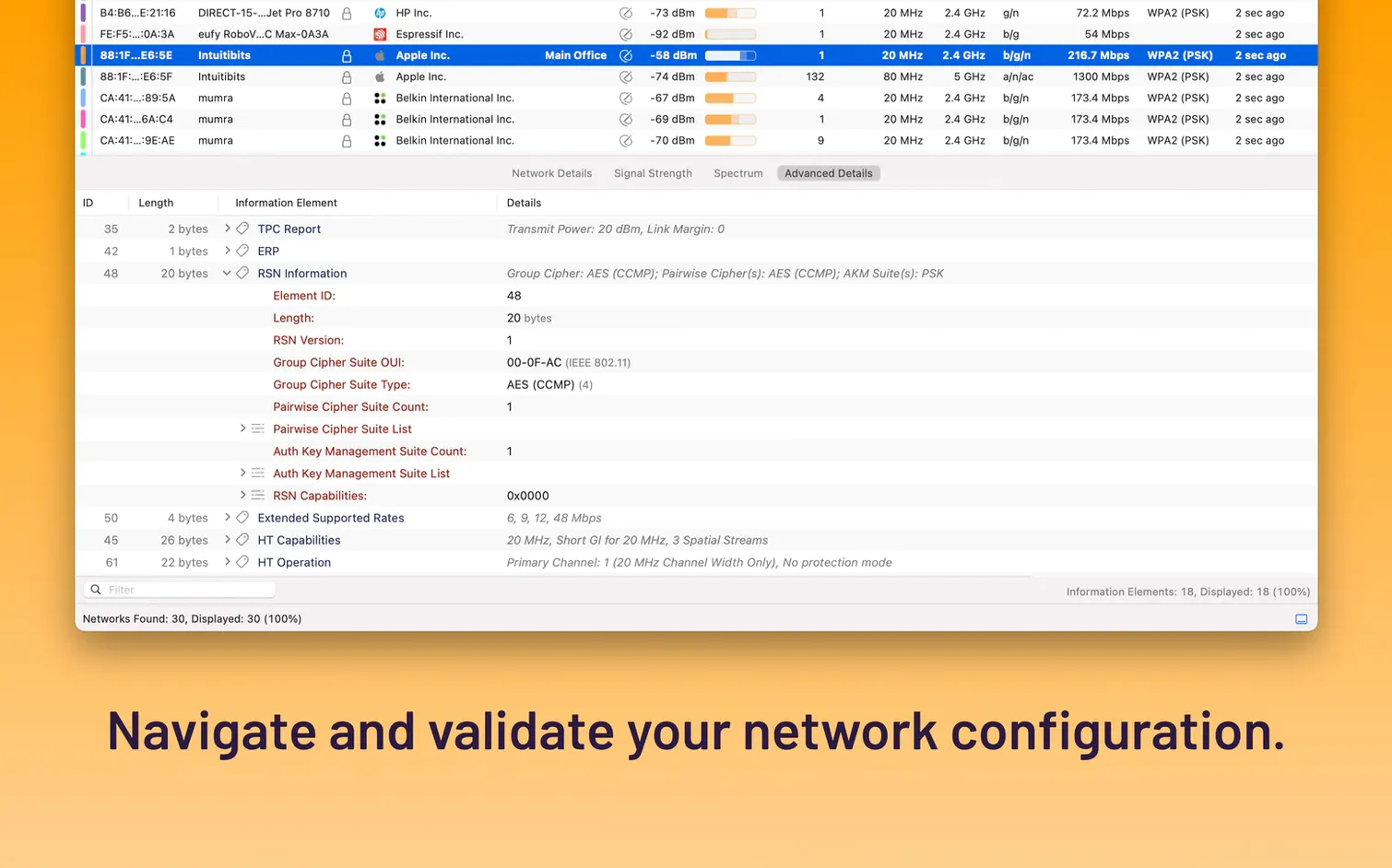
Advanced analysis — goes beyond basic scanning. Validates WLAN deployments and supports remote scanning across your network.
Dual band — reads 2.4 GHz and 5 GHz networks, showing range, signal quality, and security status per access point.
Use
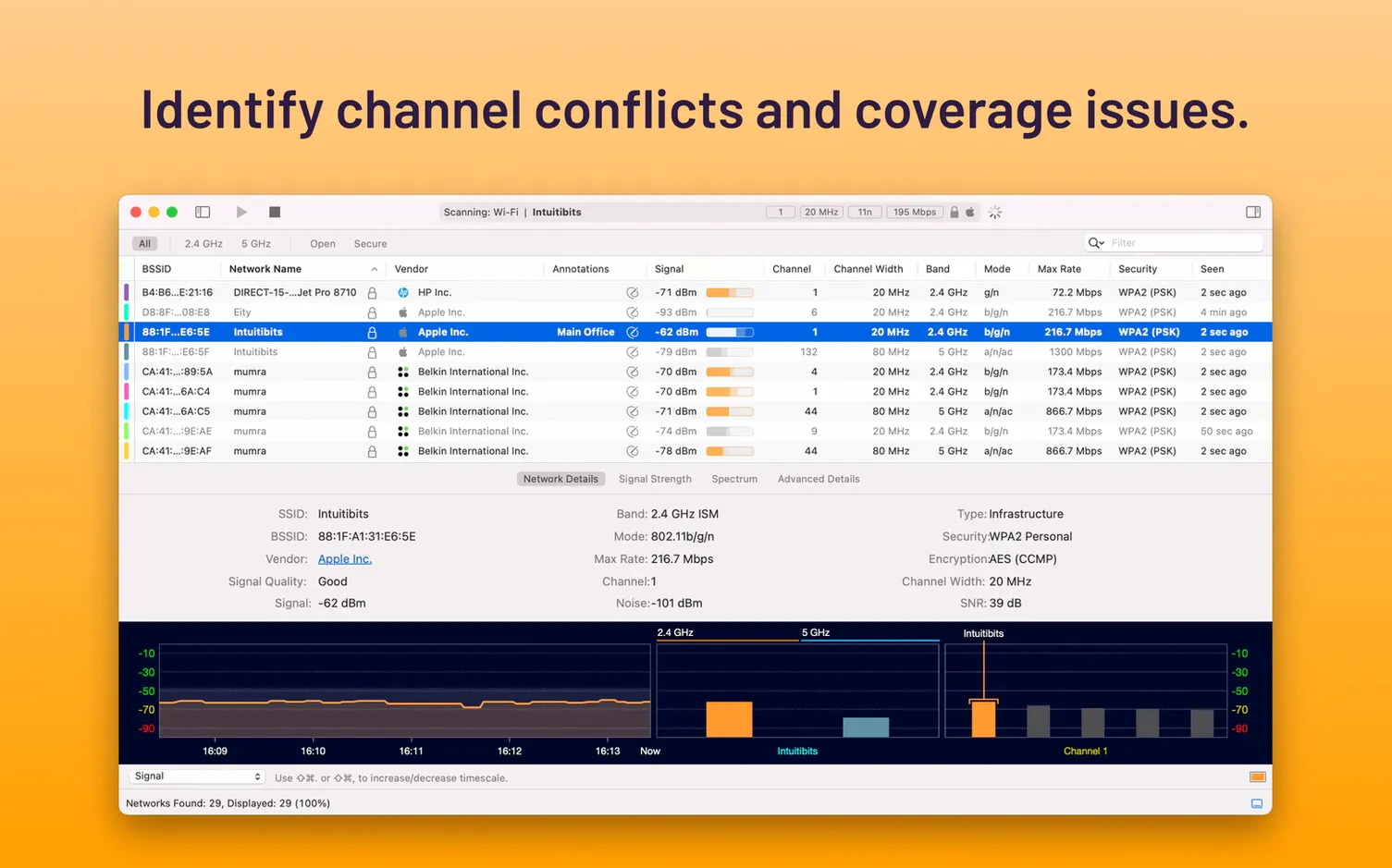
An IT admin walks a floor after a new AP installation. Three access points on channel 6. One shows -48 dBm, the others hover at -75 dBm and -81 dBm.
WiFi Explorer Pro 3 makes the overlap visible on the graph before anyone files a ticket. Columns get reordered to show BSSID, SNR, and channel width. The weak APs are flagged and moved to channel 11 within minutes.
Remote scanning lets the same admin check a problem on the third floor without leaving the desk.
Zero-lag scans
Scans populate without delay. Filtering by band or security type is immediate, even with dozens of networks in range. Memory use stays flat during a full afternoon of active scanning.
No beachballs. No fan spin. The app asks little from the system and gives back what you need: clear signal data, fast.