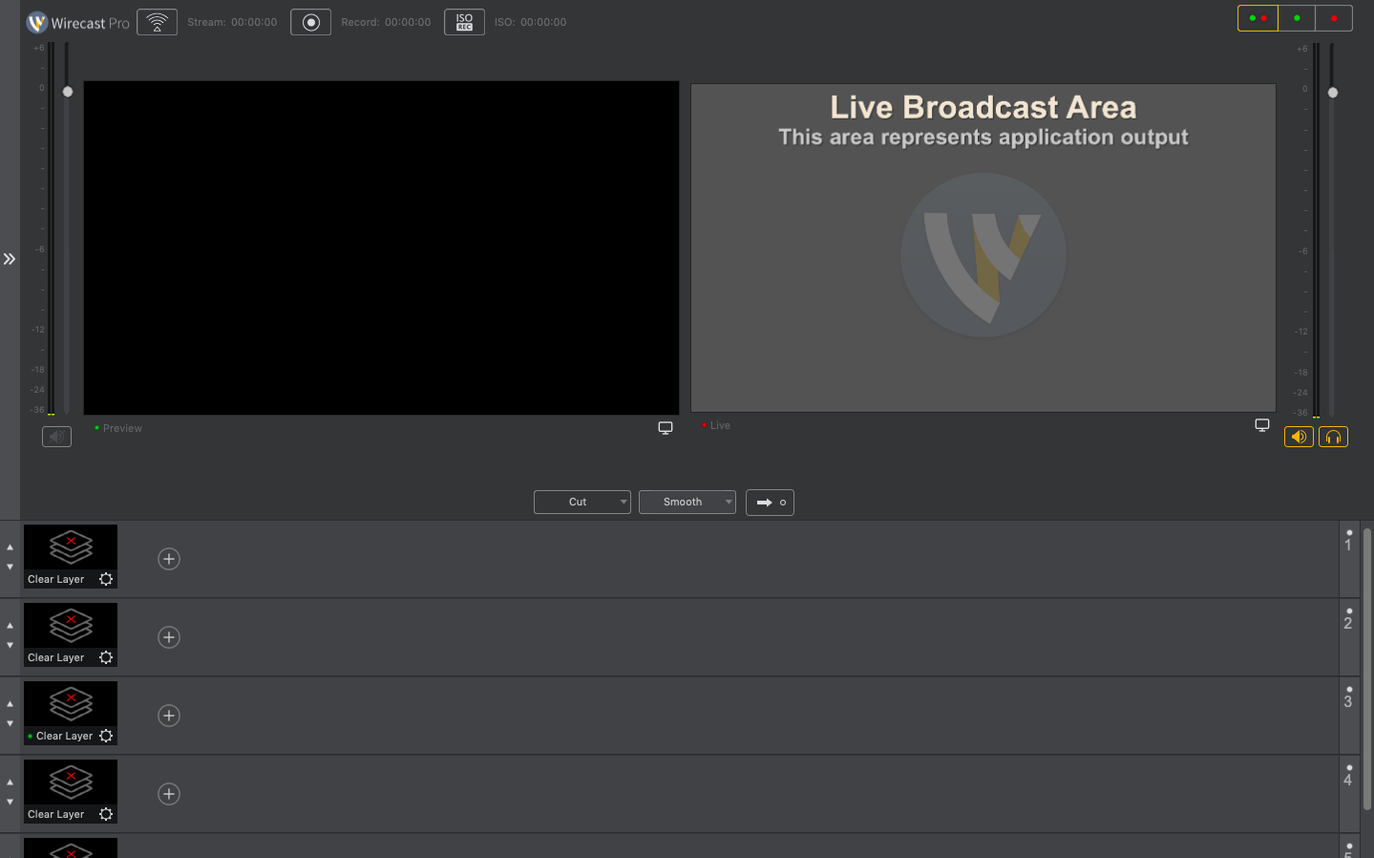
If you are moving up from a simple encoder, the jump to Wirecast Pro is a jump into a control room. The familiar stream button is still there. But the interface is now a live switching desk.
Here is the workflow for the deeper tools:
- Bring in NDI sources. The 16.5.4 fix for PTZ camera detection means your remote pan-tilt feeds actually show up without a restart.
- Layer titles and overlays. Place a sports score template, then change the text live while the program is out.
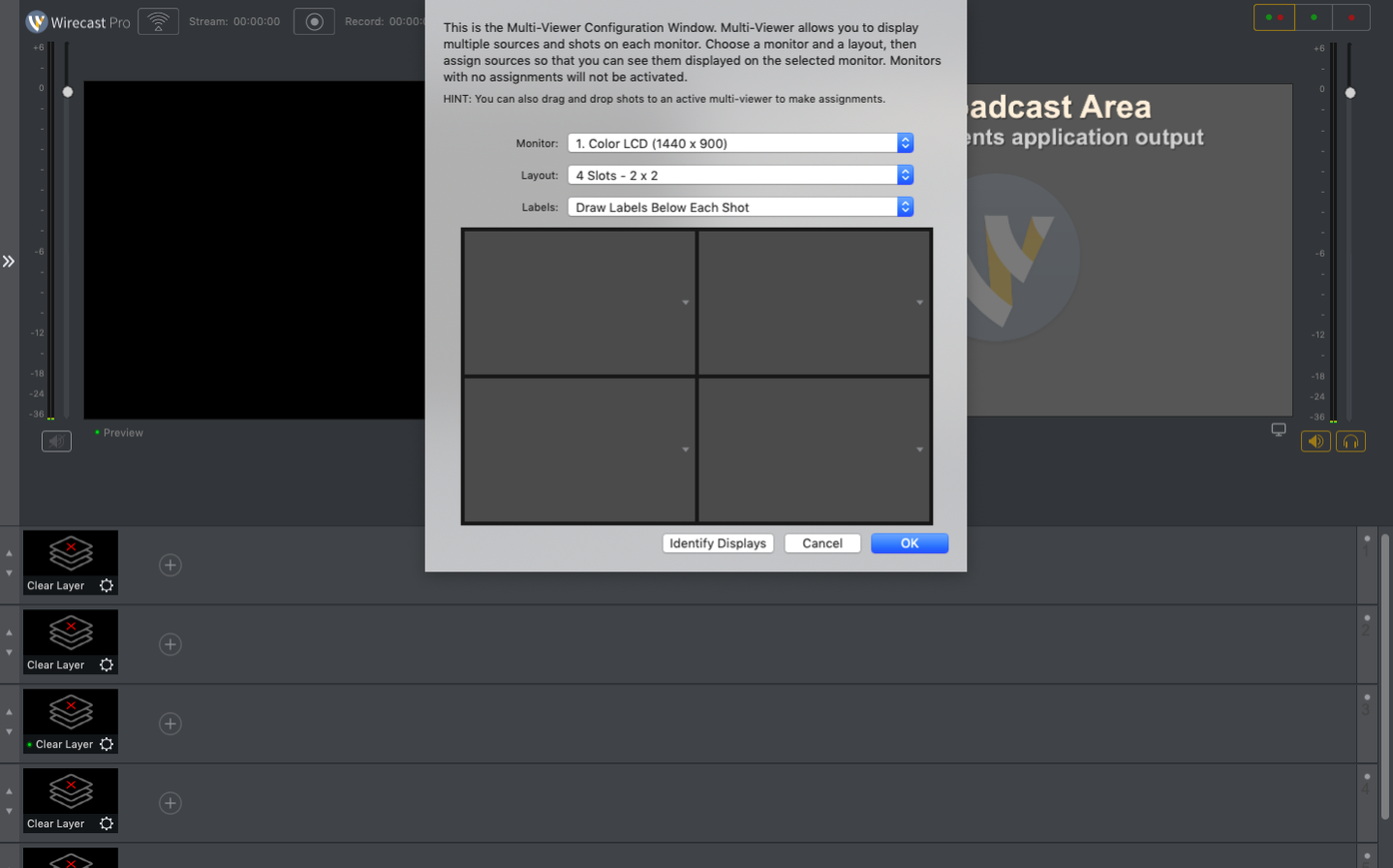
- Cut between cameras for a music video or conference panel. The multi-viewer lets you see every angle before you punch it to air.
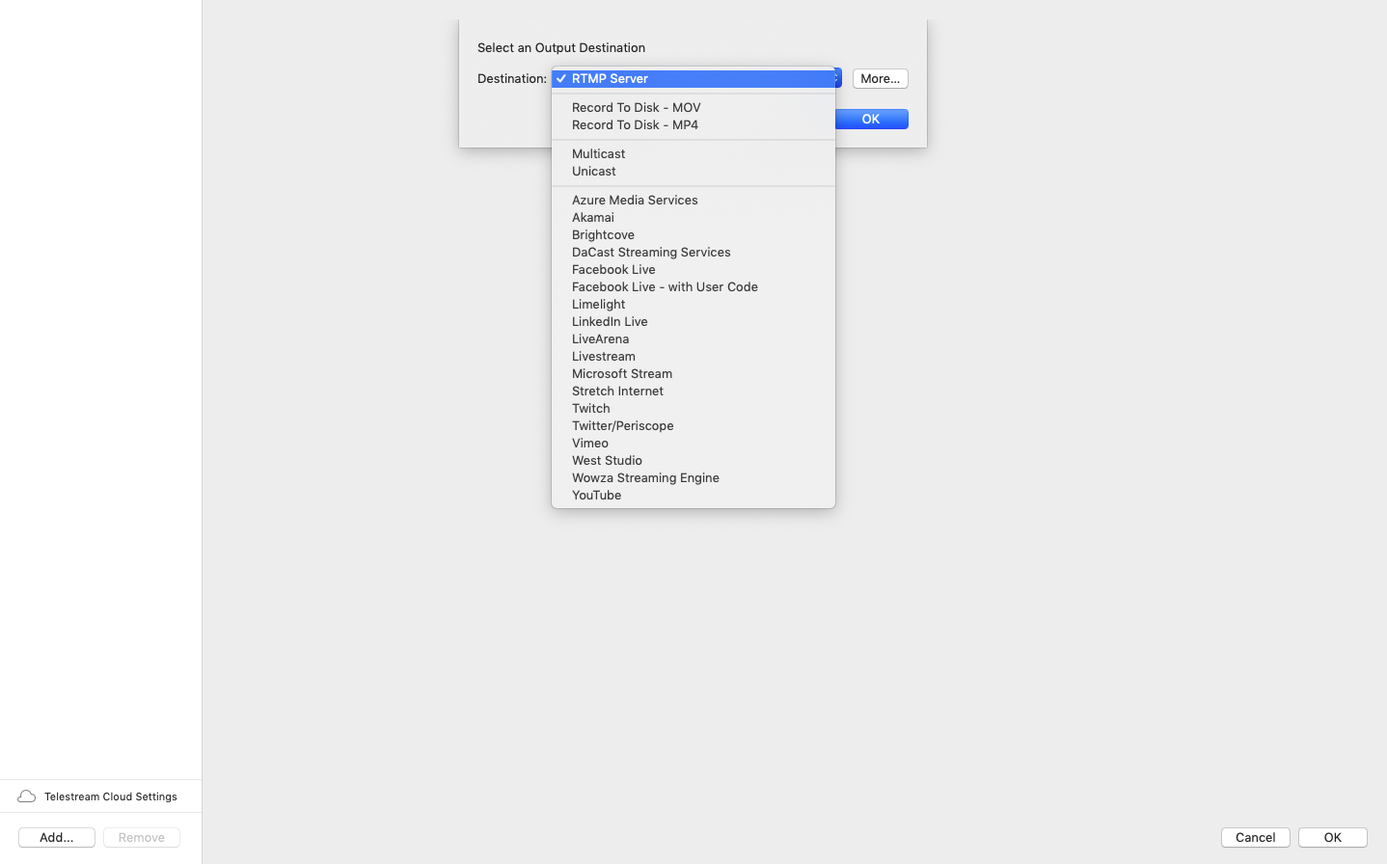
These are the pieces that turn a single webcam shot into a produced show. Record the clean program feed, or stream it — the heavy lifting happens before the signal leaves your machine.
Building layers
It is 9:45 am. Doors open at ten. You open Wirecast Pro and the canvas is black, waiting.
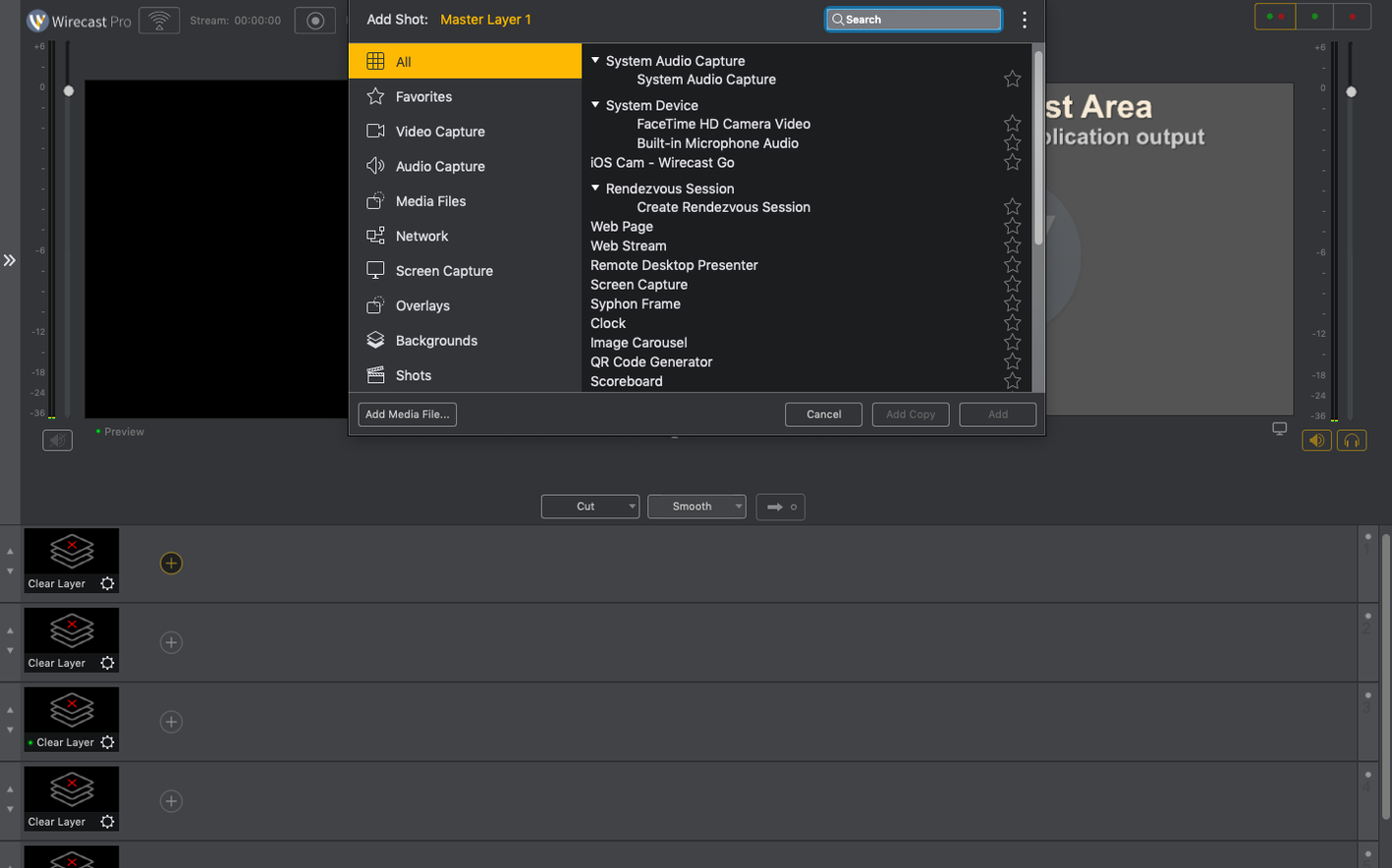
First, a base layer. You add the keynote slide feed over NDI. Then a clean wide shot from the PTZ at the back of the room. The 16.5.4 fix means the camera appears in the source list immediately — no digging through menus, no restart.
You drop a lower-third title from the built-in library. Type the speaker's name. Tweak the font weight. Lock it to layer three. Test the transition: a smooth dissolve. Good.
At 9:58 you bring the house music down and punch the wide shot to program. The stream is live. During the first talk you cut to the slide feed for charts, then back to a close-up. A late panelist arrives; you add her mic source and fade it in without dropping the stream. At noon you hit stop. The clean program recording is on disk. You close the lid and walk away with the file, no transcoding needed.
Gain staging
New users trust the auto-mixer too much. Wirecast Pro can balance audio, but it will not fix a hot mic peaking into red. Set your gain before you go live. Check the meters.
Another stutter comes from GPU overload. Beginners layer six NDI feeds, three overlays, and a screen capture, then wonder why the program output drops frames. The Mac is not infinite. Use the multi-viewer to preview, not program, the angles you do not need right now. Disable the preview for heavy sources until a few seconds before you cut.
And the simplest misstep: forgetting to arm the recorder. The stream goes out, but the local file does not exist. Always check the record button state before the welcome slide.
Compared to similar apps
OBS Studio. OBS is free and endlessly flexible with plug-ins. But Wirecast Pro puts scoreboards, instant replays, and live title editing directly on the main surface. No plug-in hunt. No lua scripting. You trade open-ended customization for a ready broadcast desk.
mimoLive. mimoLive handles social-media-driven shows well, with nice audience-interaction layers. Wirecast Pro pulls ahead with NDI handling and PTZ control — especially after the 16.5.4 camera-detection fixes. If your show runs on remote cameras and tight hardware switching, Wirecast feels more direct.
vMix. vMix has deep replay and call-in features, but it is Windows-only. On macOS, that is a non-starter. Wirecast Pro is the closest you get to that feature set while staying native on the Mac. No virtual machine. No workarounds.