
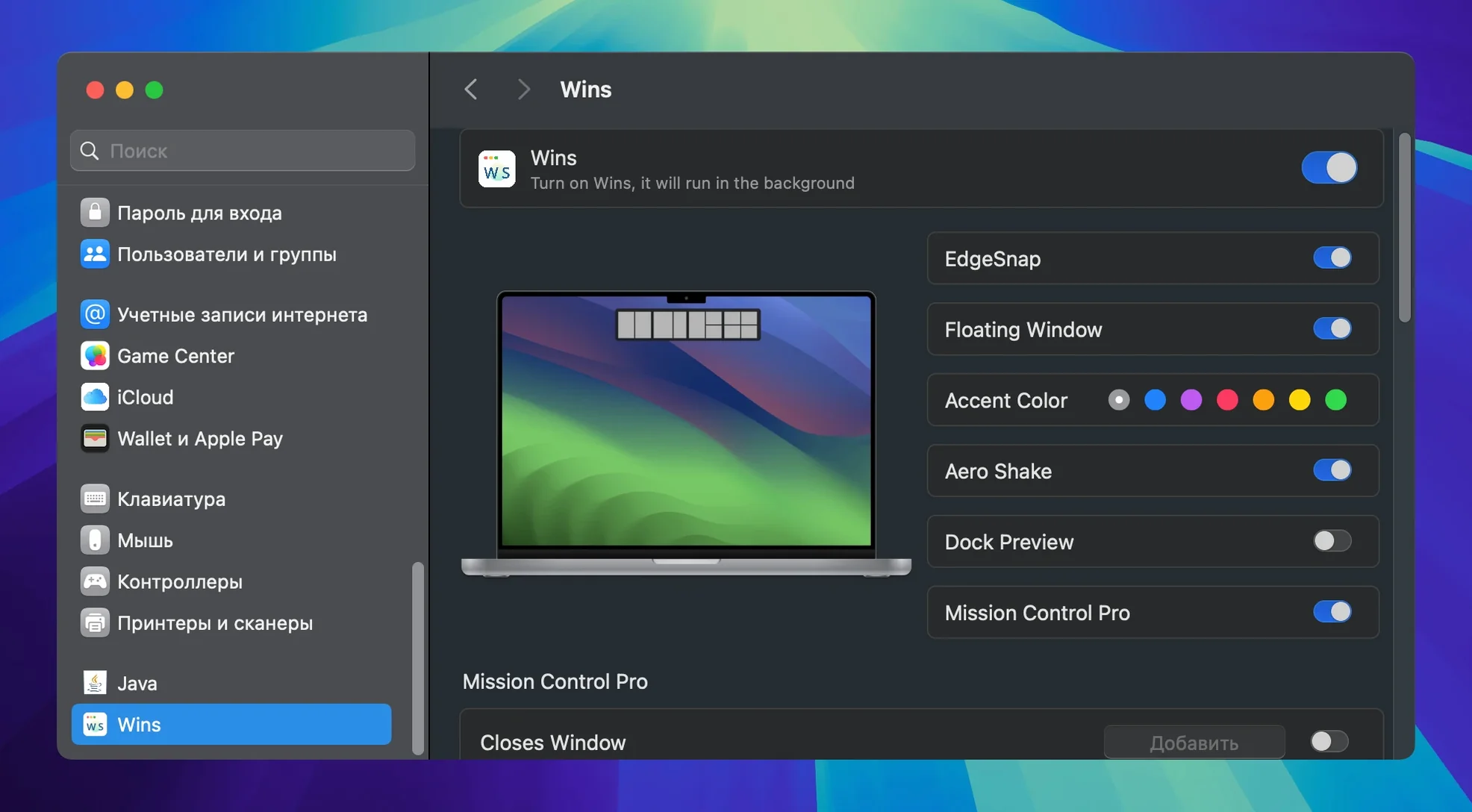
Wins runs on any Mac with macOS 12 Monterey or later. Intel and Apple Silicon are both fine.
Dock previews
- Hover over a Dock icon to preview its windows. Shake a window to hide the rest.
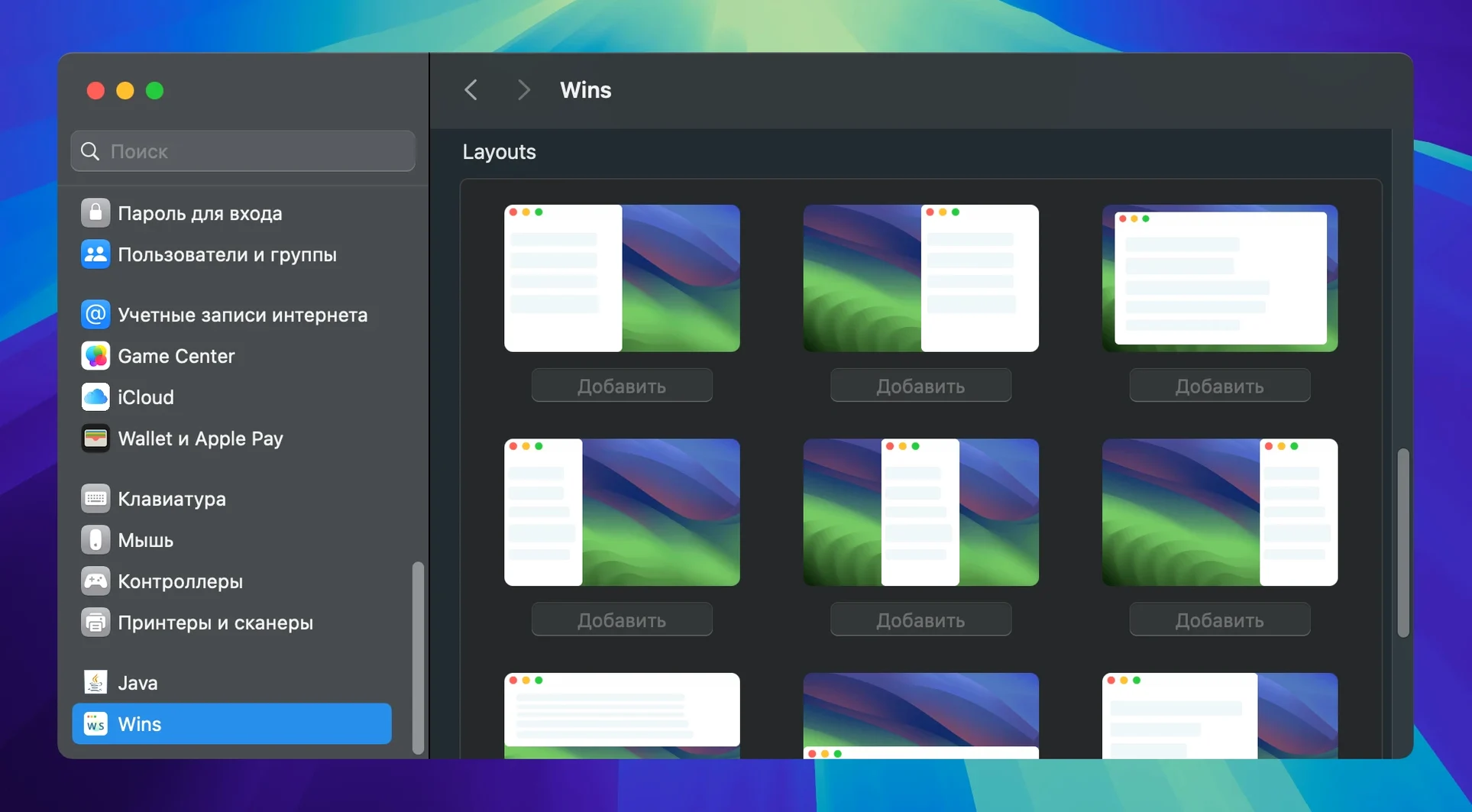
- Snap Island pops up for instant splitting. You can float any split arrangement.
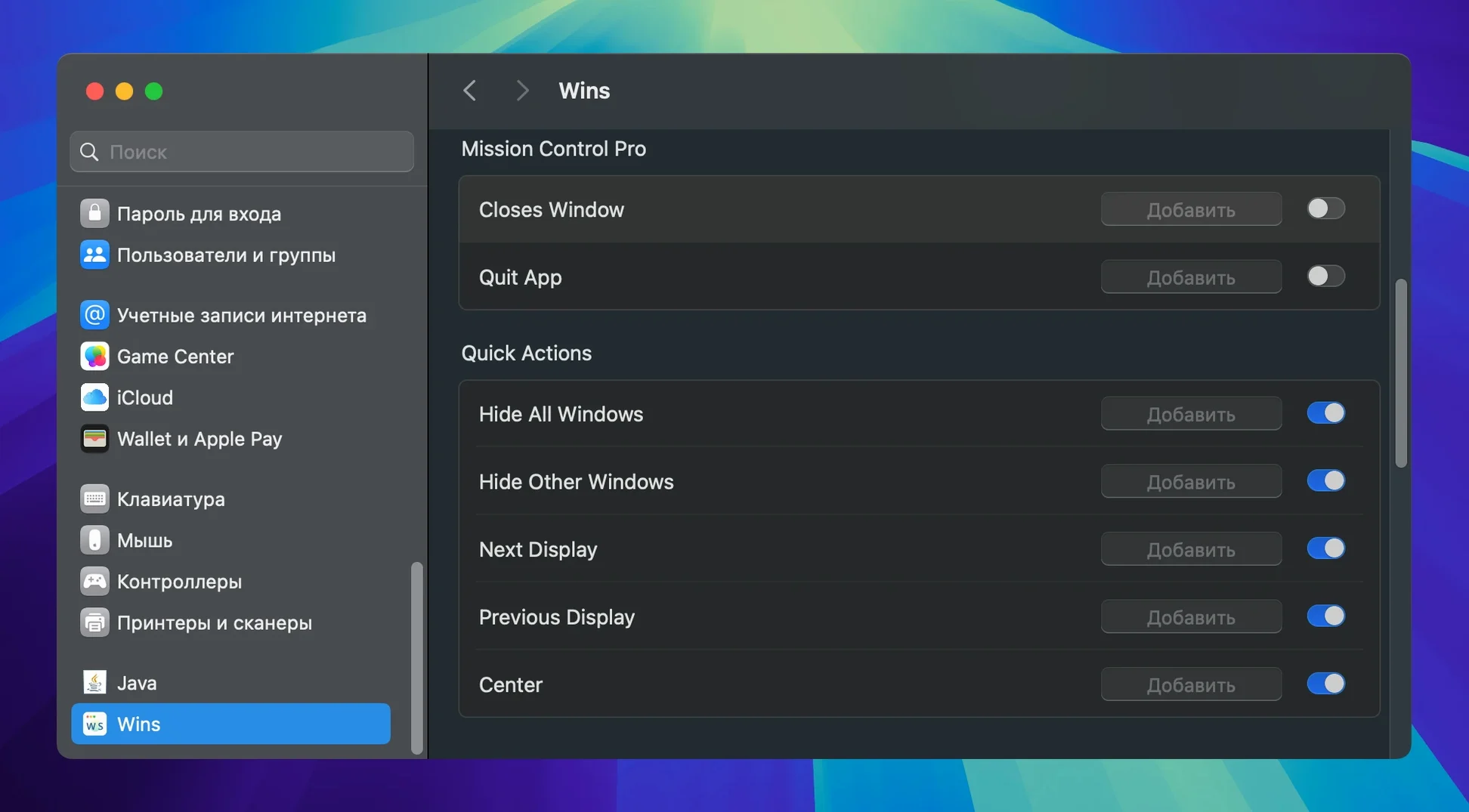
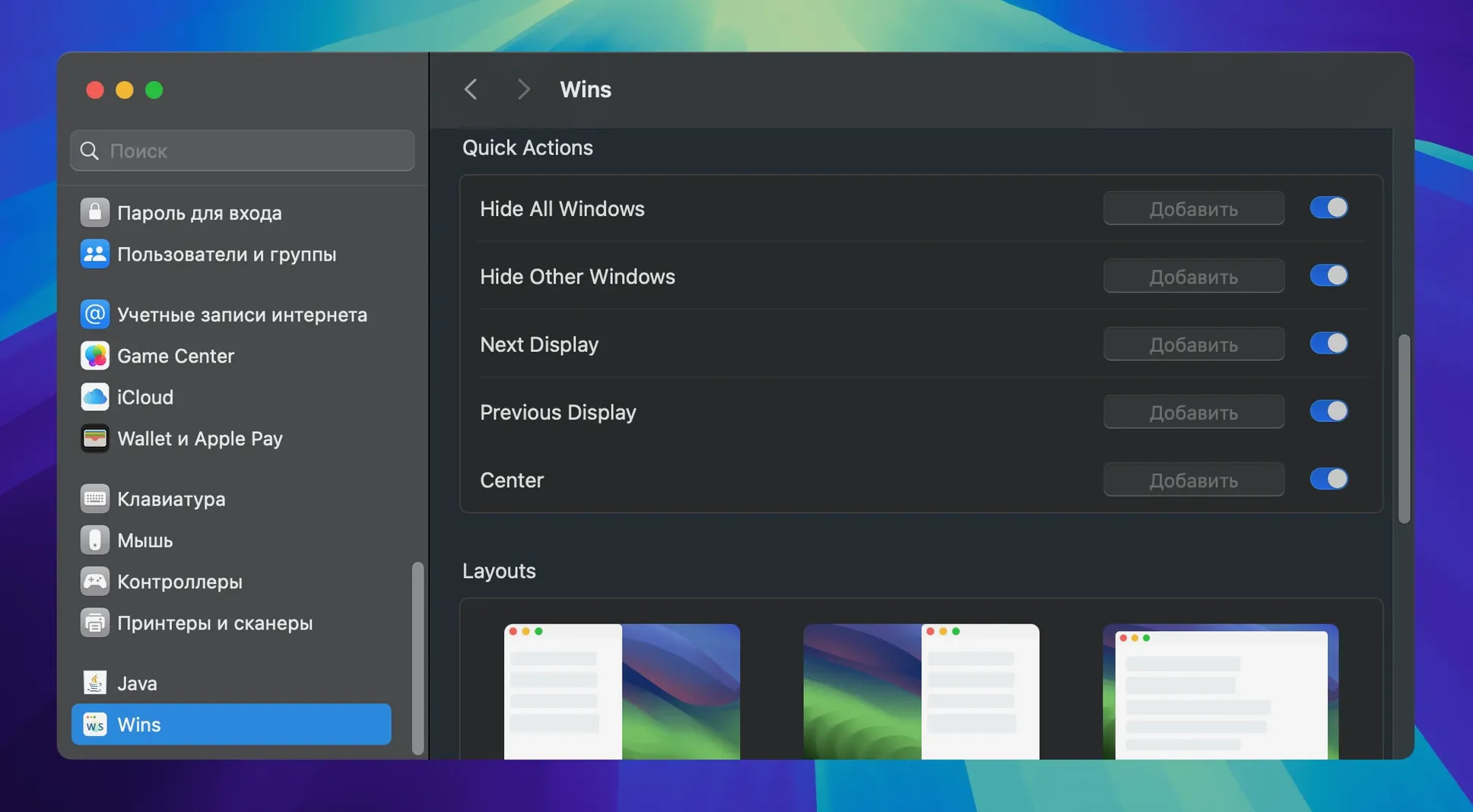
- Everything lives in System Settings. Custom hotkeys keep your hands on the keyboard.
What shifted
Mission Control Pro now closes windows with ⌘+W and quits apps with ⌘+Q. It finds system processes faster, too. The new Dock Lock pins your Dock to one display when it sits at the bottom edge. Power draw is lower across the board.
Wins sits comfortably between the window controls you already know and the ones macOS forgot to add. Shortcuts work with Finder, third‑party apps, and Spaces without extra configuration. Drag a window near a screen edge and the snap hint appears; send a group of windows to another display with a single key.
The app respects Stage Manager and multiple desktops. Float a split pair over a full‑screen space and it stays put when you swipe back. If you use a Mac with an external monitor, Dock Lock stops the Dock from chasing your cursor — a small fix that removes a daily annoyance.
Two kinds of users feel the difference within an hour. The first is anyone who lives in the keyboard: developers moving between editor, terminal, and browser. Custom hotkeys let them tile, hide, or shift windows without lifting their fingers. The second is the multi‑display desk worker — spreadsheets on one screen, email and calendar on the other. Saving a window layout means Monday morning starts with everything where it belongs.
A mac wins scenario quietly: the memory footprint stays under 30 MB, and CPU use hovers near zero most of the time. For those who tried window managers that felt heavy or half‑finished, this is the download wins moment — an app that fits the system instead of fighting it.