Winclone Pro runs on Intel Macs with macOS 10.15 or later. It supports macOS Tahoe after the 10.5 update. Apple Silicon is not supported.
Preflight checklist
The app needs an Intel processor and macOS 10.15. SIP must be disabled before you install. The interface is English only. If your Mac meets those two hardware conditions, Winclone Pro will handle Boot Camp cloning, local disk-to-disk migration, and package deployment.
Clone anywhere
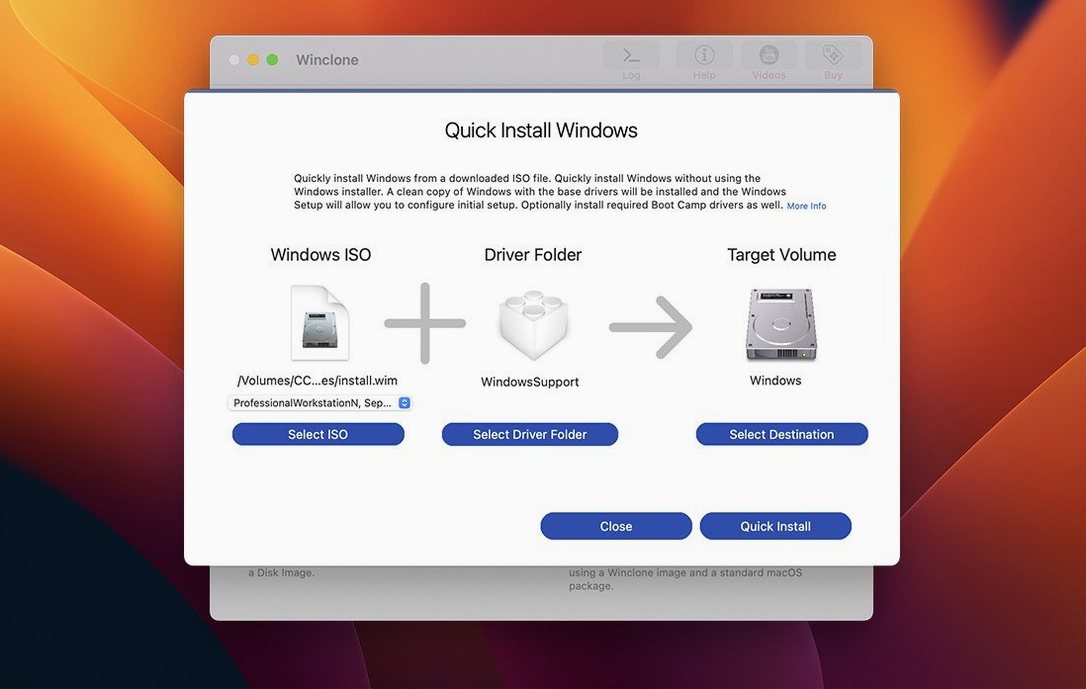
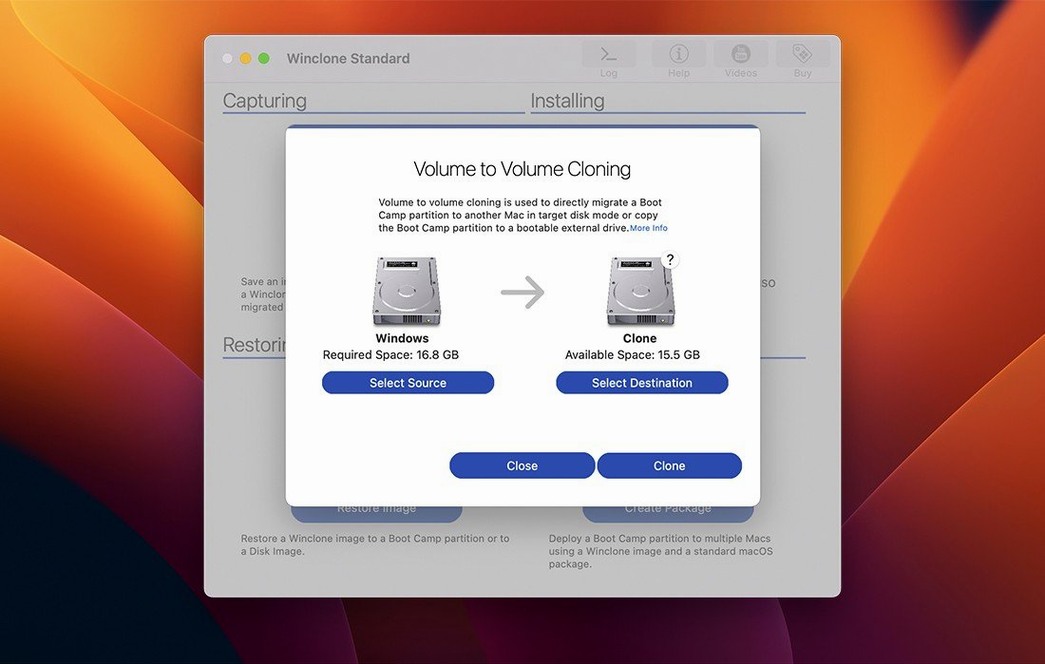
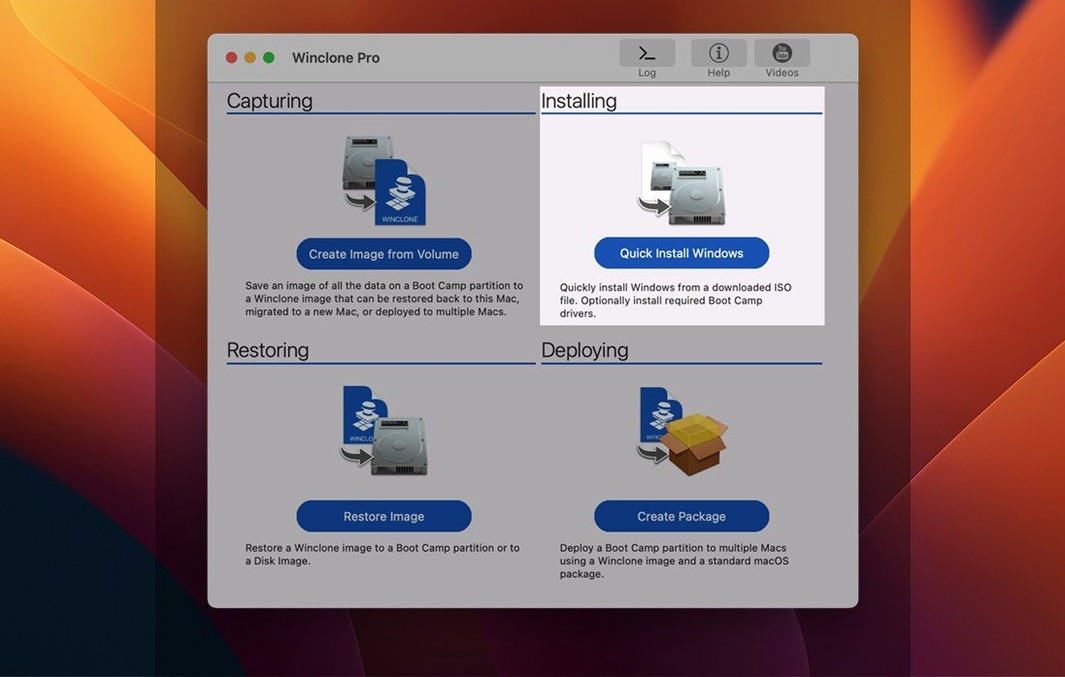
You can clone a Boot Camp partition to external or network storage, then restore it later. The package installer builds a fresh Boot Camp partition and places your Winclone image onto it. You can shrink or expand the file system during the process. A sound notification marks success or failure, and the window shows a progress estimate with a completion percentage. MDT and SCCM workflows are supported for larger deployments.
Tahoe verified
Version 10.5 arrived on September 8, 2025. The update verified Tahoe compatibility and refreshed OS requirements. For daily use, that means less hesitation before updating macOS on a managed Intel Mac. Cloning and package deployment behave the same way, just on a newer system.
Earlier Winclone 10 releases already handled the macOS 11 and later requirements for Boot Camp imaging, migration, package deployment, MDT, and SCCM. The 10.5 build keeps that line intact while confirming the latest OS works.
Lab rescue
Suppose a lab Mac’s Boot Camp partition has grown unstable. Windows boots slowly and one driver keeps failing. A clean reimage is faster than troubleshooting.
- Open Winclone Pro and choose the Boot Camp volume as the source.
- Point the destination at a folder on a network share.
- Let the clone finish. The progress bar and completion percentage tell you how far along it is.
- When the sound notification plays, verify the image exists on the share.
- Build a package installer from that image, selecting EFI boot for Windows 10 or later.
- Deploy the package to the lab Mac. Winclone creates the Boot Camp partition and restores the image into it.
The whole sequence works without sitting at the machine. That matters when twenty identical Macs need the same fix.
Cross-Mac moves
People often ask whether Winclone Pro can move a Windows install from one Mac to another. It can, with local disk-to-disk migration, as long as the hardware and Windows version permit restore to the target volume. The tool also detects and reports mismatched GPT and MBR boot records, which helps when a migrated system refuses to start.
Another common question is about incremental images. Winclone Pro creates them, so follow-up backups only capture changes to the Boot Camp partition. That keeps network storage use lower over time.
Some people search for winclone pro when deciding between editions. Others look for winclone crack or winclone 10 license key, but the standard edition covers the same core cloning and migration tasks. Winclone Pro is positioned for business and education, where package deployment and MDT or SCCM workflows matter more.
Restoring to DOS-FAT32, ExFAT, and NTFS volumes is supported. The app also restores images to attached volumes when hardware and Windows version allow it. If you plan to use network storage, the clone target can live on a share rather than a local drive.