Intel-only macOS
Intel Macs with macOS 10.14 or newer. Not built for Apple Silicon.
What can it pull back?
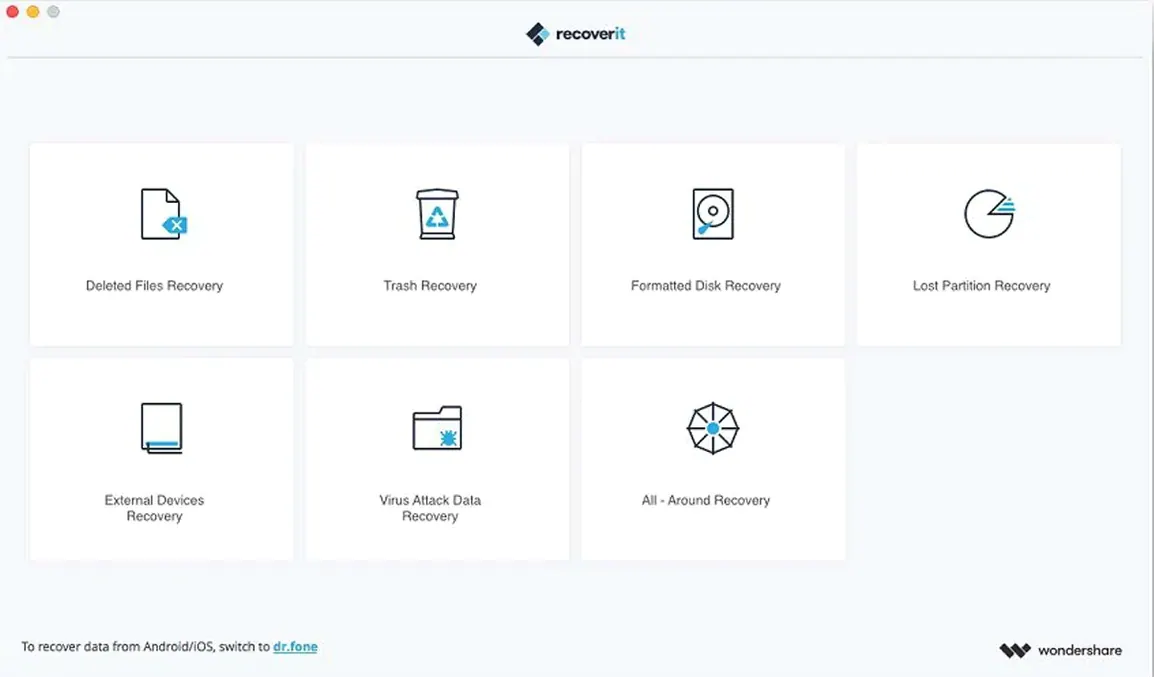
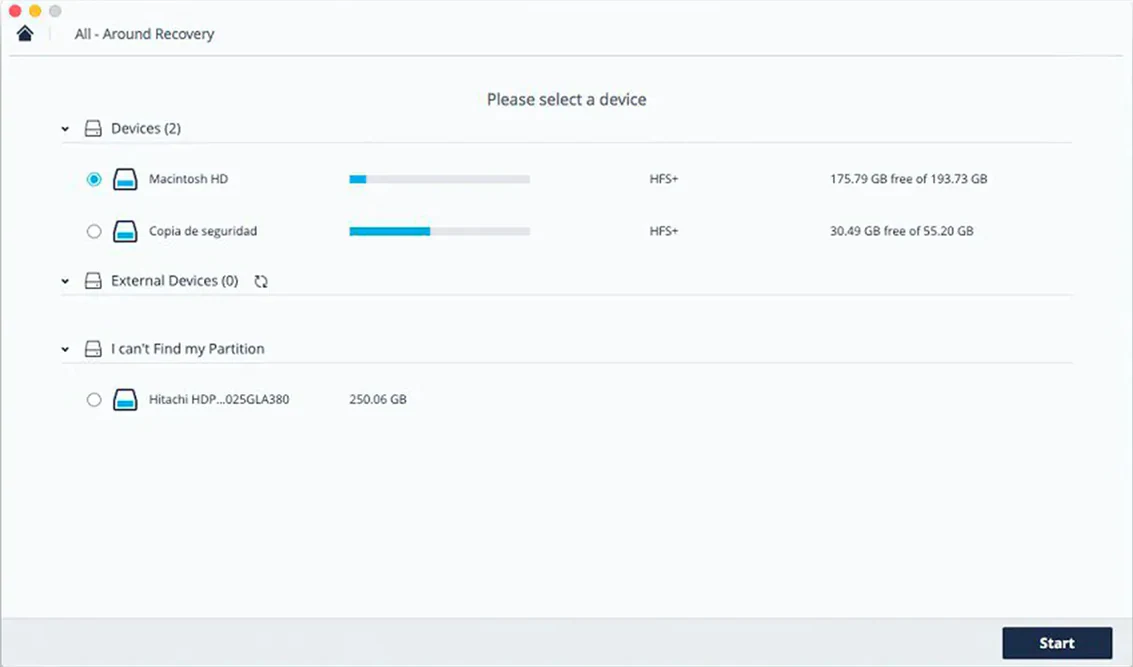
Files lost to formatting, partition trouble, or a simple delete. It scans the device you select and shows what it finds.
Does it fit a clean setup?
Recovery sidekick
Recoverit fits a narrow slot. It does not organize files, duplicate them, or sync anything. Use it once, then set it aside.
After a recovery, the Finder becomes your sorting space. Drag the recovered folders into a new directory. Rename things. Throw out fragments.
If you want to avoid a repeat, pair it with a backup habit. Time Machine sits in System Settings, silent and effective. Carbon Copy Cloner works for bootable clones. Neither replaces Recoverit. They just make it less necessary.
For media-heavy jobs — a formatted SD card full of RAW photos — you might preview the thumbnails in Recoverit, then hand them off to Adobe Bridge or Lightroom for culling. The app does not edit. It only returns.
Gatekeeper bypass
Some users hit the Gatekeeper wall on first launch. The disk image mounts but the app refuses to open. The fix is a Terminal command, listed in the install steps. Run it once. After that, the app opens like any other.
SSD recovery is less reliable than spinning drives. TRIM and garbage collection wipe deleted blocks fast. If you act within minutes, the odds are decent. After an hour, they drop.
Long scans can stall on drives with many bad sectors. Let it run. Cancel only if the estimated time climbs past several hours with no progress change.
Preview fails on some corrupted video files. The file may still recover intact. Try recovering it anyway, then test playback in VLC.
If the app does not list your external drive, check Finder > Settings > Sidebar and confirm external disks are visible. Unmount and reconnect the drive. Still missing? Try a different cable or port.
Recovering a formatted SD card
A real scenario: you formatted a camera card before offloading the morning’s shots. The card is 64 GB, exFAT, half full. Recoverit can still reach the old files.
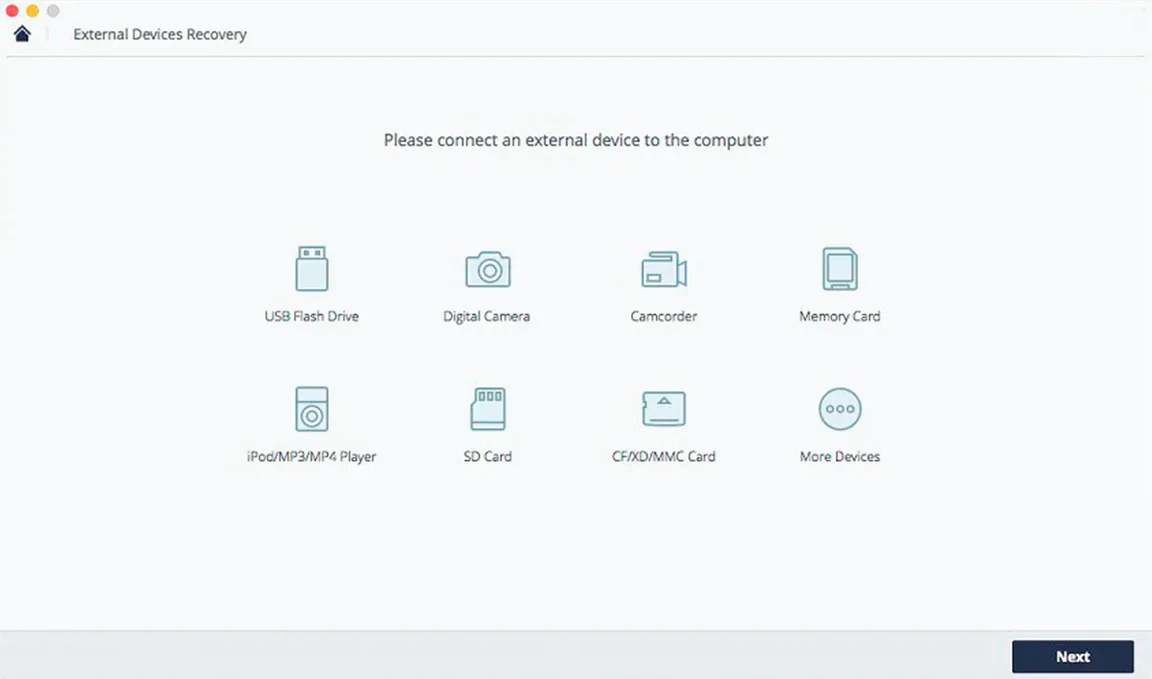
Insert the card. Open Recoverit. Select the card under External Devices. Untick All File Types. Choose only Photo. Check the RAW and JPG boxes. Click Scan.
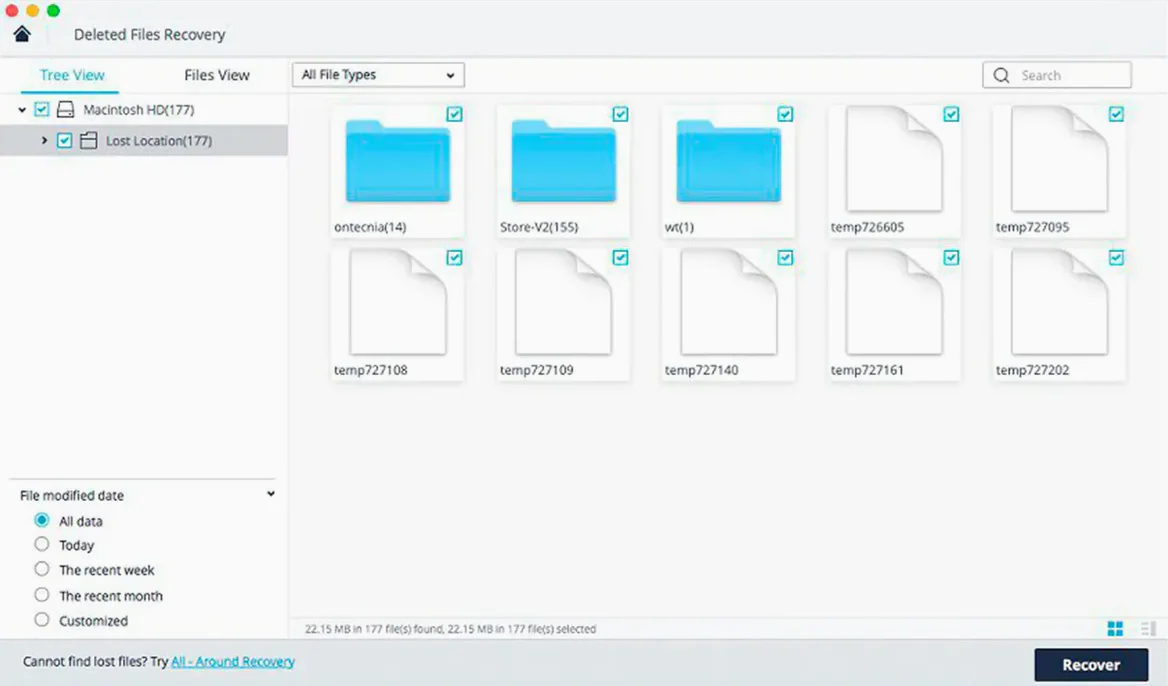
The quick scan finishes in under two minutes. It shows recent deletions with original filenames. Not enough. Click Deep Scan in the bottom bar. The app now reads raw sectors to find signatures. Let it run while you make coffee. Ten minutes later, the results grid fills with hundreds of previews.
Filter by file size. Drop anything below 500 KB — those are thumbnails, not full frames. Preview the rest. Select the keepers. Click Recover, pick a folder on your Mac’s internal drive, and wait. The write completes. Open the folder in Finder. Rename the shoot folder by date, then back it up.
One search phrase that leads people here: recoverit data recovery for mac. Another: recoverit mac data recovery. Both reflect the same need — a tool that reads what the Finder cannot see.
Trash rescue
Tuesday morning. You empty the Trash, then notice a client folder inside. Six PDFs and a spreadsheet. Gone.
You quit every app that writes to disk. Browser, Mail, Slack. All quiet. Open Recoverit. Select Macintosh HD. The Files Lost in Trash option is pre-selected. Click Scan.
The quick scan runs for four minutes. The folder name appears in the tree view, but only three of the six PDFs show. The spreadsheet is missing. Switch to Deep Scan. The estimated time reads 48 minutes. You let it work.
At the 30-minute mark, the missing PDFs surface. The XLSX file shows at minute 42, named with a temporary ID. Preview confirms the data. Select all seven files. Recover to an external drive — never back to the same volume. The write finishes in under ten seconds.
You open each PDF. Intact. The spreadsheet opens in Numbers. Tabs, formulas, cell notes — all there. Close Recoverit. Eject the external drive. Breathe.
It does one job without adding clutter. Run a scan, recover your files, close the app.