
A raw mix has weaknesses you stop noticing after the hundredth playback. Ozone clears that fog. It brings 20 pro plugins into a single workflow, shaped by an assistant that listens before it suggests anything.
- Mastering Assistant — plays your track, builds a custom chain, and sets thresholds around what the material needs. Not a preset.
- Bass Control — shapes low end across separate frequency bands, so kick and bass sit apart without mud.
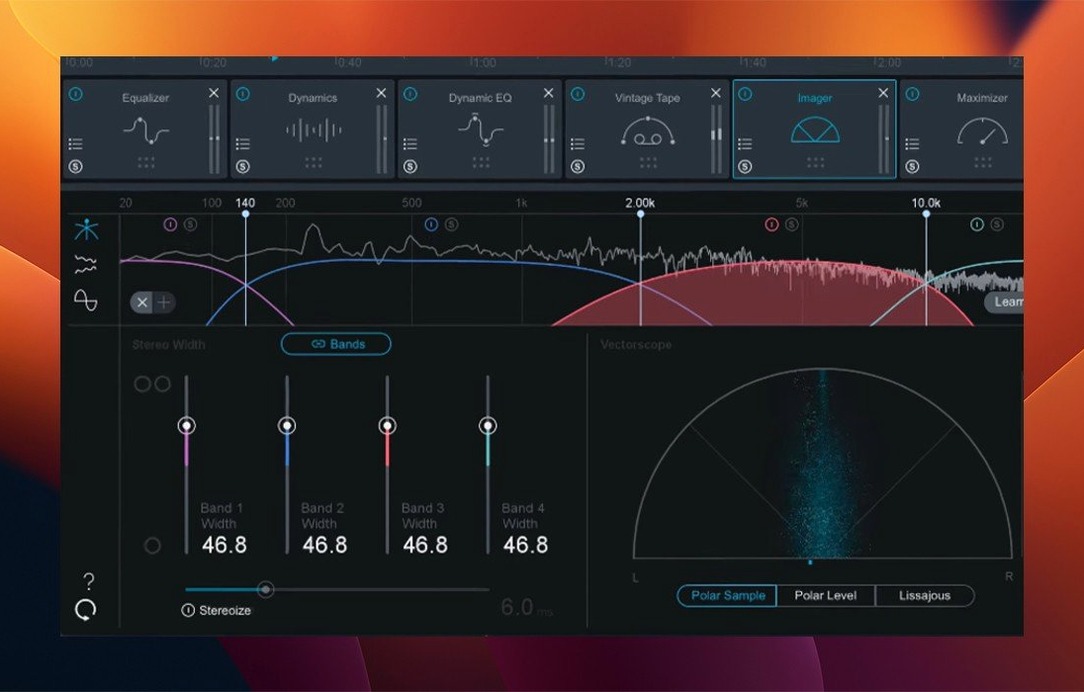
- Module chain — EQ, dynamics, exciter, imager, maximizer. Reorder them freely.
- Reference track support — loads a finished track and overlays tonal balance, letting you match the weight of a release you trust.
- Low-latency mode — useful when you move from mastering back to mixing and the session is still running.
what people ask
Does the assistant flatten my mix into something generic? No. It reads the material and builds a chain around what is already there. The targets are starting points, not final decisions. You can disable modules, reorder them, or change every parameter. The assistant simply removes the blank-page hesitation.
Can Ozone work alongside a DAW's stock plugins? Yes. Some engineers use it only for the limiter and the imager, leaning on their usual EQ from elsewhere. Insert it on the master bus and treat it as one piece of the puzzle, not the whole board.
Is it heavy on CPU? Several modules are. The Maximizer with IRC 5 and the Stabilizer both ask a lot from older machines. Low-latency mode helps during playback, and freezing other tracks frees up headroom. On an M-series Mac, a full chain rarely pushes the system meter past what is workable.
What about mono compatibility? The 12.1.0 update fixed a bug where mono-to-stereo instances did not process the stereo field correctly. If you work with stems that arrive in mono, that fix matters.
changes that shape the day
The slow UI loading in earlier versions made quick recalls feel sluggish. With 12.1.0, the window appears when you click it. Instantiation time dropped enough that inserting Ozone no longer interrupts the flow of a session.
Support for Cubase 15 arrived quietly but means something if you stay current with Steinberg's release cycle. The macOS version requirement shifted upward as well. Ventura 13.7 is now the baseline, with full compatibility through Sequoia 15.4 on both Intel and Apple silicon Macs.
Assistant surveys stereo
Ozone sits at the end of a chain, but it talks to what came before. After gain staging in a DAW, after clip gain and bus compression, you open Ozone and let the assistant survey the stereo mix. The tonal balance overlay from Reference mode connects your work to a commercial track you trust, showing exactly where the low end or presence region drifts.
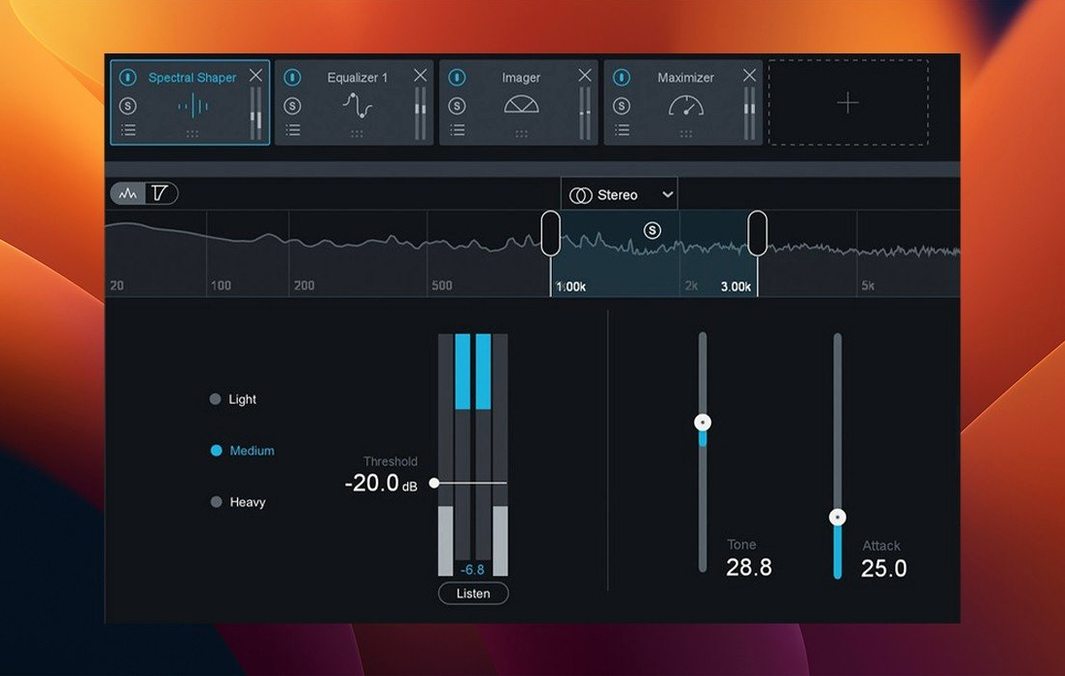
Stem EQ lets you shape the vocal, drums, and instrumental layers from inside the mastering window itself. That reduces trips back to the mix session. You pull midrange mud from the instrumental stem while leaving the vocal untouched, all without leaving Ozone.
Export a finished master through the Maximizer with IRC 5, then drop it into a playlist alongside references. A quick A/B confirms whether the low end translates across earbuds and full-range monitors alike. Ozone does not replace your monitoring environment; it gives you faster sightlines through it.
a mastering pass, start to finish
You have a stereo mix, bus compression applied, peaks around -6 dB. Open Ozone on the master bus.
Run the Mastering Assistant. It listens for 10–15 seconds and returns a chain: EQ, Dynamics, Imager, Maximizer. The EQ has a gentle high-shelf lift. Dynamics applies a soft knee. The Maximizer uses IRC 5 with a ceiling of -0.3 dB.
Load a reference track from a similar genre. Ozone overlays the tonal balance curve. Your mix lacks weight around 60 Hz. Open Bass Control, narrow the band, add 1.2 dB. The kick pushes forward without crowding the bass line.
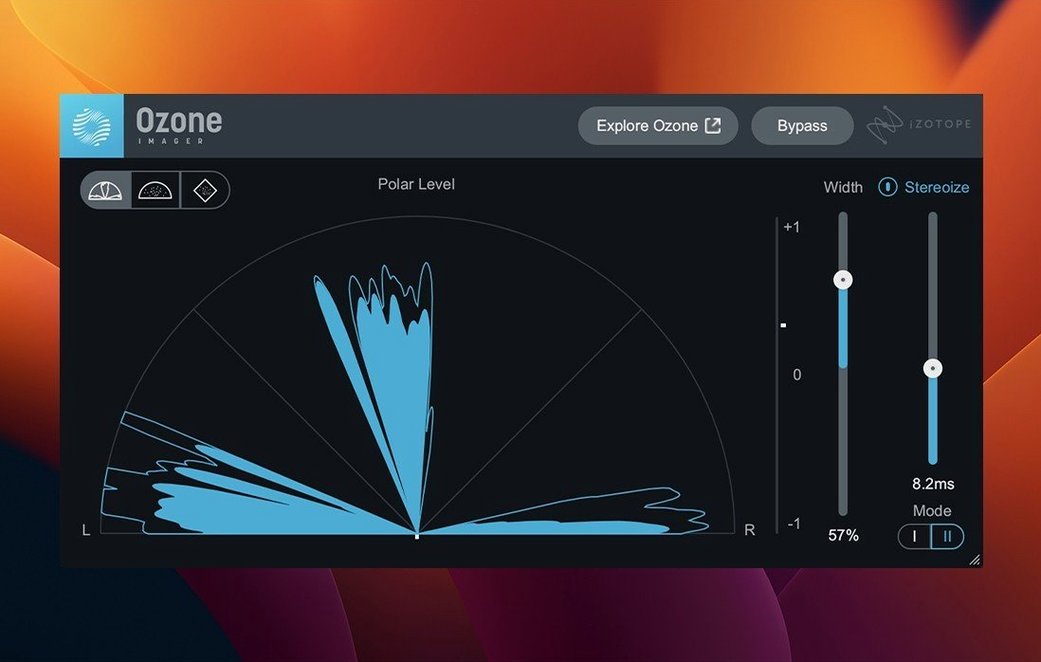
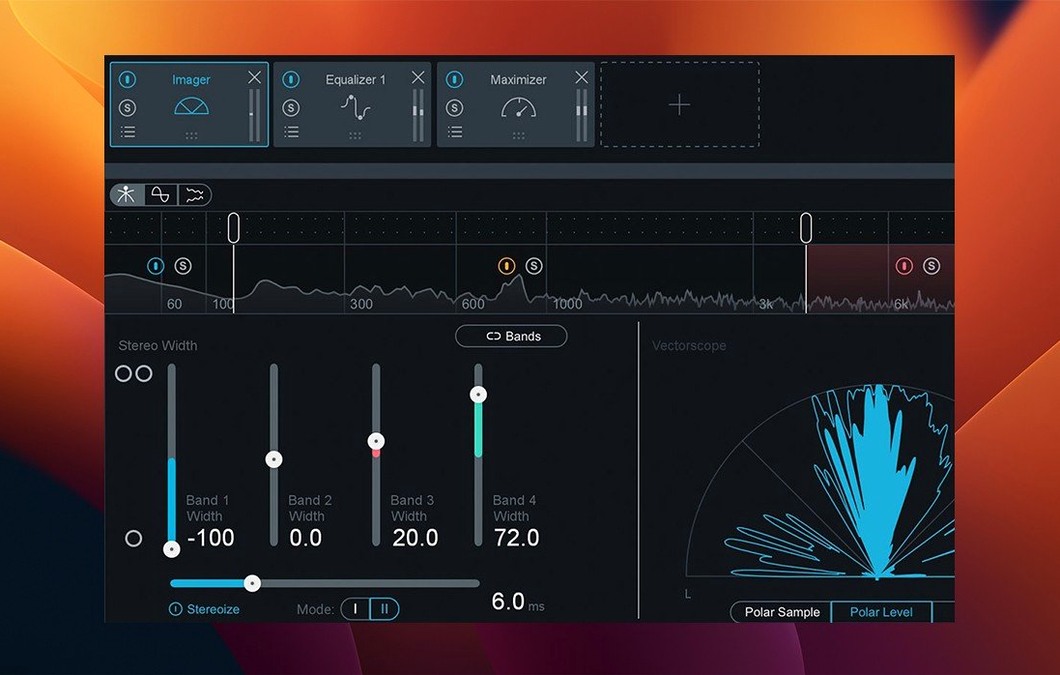
The stereo field feels narrow in the sides above 8 kHz. Open the Imager, widen band four slightly. Check mono with the built-in fold-down. The center holds.
Switch to low-latency mode and play the full track. No dropouts. Bypass the Maximizer briefly to hear what the limiter is doing. The gain reduction reads 2–3 dB on peaks. Transients stay sharp.
Export. Drag the file into a playlist with three reference tracks. Switch between them. The tonal weight sits in the same neighborhood. That is enough. Close the session.
Everything stays in one window. The assistant gives you a starting point you can adjust module by module. Less time second-guessing; more time finishing.