You open your main DAW, but instead of hunting for drum one-shots you launch Loop Mash Up Pro. A few clicks pick a style and a groove. A usable bed of samples lands on your timeline before you’ve touched a fader.
Drag-in blocks
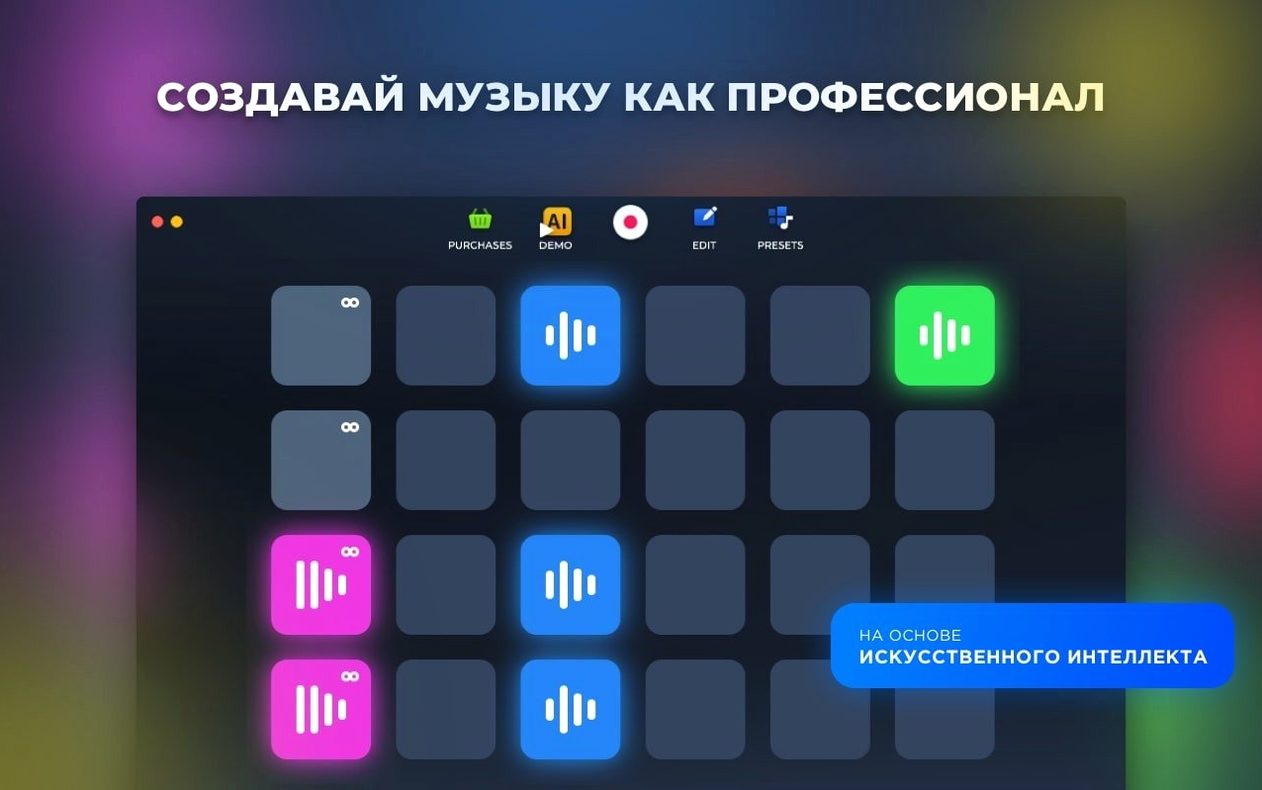
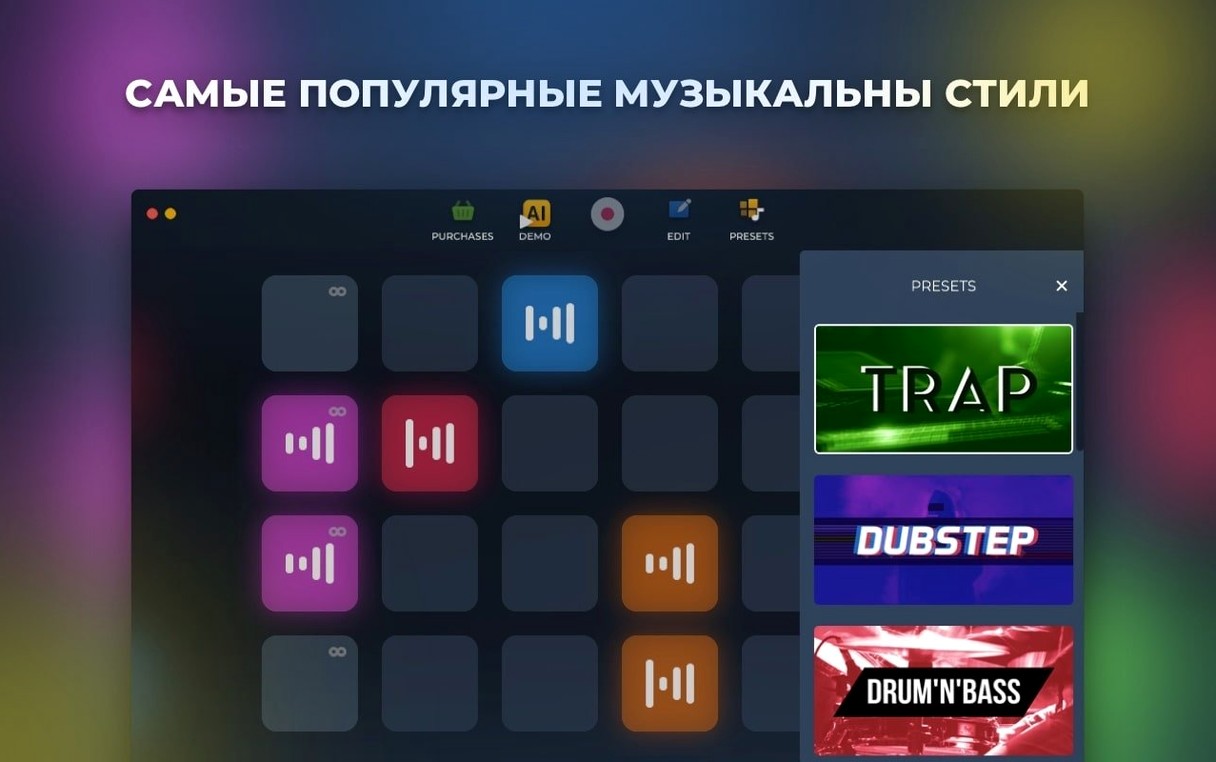
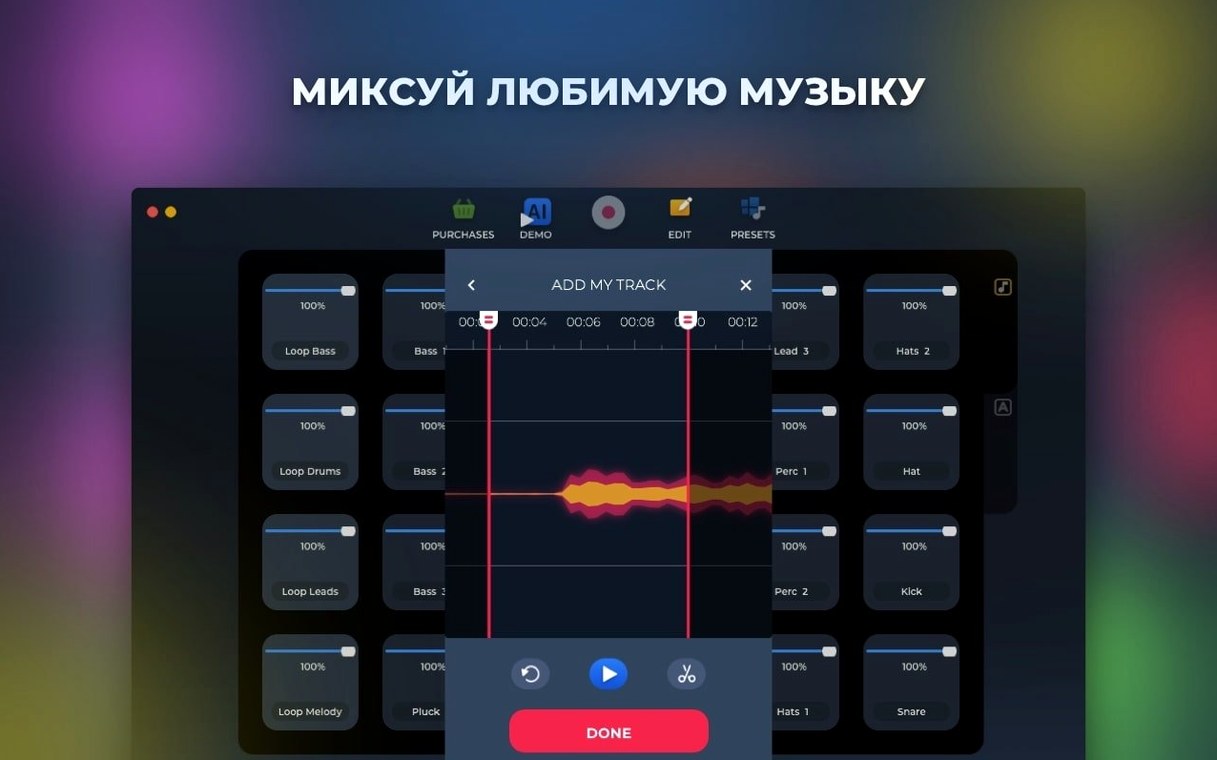
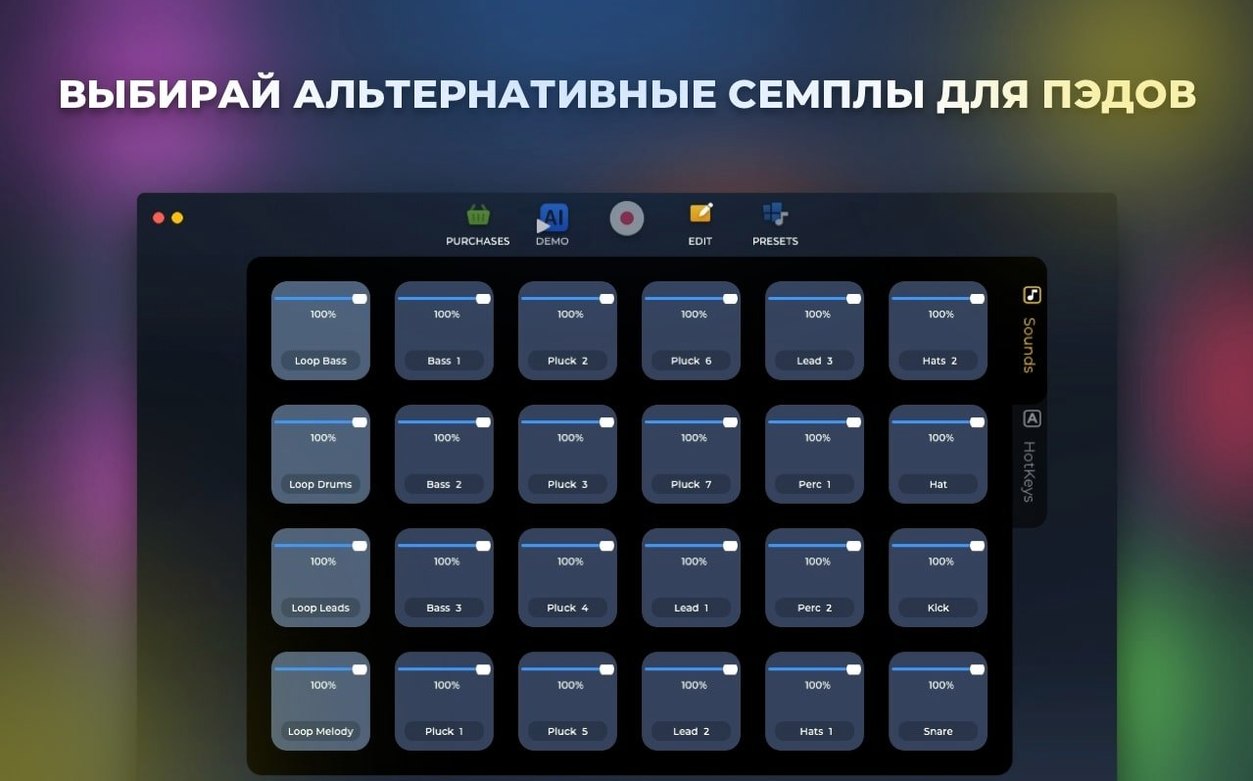
It sits next to your usual plug-ins without demanding a new workflow. Six electronic styles, each with dozens of sounds, give you ready-made blocks you can drag anywhere. The ab loop player keeps a section cycling while you tweak.
Generation
When a blank canvas feels too quiet, the AI-based track generation pushes out a full sketch. You treat it as raw material—something to chop, layer, or ignore. It’s a sampler that does the first pass so you can do the second.
Recent updates stayed close to the ground. Version 1.2.17 fixed several bugs and added under-the-hood improvements that, in practice, mean fewer dropped samples when you stack loops quickly. The ab loop player feels tighter—cycling a phrase no longer drifts out of sync after a dozen repeats.
Stability improved where it counts during live recording. Earlier builds could stutter if you reassigned pads while a track played. That friction is gone. The app stays responsive even when you re-map hotkeys mid-session.
Style-swap silence
On an Intel Mac running macOS 11, loading a style with its full sound set takes under two seconds. Switching between styles while a loop plays causes a brief pause—about a second—but no audio glitch. Memory use hovers around 400 MB with a six-track project open. That’s light enough to keep a DAW and a few browser tabs alongside it.
CPU spikes rarely appear. The app leans on pre-rendered samples rather than real-time synthesis, so even older Intel machines run it without fan noise. You notice the efficiency most when generating AI tracks: a full arrangement materializes in four or five seconds.
Setup
Three settings reward immediate attention.
- Switch the output buffer to 512 samples if you record live pads. The default 256 works for playback but can crackle under fast triggering.
- Turn off “Auto-quantize” in preferences. The grid correction is useful for drum patterns but stiffens melodic loops. You can always quantize after recording.
- Map the six style slots to your keyboard’s number row. The app defaults to on-screen buttons only, which interrupts flow when you want to jump from dubstep to downtempo mid-idea.
The built-in samples were made by professional musicians, and it shows. Kicks punch without clipping, hi-hats sit clean in the upper range. If you’ve grabbed a loop torrent before and regretted the muddy mixdown, this library avoids that clean-up chore. A loop mash up pro session starts with sounds that already fit a club or stream.
Exporting a live recording writes a single WAV to your chosen folder. No cloud step, no proprietary format. That plainness keeps the app from feeling like a walled garden. You pull the file into any editor and keep working.