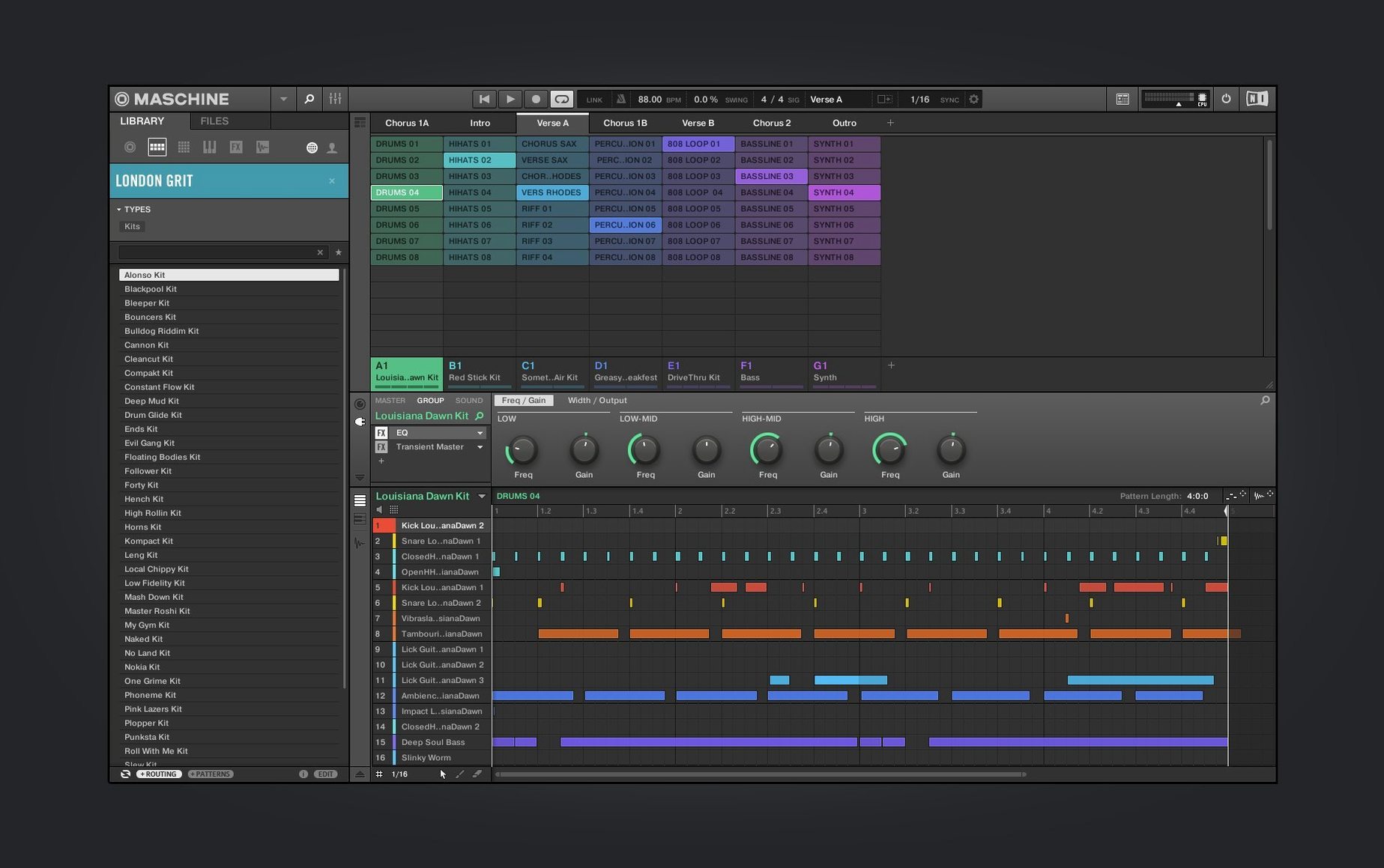
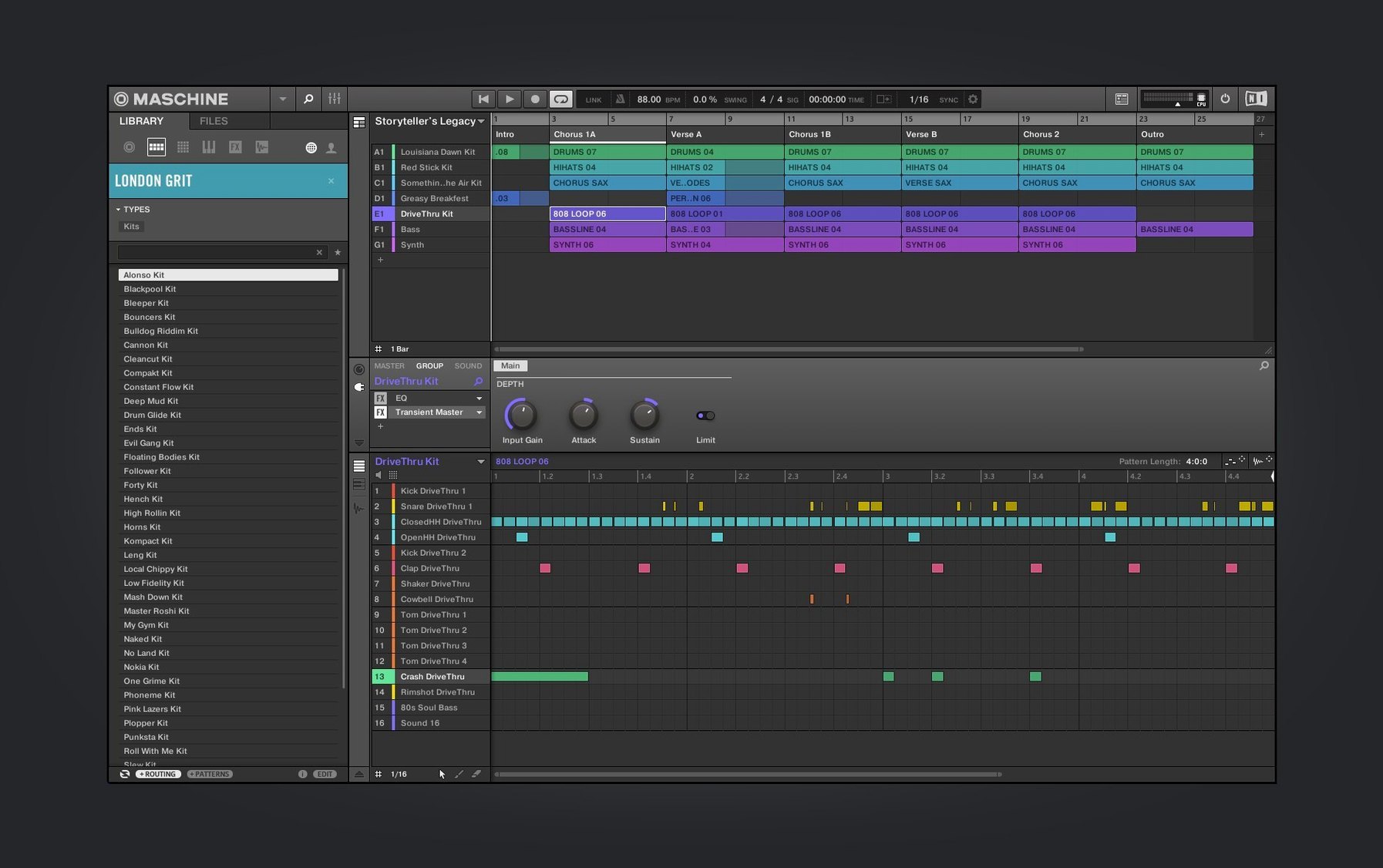
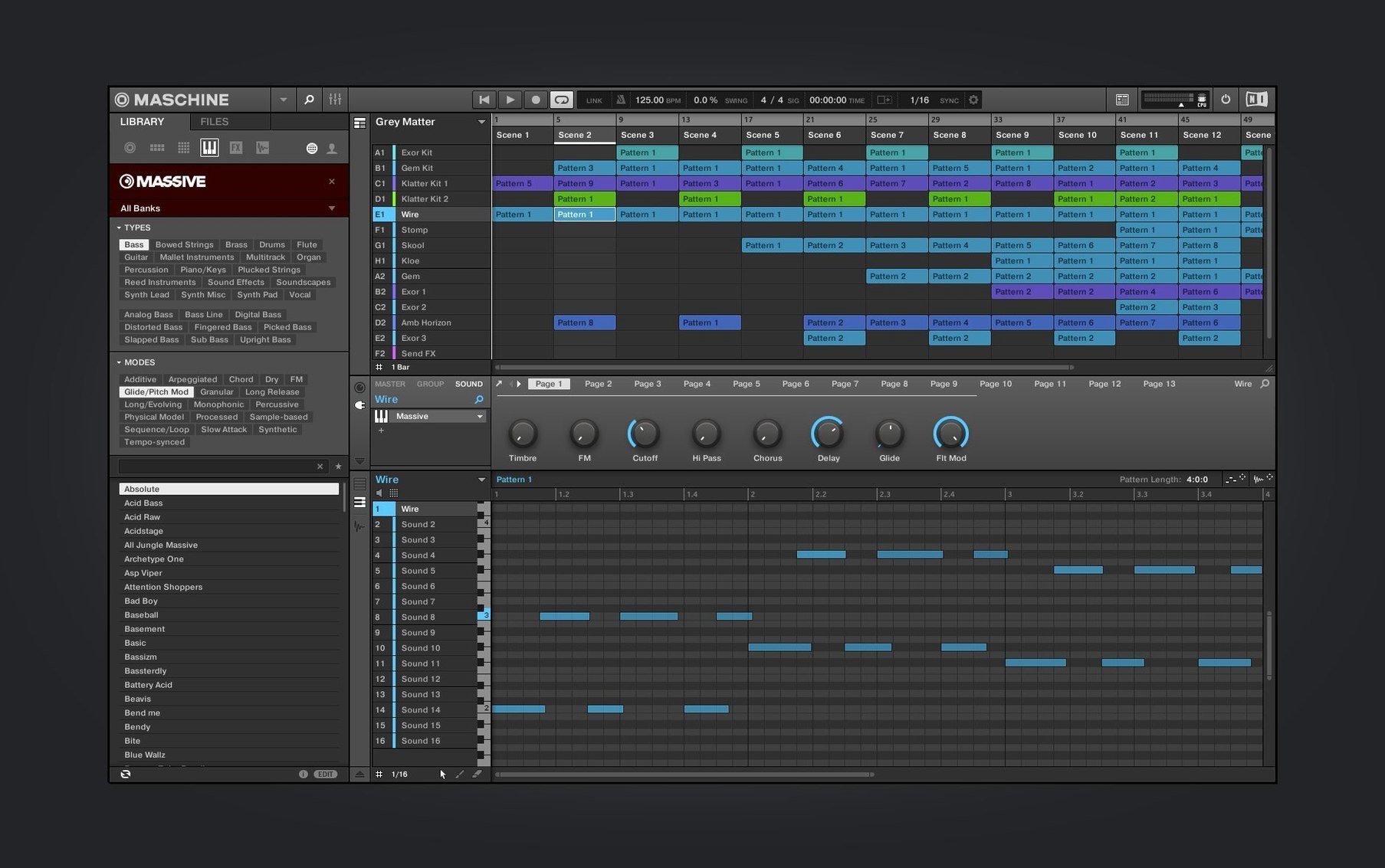
The new Audio module UI opens with clear, immediate controls. No hunting.
Modules rebuilt
- Audio, Poly Synth, Drum Synth. The interfaces are simpler. Every knob and slider now sits where your eye expects it. Less time staring at the screen.
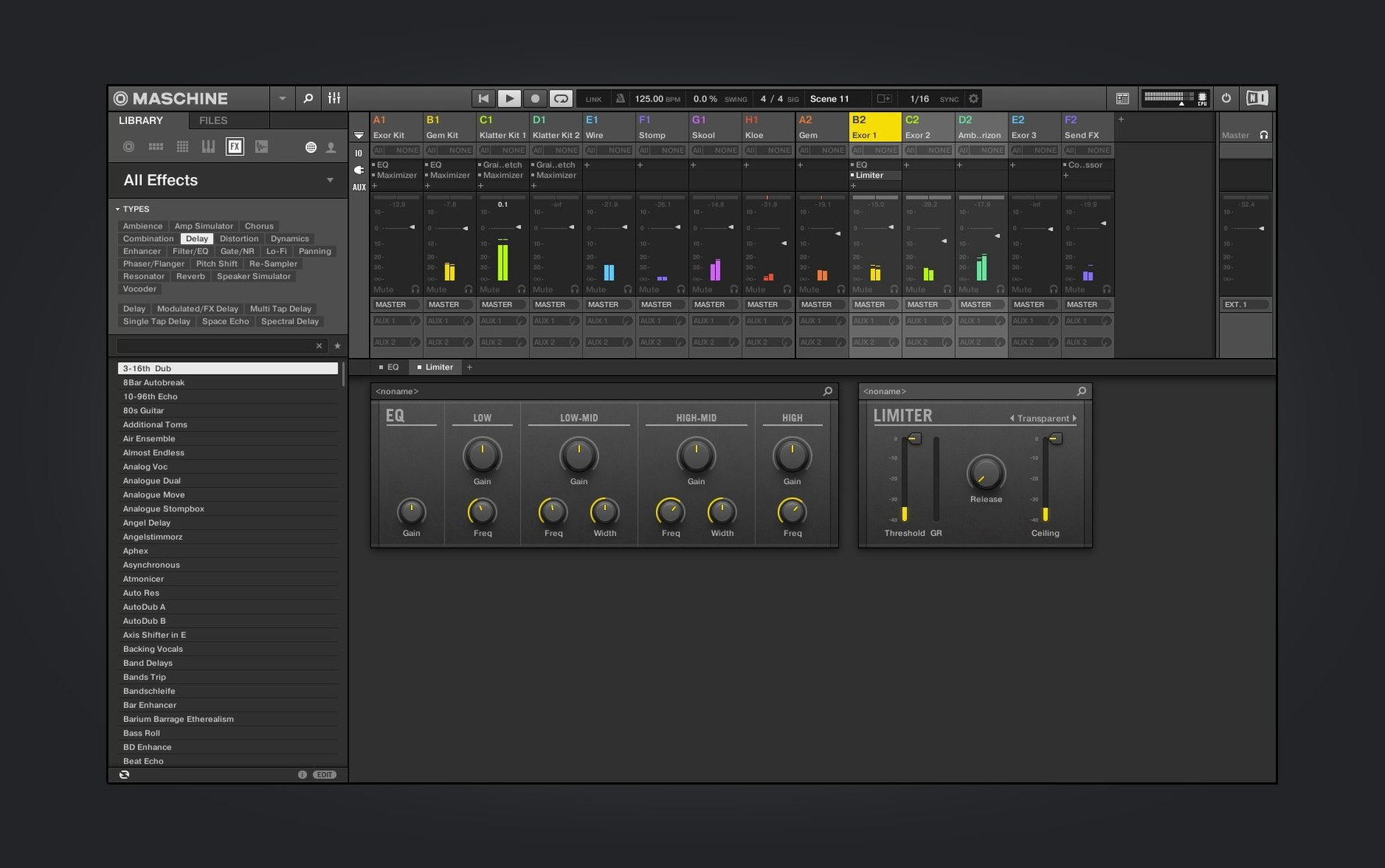
- Mixer view. The redesign continues here. Routing and level adjustments feel more direct.
- NKS Mode. Plug in a compatible controller — starting with the AKAI MPK mini IV — and parameters map themselves. You play; Maschine responds.
One system
It samples. It sequences. It runs alone or inside your DAW. The hardware and software share a single language, so you work without translation delays. Just an idea, a pad, and the sound.
Daily changes
3.6.0 doesn't ask you to relearn anything. The welcome screen now points to demo projects and tutorial videos, which helps on days when you want to see how someone else built a groove before starting your own.
The rebuilt Audio, Poly Synth, and Drum Synth modules matter most when you're shaping a sound quickly. Controls sit closer to their purpose. You reach for the filter, the envelope, the tuning — and your hand already knows where to go.
Mixer view keeps improving but stays quiet about it. Levels, panning, routing. Fewer clicks between the idea and the mix.
Demo dissection
Install, then open a demo project from the welcome screen. Watch how patterns, scenes, and groups connect. This teaches you the structure faster than reading any manual.
Next, load a kit and play it from your computer keys if no controller is connected. The layout mirrors what a Maschine hardware unit gives you, so the habit transfers later.
Set the project tempo to match your breathing before you add anything. Slow patterns hide timing problems; comfortable speeds reveal them.
Finally, sample something from your desktop — a voice note, a recording, anything. Slice it across the pads. Even a rough slice starts to sound like a song within minutes.
One afternoon
A sample-based composer opens Maschine 3.6.0 on a quiet Sunday. No controller yet, just the laptop. She loads a demo project from the welcome screen and replaces the kick and snare with her own recordings. The mixer view lets her lower the bass group without stopping playback.
She switches to the Poly Synth module and dials in a soft pad. The new interface keeps the important controls visible, so she tweaks the filter while the sequence runs. An hour passes. She saves three variations and exports two.
By evening, the track has a shape. Not finished, but present. That's what the software removes — the distance between a sample in your head and a pattern you can hear.