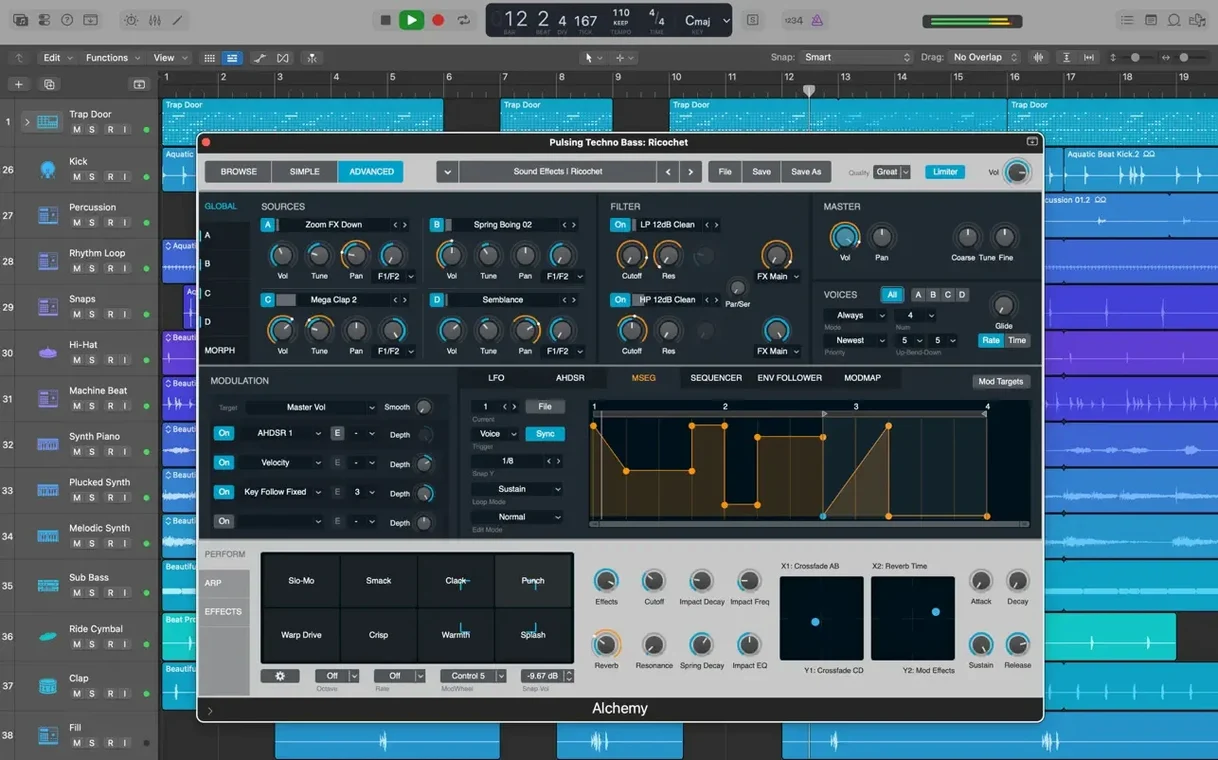
Coming from GarageBand, Logic Pro feels like opening the same notebook and finding a full orchestra on every page.
Track Stacks — related tracks under one fader
Flex Pitch — fix a vocal note inside the waveform
Selection-based Processing — print a chain of effects onto a clip in place
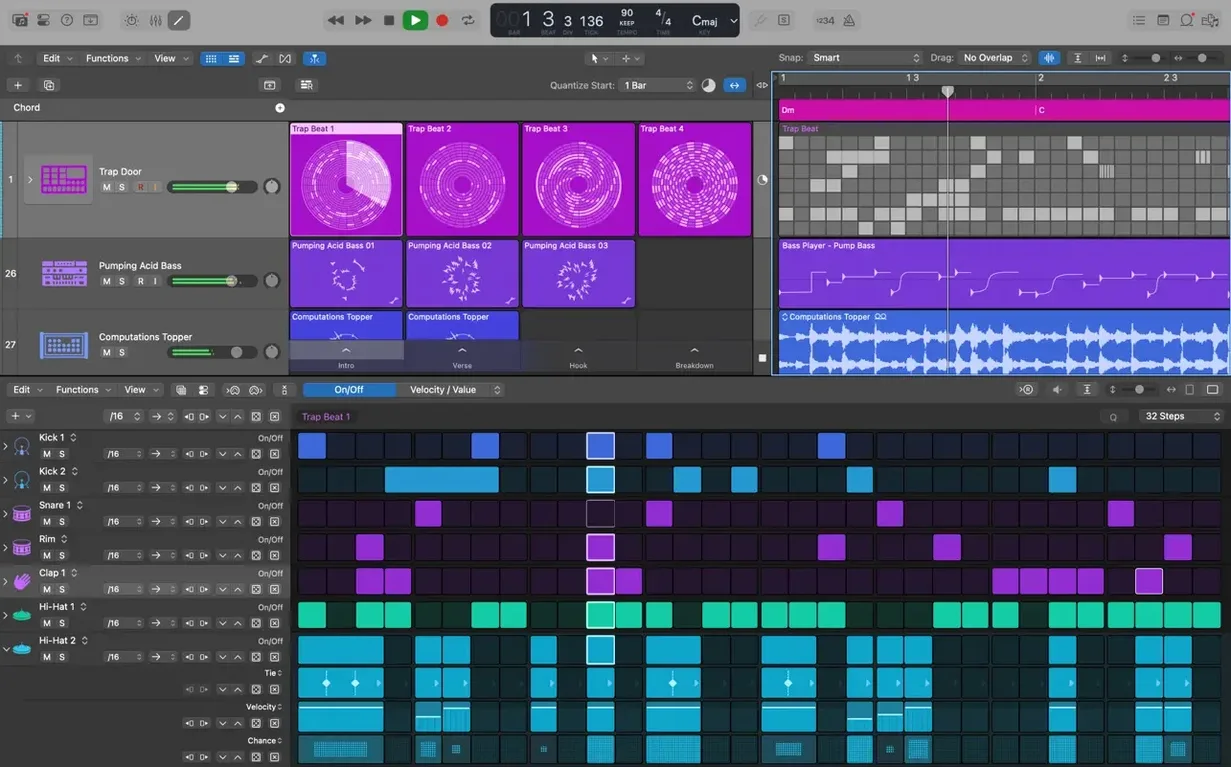
Drummer — a session player that follows your song, not a grid
Amp Designer — a guitar rig from vintage amps and cabinets
Space Designer — put a sound in a real room
Pedalboard — stompboxes in an order you choose by ear
GarageBand handoff
Does it open GarageBand projects? Yes. Every song you started there opens in Logic, with all tracks and settings intact.
Does it feel like a different app? Not at first. The transport controls are in the same place. The timeline works the same way. You start playing and recording within minutes. Then you notice the extra buttons, the deeper inspectors, the tools that were not there before. You grow into it.
What about plug-ins I already own? Any Audio Unit you use elsewhere will appear in Logic's mixer. No wrapper, no bridge. It sees them on launch and they work as they should.
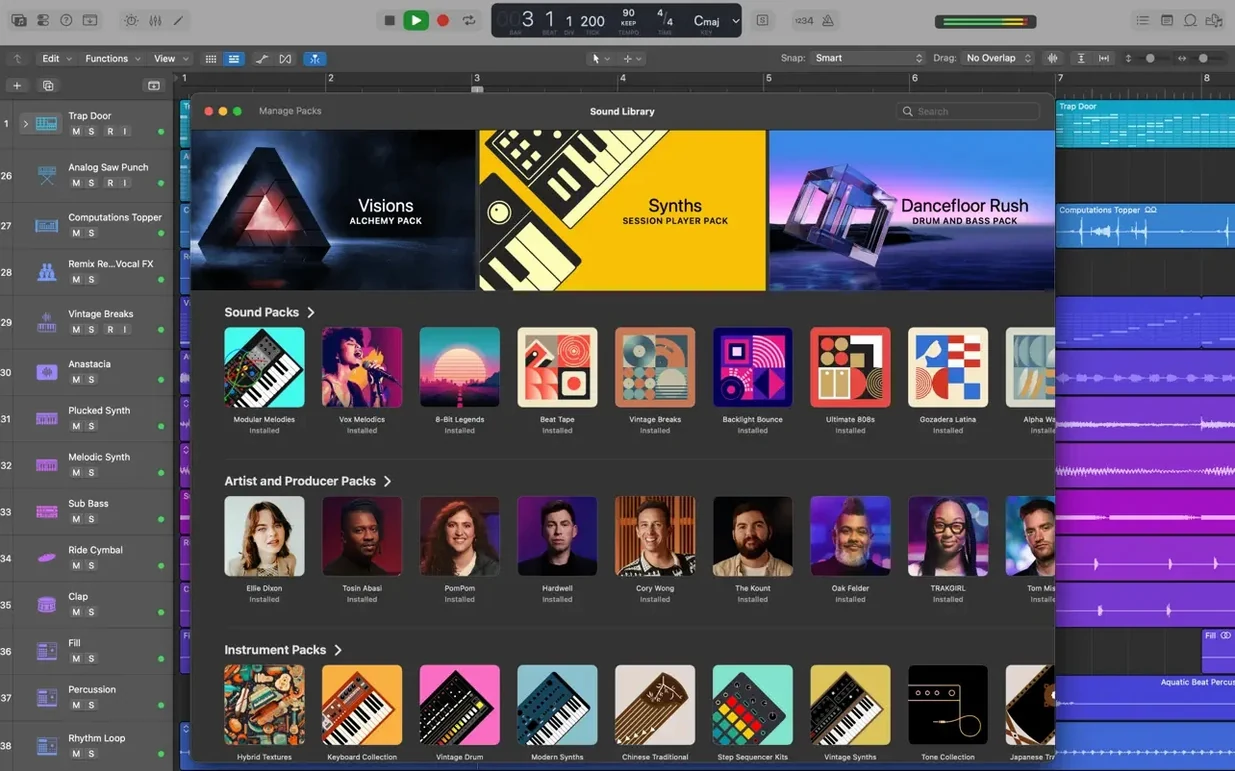
Is the Sound Library mandatory? No. The 6 GB base install gives you the app and a core set of sounds. You can download the full 63 GB library later, or pick only the instruments you need. The download manager sits in the background and does not interrupt work.
Does it require an internet connection? Only for the optional library download. The app itself runs offline. No sign-in, no activation check.
Apple Silicon fluency
On Apple Silicon, Logic loads large projects fast. A session with 80 tracks, dozens of plug-ins and a minute of video opens in a few seconds. Playback starts immediately. Scrolling and zooming feel fluid, even with Flex Pitch waveforms visible on every vocal track.
Memory use is moderate. A busy project with Alchemy, Space Designer and third-party instruments sits comfortably within 16 GB of RAM. The app does not page out to disk under normal workloads. On Intel machines it runs well, though track counts with heavy plug-ins will hit the ceiling sooner.
Stability is one of its quiet strengths. The latest update fixed a MIDI-related quit that some users hit with video projects. In daily use, crashes are rare. Auto-save keeps a backup of the last edit, so an unexpected quit rarely costs more than a minute of work.
CPU management is transparent. The performance meter in the LCD shows real-time load per core. You can freeze tracks with one click, bouncing them to audio temporarily to free up headroom. It never forces you to guess what is taxing the machine.
Voice memo to stem
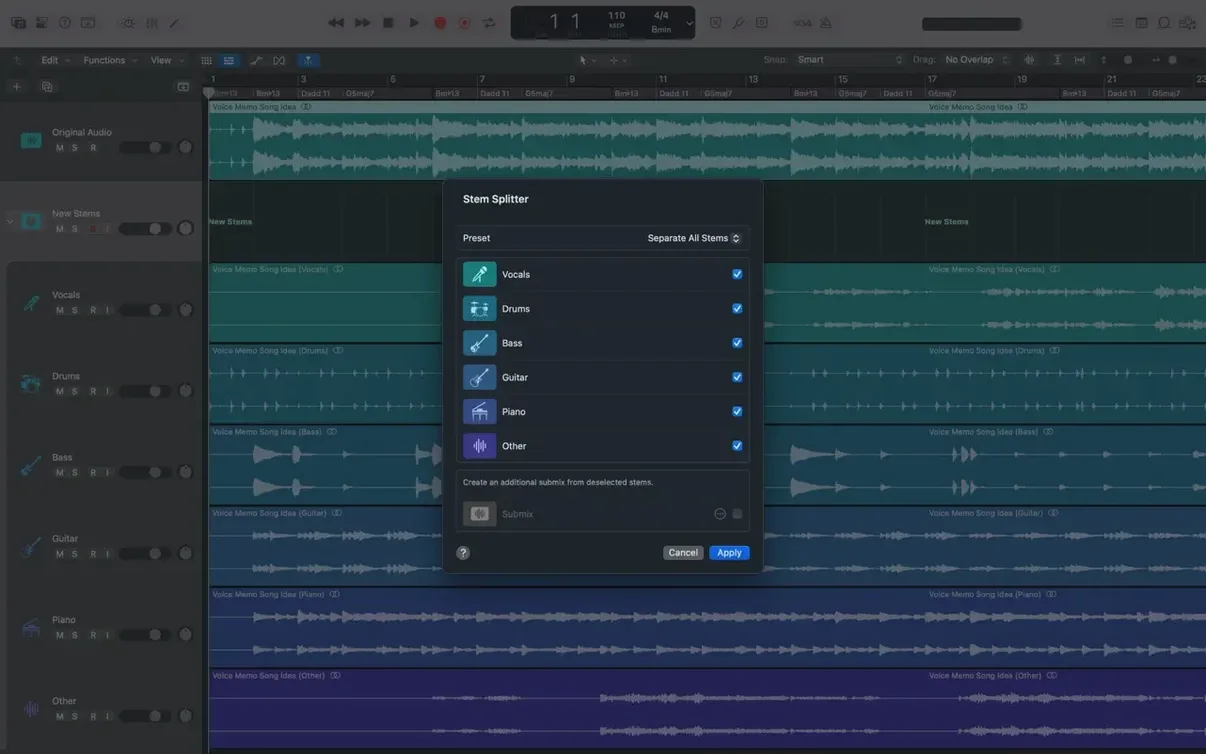
Logic sits in the middle of a quiet ecosystem. Record a voice memo on iPhone, drag it into the timeline. Export stems and open them in Final Cut Pro — the XML roundtrip keeps region names and positions. Open a project started in Logic for iPad on the Mac, or move it back through iCloud. No conversion step, no export dialog.
With MainStage, the same patches and channel strips travel from the studio to the stage. Build a keyboard rig with splits and layers, then play it live without opening the full DAW.
For those exploring other workflows, the app reads projects from Logic 5 onward. It does not lock you into a single version. And if you search for a logic torrent or a logic pro 12 free download, you will find many copies online — but they cannot offer the library download manager, the iCloud handoff or the quiet update cadence that keeps the app aligned with each macOS release.
Quick Help button
Start with a project you already know. Open a GarageBand song, or drag in a stereo mix you want to edit. Do not explore every menu. Do three things.
First, turn on the Quick Help button in the toolbar. Hover over anything — a knob, a button, a region — and a short description appears. It is the fastest way to learn what something does without leaving the workspace.
Second, open the Library and browse patches. Pick a track, press Y, and the Library shows sounds that fit that track type. Audition them with the spacebar while the project plays. It reshapes what a song can become in seconds.
Third, create a Drummer track. Choose a drummer, drag a few regions, and listen to how the performance follows the other tracks. Change the kick and snare pattern with the XY pad. It teaches you that Logic listens — it is not just a recorder.
After a few days, try Selection-based Processing on a vocal phrase. Select a region, press Shift-Option-P, and stack a compressor, an EQ and a de-esser. The effect prints directly onto the clip. No busses, no aux tracks. It becomes a habit.
Do not organize everything at once. Let Track Stacks and Track Alternatives emerge when you need them. The app rewards gradual discovery more than reading manuals. By the end of the first week, you will have a handful of moves that feel like second nature.
Each piece does one job. None of it asks for attention until you need it.