Version 7.0.2 tidies up the edges. The tag-based preset browser loads faster. The metronome sync options feel less like an afterthought. Small moves, but they keep the rack out of your way.
The chain
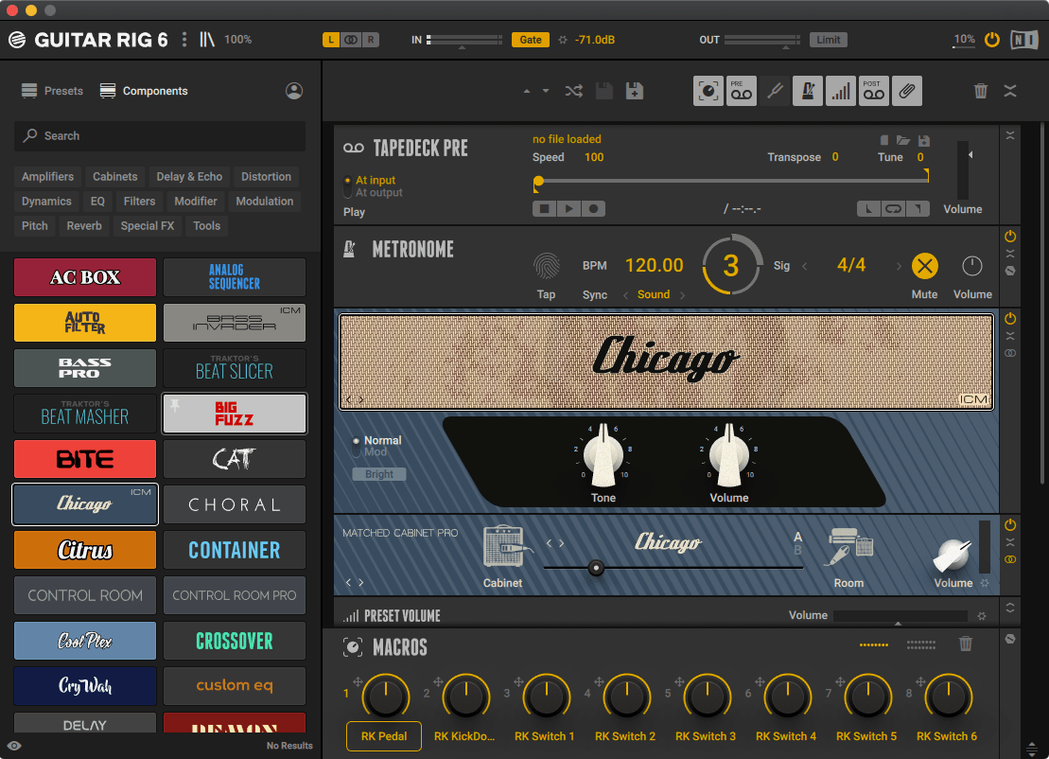
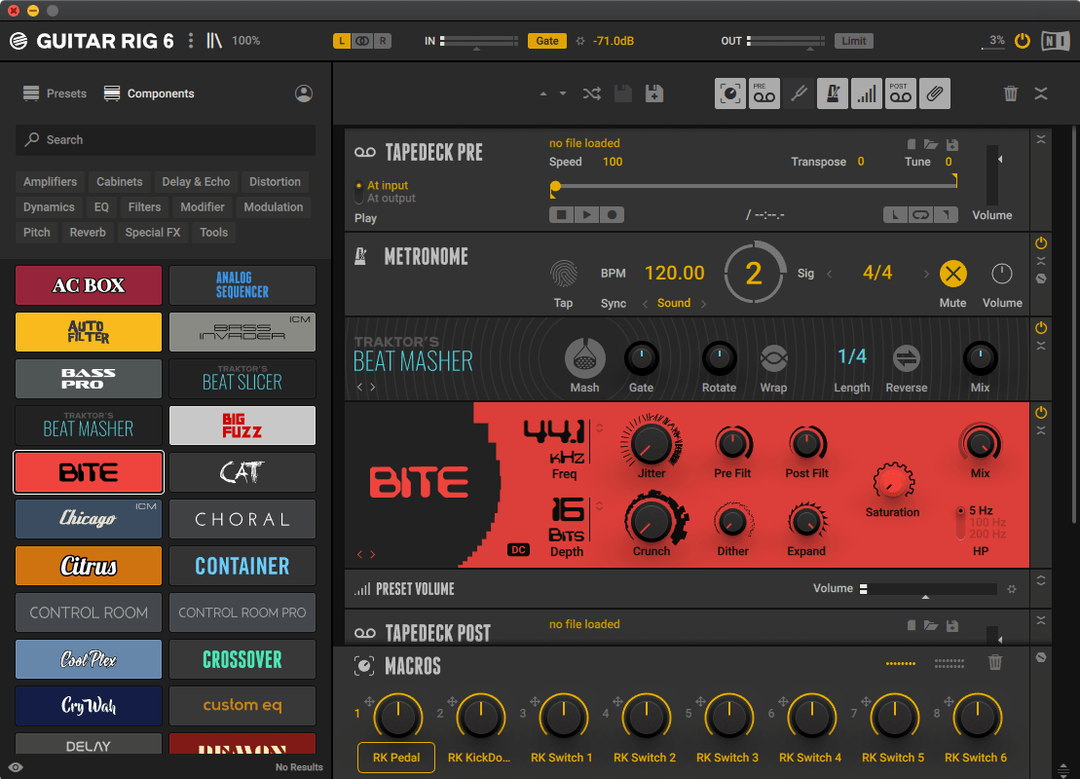
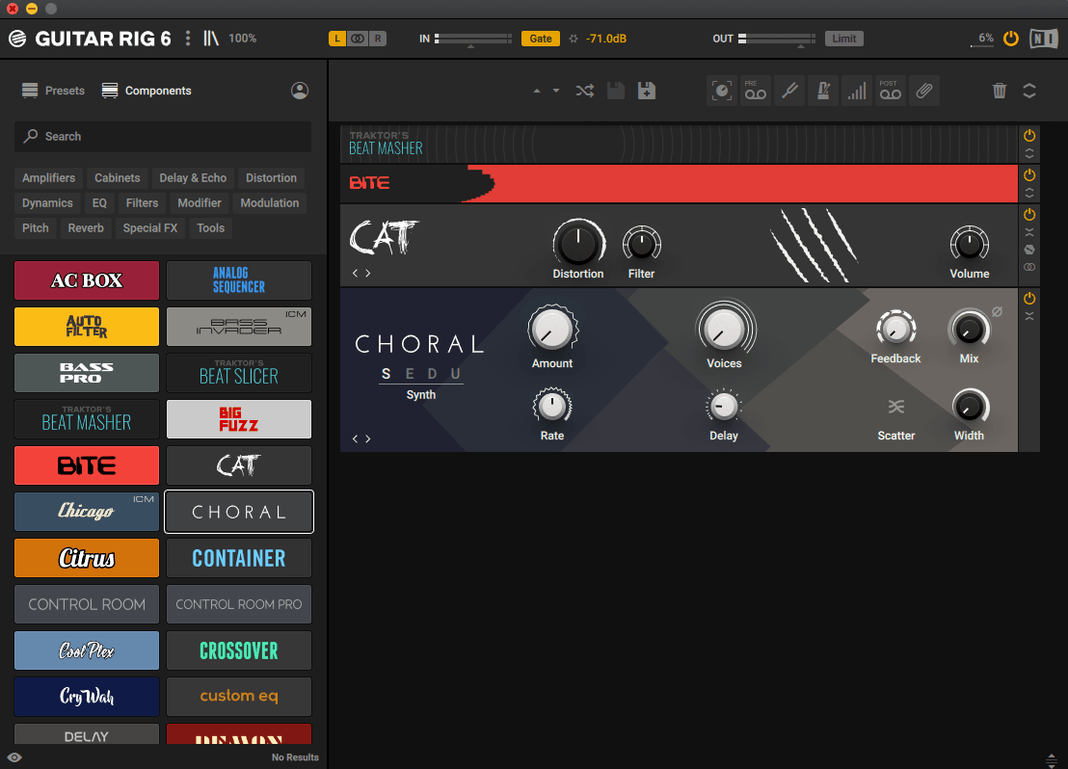
- drag amps, cabs, and pedals into a signal path
- a volume preset with several curves for quick leveling
- metronome with sync settings for practice or recording
Inside your setup
It sits where you need it. Open it standalone to sketch ideas without launching a DAW. Load it as AU, VST3, or AAX inside Logic, Live, or Pro Tools. The preset browser uses tags, so finding a bass fuzz or a clean twin reverb patch takes a few keystrokes. No scrolling through folders.
First-run missteps
People open the rack and immediately stack four amps. The gain staging falls apart before the second bar. Start with one amp and one cab. Get the level right. Then add.
The tag browser rewards discipline. Tag your own presets from day one. Scrolling past sixty factory patches for the one you need wastes more time than tagging ever will.
Beginners often ignore the volume preset module. A good curve at the end of the chain saves your ears and your monitors when switching between a clean jazz patch and a high-gain metal preset. Place it last.
Alongside the others
Amplitube 5 offers a more photo-realistic interface. The amp models feel familiar if you grew up with the hardware. Guitar Rig leans into signal flow instead of cosmetically accurate front panels. Neither is wrong. One feels like a studio rack; the other feels like a guitar shop.
Helix Native comes from Line 6 hardware. The models share DNA with the floor units, which matters if you move patches between stage and session. Guitar Rig is not tied to any physical device. That frees the interface from mimicking knob layouts and lets it behave more like a modular effects system.
Bias FX 2 emphasizes component-level amp tweaking. You can swap tubes and transformers. Guitar Rig stays at a higher level: pick an amp, dial in the sound, move on. If you want to design a preamp circuit, Bias FX is the sandbox. If you want a signal chain that works in three minutes, Guitar Rig fits faster.
Where Guitar Rig stands apart is the modulation and routing depth. Splitting a signal, applying different effects to each path, and merging them feels native to this rack. The others can do it, but the interface here makes it the default way to think.
Standalone practice
Does it work without a DAW? Yes. The standalone app runs independently. It is useful for practice, tuning, or trying out patch ideas before recording. The metronome and tuner both live inside the standalone window.
Will it run on an older Mac? It requires macOS 11 or later and supports both Intel and Apple Silicon. If your machine meets that line, the installer handles the rest. There is no separate version for Intel versus ARM.
What formats does it support? AU, VST3, and AAX. You can use it inside Logic, Ableton Live, Cubase, Pro Tools, and most other hosts. The installer places all format options by default.
Does it include bass amps? Yes. The preset library covers bass alongside guitar. The tag browser makes it easy to filter bass-specific chains.
One more thing if you are searching for guitar rig macos or tracking down a guitar rig 6 macos release: version 7.0.2 is a leaner install than its predecessor. The preset loading lag that plagued early 7 builds is gone. If an older version disappointed you, this one is worth a fresh look.