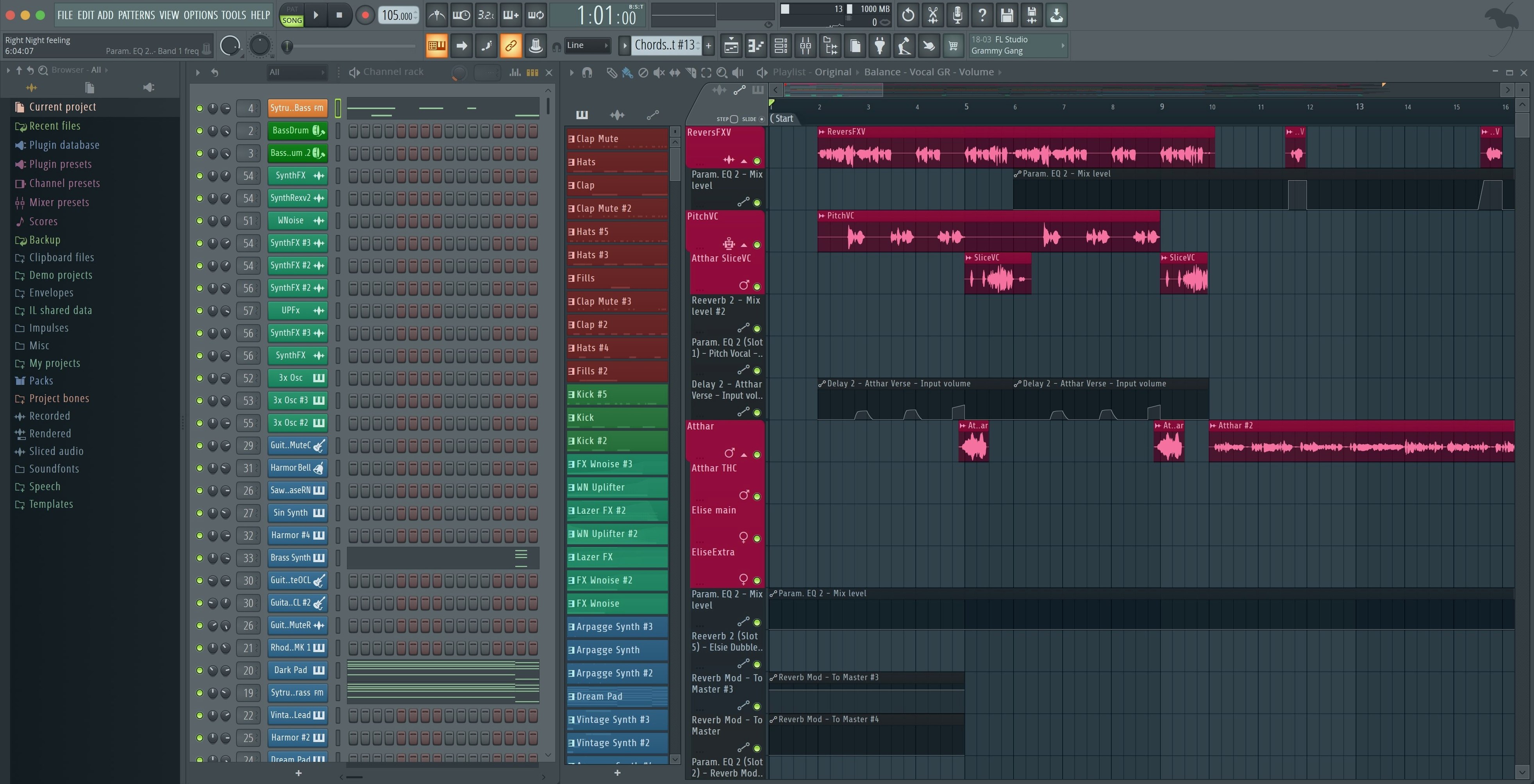
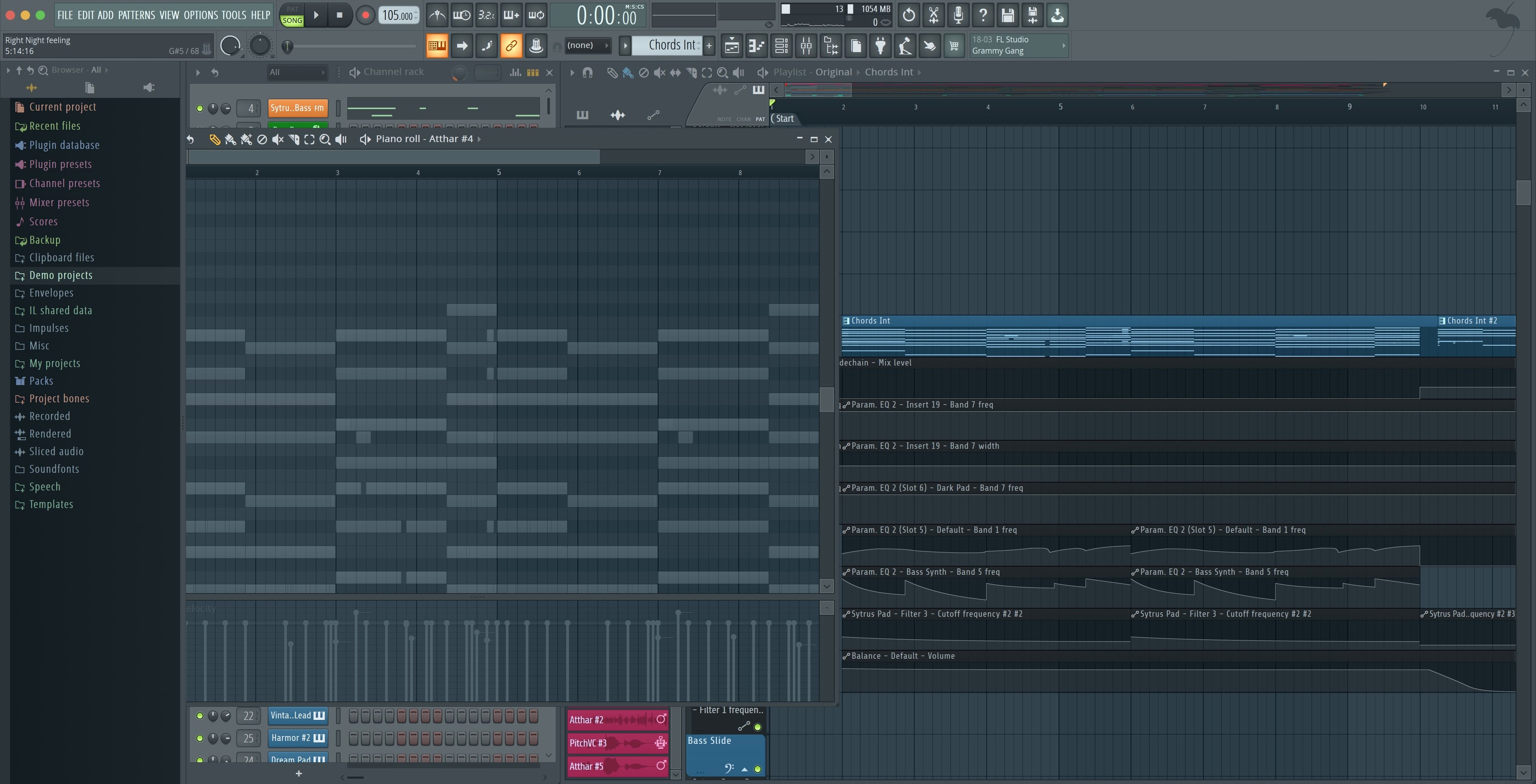
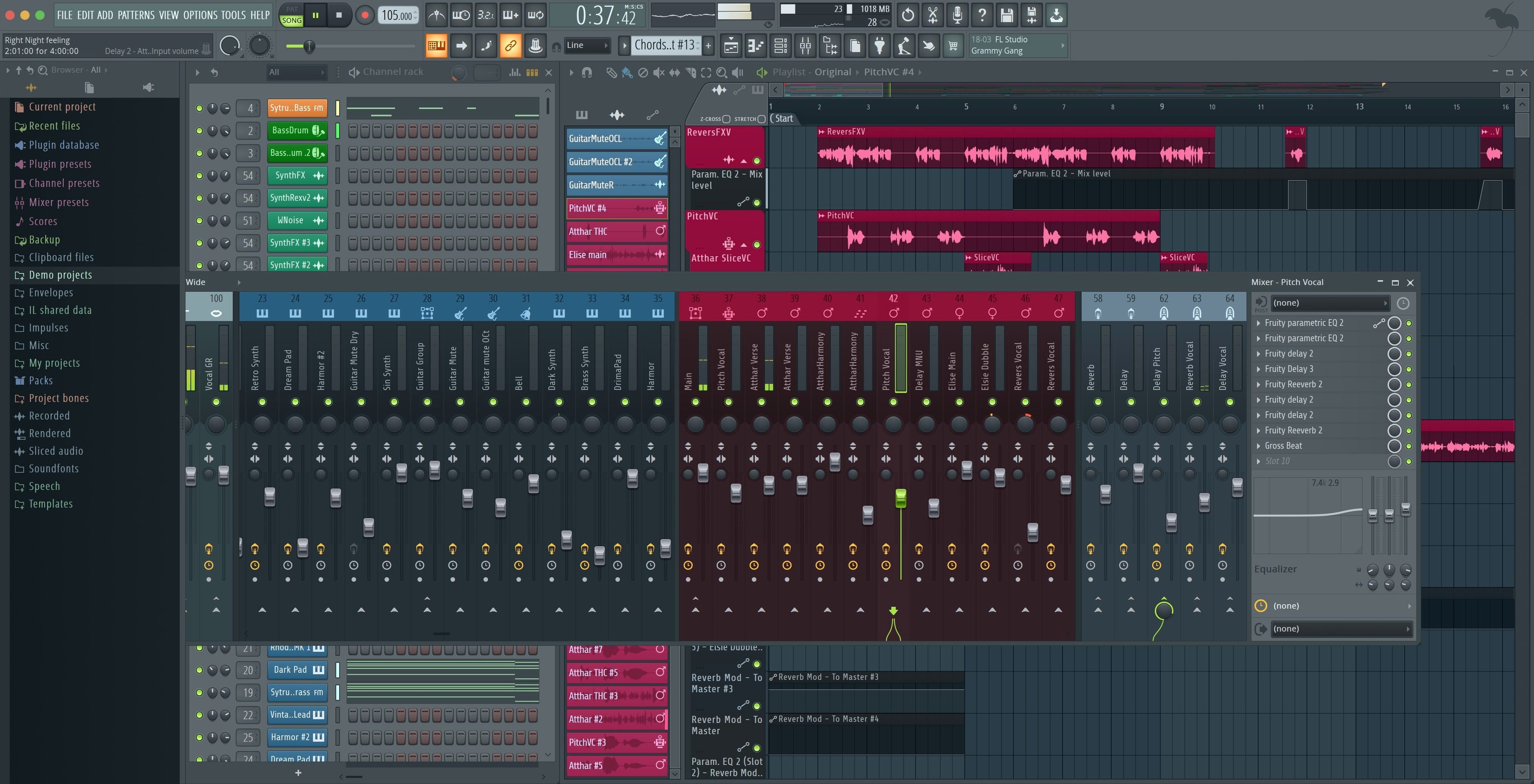
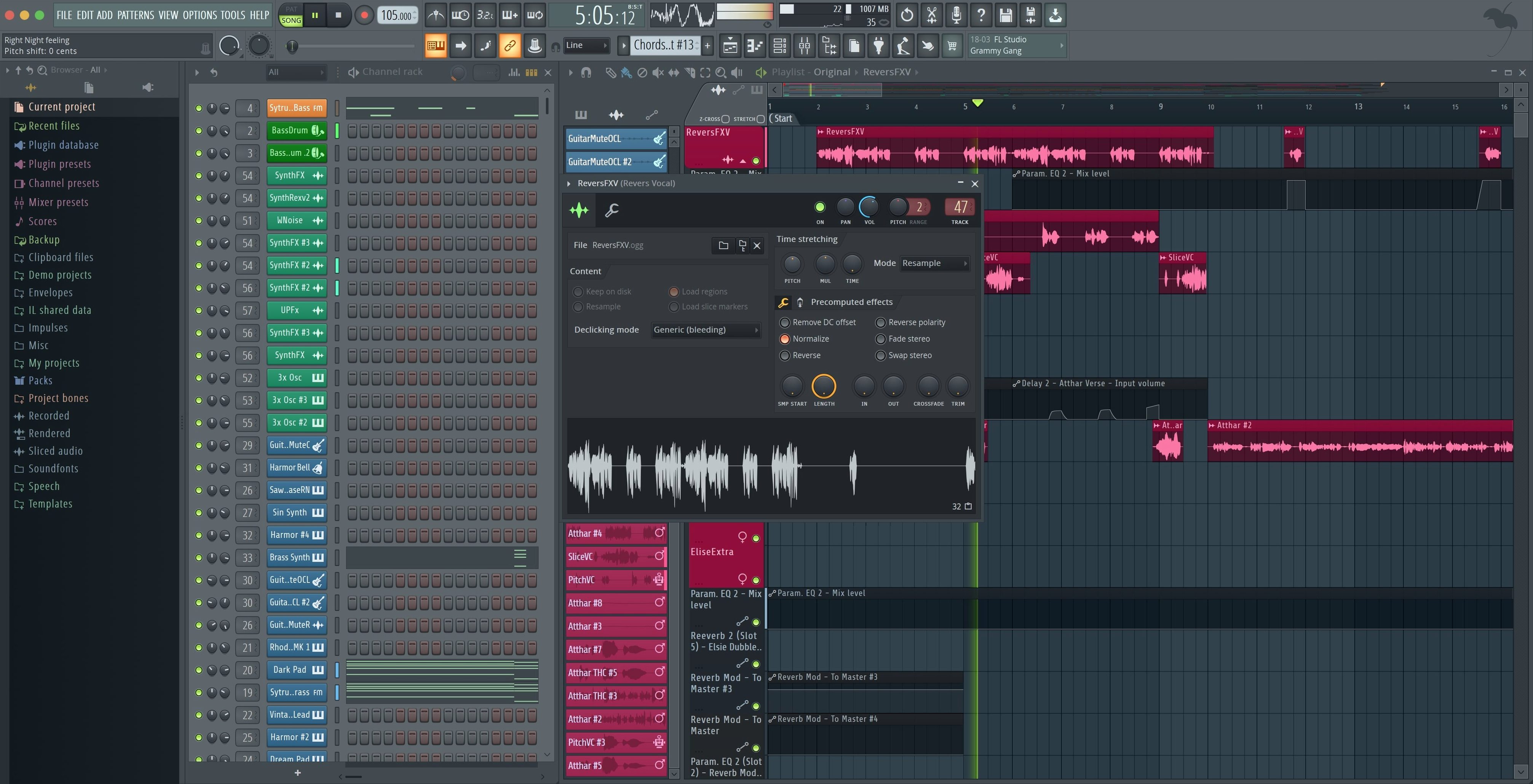
The Step Sequencer sits center-screen, ready for a pattern.
Before you install, a few things are worth walking through.
1. Check your macOS version. It needs 10.15 or later. Apple Silicon Macs run it natively — no Rosetta required.
2. Open the mixer. Go ahead. It is already there, full-featured, with effects slots waiting. Plug in a VST. Load a built-in synthesizer. Record a few bars of MIDI.
3. Lay down an audio track. Multitrack recording works from the start. Arrange, slice, nudge.
4. Hit export. The latest version lets you split mixer tracks and render the master and current selection in one pass.
You open a blank project on a Tuesday evening. The Step Sequencer loads a kick on channel one. Click in a pattern — four on the floor. Channel two gets a clap. Channel three, a hi-hat. In under a minute, a skeleton moves.
You open the mixer. The kick gets a soft compressor. The hi-hat gets a touch of reverb from a built-in effect. You add a VST synth on channel four, play a four-bar bassline with your MIDI keyboard. FL Studio catches the controller instantly — a small notification confirms it is enabled.
You switch to the Playlist. Paint the pattern across eight bars. The bassline follows. You slice a one-bar break, nudge a snare early, listen again. The Plugin Performance Monitor shows a stable load, fractional percentage flickering low.
By ten o'clock you have a rough arrangement. Drums, bass, a pad, a vocal sample stretched to fit. You open the export dialog, check Split mixer tracks, check Master and Current, and render. Stems land in a folder, dry and clean, ready for someone else's session.
One afternoon
A beatmaker working on a lo-fi EP sits with a stack of dusty samples and a MIDI keyboard. They drag a Rhodes sample onto a channel, open FLEX, and type "tape" into the sound search. A warble preset loads. They play two chords. The Tuner sits visible across the room — readable at a distance — confirming the pitch while they adjust a detune knob.
They need a melody that sounds like a broken music box. They open a built-in sampler, drop in a bell one-shot, shorten the decay, and automate a pitch wobble. All inside the same window. No external editor. No plugin hunt.
By late afternoon, the beat is done. The producer uploads a backup to the cloud directly from the project menu. Tomorrow they will open it on a different machine and pick up where they left off.
Who fits here
Beatmakers who build from patterns, not from a timeline, take to FL Studio quickly. The step sequencer is their native language. They think in sixteen-step blocks, and the software does not fight that.
Sound designers who layer samplers, synths, and effects in a single channel rack also settle in fast. They can stack, route, and modulate without opening a second application.
Producers who move between a laptop and a desktop get value from the cloud backup. A session started on an Intel Mac in the studio opens on an Apple Silicon machine at home, with no conversion step. The same project file, the same latency.
Engineers who mix for others appreciate the export flexibility. Splitting mixer tracks while rendering the master and a current selection in one pass saves a tedious second render. Fewer steps, fewer mistakes.
If you search for a fl studio torrent download or a fl studio crack mac download, you already know the shape of the tool. What you may not expect is how complete it feels the moment you hit play on an empty pattern and hear something that moves.
It is a single environment. Recording, arranging, editing, mixing. No adding modules. No chasing features.