Most DAWs give you a fixed set of instruments and effects. Max is the blank patch cable and soldering iron behind them.
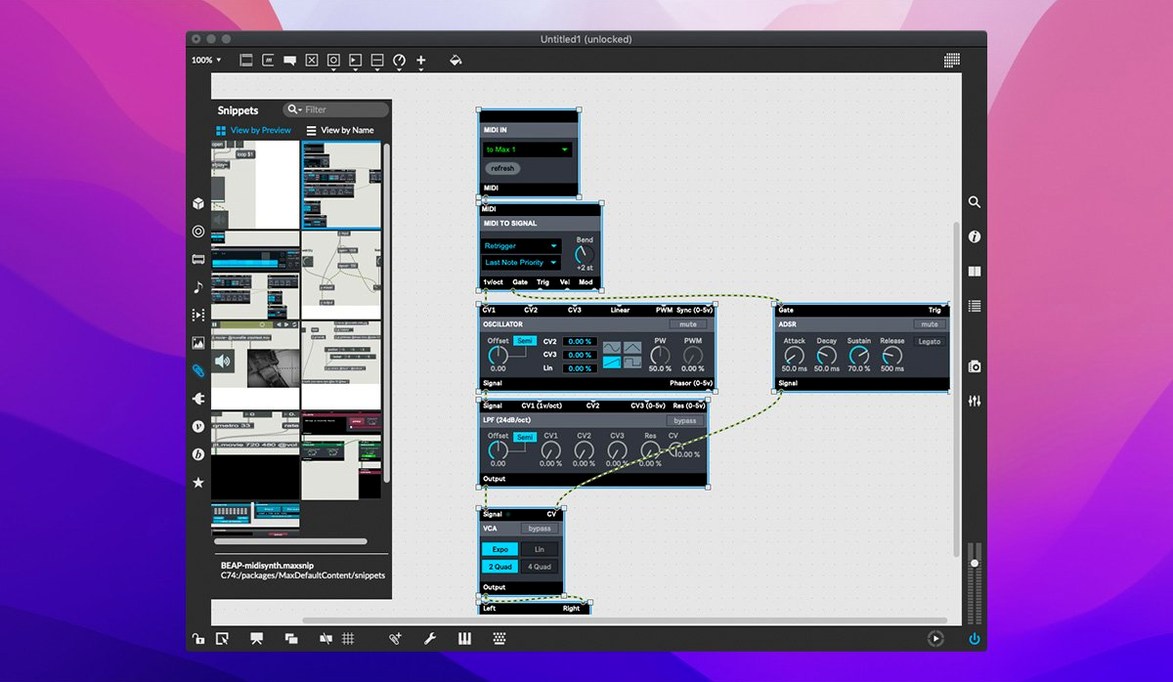
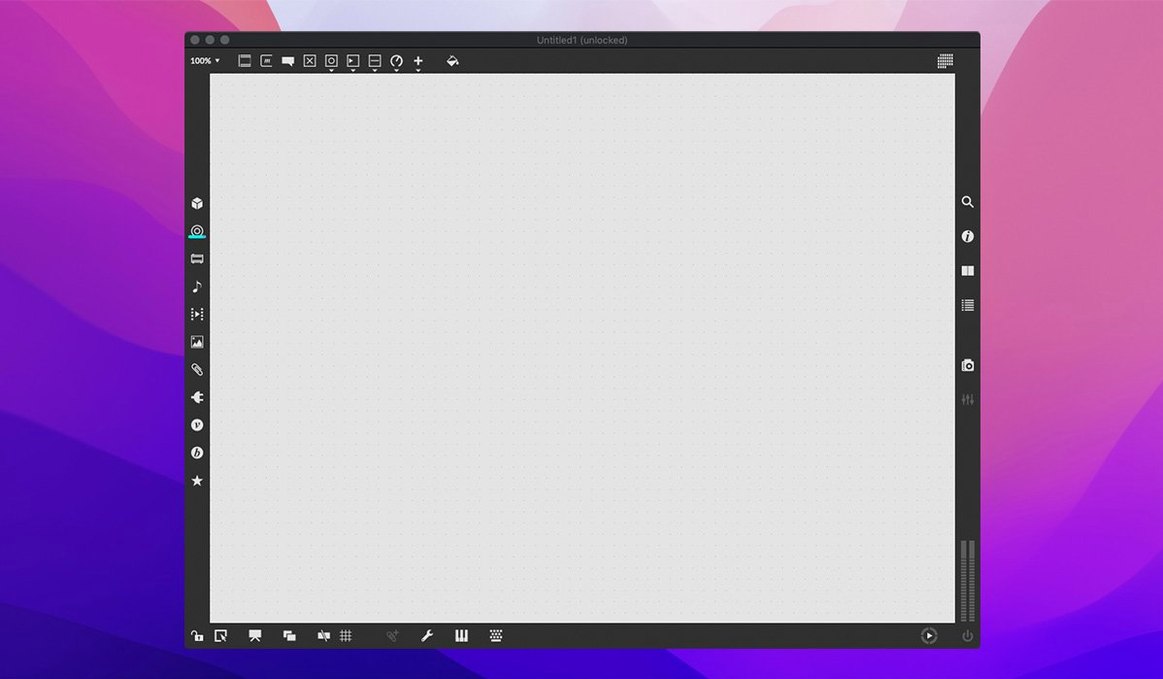
- Place objects — oscillators, filters, math operations — onto a canvas.
- Connect them with virtual patch cords.
- Adjust in real time as sound flows through the chain.
- Map physical controls or build a custom interface.
The bundled RNBO lets you export that same patch to hardware or a plugin. Over 40 interactive tutorials are included, so you start by doing rather than reading. An integrated function editor and inspector keep the debugging side quiet. It runs natively on Apple Silicon and Intel Macs.
Audio Status
Open Audio Status from the Options menu before anything else. Set your sample rate, I/O vector size, and signal vector size to match your interface. A 256-sample vector is safe for most setups; go lower only if you hear clicks.
Turn on Overdrive and Audio Interrupt in the same panel. Both reduce the chance of dropouts when you switch focus between Max and other apps.
In Preferences, set the patcher font to something you can read at a glance. The default is fine, but SF Mono at 12 pt makes object names line up cleaner. Enable Show Grid at 10 px and snap to it. Your patches will look less like wiring spilling out of a wall.
Help files
Don't open a blank patcher and stare at it. Right-click any object in a tutorial patch and choose Open Help. The help file is a working example you can copy-paste from. It is the fastest way to learn a new object.
Use [print] constantly. Drop it after any output you are unsure about. The Max console tells you exactly what data is moving where, and guessing stops being part of your debugging.
If you come from a DAW background, build a small synth with [cycle~], [gain~], and a MIDI keyboard first. Keep it to six objects. Plugging a physical controller into a patch early makes the whole environment feel less abstract.
Cable trim
Command-T while a cable is selected trims the cord to a straight line with clean corners. Dragging cables by hand makes a mess; this shortcut makes patches readable after an hour of work.
Option-drag an object to duplicate it with all its inspector settings intact. For objects like [live.banks], where button assignments matter, this saves reconfiguring every copy.
Hold down N while clicking an outlet to create a new object wired from that point. Name it immediately and keep moving. This one shortcut, once it becomes muscle memory, changes the speed of building.
The bundled RNBO patcher exports to C++ code, not just the plugin target. If you need a lightweight version of a patch running outside Max, that export option is a quiet door to standalone hardware or embedded projects. Many users looking for a max 9 download never notice it until months in.