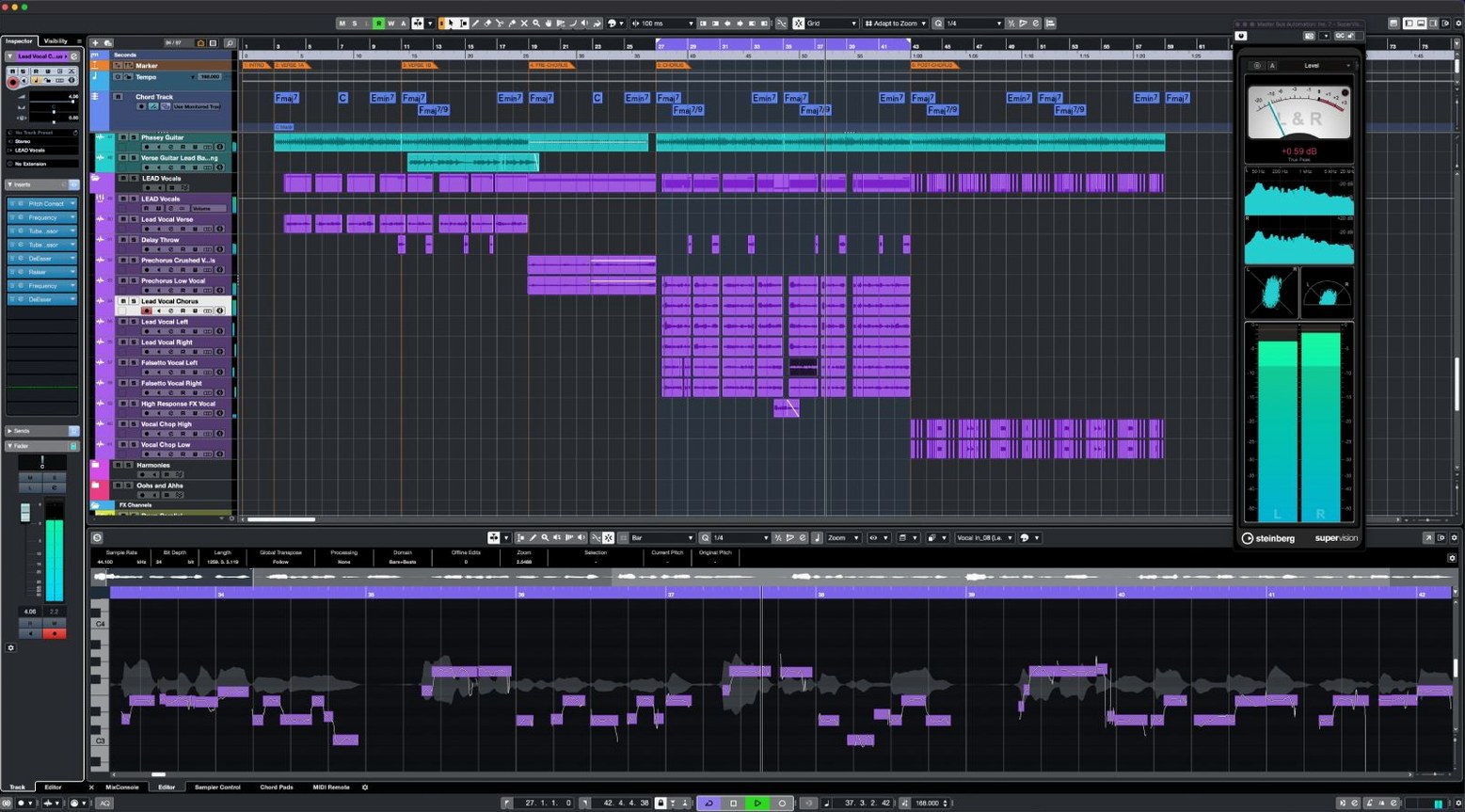
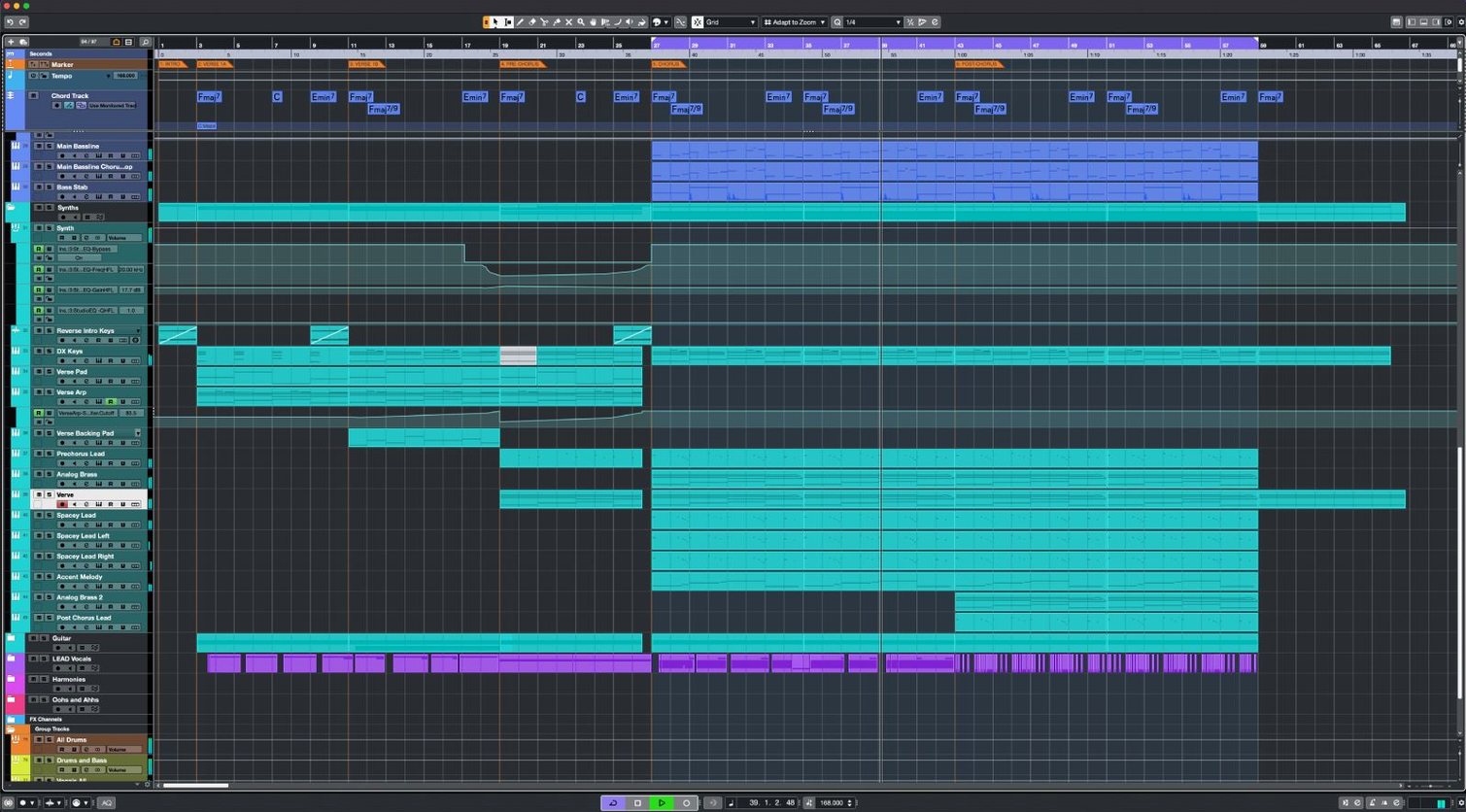
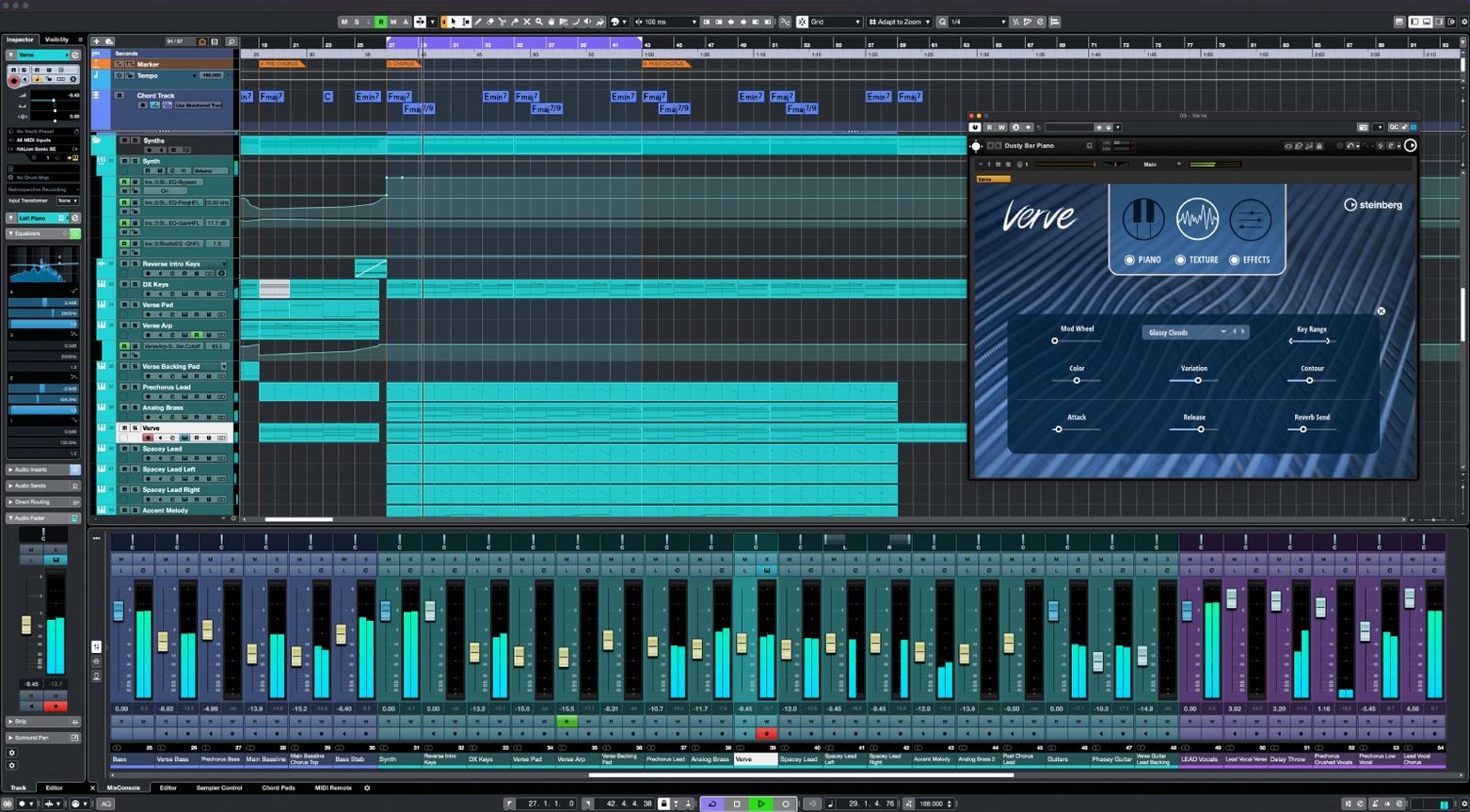
It runs on any Mac with macOS 13 or later, Apple Silicon or Intel. It does not require a specific machine, just a willingness to shape sound.
A typical session flows like this.
- Load the project. Cubase opens with no track limit — add instruments, audio, or MIDI as needed.
- Connect hardware. Up to 256 inputs and outputs. MIDI Remote integration maps controllers immediately.
- Shape the tone. Sixteen insert effects per channel. FX Modulator turns a simple signal into shifting texture.
- Place sounds in space. Dolby Atmos tools open the room beyond stereo.
- Capture ideas. Audio-to-MIDI chords listen to a guitar take and write the harmony as notes.
It does not replace your field recorder, your notation app, or your mastering chain. It sits between them. A home for the session. Shortcuts keep the screen empty. The tool stays out of the way.
200-track templates
Composers with large templates. Cubase does not blink when you add 200 tracks of orchestral libraries. The 64 VST instrument slots and unlimited MIDI tracks mean you build once, then write.
Post-production engineers. The channel count — 256 group channels, 256 physical I/O — handles film stems without splitting sessions across projects. Dolby Atmos tools make it a single-room workflow.
Electronic producers who record hardware. MIDI Remote integration and 16 inserts per channel turn a desk of synths into a recallable system. No patch notes on paper.
Vocal editors. VariAudio lives inside the arrange window. You tune, shift formants, and adjust timing without opening a separate editor. It feels like part of the track, not a repair tool.
3 ms fades
Open Preferences > Editing > Audio and switch the fade length default to 3 ms. The factory setting is longer and softens every edit. A short fade keeps transients clean.
Disable Steinberg Hub on startup. It adds a click and a wait. Set Cubase to open the last project or a blank template instead.
In MIDI Remote, create a blank mapping surface before connecting controllers. Cubase auto-detects hardware, but a custom map prevents surprises during a session with clients.
Turn on Constrain Delay Compensation only while tracking. Leave it off for mixing. The difference in latency behavior is audible on large sessions.
Morning template load
Morning. A composer opens yesterday's string arrangement. 180 tracks load in under ten seconds. The template has libraries pre-routed to group channels — short strings, long strings, brass, winds — each with its own reverb send.
She records a viola line. AudioWarp snaps the transients to the grid. A few notes drift sharp. She opens VariAudio inline, drags the pitch segments down a few cents. No export, no round-trip.
A producer in the next room tracks a hardware synth through four inputs. He chains a compressor, an EQ, and FX Modulator on the channel. The modulator sweeps a bandpass filter in time with the project tempo. The texture shifts without automation lanes.
He highlights the synth take and runs Audio-to-MIDI chords. Cubase writes the harmony into a new MIDI track. He assigns it to a piano VST. The part is rougher than the original — looser timing, different velocity — and exactly what the bridge needed.
Late afternoon. A mix engineer opens a film session. 120 tracks, 14 group channels, a Dolby Atmos bed. Raiser sits on the dialog bus, pushing level without squashing consonants. The loudness meter stays steady. The CPU fan stays quiet.
Cold launch speed
Cubase 15 launches cold in about eight seconds on Apple Silicon. Project load times scale with sample content, not track count. A 200-track orchestral template with purged samples opens as fast as a 12-track pop session.
The 64-bit mix engine runs at up to 192 kHz. In daily use, a session at 48 kHz with 80 tracks and moderate processing sits around 30 percent CPU on an M2 Pro. The same session on Intel pulls closer to 50 percent, but stays stable during long playback passes.
Memory use is predictable. Each disabled instrument track holds its slot without loading samples. This makes template building practical — you assemble the full orchestra, activate only the sections you need, and never hit a wall mid-session.
Crashes are rare in version 15.0.30. When they occur, the auto-save backs up by the minute. Restarting brings the session back to within a few seconds of the interruption. The installer package is under 1.3 GB. A clean setup on a new machine takes under twenty minutes, activation included.
Steinberg's single-installer model means one download covers every Cubase 15 tier. The license determines what opens. No separate installers to hunt down, no confusion when moving from a Cubase Pro 14 torrent to the current version. The same file works for a quick sketch or a full Dolby Atmos mix.
Cubase does not demand attention. It starts fast, runs lean, and gets out of the way.