
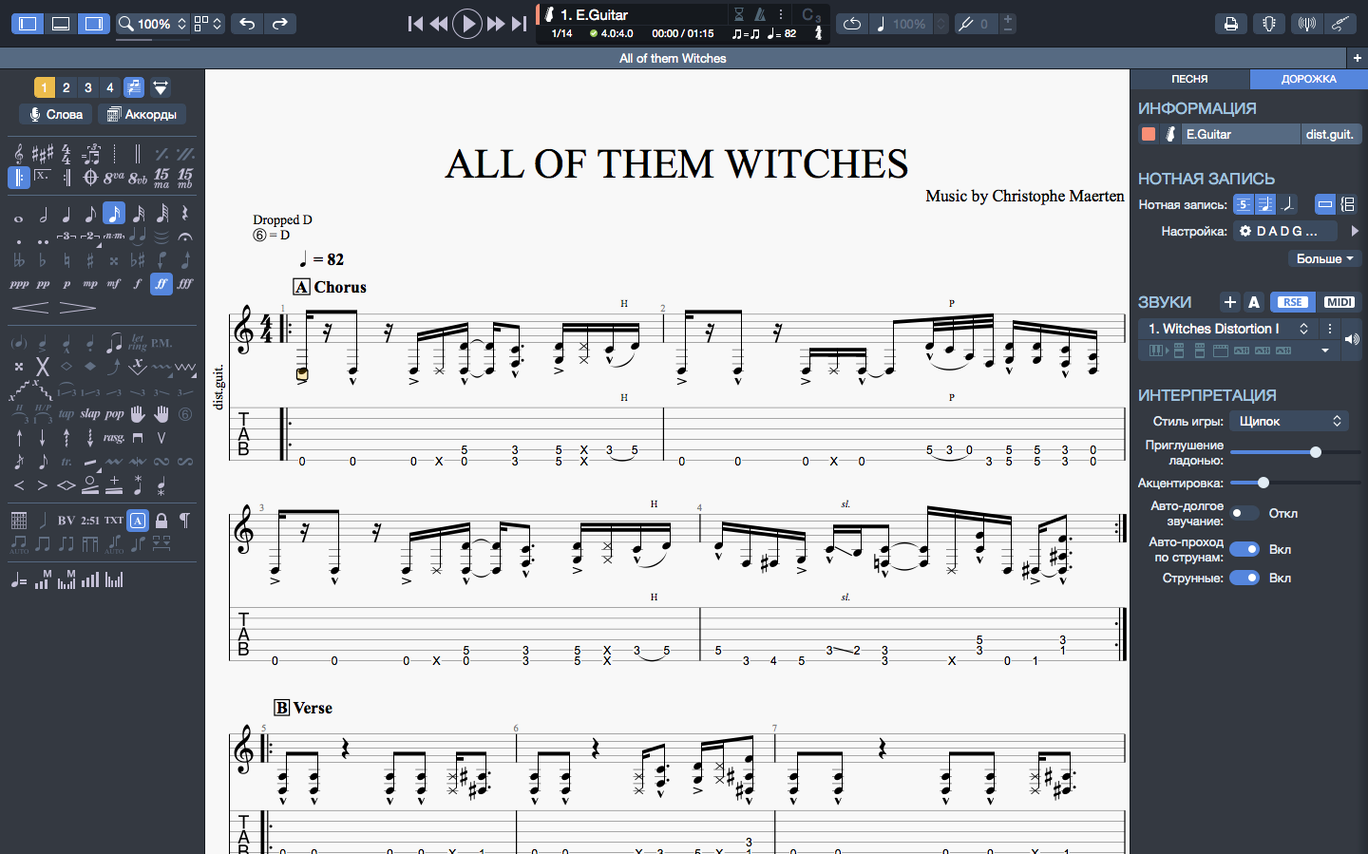
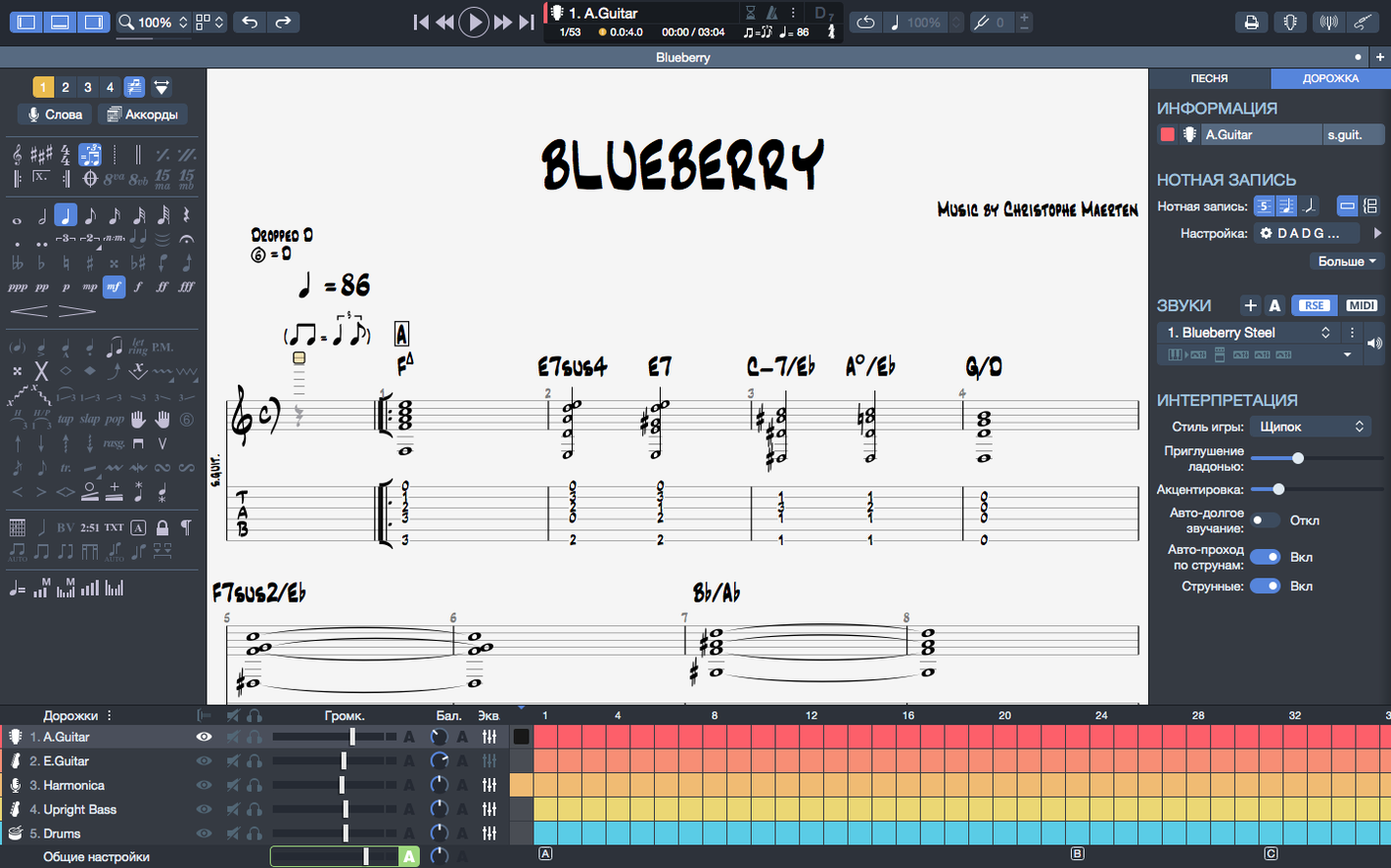
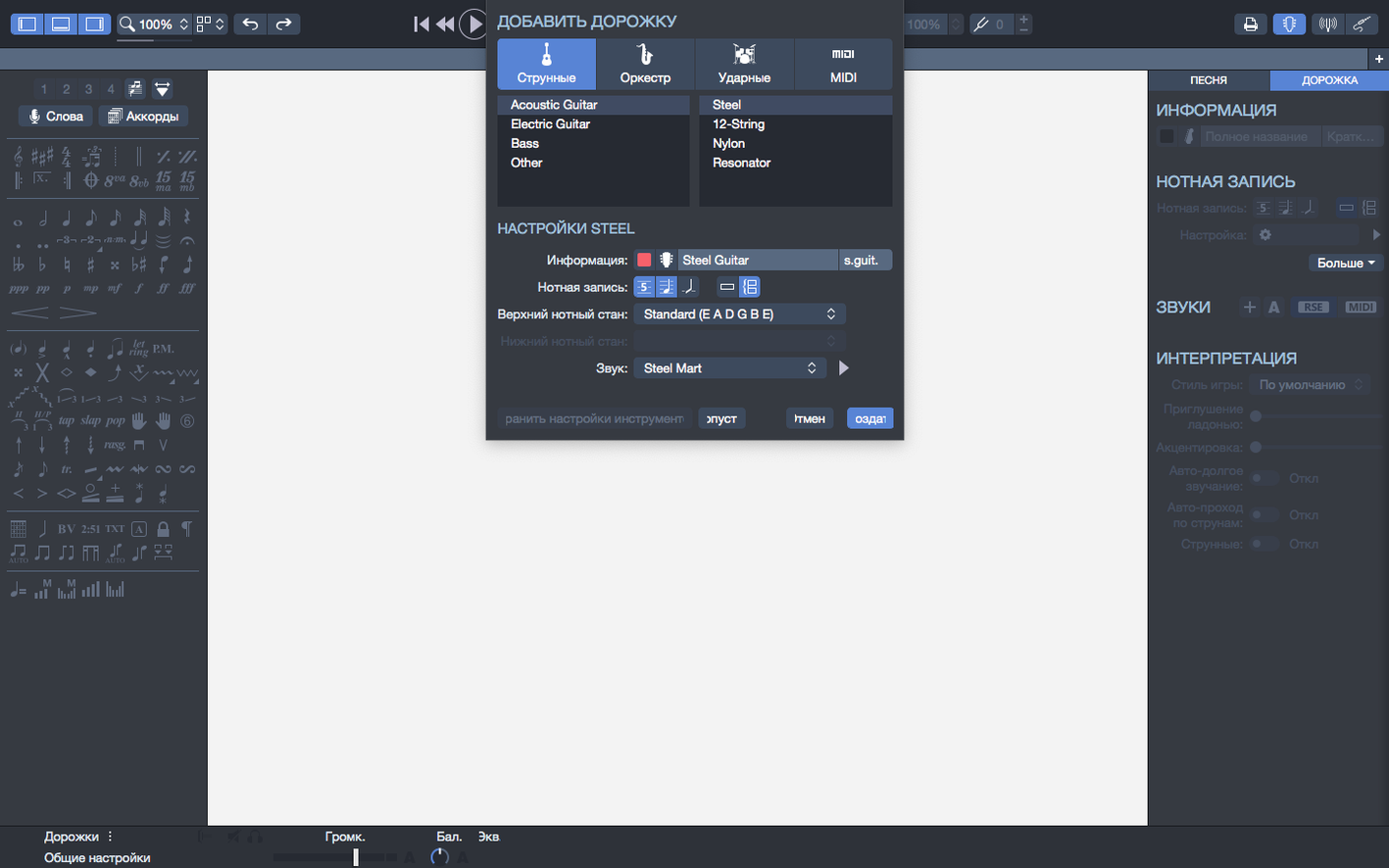
A phrase is stuck in your head. You open Guitar Pro, tap the tempo with the metronome, and start placing notes on the tablature. The chord builder helps you name the voicing you just found.
Edit
Write for guitar, bass, or Hawaiian guitar. The interface contrast was adjusted for long sessions.
Play
Press play. Arpeggios at the top of a score now sound correct. Plugging in a new device no longer interrupts the playback.
Refine
Mistakes
New users often treat the waveform view as decoration. It is a direct editor. Drag a note there and hear the change instantly.
Another common error: ignoring the inspector panel. Changing a single note’s velocity or adding a slight palm mute lives there. Without it, everything sounds robotic.
Beginners also neglect the tuner built into the chord builder. They build a complex voicing on a standard-tuned guitar, then wonder why it’s unplayable. Check the string pitch first.
Version shifts
The move to native Apple Silicon support changed the feel of scrolling through a dense score. Pinch-to-zoom on a MacBook trackpad is fluid now, not a stutter.
Stem direction fixes in 8.1.5 removed a small but persistent friction. You can flip a stem with a key command and trust it will stay. Small thing, less friction.
Exporting to SVG quietly reshaped how cleanly scores drop into documentation. Transparent PNGs made overlaying a riff on a video thumbnail a one-step task.
Hidden shortcuts
Hold Option while clicking a note on the staff. You get a MIDI preview without entering edit mode. Good for checking a voicing without committing.
Press Space and Shift together to play from the bar under your cursor. No need to set loop markers for a quick check.
In the chord builder, click the neck diagram itself to toggle between horizontal and vertical views. The button for this is easy to miss in the toolbar.
Pin files on the homepage by right-clicking a thumbnail. The recent list stays tidy. Your current project doesn’t get pushed out by a file you opened once.
Start with drums
Start with a four-bar drum pattern. Add a bass line with the MIDI editor. Guitar Pro is a backing track maker before it is a tab writer. Starting with a groove gives your tablature a spine.
Set the metronome to a count-in of two bars. The default one-bar count can feel rushed when you’re learning a passage. Two bars give you room to find your hand position.
Open the soundbank preferences early. Switch from the default General MIDI to a more focused guitar sound. The difference in how you write is immediate.
Export a short SVG of a riff on day one. Drop it into a text document. Seeing your notation as a clean vector graphic next to plain text changes how you think about sharing ideas.
Pick one key command to memorize: Command+Shift+I toggles the inspector. Make it muscle memory. The inspector is where notes gain weight, tone, and breath. A guitar pro mac setup without it is half-finished.
Stem directions that refused to change now behave. Pin the files you return to most on the homepage.