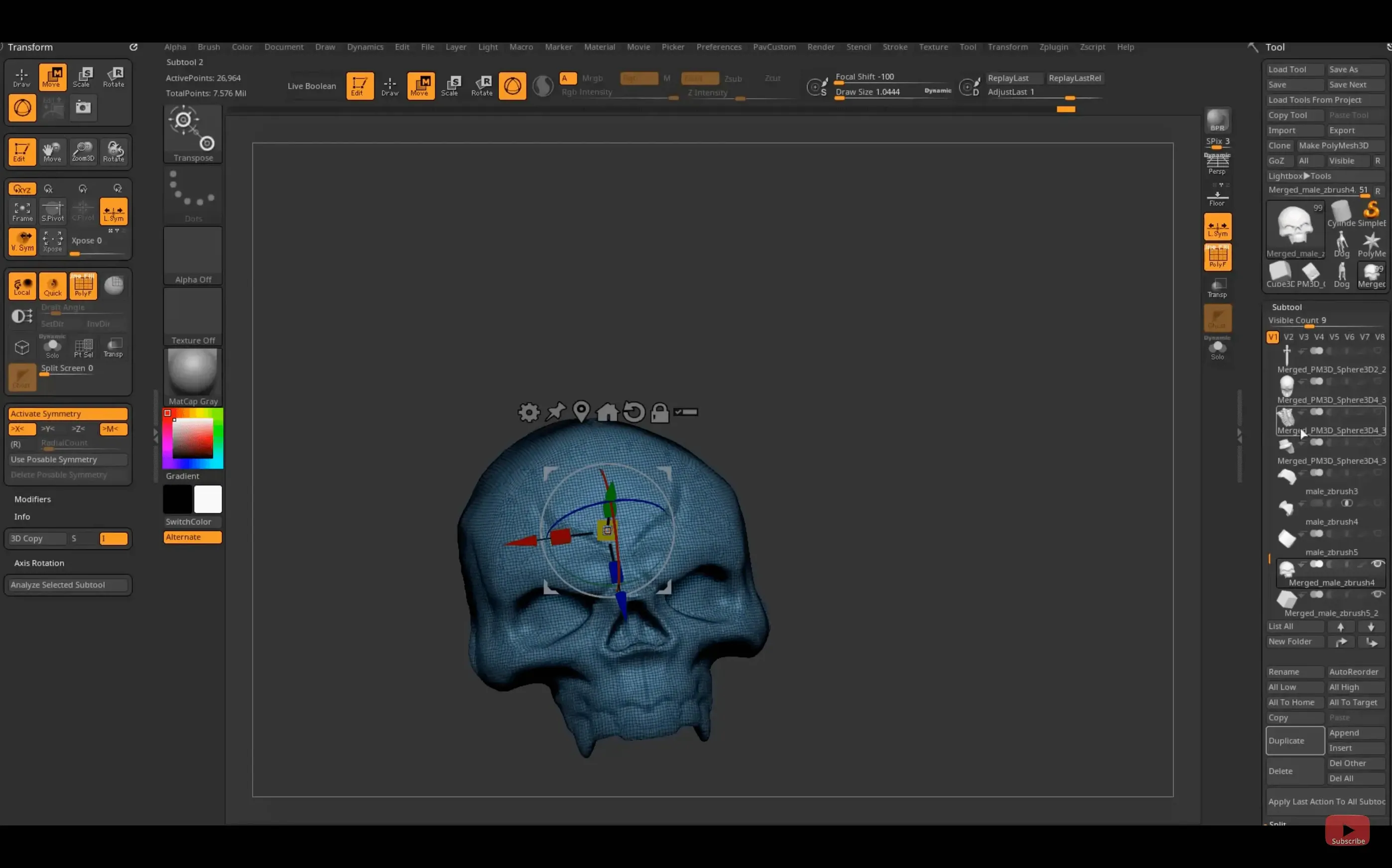
Five words to learn before the first session.
Pixol — a point that stores color, depth, orientation and material, not just a flat pixel.
Sculptris Pro — brushes that add detail where you need it, whatever the mesh resolution.
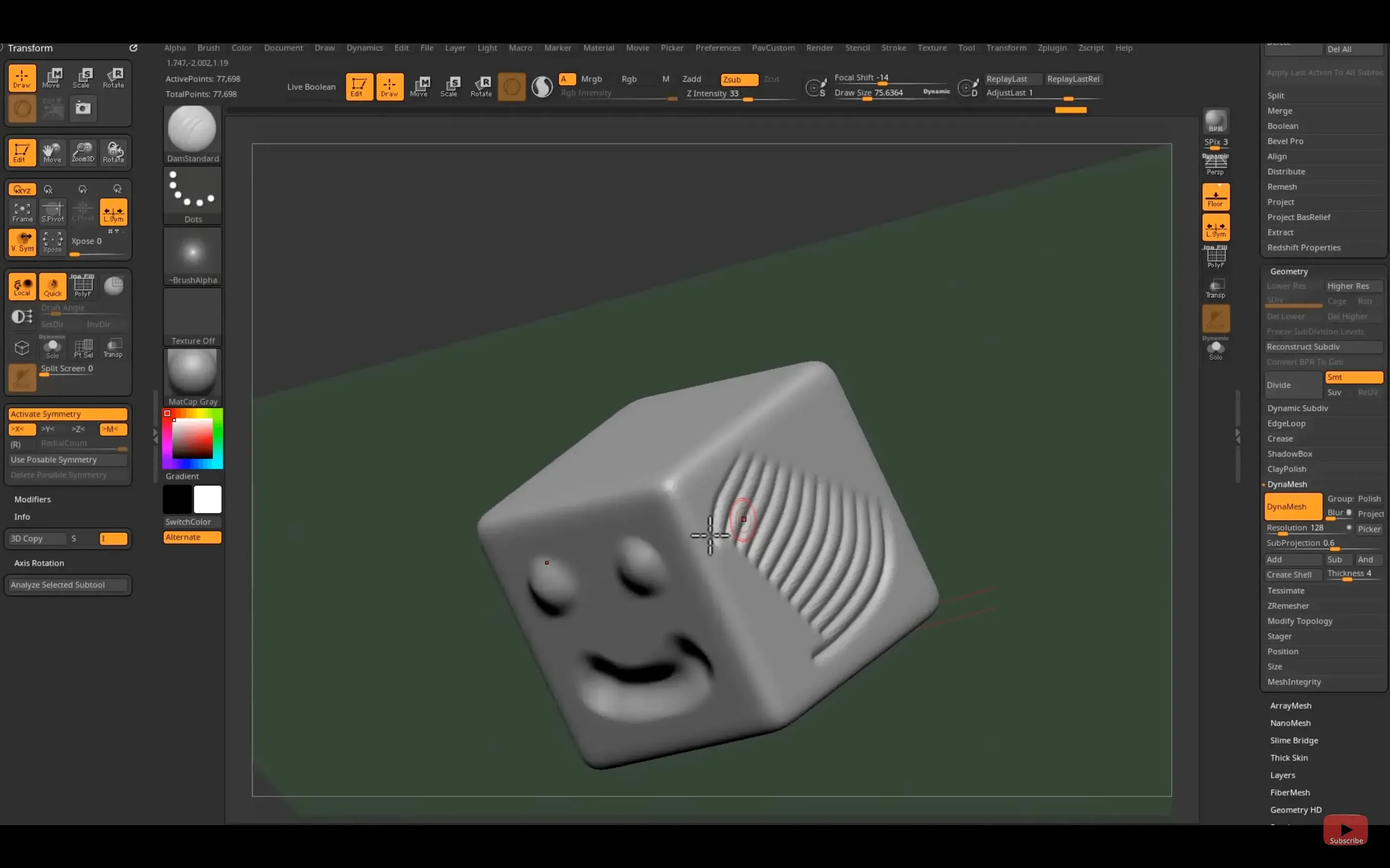
DynaMesh — geometry that reflows as you push and pull. Digital clay.
GoZ — your model goes to Maya or 3ds Max and back in one click.
2.5D — a canvas where strokes carry real depth.
Session speed
ZBrush stays responsive when subdivision levels climb past twenty million active points. The viewport does not stutter on a recent Mac—Apple Silicon handles the real-time render without the fan noise you might expect. Undo feels instant, even after heavy ClayTubes strokes.
Switching between tools, applying materials, or dropping in a background image rarely causes a pause. If you push too far, the cpu graph stays calm while the app politely slows instead of crashing. Memory use climbs predictably with each DynaMesh pass—around four to six gigabytes on a dense character bust with polypaint.
On Intel machines, expect slightly longer load times for large ZTool files. Once geometry is on screen, the lag comes only from your wrist.
A working hour
You open a fresh scene. Sphere on the canvas, symmetry on, Move brush selected. Three minutes of pulling the silhouette into a head shape. No menus yet.
DynaMesh at 128 resolution. The mesh reflows—clean topology for the next pass. You switch to DamStandard and cut in the eye sockets and jawline crease. A few strokes. Undo one. Redraw it slower.
Subdivide twice. Now the surface holds detail. You mask the ear area, invert the mask, pull the helix with Move. The ear springs out in under a minute.
Polypaint next. You drop a warm skin base, then spray cooler tones around the orbits. No UVs needed. The color sits directly on vertices, stroke by stroke, while you orbit with a two-finger drag.
You glance at the clock. Forty minutes gone. The bust has expression lines, painted subsurface texture, and a clean mesh ready for GoZ export to Maya. You hit Send and keep working in the viewport you recognize.
Undo ceiling
Two preferences that shape every future session.
Undo history. Raise it from the default 50 steps. Set it to at least 120 if you sculpt with DynaMesh. ZBrush keeps undo data in memory, not on disk, so the cost is modest on a machine with 16 GB or more.
QuickSave. Turn it on. Set the interval to ten minutes, and point the folder somewhere you can find later. ZBrush will not prompt you—it just writes a snapshot. You will only remember it is there the day a scene file refuses to open.
One more: map StoreView to a key you can hit without looking. Saving a camera angle during polypaint or fine detail work costs one keystroke and saves minutes of repositioning. After you use it twice, it becomes muscle memory.
People searching for a zbrush torrent or a zbrush download mac often miss how personal the setup becomes. The defaults are a starting point, not a tuned instrument. Change the three settings above and you are already working faster than the out-of-box experience.
Start with a sphere, pick a brush, work rough to fine.