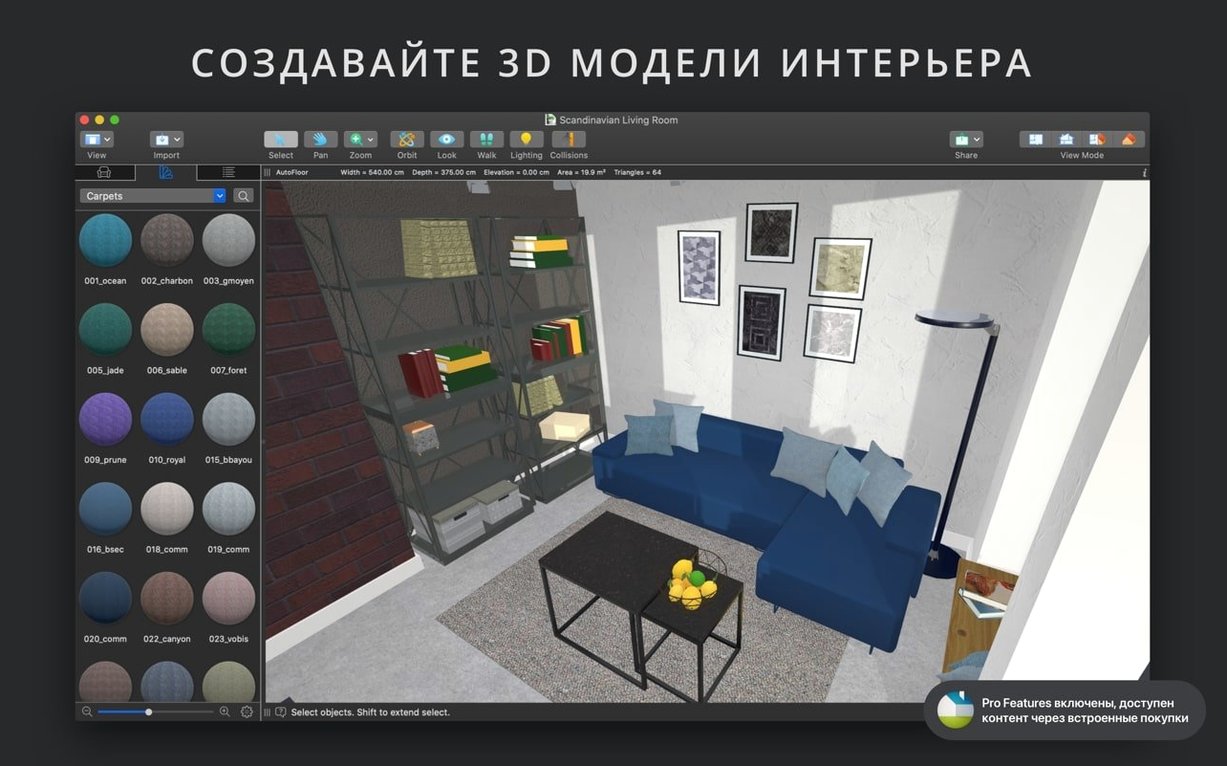
The file format is native to the Mac. It reads SketchUp, COLLADA, and a handful of other 3D formats without conversion. That means less busywork before you start modeling.
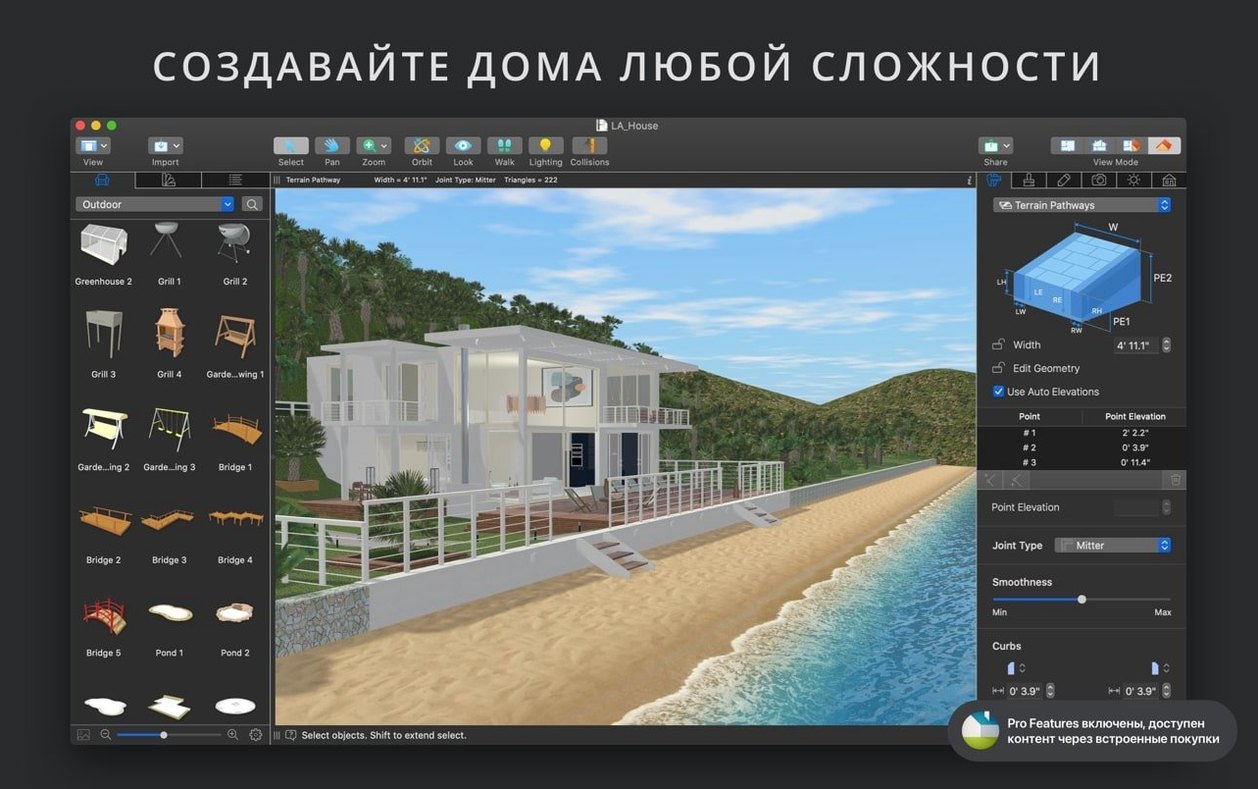
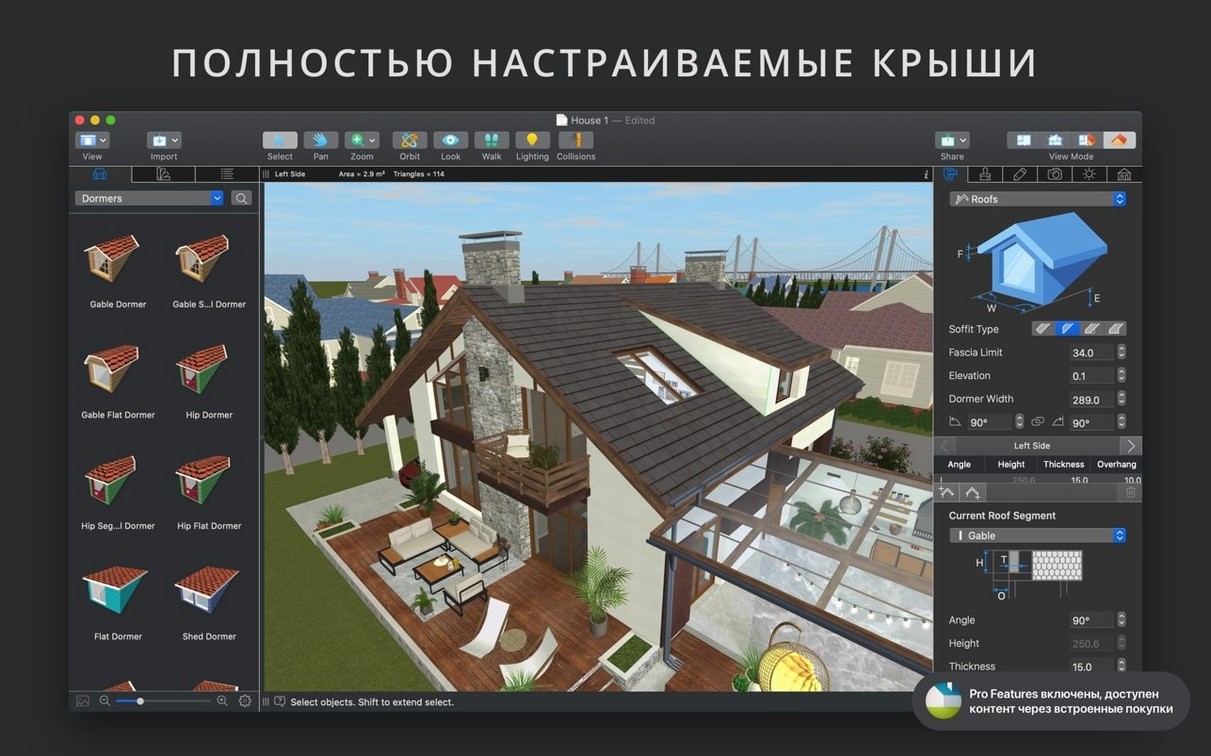
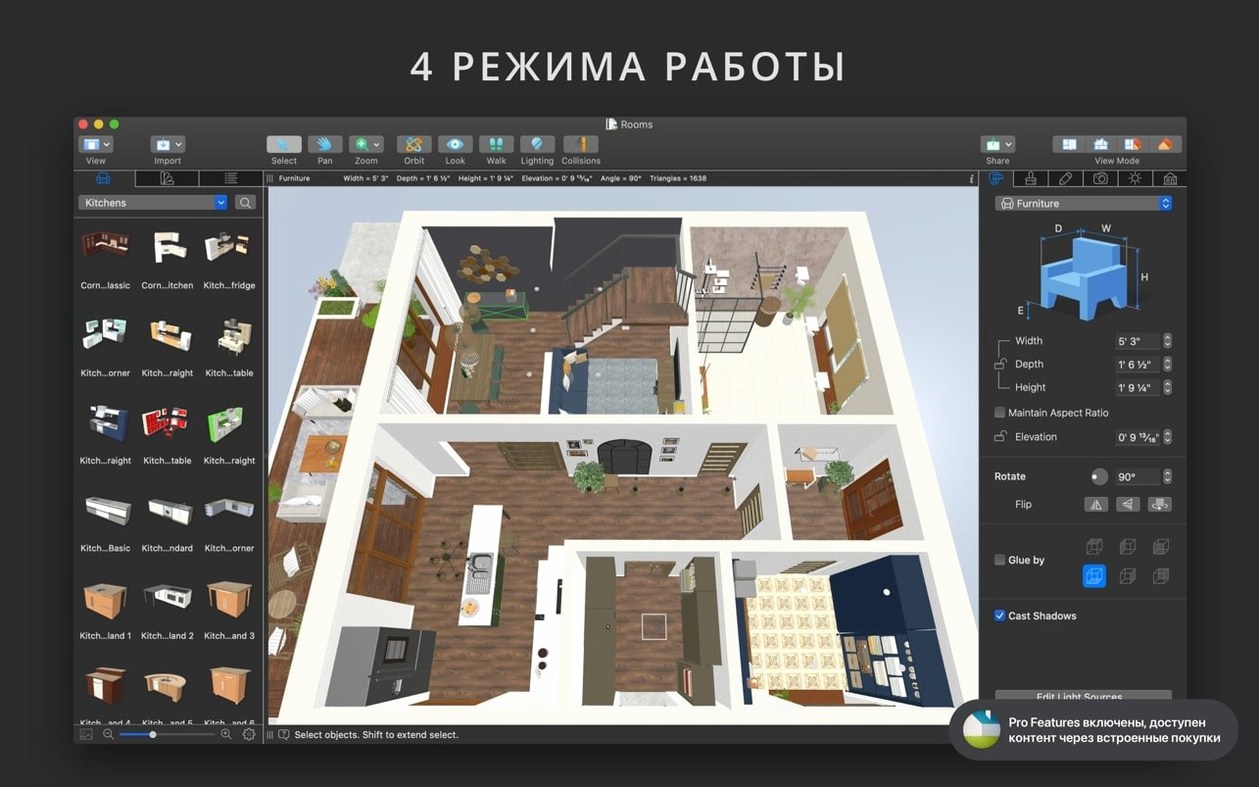
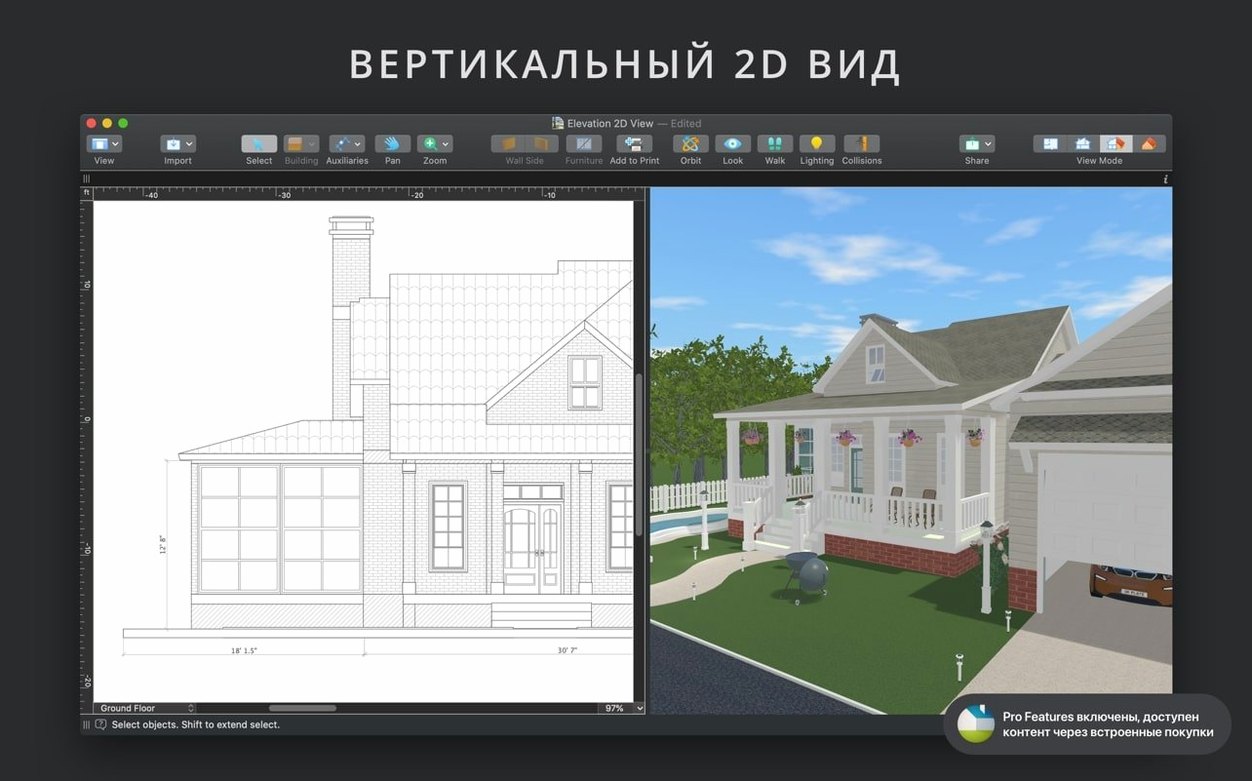
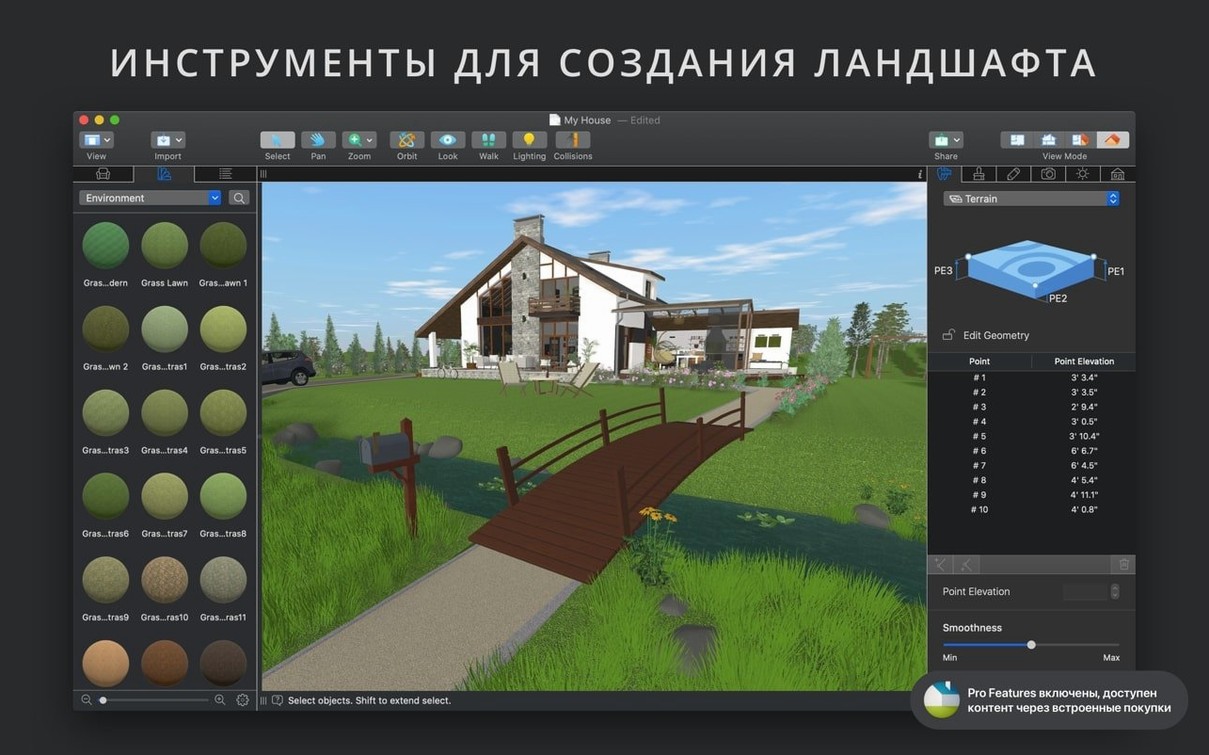
This is the Pro edition — for full house and landscape design, not just a single room. You get unlimited floors, a custom roof tool, elevation view, and terrain editing that handles slopes and retaining walls without forcing workarounds. The material editor lets you define tiling, roughness, and transparency; the light source editor gives you IES profiles and color temperature.
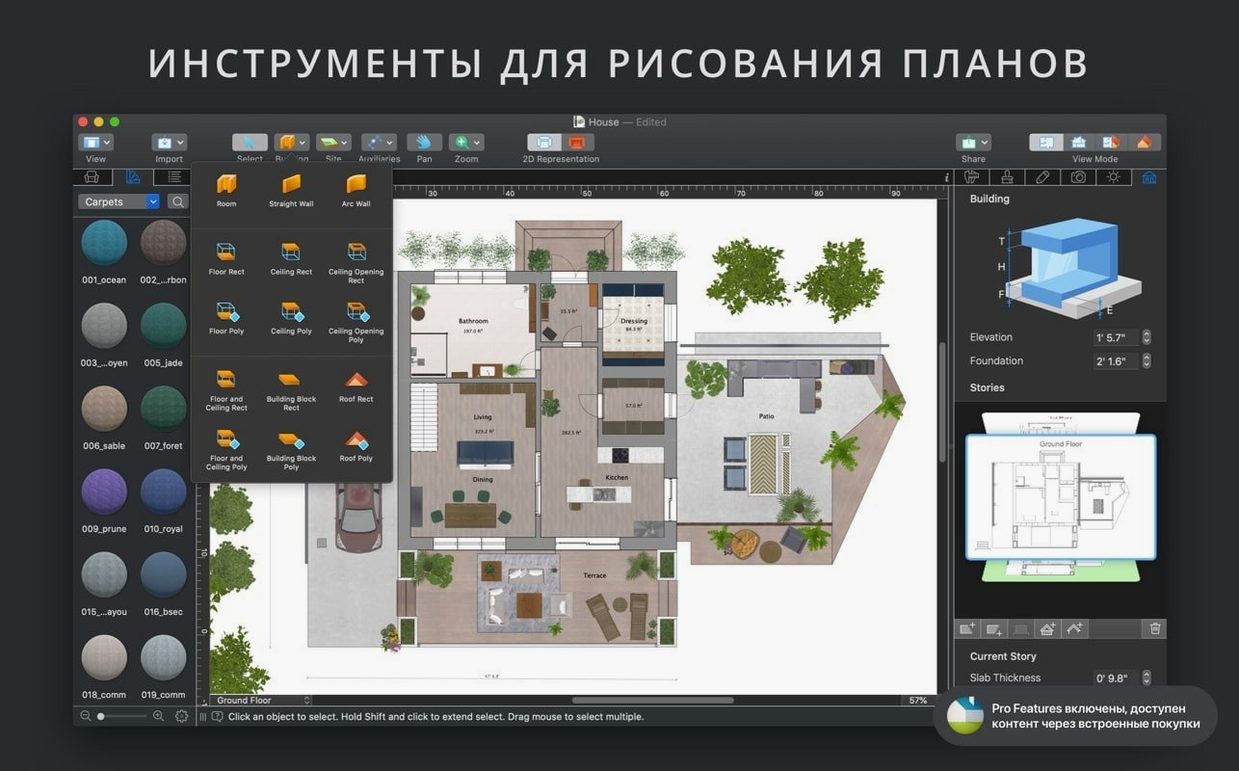
Placement is precise. Guides and snapping catch edges and centers. Corner windows and complex openings work as they should. You can move objects, swap materials, and adjust lighting directly in the 3D view. When the model gets heavy, level-of-detail control keeps things responsive.
Working with a four-bedroom model filled with imported Trimble 3D Warehouse furniture, I never saw the frame rate dip below thirty on an M1 MacBook Air. Memory use stayed under 900 MB. That is rare for a real-time 3D app with live sun studies running. The shadow map technique keeps edges soft without the noise you get in cheaper renderers.
Stability has been uneventful, which is the best kind. Version 5.0.4 ran through a full afternoon of material swapping, roof tweaking, and camera path adjustments without a single beach ball. Autosave is there, but I forgot to check how often it fired. That says enough.
Glare check
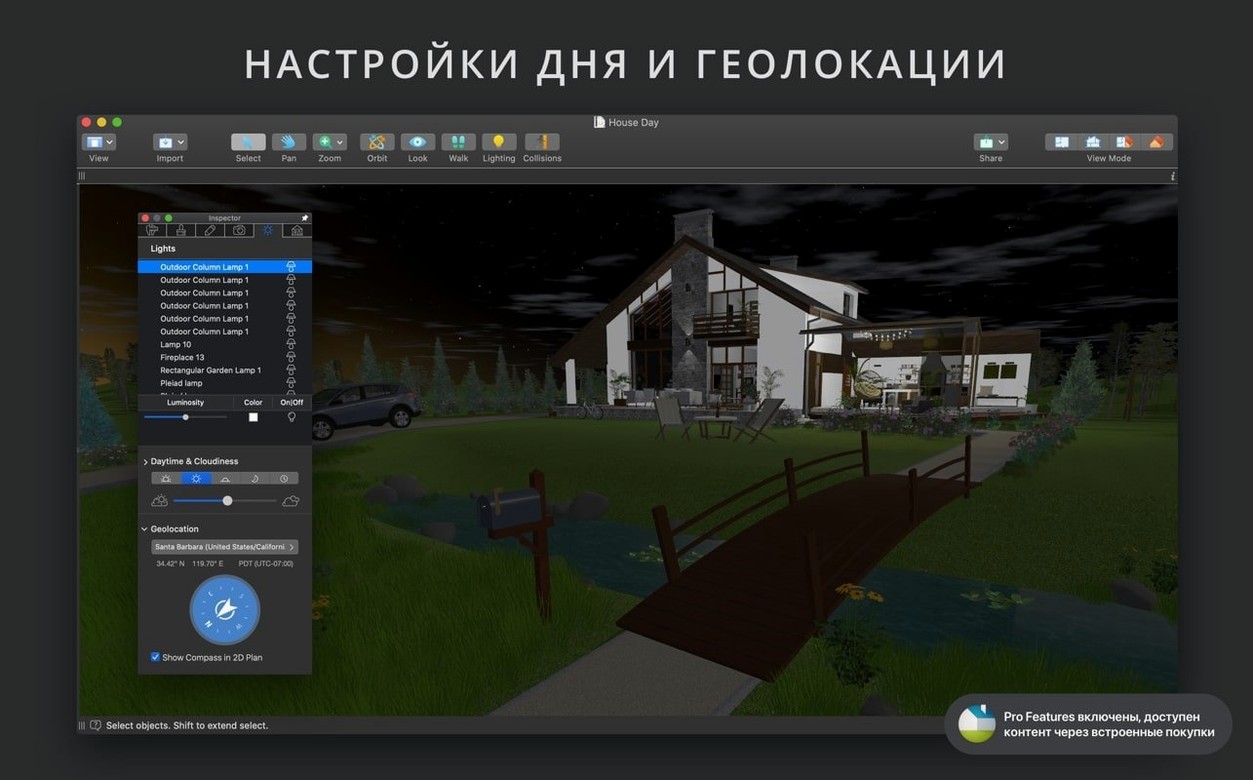
A landscape designer testing sight lines for a hillside deck can import a survey sketch, set the geolocation to the actual site, and scrub the time-of-day slider. Morning glare hits the seating area. She pulls the roof overhang outward in plan view, watches the shadow stretch in 3D, and stops when the bench falls into shade. No separate shadow-study app. No exported stills. The decision takes ninety seconds.
With live home 3d pro download, that kind of instant feedback replaces a round of client emails. You check a hunch, you see the result, you move on.
Big imports
Does it bog down with large imported OBJ files? A 180 MB FBX model of a vintage sofa took four seconds to appear and caused no measurable slowdown once placed. The level-of-detail control reduces polygon count automatically during orbit and zoom, so you edit smoothly even when the scene is dense.
Can you share projects with the standard Live Home 3D? Yes. The Pro features — custom roofs, elevation view, terrain tools — remain locked when opened in the non-Pro edition, but the floor plan and furniture layout survive intact. iCloud sync keeps both versions in step across your Macs.
Do you need an always-on connection? No. Natural lighting uses a local geolocation database; SketchUp and COLLADA imports are local. Trimble 3D Warehouse access requires a connection only while browsing and downloading models.
A live home 3d pro free download gives you the full Pro toolkit without feature gates. The app simply opens and works.
Rendering output is ultra-high-res: stills, 360° panoramas, and video walkthroughs. Camera field of view and projection type are yours to set.