
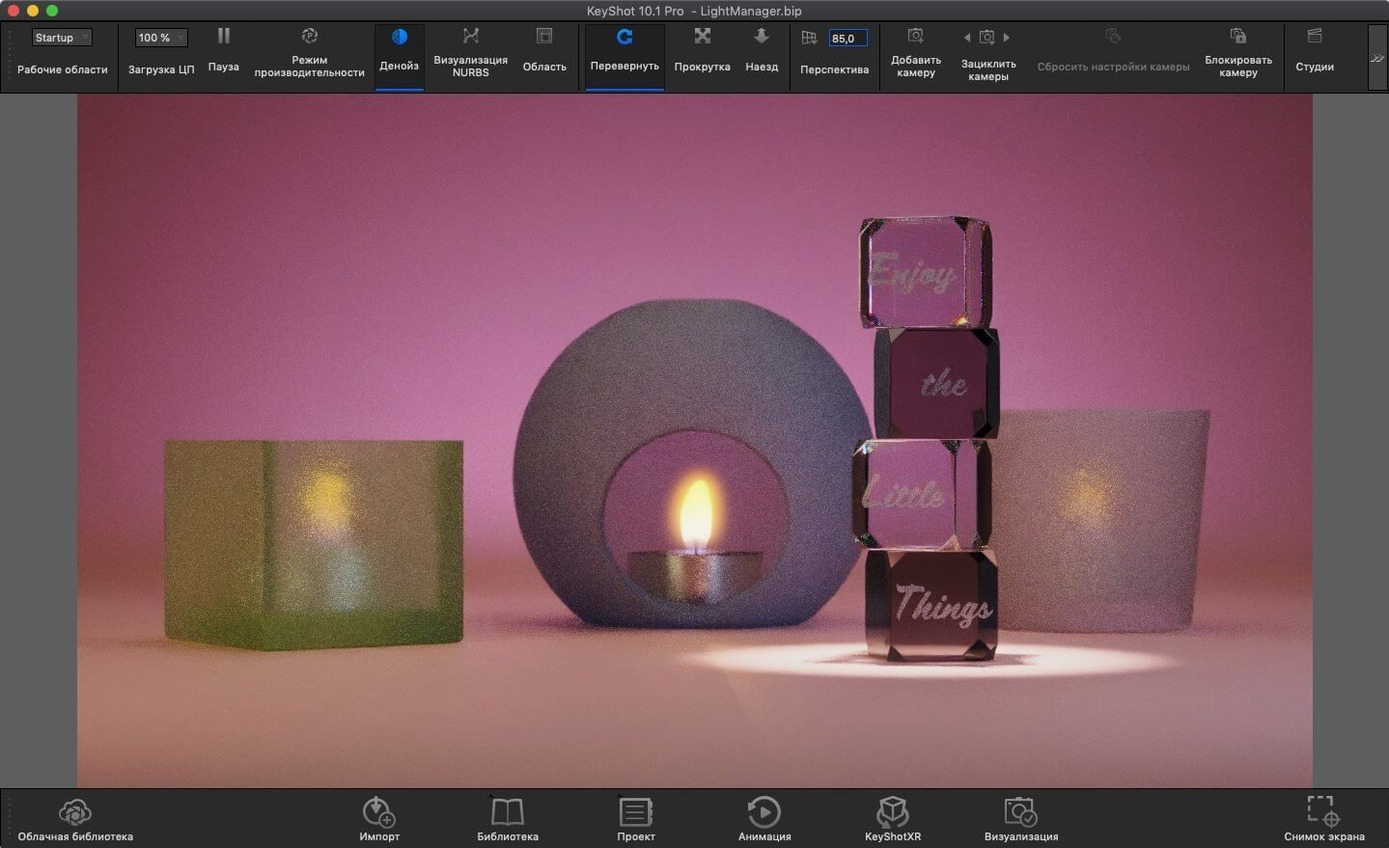
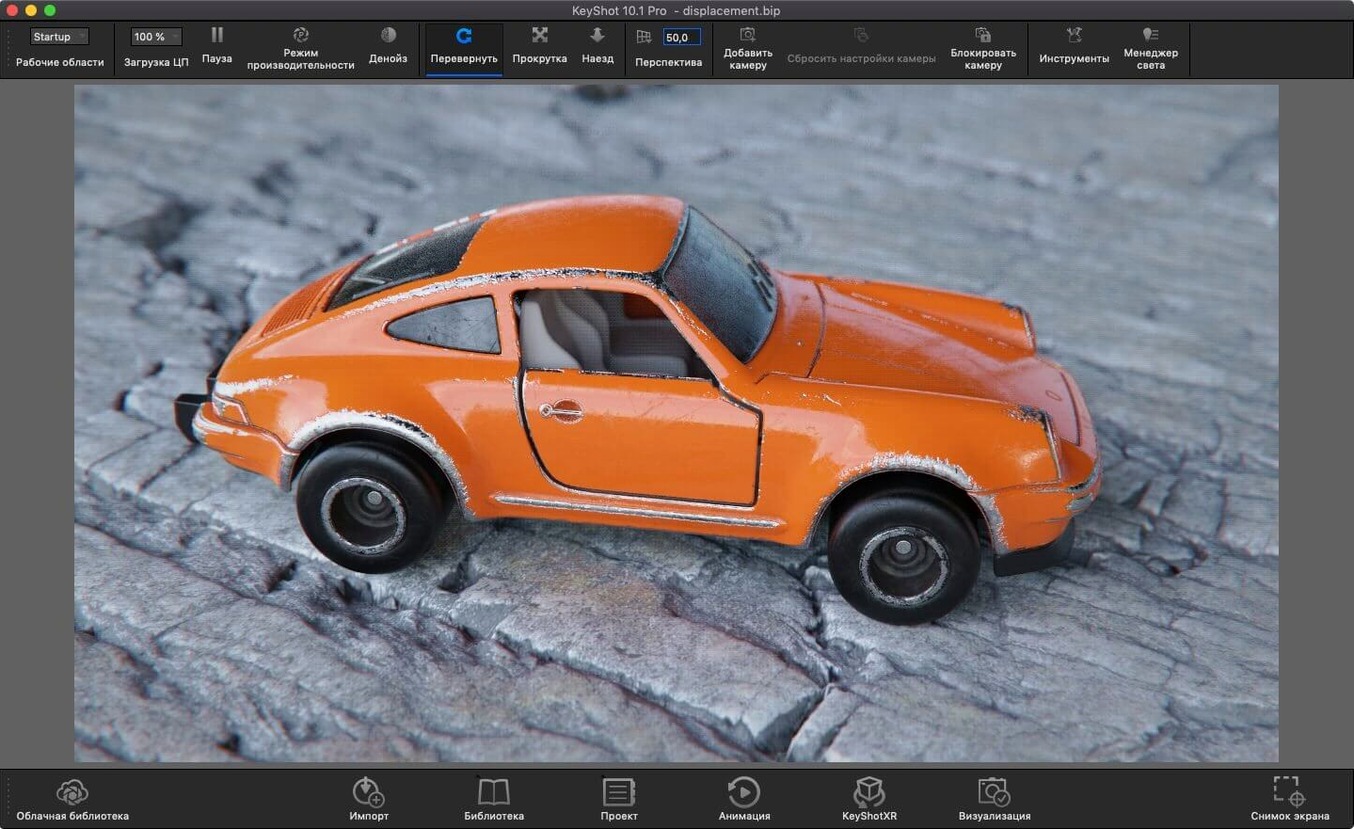
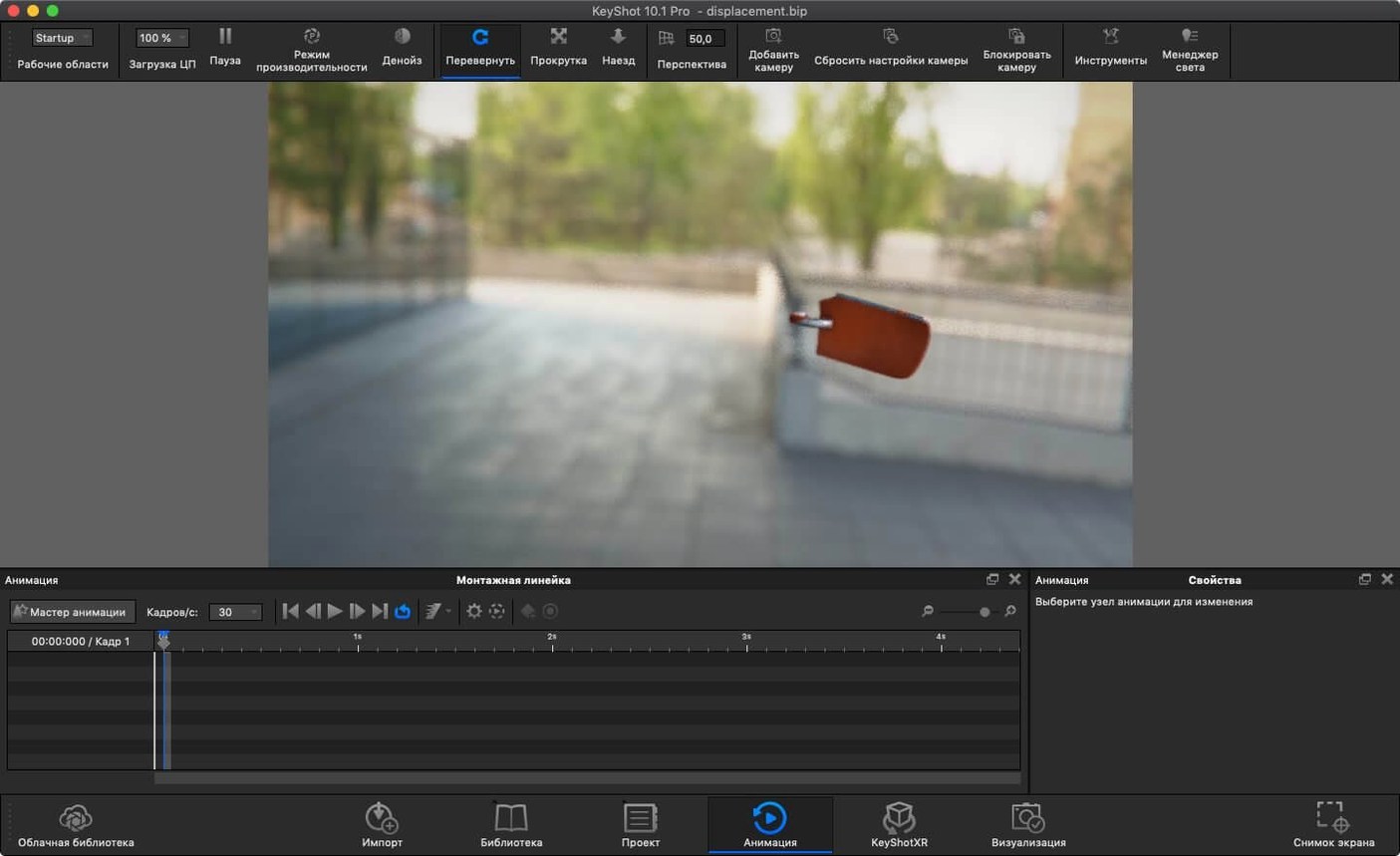
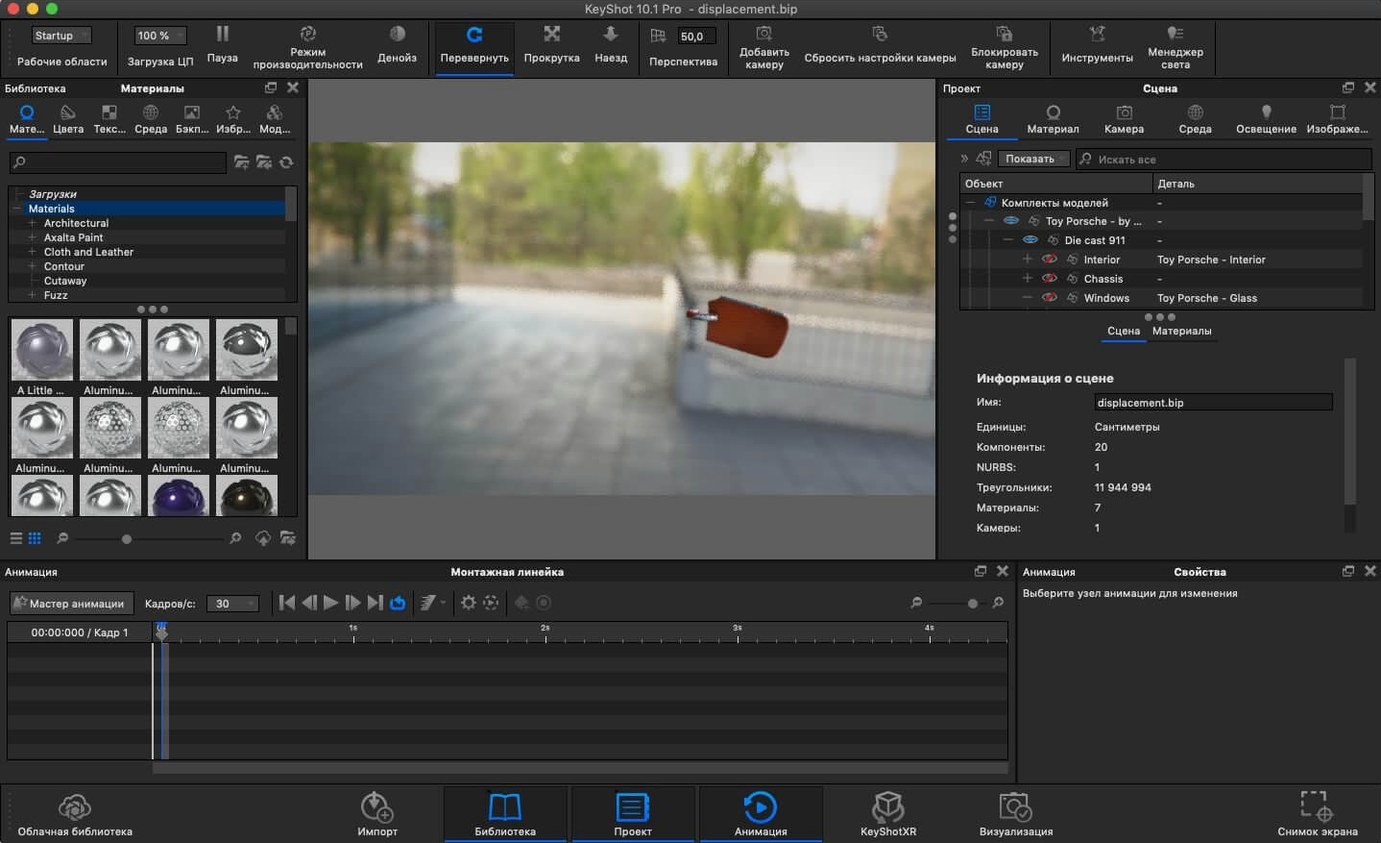
Bring the scene as it is. KeyShot reads OBJ, FBX, STEP, IGES, JT, Parasolid and more without a rebuild.
Physically based materials under global illumination. The viewport ray-traces while you work, not after a progress bar.
It stands next to your modeler as a separate app, not a plug-in.
Alongside others
Blender’s Cycles engine is free and capable. It renders beautifully. But it lives inside Blender. KeyShot arrives as a standalone application that imports your CAD assembly without converting it first. For someone who models in SolidWorks or Rhino all day, that gap matters.
Cinema 4D with Redshift gives an animator more control over every pass. It also demands more of the operator. KeyShot removes the node tree from the first hour of work. Drag a material, see the result. The trade-off is real: less granular control, faster decisions.
Octane renders quickly on Mac hardware. Its material system rewards people who enjoy tweaking. KeyShot’s material graph is simpler and its library starts closer to finished. If you reach for Octane to explore, you reach for KeyShot to confirm.
Six material variants
Industrial designers working through six material variants before lunch. They need a render that matches the physical sample on the desk, not one that impresses a forum.
Engineers who already have a STEP file and a question from the product team. They open KeyShot, assign an anodized aluminum, rotate the environment and share a still in the time a meeting invite sits unread.
Small studio animators who build short product clips. They value the real-time viewport because client feedback happens while the client is still in the room.
Anyone who teaches 3D visualization. The interface is shallow enough that a student sees cause and effect in the first session.
Speed and weight
On Apple Silicon the viewport refreshes with little pause. An HDRI environment swap resolves in a fraction of a second. The CPU renderer climbs core counts cleanly; a Mac Studio with M2 Ultra chews through a 4K still while you prepare the next variant.
Memory use stays predictable. A scene with two dozen parts and 8K textures idles under 6 GB. Complex interiors with many light sources push higher, but the app does not balloon unexpectedly during a long session. It loads, it renders, it stays steady.
Intel Macs feel the age of the hardware more than the app. The same scene that runs fluidly on Apple Silicon still completes on an older iMac, just slower. The render engine scales down without breaking.
CAD companion
KeyShot talks to CAD through plugins but runs beside them. You save a SolidWorks assembly, pick it up in KeyShot, apply materials and light. Meanwhile the CAD app stays free for the next revision.
Export USDz or GLB and drop the result into a Keynote slide. A product manager views the model on an iPad without installing anything. The AR export in 2025.1 makes this a one-click step.
For compositing, render a PSD or EXR with object masks and bring it into Pixelmator Pro or Affinity Photo. The mask passes are clean. No edge artifacts that need repainting.
Short animations render as frames. Stitch them in a separate tool, or hand the folder to a colleague who edits in DaVinci Resolve. KeyShot does not try to be a timeline editor. That restraint keeps the interface focused.
Spotlight and Quick Look recognize exported PNG and JPEG stills. The Finder previews a USDz model. macOS treats a KeyShot export as a first-class file, not a proprietary mystery.
When a team shares a .ksp bundle, the recipient opens it and sees the same materials, the same environment, the same camera. No relinking. That matters more than any single feature.
2025.1 brings the Light Tool for placing physical lights, a Planar Light material, USD export and a hotkey for Add Studio.