
It runs on macOS 12 and newer, on both Intel and Apple Silicon Macs.
What is it
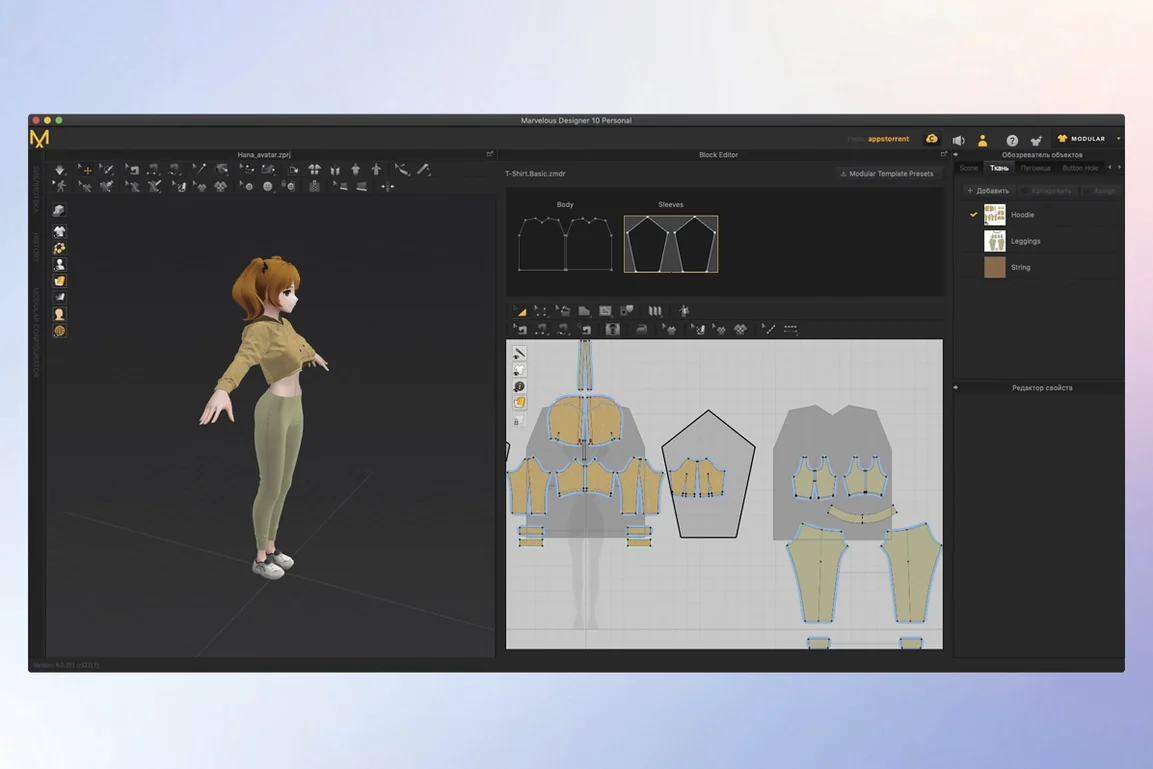
A dedicated workspace for digital clothing. You create, simulate, and animate garments from a flat pattern to a finished 3D drape.
What can you make
Simple shirts, dresses with natural folds, full uniforms. The sewing tool gives you control over direction and range, and you can edit and drape cloth onto 3D forms with precision.
Is it hard to learn
Quiet simulation
On an M1 MacBook Air with 16 GB of RAM, Marvelous Designer stays calm. A three-garment scene with a seated avatar rarely pushes the machine past a quiet hum. Simulation resolves quickly—usually under two seconds for a simple drape—and the interface redraws without stutter.
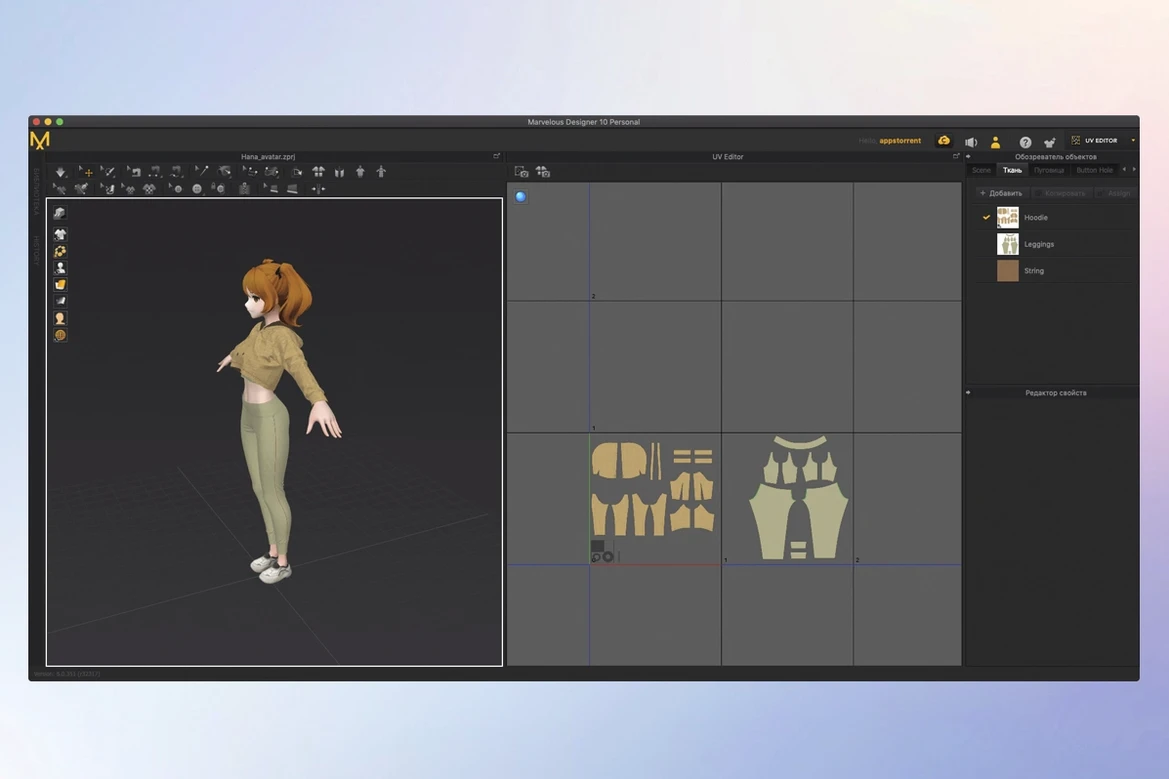
Stability holds. Crashes are rare even when you toggle dense particle distance down to 3 mm and let the cloth settle for ten minutes. One habit pays off quickly: save before switching from the 3D window to heavy UV editing. The auto-save helps, but a manual save is faster than a rebuild.
Resource use is honest. A blank scene idles around 400 MB of RAM. A production scene with four layered garments, full textures, and an Alembic animation clip sits near 2.8 GB. The disk footprint stays modest because the app streams its content library on demand.
Let cloth fall
Start with a single garment from the library. Open the default female avatar, load a T-shirt block, and press Simulate. Watch the cloth fall. Do this three times before you touch a pattern point. The first lesson is learning what the solver likes.
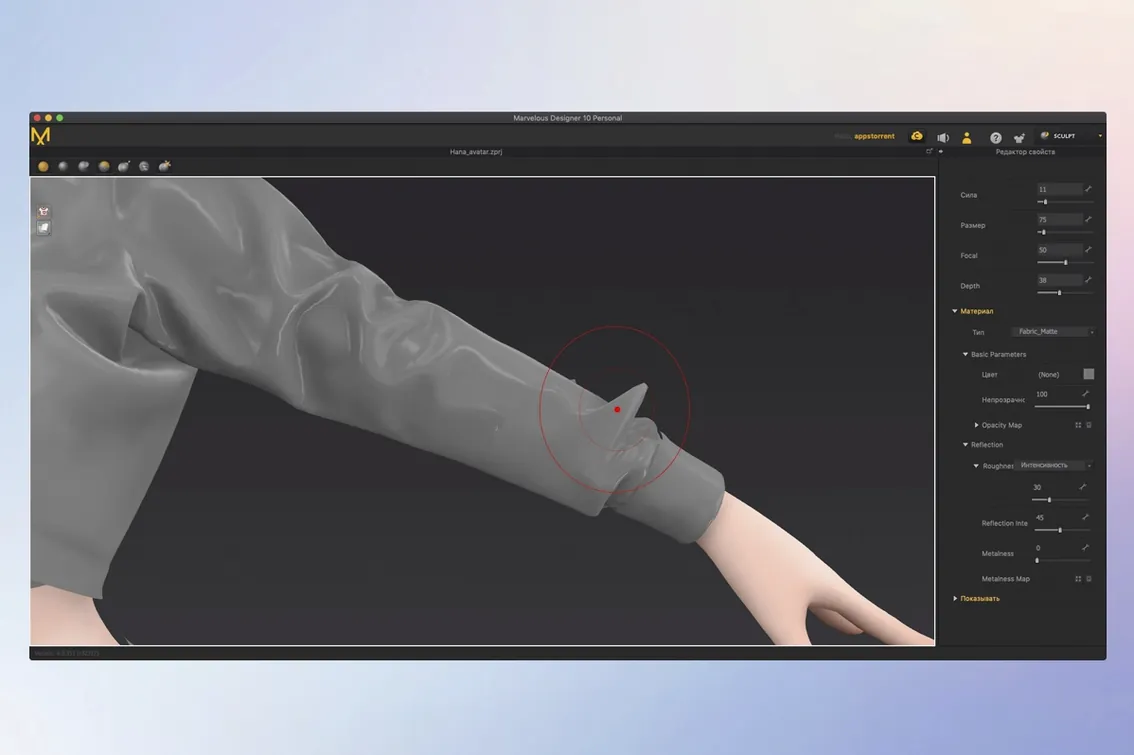
Next, pin the shoulder seams and run a short animation. Let the character take two steps. If the cloth tears, raise the particle distance to 12 mm and try again. Keep the property editor open on a second screen if you have one; fabric presets live there, and you will reach for them constantly.
On the third day, build a pattern from scratch with the polygon tool. Make a rectangle, add internal lines for darts, and sew two edges. Drag the cloth onto the avatar. This small loop—draw, sew, simulate—teaches more than any tutorial. Once it fits, save the project as a reusable block file.
Dress from scratch
Open a blank scene. Import an avatar from the library—standing, arms slightly out. Switch to the 2D window and draw a simple dress pattern: a front and back bodice, a skirt panel. Add seam allowances with one click.
Arrange the pattern pieces around the avatar in the 3D window. Use the Arrangement Points tool to snap each piece roughly into place. Press Simulate. The cloth drops, catches on the shoulders, and pools at the waist. Pause the solver. Pin the side seams and resume.
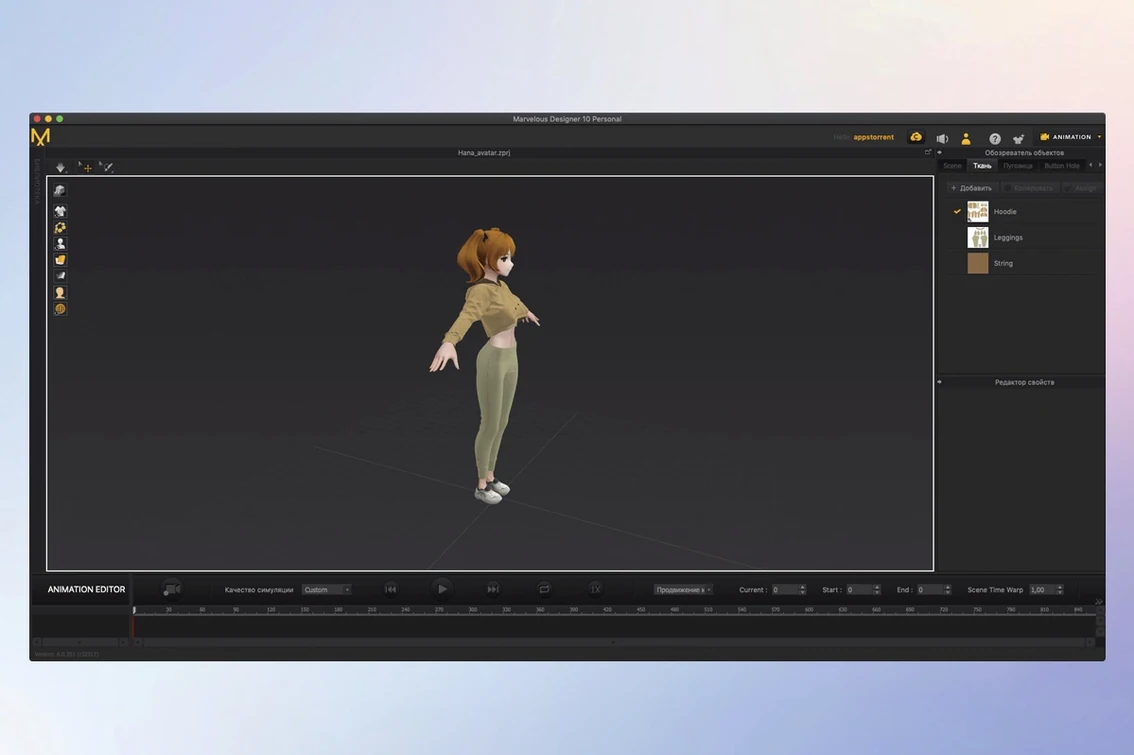
Now the cloth hangs still. You select the skirt panel and lower the fabric stiffness to 15. The hem softens and a natural fold appears above the knee. You record fifteen frames of the avatar shifting weight. The cloth moves, catches a thigh, and releases. You export the animation as an Alembic cache.
The whole session takes twenty-three minutes. You close the Mac and the fans have not spun up once.
The interface keeps things direct with tools for point placement and contacts. Online learning materials are included for beginners.