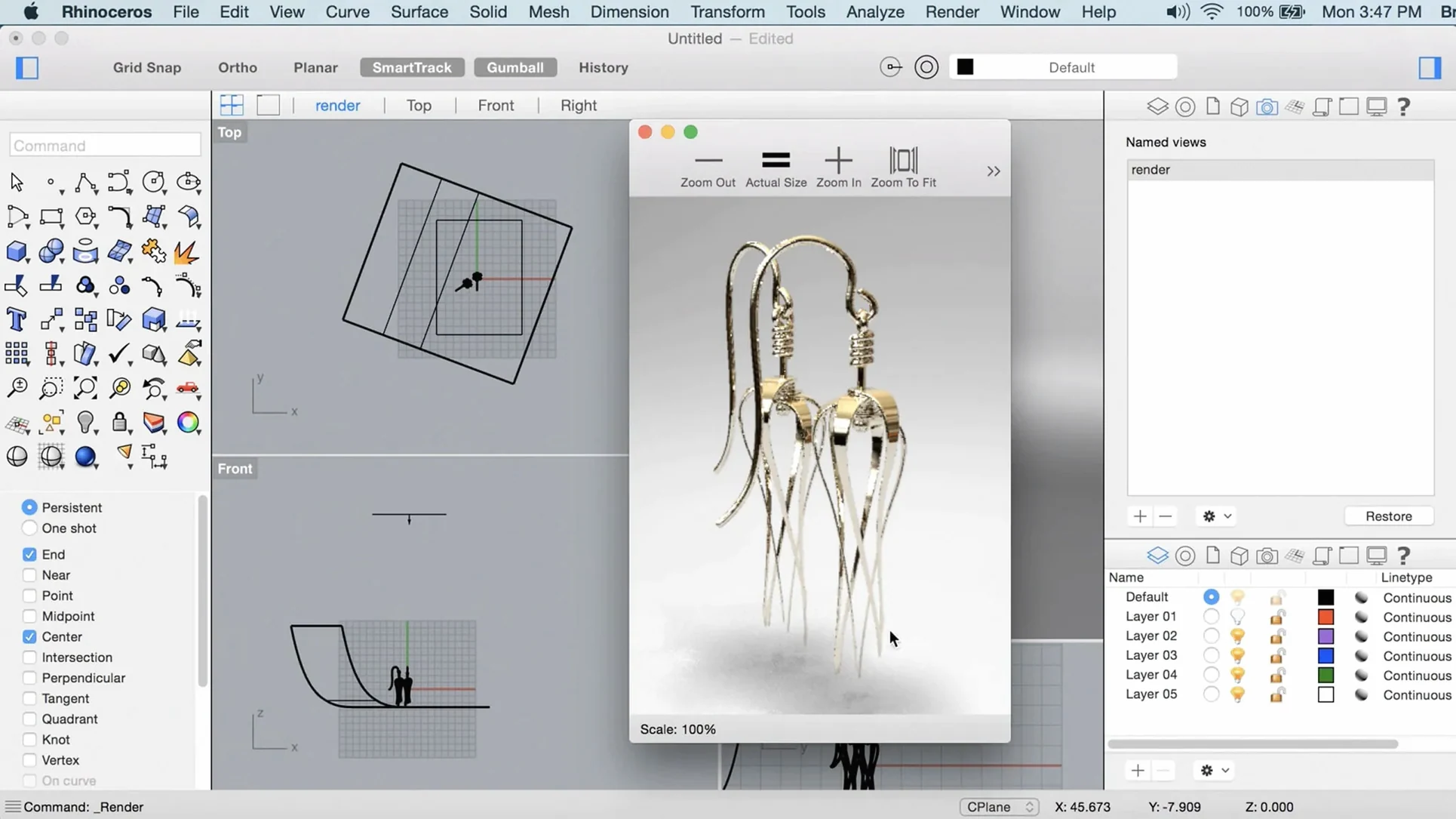
Rhino 8 runs on any Mac with Apple Silicon or an Intel 64-bit processor, provided you are on macOS 12.4 Monterey or later. It makes no distinction between a simple study model and a hull surface destined for production. The geometry engine does not care about object size or complexity; only your hardware sets the boundary.
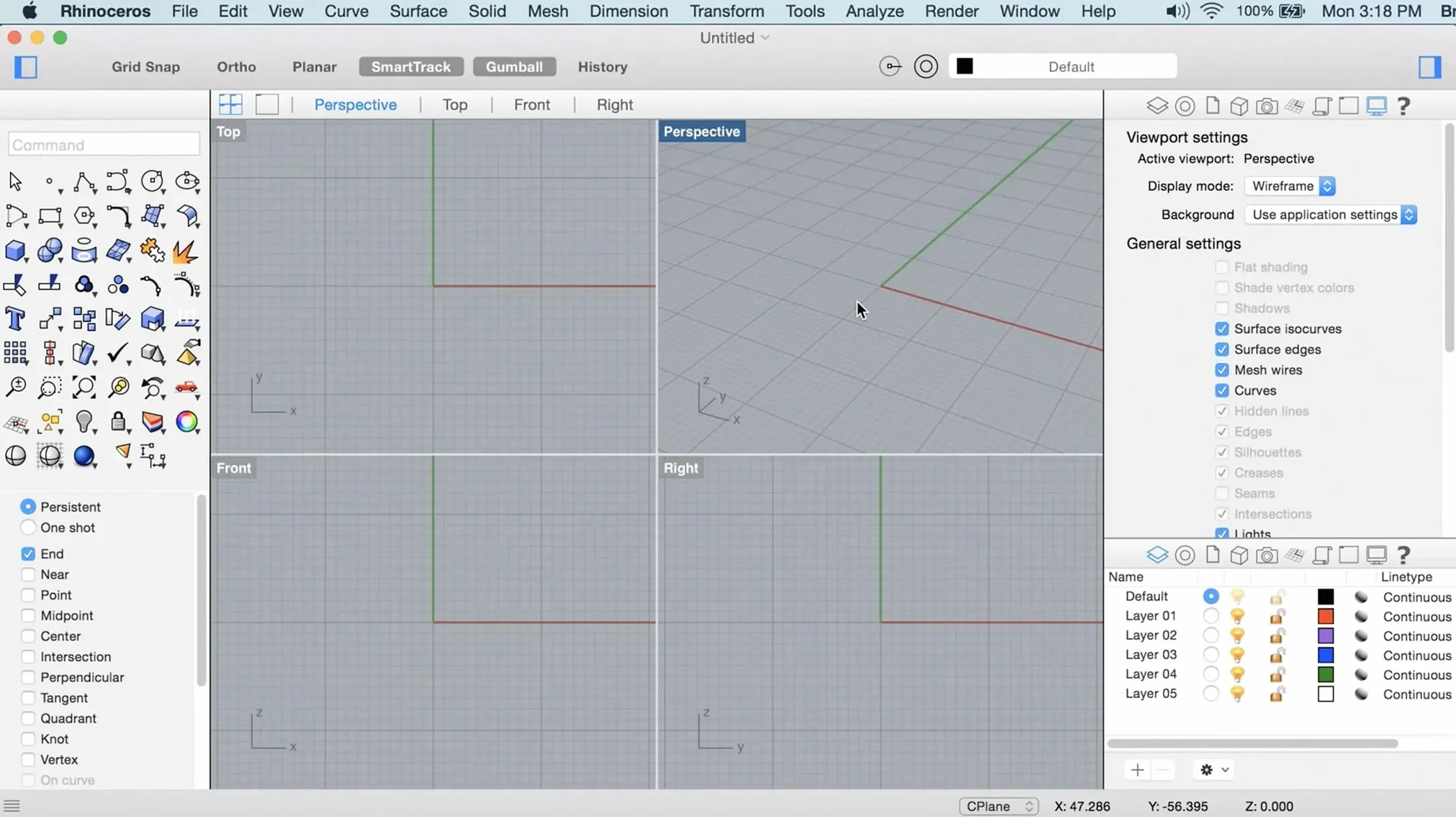
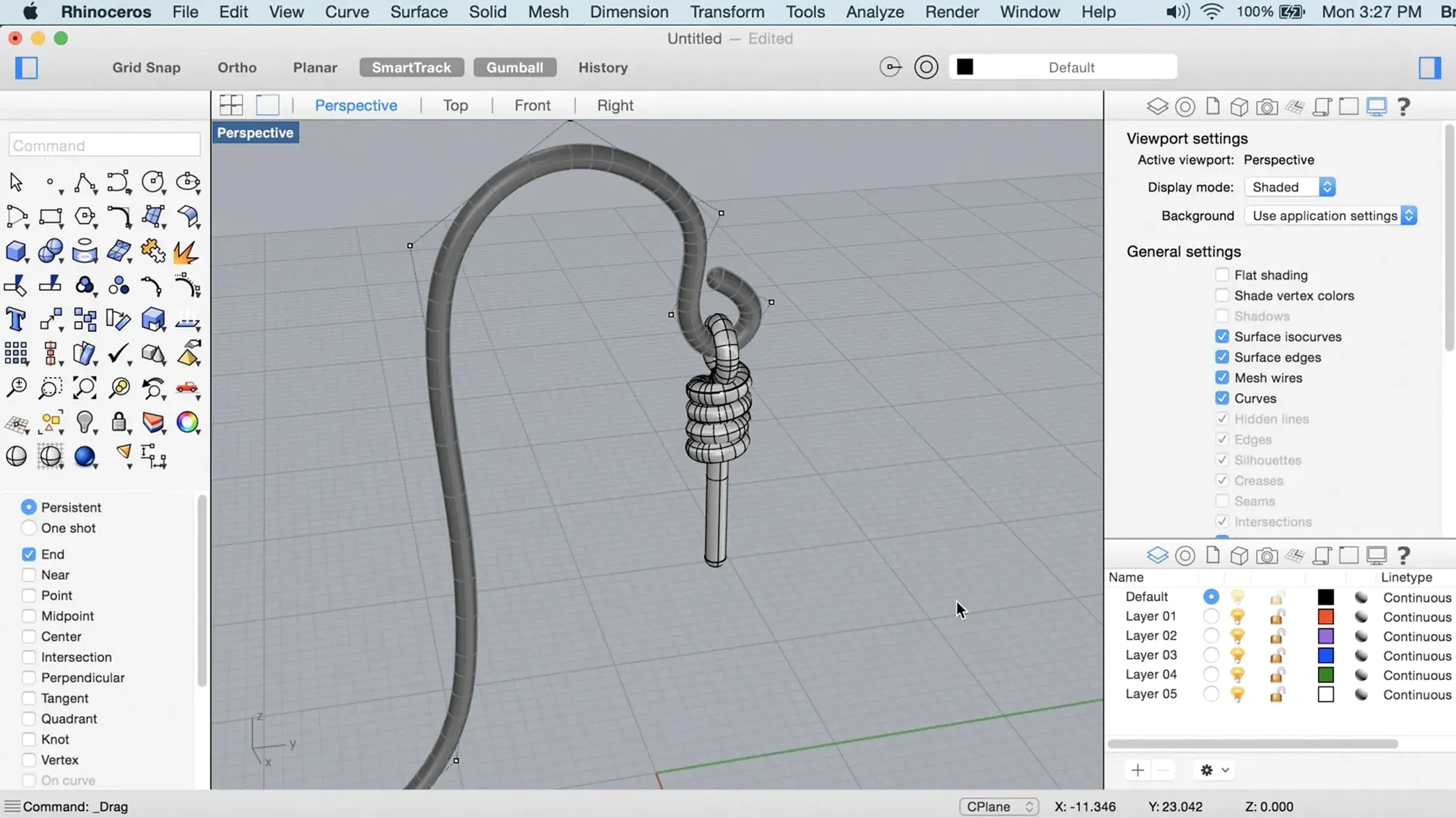
The Mac version now draws the viewport through Metal. The interface is more your own than before, and modeling tools like PushPull and ShrinkWrap remove steps that used to require workarounds.
Class-A surfacing
- Industrial designers moving between concept sketches and Class-A surfacing
- Architects who treat Grasshopper as a second language
- Marine and jewelry designers working at tolerances most modelers ignore
Deliberate curve
- Expect a deliberate learning curve; this is not a push-and-pull toy
- A multi-button mouse with a scroll wheel is not a nice extra — it is how the software breathes
ShrinkWrap, start to finish
You receive a mesh from a scan or a DCC app. It has holes, overlapping faces, non-manifold edges. A typical first instinct is to retopologize by hand.
ShrinkWrap skips that.
Select the mesh. Run ShrinkWrap. Rhino builds a closed solid or open NURBS surface that conforms to the original geometry. The result is watertight. You control offset distance, smoothness, and whether openings get filled. For a 3D-printed enclosure that must fit an existing board, this turns a half-hour fix into a thirty-second command.
From the ShrinkWrap solid, extract edge curves with DupEdge. Use those curves to build mating parts. The workflow no longer starts with defeat.
Enable Gumball
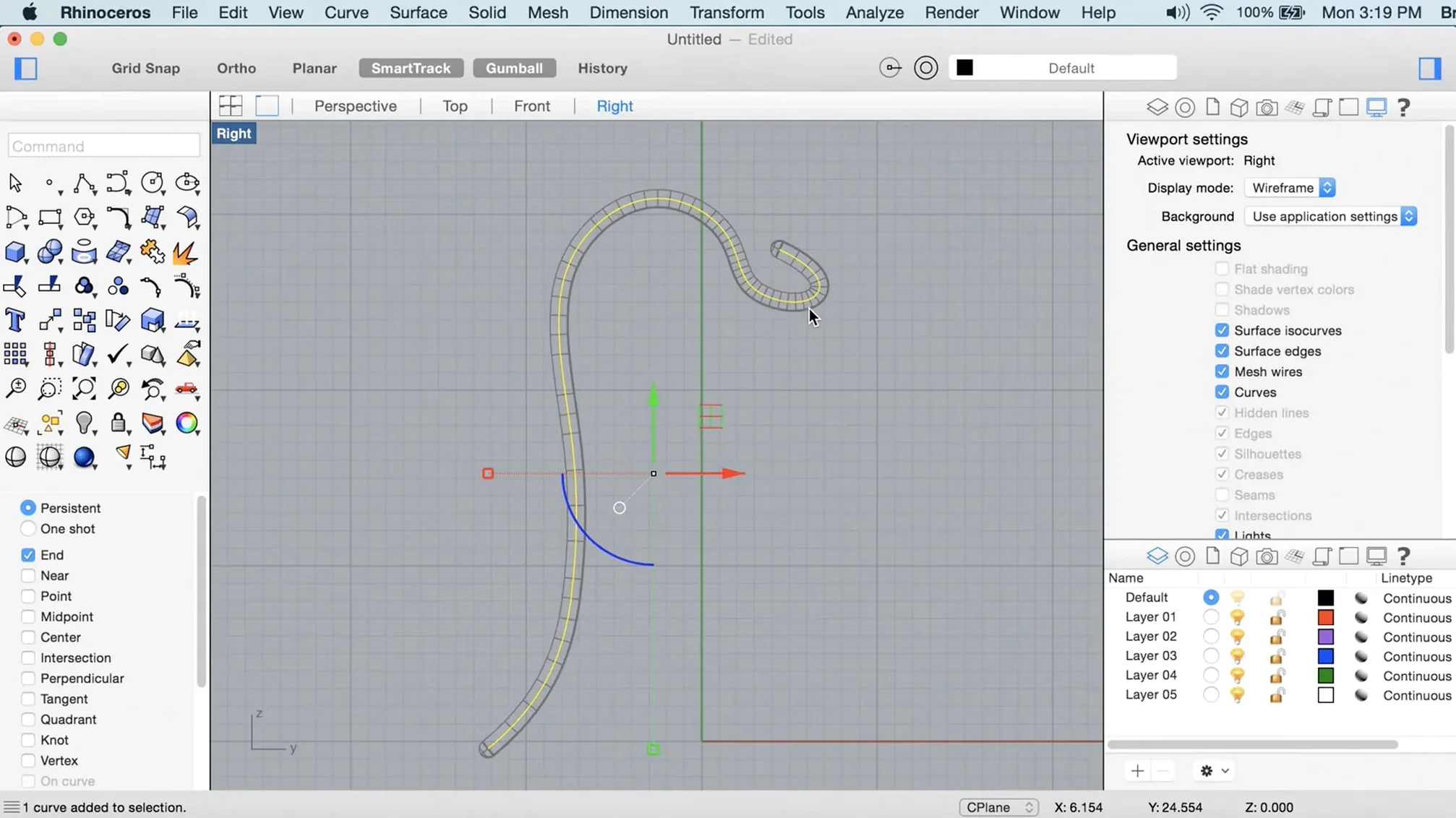
Turn on Gumball immediately. It lives in the bottom bar. Without it, every move, rotate, and scale action requires a typed command or a trip to the transform menu. With it, you drag arrows and arcs directly on the model. Muscle memory builds fast.
Set your middle mouse button to View Rotate under Rhino Preferences > Mouse. A scroll-wheel click is not enough on its own. Do this once and the viewport stops fighting you.
Learn three commands cold: SelDup, SelCrv, and MergeAllFaces. Duplicate objects hide in imported files and slow everything down. SelDup finds them. SelCrv isolates curves when you need to rebuild clean profiles. MergeAllFaces collapses coplanar surfaces that should have been one face from the start. These three clean up half the geometry problems you will encounter in the first week.
Resist the urge to customize every toolbar on day one. Change only the middle-mouse assignment and the viewport background color. Everything else can wait until you have finished your first real project.
A marine designer's afternoon
A small-boat designer is revising a deck mold. The original surface came from an older package and arrived as a dense mesh with no curvature data. The deck needs a raised coaming and three new hatch openings.
She starts with ShrinkWrap at medium smoothness to create a clean solid from the mesh. From that solid, she extracts the top face with ExtractSrf. The surface is a single untrimmed NURBS sheet now. She runs CurvatureAnalysis to check fairness — the isophote lines run smooth, no peaks or flat spots near the bow transition.
The raised coaming comes from an offset of the hatch opening curve, extruded with a slight draft angle using ExtrudeCrvTapered. She trims the intersection with the deck surface. No Boolean failures because the geometry is clean.
By late afternoon, the model goes to the CNC shop. The file is a closed polysurface. No mesh repairs were needed, no STEP export errors. The software never asked her to think about topology — just about the boat.
What changed with Rhino 8
The viewport now runs on Metal. On Apple Silicon, display lag is essentially gone. Heavy models that made Rhino 7 stutter during orbit rotation stay fluid. You notice it most when navigating large assembly files with hundreds of parts.
SubD Creases arrived. You can crease SubD edges with a weight value, similar to what subdivision modelers expect, and the crease holds through conversion to NURBS. No more splitting edge loops to fake a hard edge.
PushPull feels overdue. Select a face, pull it, and adjacent faces stretch to match. It works on both solids and open surfaces. Good for quick massing studies and for adjusting wall thicknesses without rebuilding from profiles.
Grasshopper gained new data types — linear algebra operations and expanded curve types — which matter if you maintain definitions with hundreds of components. The interface itself is more malleable. You can dock panels where you want them, collapse toolbars into a single row, and hide nearly everything except the viewport. The Mac build no longer feels like a port.