
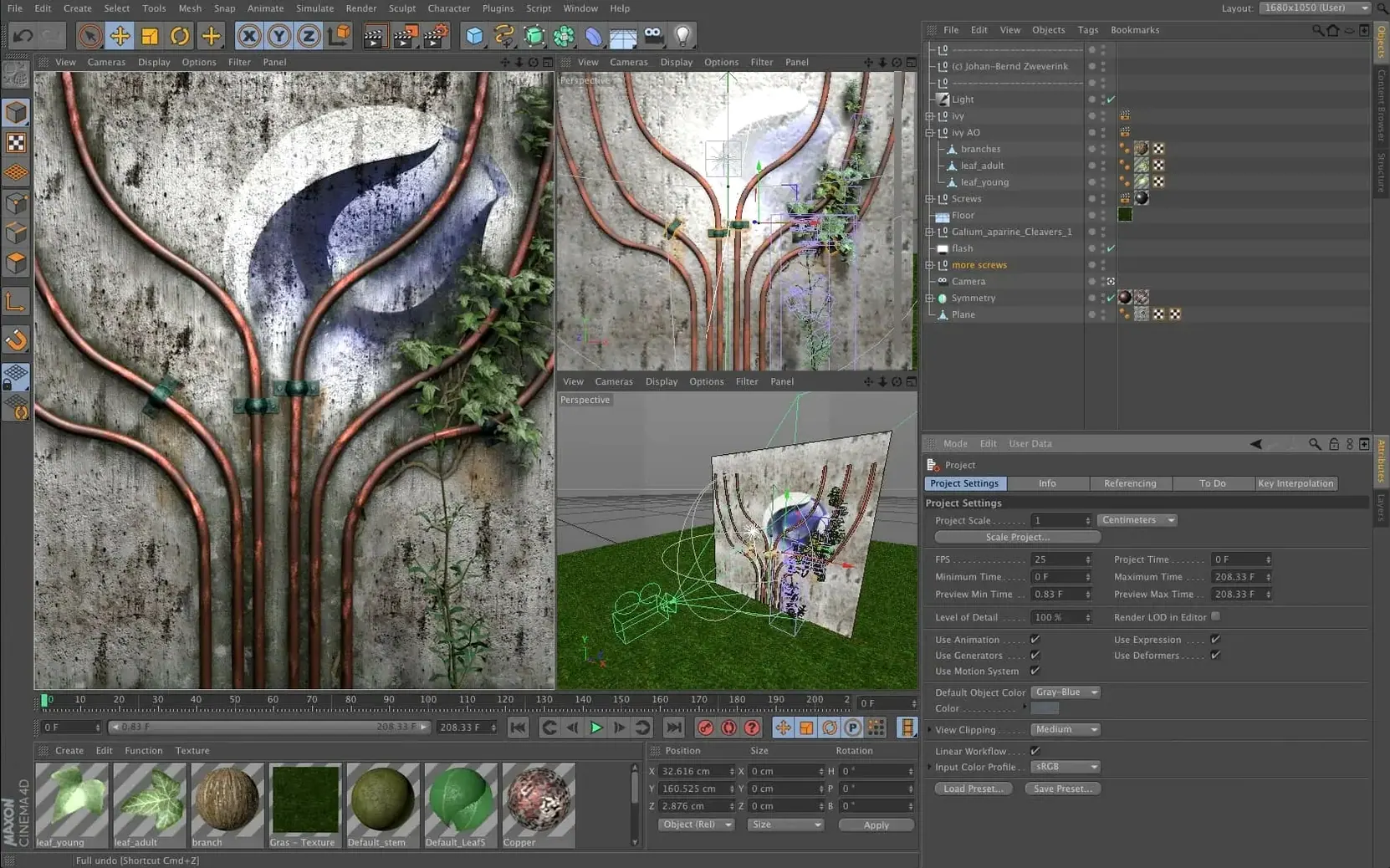
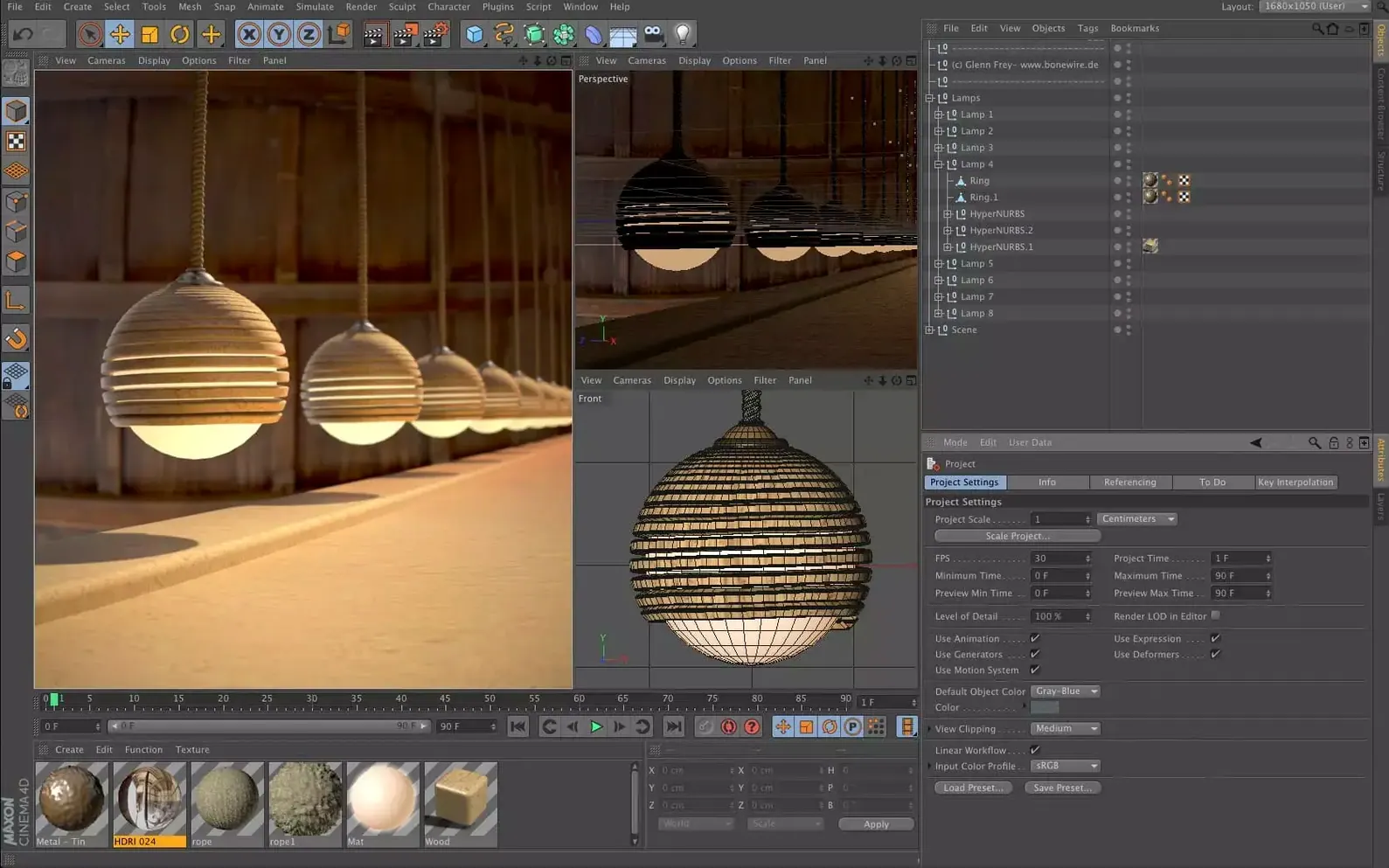
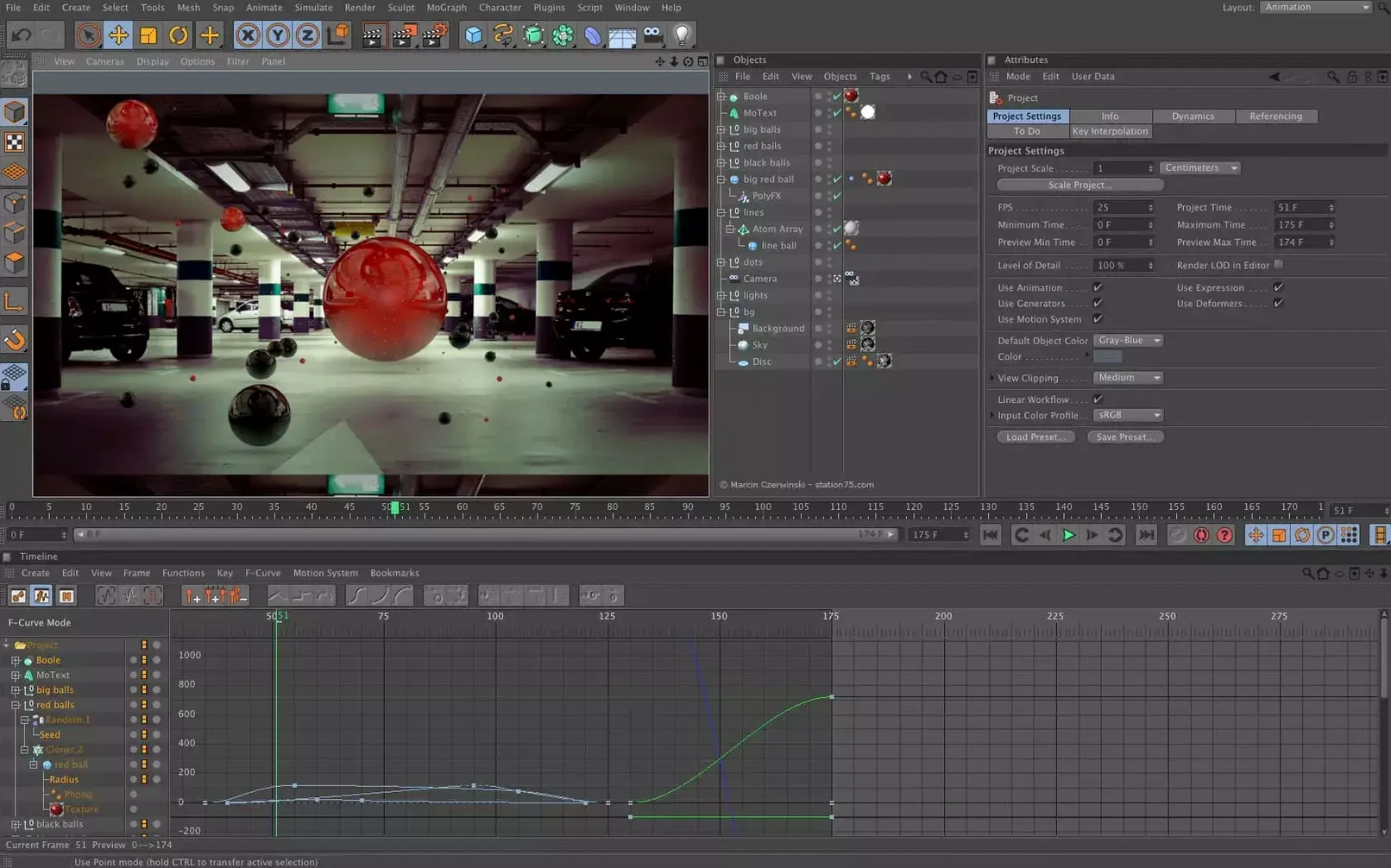
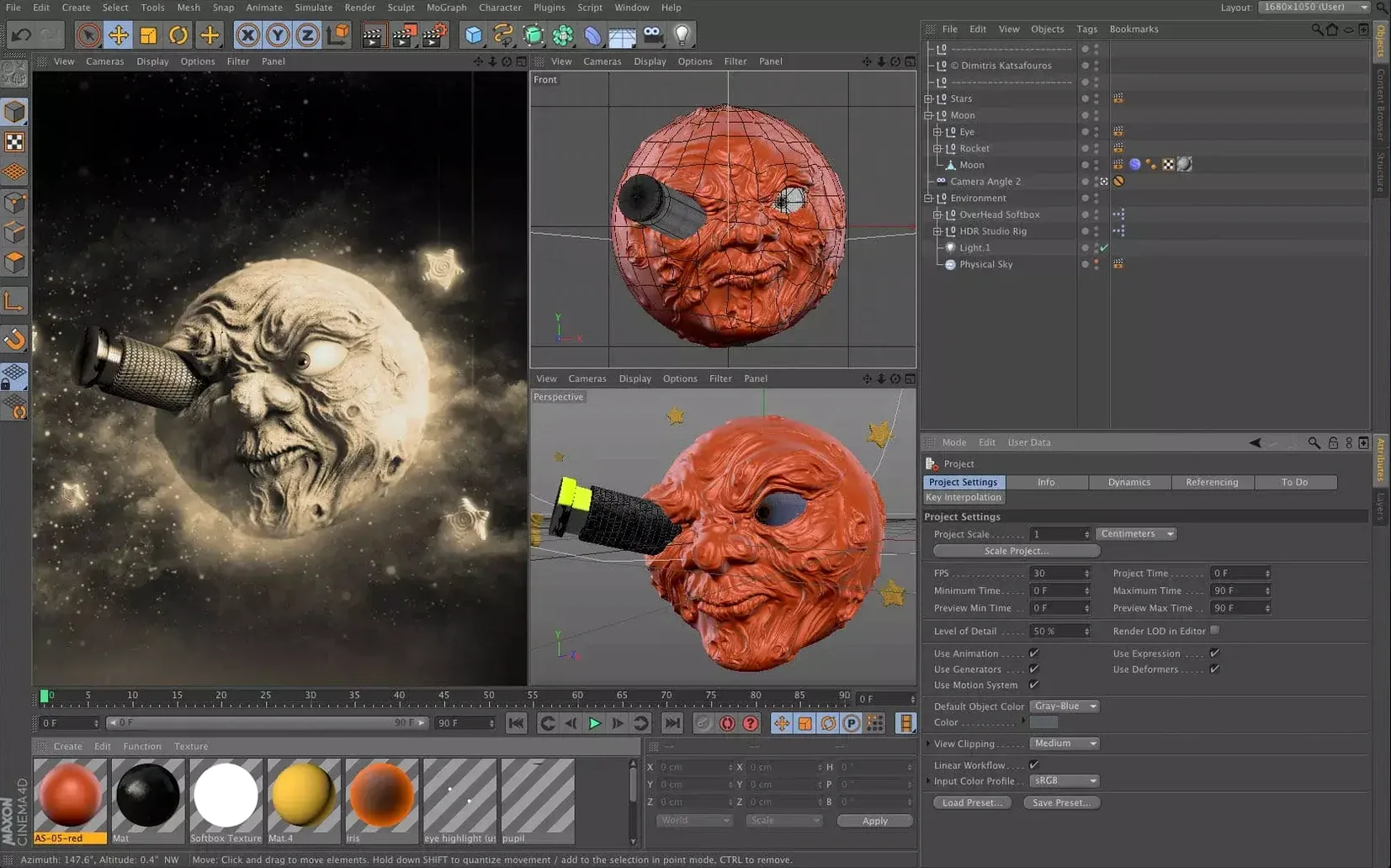
Most 3D tools bury you in menus before you make anything. Cinema 4D gets out of the way so the first thing you see is the viewport.
Modeling — Polygon, spline, and volume-based tools for building geometry.
Animation — Keyframe, procedural, and character rigging systems.
Simulation — Cloth, soft bodies, rigid bodies, and particles that interact naturally.
Rendering — Built-in physical renderer, plus tight integration with Redshift.
Summon tools
Hold Shift+C to summon the Commander. Type two letters and the tool or command is under your cursor. No trips to the menu.
Middle-click a palette tab to fold it instantly. The interface breathes.
In the Attribute Manager, Ctrl+click any parameter name to add it to the HUD. Useful when you’re dialing in a light or a bend deformer and want the slider visible while you orbit.
Drag a material thumbnail from the Material Manager straight onto a single polygon selection. It applies only there. No extra tags.
Use the ~ key while a tool is active to call its context menu without moving the mouse. Small gesture, less arm travel.
The Object Manager lets you rename items with Enter, but hitting Tab afterward moves to the next object. Rename ten layers in seconds.
Alongside the rest
Blender does everything and costs nothing. The trade is a denser interface and a steeper first week. Cinema 4D feels more legible from day one, especially for motion graphics where MoGraph gives you cloners and effectors that would require node trees elsewhere.
Maya runs deeper in character rigging and pipeline scripting. Large studios lean on it. For solo artists and small teams, Cinema 4D offers a quicker path from sketch to a frame you can show.
Houdini’s procedural power is hard to match. But the node-graph mindset slows down simple tasks. Cinema 4D’s Capsules now bring scene node logic into the Object Manager, so you can dip into procedural workflows without leaving the familiar stack. The gap narrows, but Houdini still leads for pure simulation work. Many users run both — Cinema 4D for the core layout and animation, Houdini for the heavy sims.
Procedural stacks
The 2024.2 update tightened the connection between Capsules and the Object Manager. You can now inject procedural node setups directly into a standard object stack. That means complex deformations or instancing rules can live inside a simple cylinder without breaking the mental model.
Scene Manager performance improved on large projects. Filtering and searching through hundreds of objects feels faster.
Spline handling inside scene nodes got more predictable. Imported vector art retains its point order better when you extrude or sweep it. Less manual cleanup.
Redshift integration kept pace. Material previews in the viewport respond quicker when you adjust roughness or metalness. Small but constant friction removed.
It suits motion designers, visual effects artists, and anyone who wants a professional 3D toolset without a hostile learning curve.