
XNURBS Surface blending gets you G2-continuous transitions without a dozen patch-and-trim steps. You pick the edges, adjust the tension slider, and the blend updates in real time. The surface flows cleanly into the surrounding geometry.
That matters when you model a gamepad shell. You block in the main body as a solid, then cut the button recesses with precise fillets. Live dimensions let you pull a recess 2.3 mm deeper and watch the fillet radius stay locked.
For the thumbstick surround, you switch to surface modeling. A PolySpline defines the swept profile. You loft it, trim the excess, and blend it into the top face with XNURBS. The seam reads as a single surface under any reflection.
Shift copies
Hold Shift while dragging a dimension to copy the value to a nearby edge without opening the numeric input. It saves you from retyping the same radius three times.
Middle‑click a face in wireframe mode to orient the view normal to that face. Double‑tap F and the camera frames your selection. Neither gesture is advertised in the toolbar.
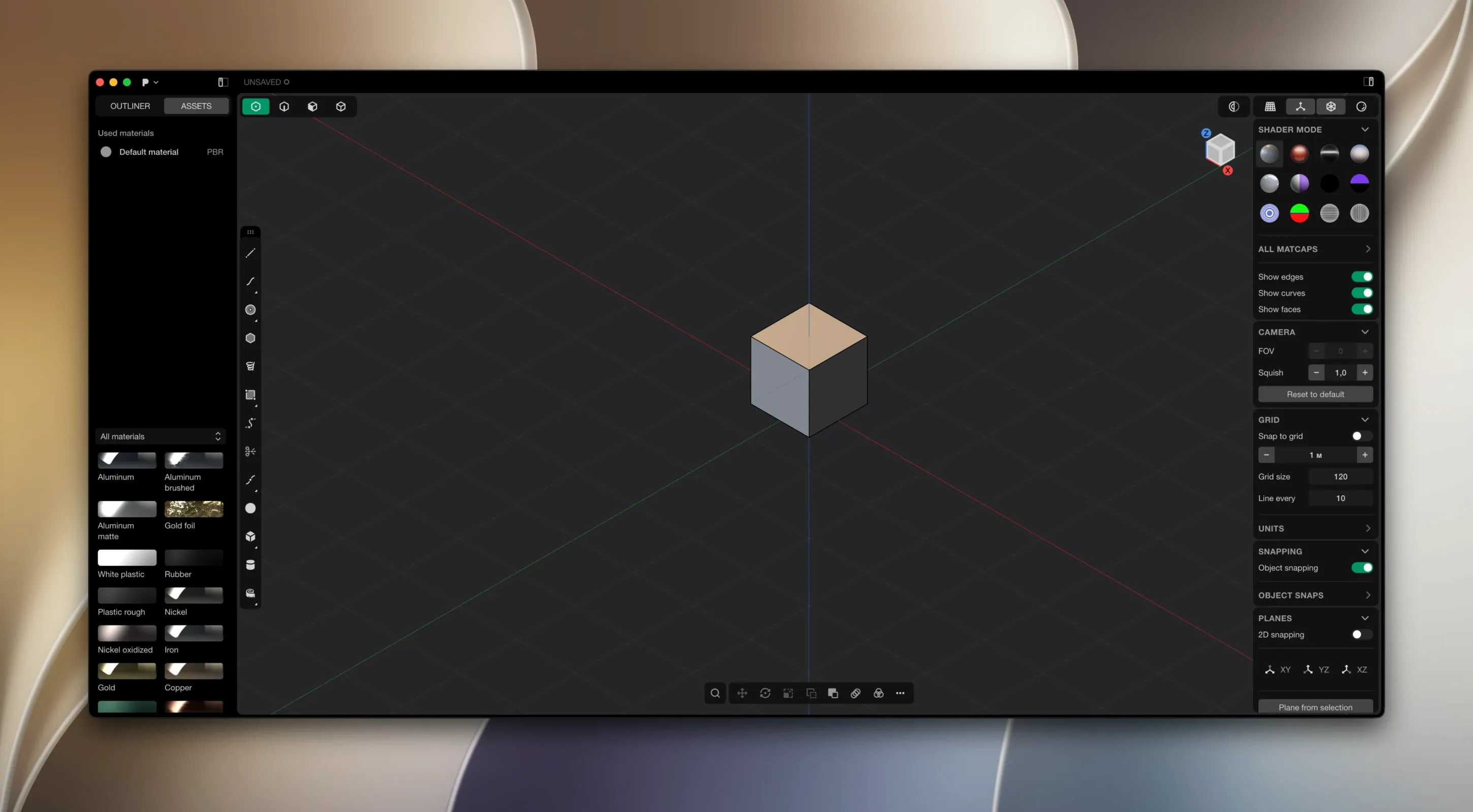
The Tab key hides the side panels. On a laptop screen, this reclaims a surprising amount of modeling space. You can still access every tool through the radial menu with Space.
When a boolean leaves a tiny sliver face you can’t select cleanly, switch to edge mode, pick the bounding edges, and press Delete. Plasticity heals the gap with a single patch. No patch‑and‑stitch sequence required.
Alongside the others
Fusion 360 ties you to a timeline. Plasticity doesn’t. You push and pull faces directly, and nothing upstream recomputes because there is no upstream. For concept models that evolve in quick, violent revisions, the difference is a quieter headspace.
Blender’s polygon‑by‑polygon control is deeper, but it lacks a true NURBS kernel. Getting a G2‑continuous car body in Blender means laying out guide curves and hoping the subdivision surface behaves. In Plasticity, you loft a surface, blend it with xNURBS, and export a watertight solid. The geometry kernel does the heavy math.
Rhino gives you more surface‑editing tools overall, yet its Mac version still feels grafted on. Plasticity runs native on Apple Silicon and loads its viewport without a splash‑screen delay. The toolset is narrower, but the tools that are present feel chosen rather than accumulated.
Patch replacement
Does it replace my CAD package? Not entirely. It lacks assemblies, drafting, and parametric constraints. You will still send a STEP file elsewhere for drawings. What it replaces is the long middle stretch of surface patching and fillet troubleshooting.
Will it open my old files? Plasticity imports STEP, IGES, OBJ, and a few mesh formats. It does not open Fusion, SolidWorks, or native Rhino files. Plan on a STEP export from your current tool before you bring geometry in.
How steep is the learning curve? If you have used any direct‑edit modeler, a day gets you comfortable. The command search under Space flattens the menu structure. People coming from Maya or Blender polygons usually need a few afternoons to internalize NURBS thinking: faces instead of vertices, trims instead of edge loops.
Manually moving the patcher folder to the desktop resolves most activation hiccups on macOS. It’s a small ritual worth remembering.
Updates don’t arrive on their own. You grab them manually from the developer’s site.