
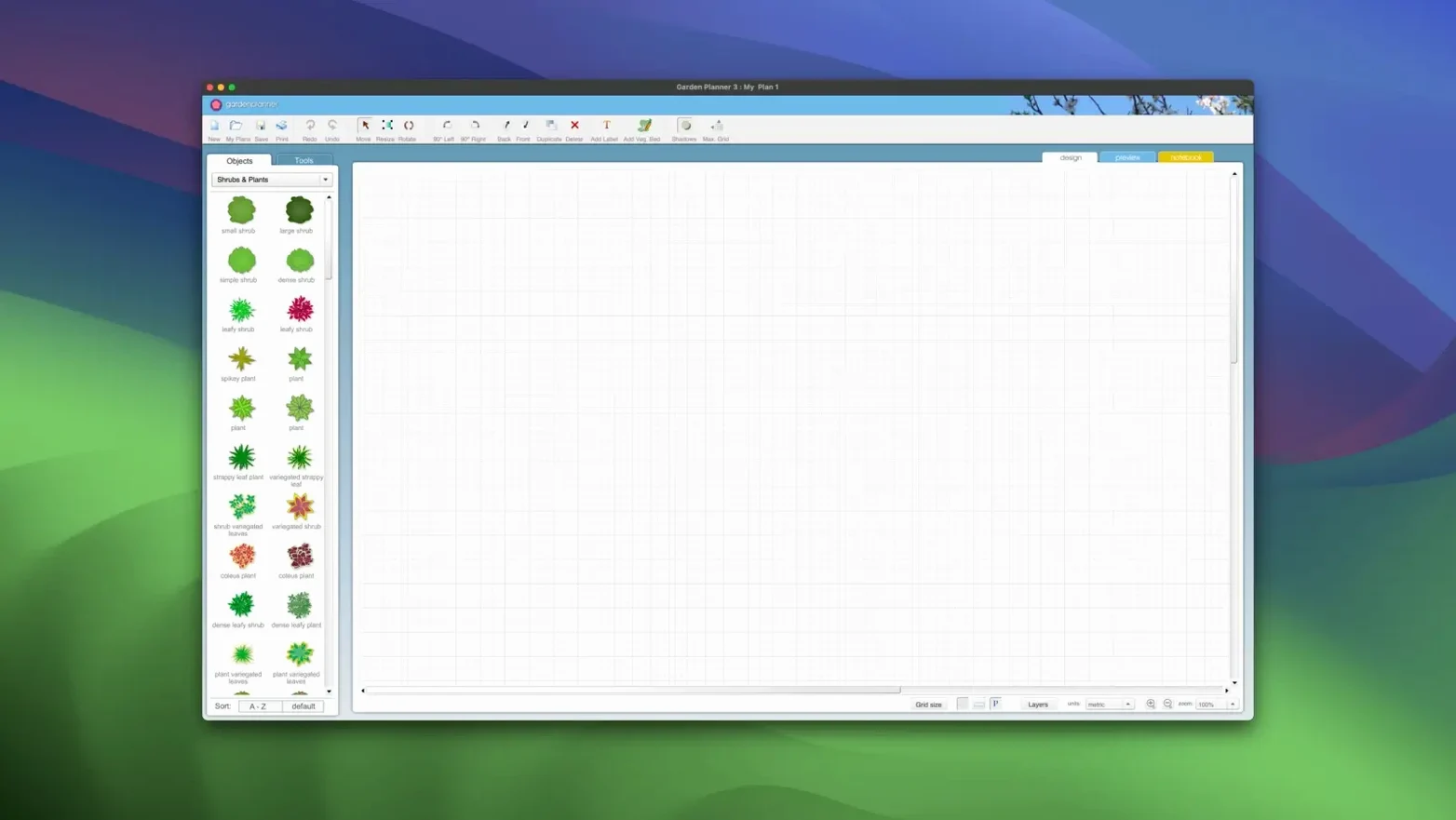
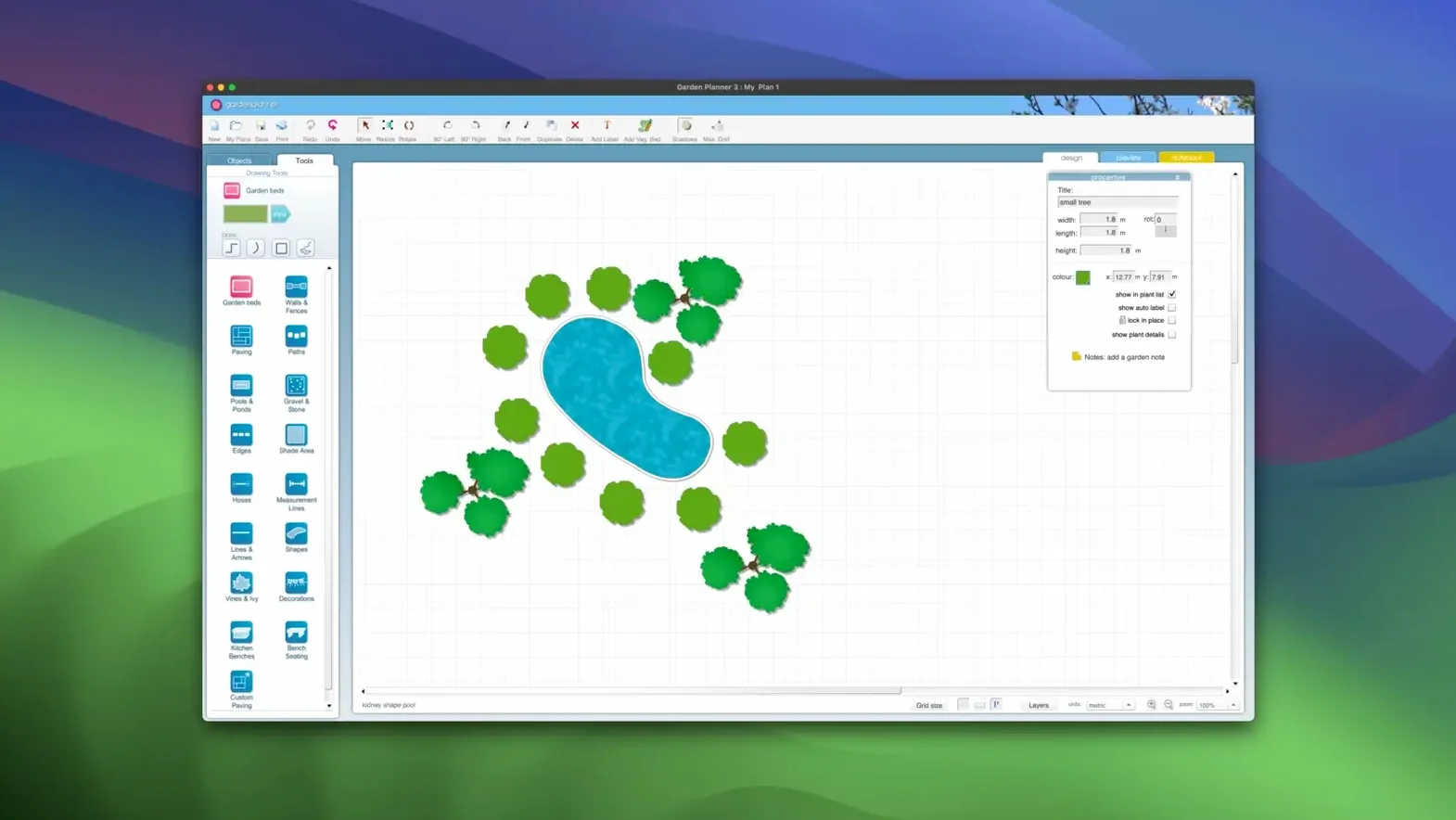
Drag things in. Turn them. That is most of it.
- Drag out a lawn rectangle and pull a corner until it fills the south half of the yard.
- Drop a Japanese maple near the back fence. Duplicate it twice and space the three as a loose group.
- Lay a gravel path from the door to the maples. 3.8.86 adds new path styles.
- Add a low hedge along the path and a bench at the bend.
- Switch to 3D and walk the path.
- Export the plan as a PNG.
30 minutes before the client arrives
A landscape designer with three meetings today opens a blank plot. The client wants a courtyard sketch — something with a water feature, two seating zones, and a stone path that reads well from the kitchen window.
She drops a rectangular pond in the center. Pushes it off-axis slightly so the eye travels diagonally. Drags a wide paver path around it, then dresses three edges with ornamental grasses from the library. A bench at the far corner. Two small trees at the entry points. Fifteen minutes in, she switches to the 3D walkthrough, stands at the kitchen window viewpoint, and knows the pond needs moving 80 cm toward the fence. She drags it. Done.
The file exports as a clean JPEG, goes into an email, and she closes her laptop before the coffee finishes brewing. The app never fought her. That is the whole point.
Spin 200 objects
It launches in under two seconds on Apple Silicon and stays that way after a full morning of switching between files. The 3D view redraws smoothly when you spin a garden with 200 placed objects — no frame drops, no beachball.
Memory use stays modest. A complex plan with mixed paving, walls, water features, and a hundred plant symbols sits around 180 MB of RAM. Idle, it drops lower. It does not phone home, does not index files in the background, does not leave helper processes running.
Sleep and wake are uneventful. Crashes are rare in 3.8.86, and the one reproducible quirk — pasting a scaled object onto a locked path — has been fixed.
If you once searched for a home planner torrent or a planner 5d mac download and found yourself in a mess of half-working tools, the contrast here is stark. This app stays in its lane.
Beginner fumbles
Three mistakes show up often enough to mention.
First: ignoring the object report. New users export a pretty picture and call it done. But the report — plain CSV or printed list — saves a planting crew from guessing whether that blurry green blob is boxwood or rosemary. Use it.
Second: scaling before placing. The library objects land at default sizes. Beginners resize them in the plan and then wonder why the hedge looks thin. Drop them first, then resize, then duplicate. The scaled copies inherit the right proportions.
Third: skipping the 2D alignment before the 3D walkthrough. The 3D view is honest about sightlines. If a tree blocks the bench from the patio door, you see it instantly. But if the 2D plan was slapped together without snapping paths to grid, the 3D walk reveals gaps and floating edges. Snap things in 2D first, then walk it.
No layers panel. Just the things you put down.