Runs on macOS 10.12 and later, Intel and Apple Silicon.
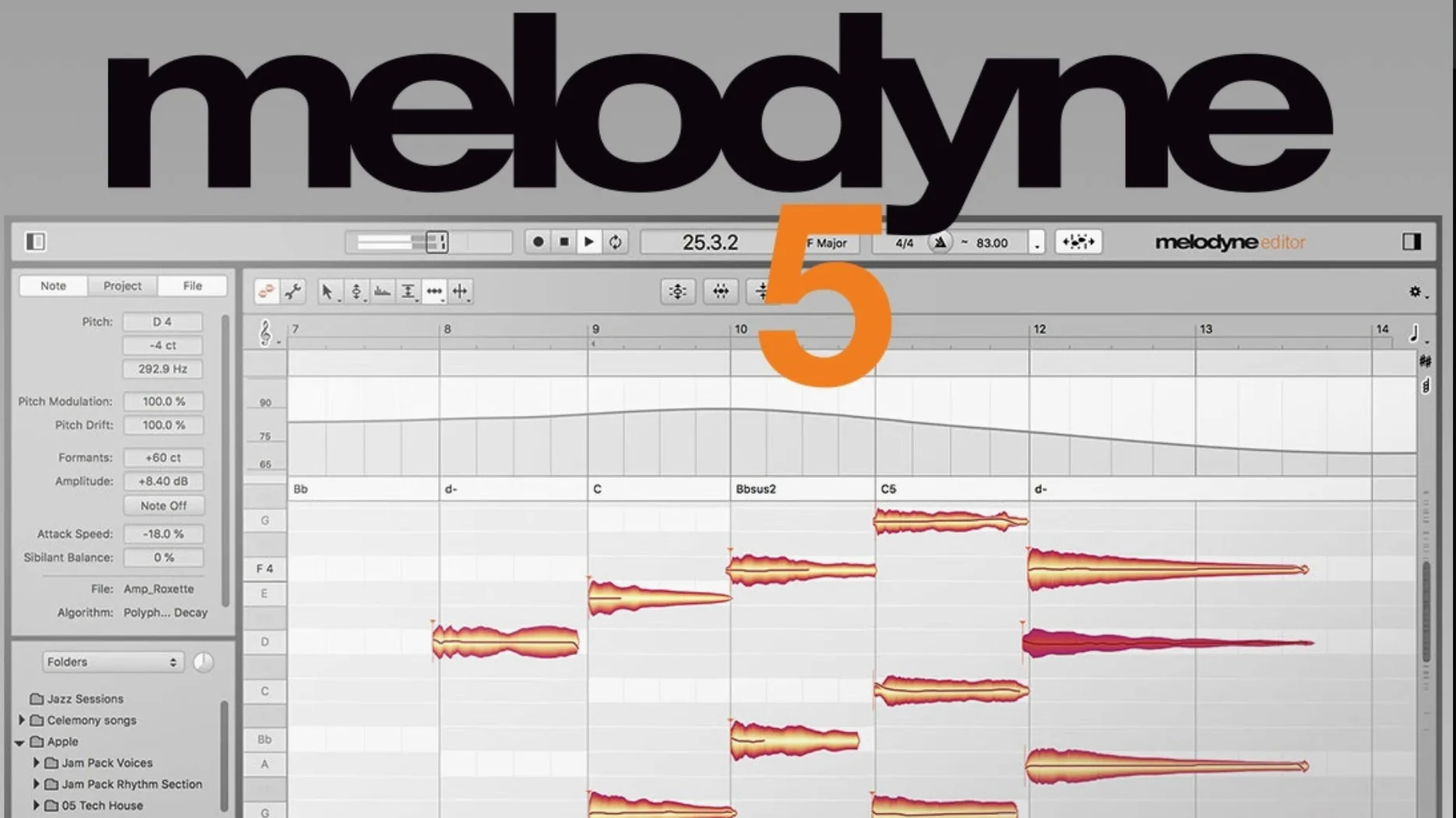
Note separation — audio becomes individual blobs you can move, stretch, or tune.
Fade Tool — draw fades directly onto a note, not a mixer lane.
Leveling Macro — evens out syllable volume without squashing dynamics.
Percussive Pitched — a dedicated algorithm for pitched percussion like tabla or steel pan.
Key recognition — the software reads the harmonic center of a track and can tune a vocal to match it.
Ghost transfer
Some sessions begin with a blank transfer window. The plug-in loads, but no audio appears inside Melodyne. Usually the DAW transport wasn't running during the transfer pass. Play the section through once with transport rolling — Melodyne needs to hear the signal in real time.
ARA mode works differently. If notes look grayed out or refuse to edit, check that the ARA instance matches the clip on the timeline. Dragging a clip edge after analysis can break the link. Re-analyze by removing and re-inserting the plug-in on that clip.
Another stumble: sibilance gets separated as stray blobs. Switch the detection algorithm from Melodic to Universal for breath-heavy vocals, or reduce the detection sensitivity before the first analysis pass. You can also delete individual sibilant blobs and let the DAW handle them with its own de-esser.
Crackles on sustained notes often come from formant shifts pushed too far. A semitone of pitch correction with default formant settings rarely glitches; a fifth with extreme formant tweaking will. Dial the formant tool back, or split the note into shorter segments and process each gently.
Crash on open, the one the 5.4.2 update fixes, still catches users on older versions. The trigger was a specific ARA handshake sequence with certain DAWs. Updating resolves it. For anyone stuck mid-session on an earlier build, trashing the Celemony preferences file sometimes lets the plug-in load long enough to bounce the edited track.
Orange blob chorus
Vocal track: recorded last night, a few flat notes in the chorus.
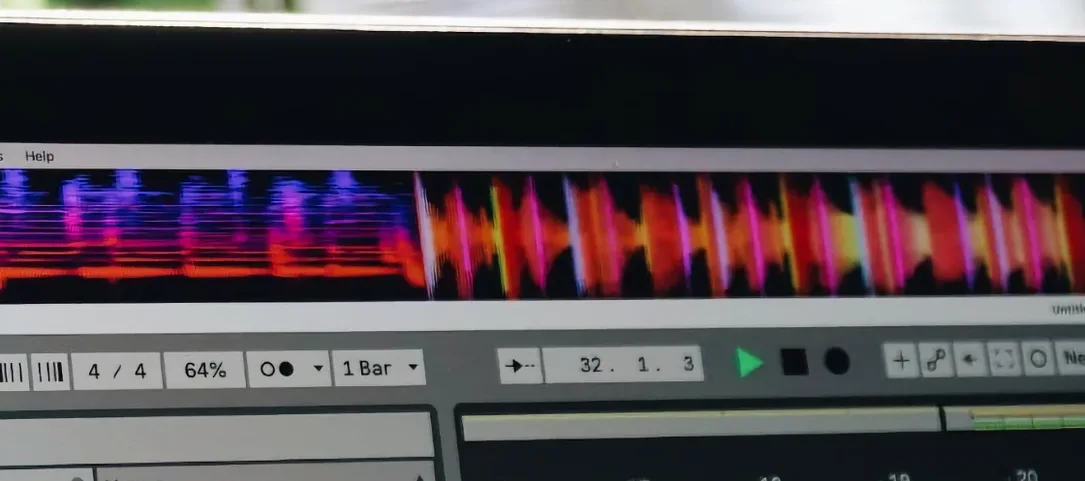
You insert Melodyne on the track, arm it, hit play. The waveform scrolls past. Stop after the phrase. The display fills with orange blobs — each one a note. The software has already guessed the key.
Click the blobs. The flat ones sit visibly below the center line. You double-tap each and it snaps to pitch. Not robotic — the drift within the note stays intact. That's the default pitch transition setting doing its work.
One syllable jumps too loud. Select the blob, drag its amplitude handle down a few decibels. No need to open a separate gain utility.
The bridge has a long held note that wavers in a nice way but loses energy. You widen the vibrato slightly with the modulation tool, then boost the note's overall level. The breath at the end of the phrase stays untouched — Melodyne separates the tonal blobs from the noise components automatically.
You notice the second chorus drags. Select all its blobs, open the timing tool, quantize to 60%. Not 100%. Just enough to tighten the pocket without erasing the push and pull.
Export: ARA commits the edits into the DAW clip. No offline bounce through Melodyne's own renderer. The project plays back with all corrections baked in, and CPU usage drops back to idle.
With other tools
Melodyne works inside your DAW, so it slots into a chain like any other insert. A common stack: Melodyne first, then a channel strip EQ, then a compressor. Correct the source before dynamics processing touches it.
ARA integration with compatible DAWs means edits survive comping changes. When you switch takes, Melodyne re-analyzes the new slice automatically. No manual transfer step each time you audition a different vocal comp.
The chord track in Studio One and Cubase talks to Melodyne. Change the chord progression, and Melodyne suggests note adjustments for polyphonic material. It won't do the work — you still decide — but the blobs highlight which notes are chord tones and which aren't.
Drag audio from the Finder into a standalone Melodyne window, edit it there, then export a corrected file for a sampler or a video editor. This bypasses the DAW entirely and keeps the workflow light.
For sound design, people bounce a tuned sample out of Melodyne, drop it into a granular synth, and mangle it further. The note-based separation means you can extract just the third harmonic of a piano strike and resynthesize it elsewhere.
Feel under load
The analysis pass taxes a single core heavily for a few seconds. On Apple Silicon, a four-minute vocal takes maybe three seconds to map. Intel machines take longer, but the difference is a pause, not a wait.
During editing, CPU use drops to near zero. Blob manipulation is smooth on both architectures. The 5.4.2 trackpad scrolling fix means two-finger zoom and pan feel native now — responsive, no jitter when the view is dense with notes.
Memory footprint sits around 200 MB for a typical vocal transfer. Polyphonic material, like a full piano recording, can push toward 800 MB. The data files — the blobs and their analysis — save inside the DAW project. No external folder management required.
Stability in ARA mode has been the main variable across versions. With 5.4.2, sessions that used to beachball on project close now exit cleanly. The crash-on-open fix means you won't lose edits on reload. If your workflow depends on melodyne macos stability in ARA, this is the build to run.
Laptop users on battery will notice the analysis spike, but editing itself sips power. You can work a full vocal session on a MacBook Air without the fans spinning up.