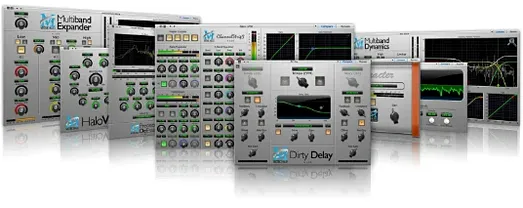
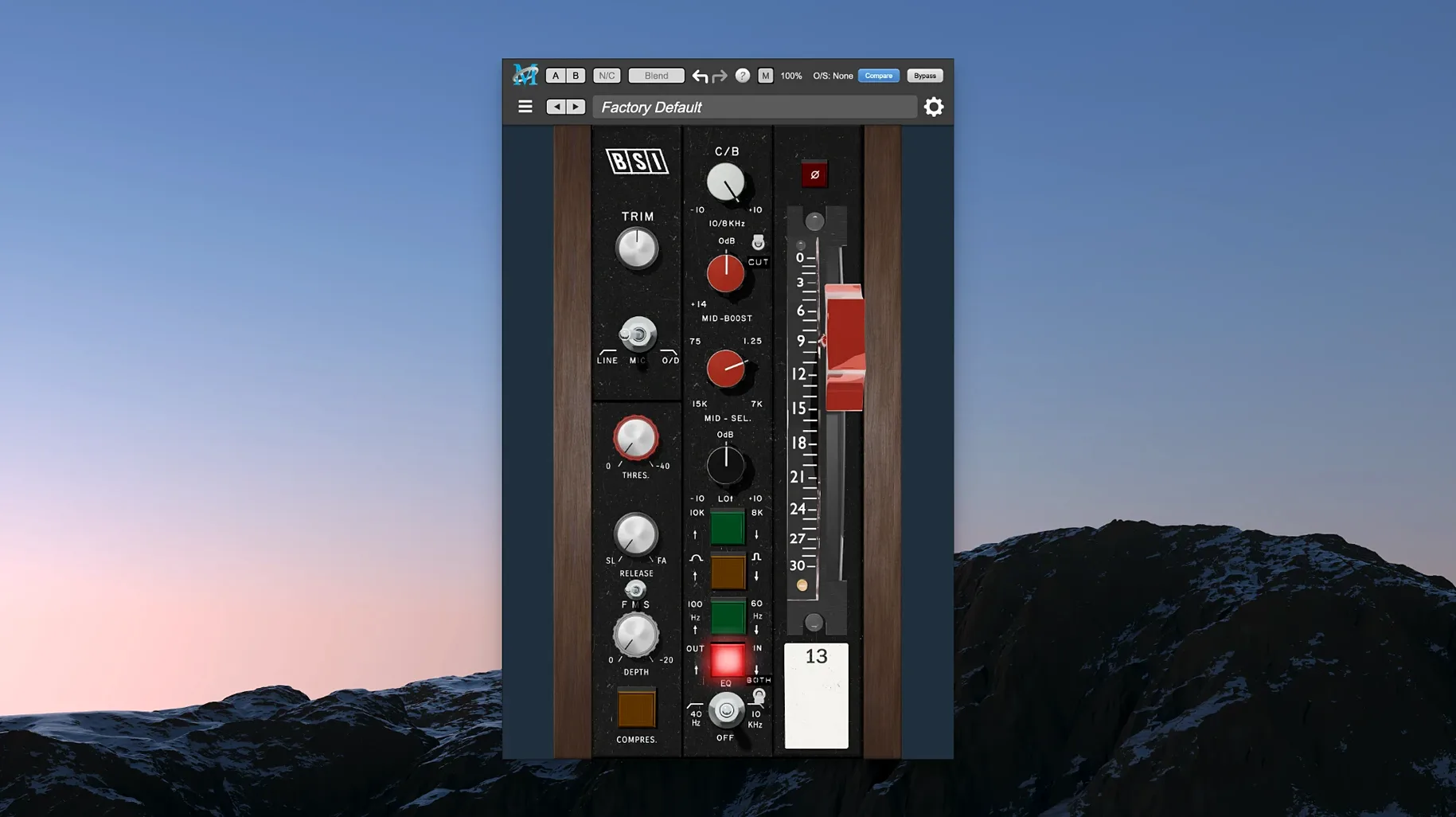
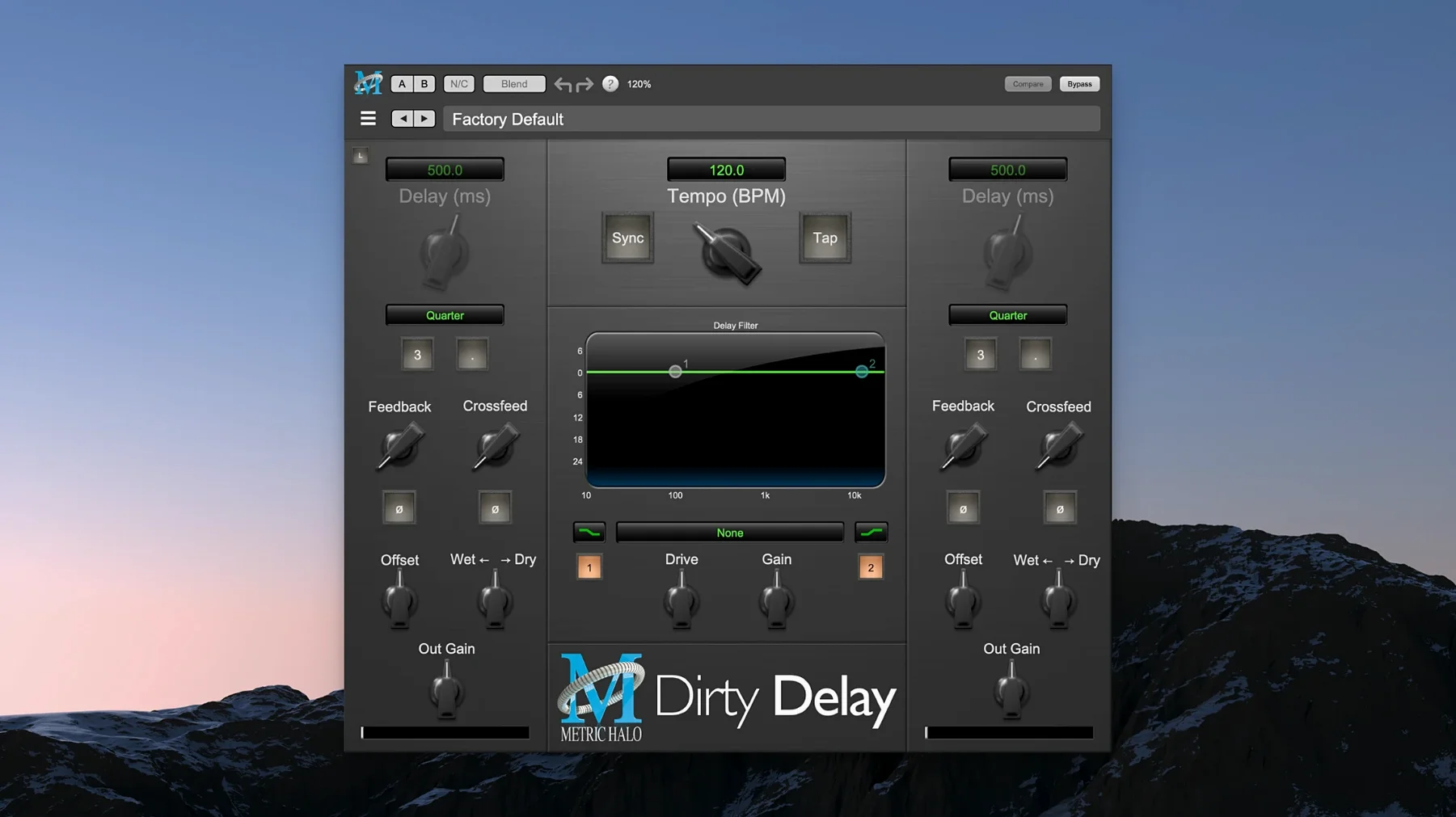
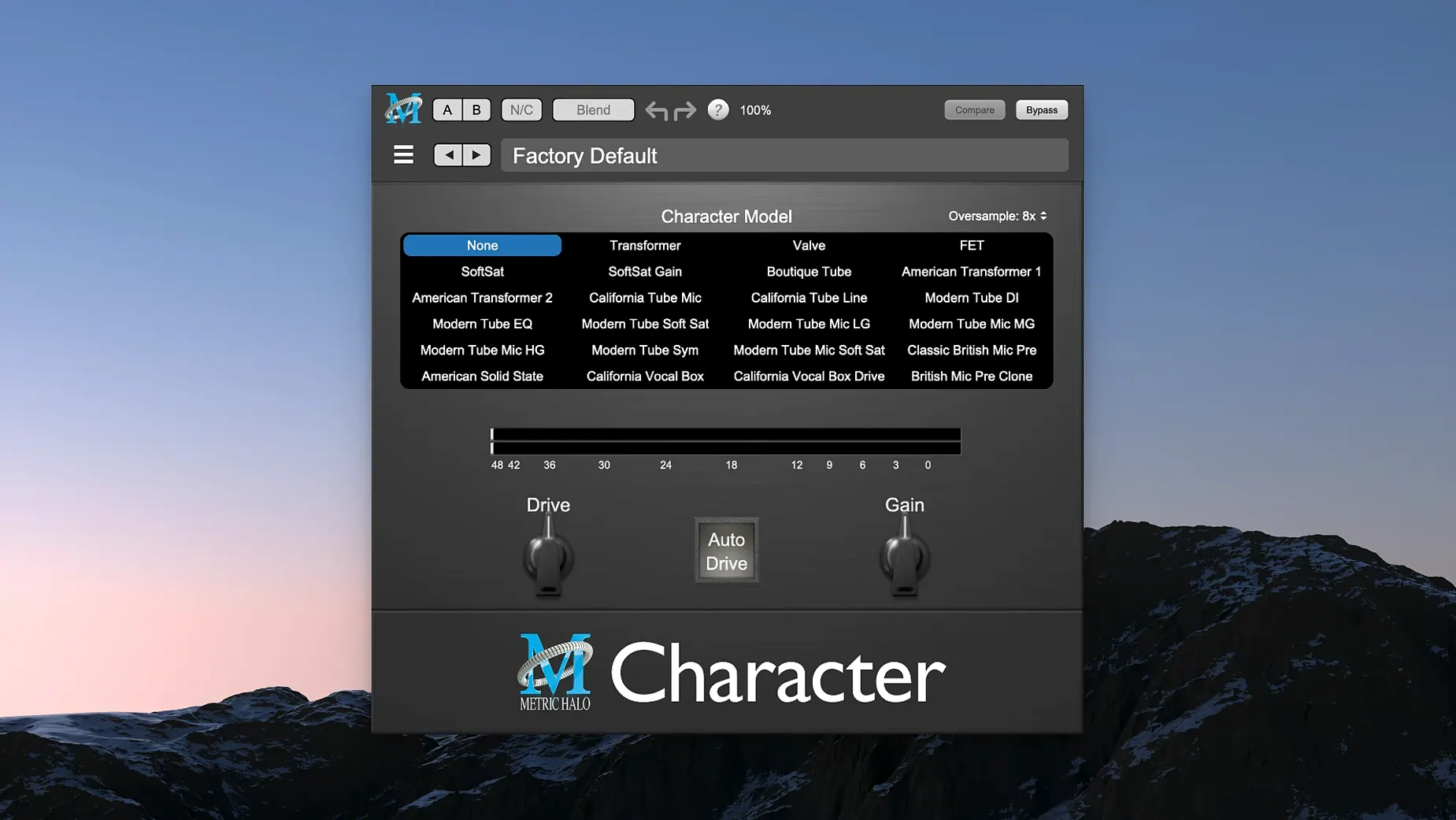
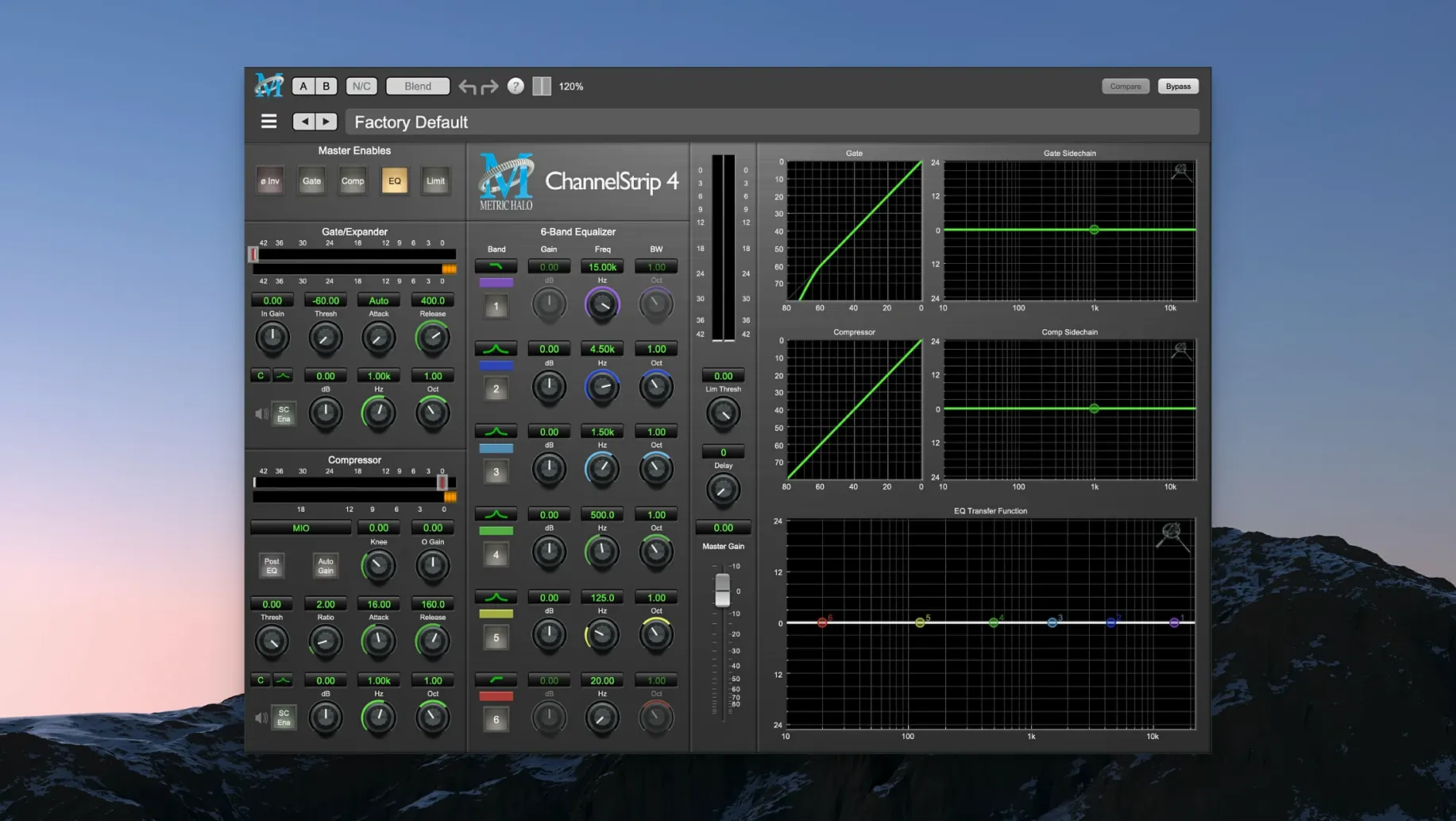
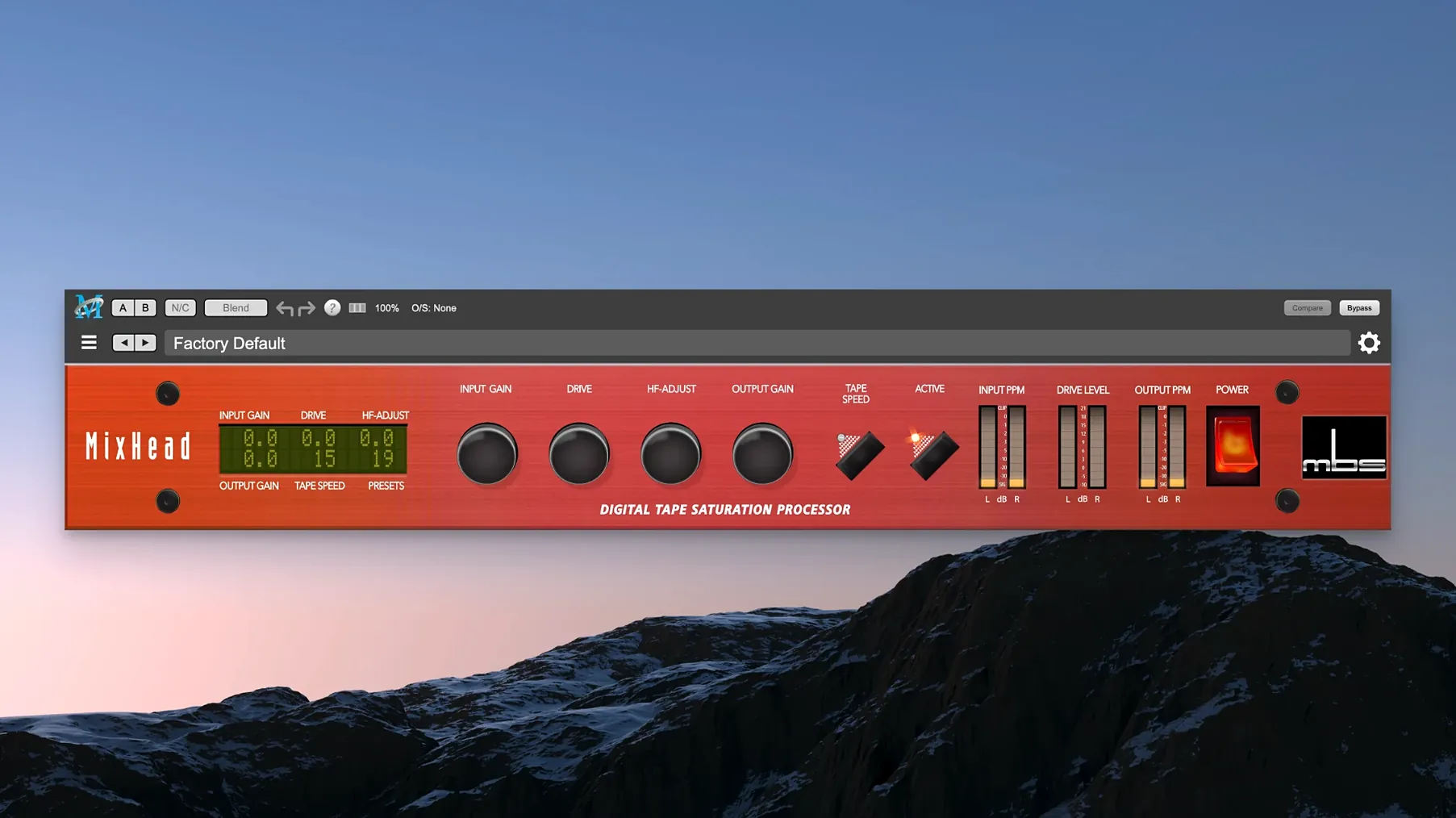
If you have used ChannelStrip, you know the Metric Halo approach: clean signal paths, no clutter. The Production Bundle carries it across a set of processors.
- Thump for sub frequencies and harmonic weight
- MIOStrip, a leaner ChannelStrip, for light channel work
- HaloVerb for algorithmic space
One of the first mistakes is reaching for Thump on every kick and bass track. It works best when the source already has enough body to build on. On a thin recording it creates mud, not weight.
Another is stacking ChannelStrip and MIOStrip on the same channel. They overlap in function. Choose one, then reach for a different processor if something is still missing.
Beginner users also tend to set HaloVerb as an insert and drown the dry signal before checking the mix in mono. A short decay and a lower wet level usually do more for a vocal than a long tail.
The Precision De-Esser is not a one-band fix. Pushing it until every sibilant disappears leaves the vocal dull. Lower the range, listen for the consonants only, then stop.
No interface needed
People often ask whether the bundle needs a Metric Halo interface. It does not. The plug-ins run inside any compatible DAW on Apple Silicon.
Another common question is whether the AU and VST3 versions sound different. They load the same algorithms. The choice depends on what your host supports.
Some ask if MIOStrip is only for Metric Halo hardware owners. It is a standard plug-in in this bundle. No extra hardware is required.
Others want to know if the bundle makes sense for mastering. Yes, but the strength is in small moves. ChannelStrip plus Thump can sit on a mix bus without much effort.
Thump placement
Start with ChannelStrip on a vocal or drum bus. Spend ten minutes with one preset, then bypass it and adjust from zero. That teaches the control ranges faster than reading.
Place Thump after a compressor, not before it, so the added lows do not change how the compressor reacts. A little goes a long way.
Set HaloVerb on a return track. Keep the early reflections short and add a touch of high-frequency damping. That removes the plastic feel without hiding the source.
Use the Precision De-Esser only when you hear a problem. Insert it, find the worst phrase in the song, and loop that region while adjusting.
AU and VST3, Apple silicon native, macOS 11 or later. English interface.