How does Storch Filter fit on a drum bus?
It glues. Run the autofilter slow against the hi-hats. Bring in saturation and a touch of stereo widening from the same knob move.
What does the FX Boost slider do?
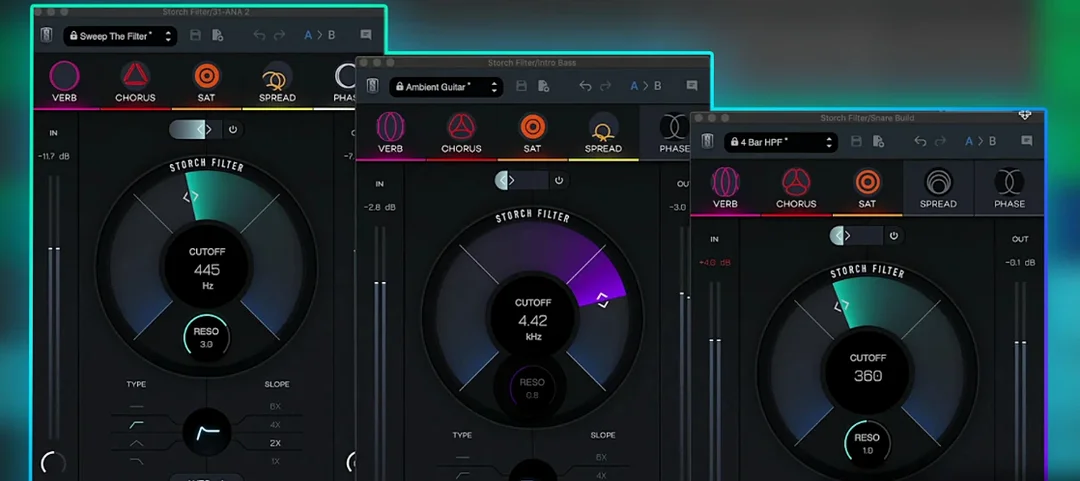
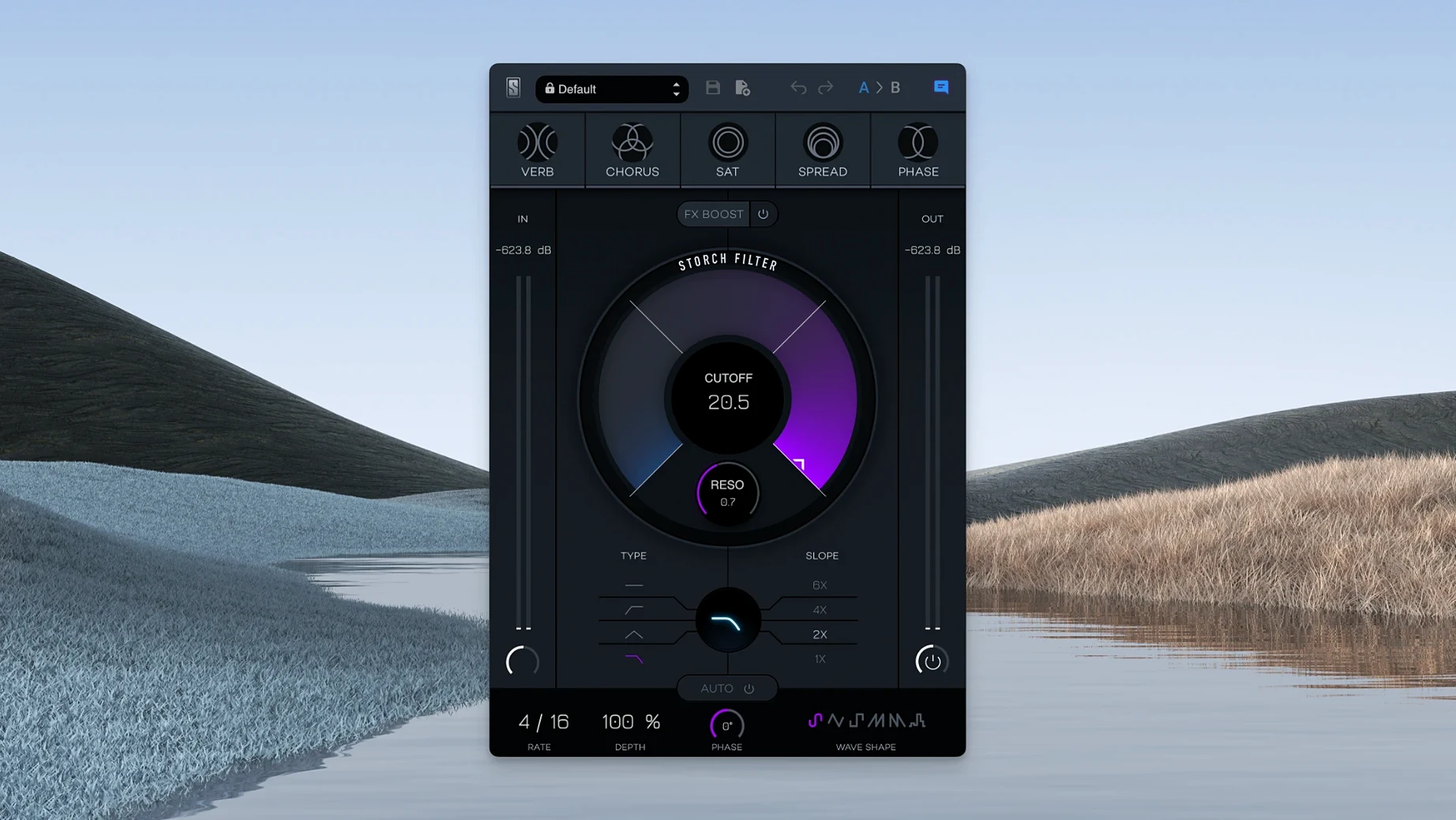
It pushes the five built-in effects—reverb, chorus, saturation, widening and phaser—harder into the signal. The effects are tied to cutoff and resonance, so the filter move shapes the wet signal directly.
Where do the presets work best?
Scott Storch’s presets land well on keys and vocal throws. Most are built to move, so a static loop won’t show what they do.
When do you reach for the autofilter?
When a track needs motion but you don’t want to draw automation. Pick an LFO shape, set the rate, and let it ride under a lead or a pad.
The closest relative on Mac is Soundtoys FilterFreak. FilterFreak digs deeper into analog-modeled resonance and dual-filter routing. Storch Filter is more direct. One knob moves the filter and the effects together. That single-thread connection makes it faster for a musical lift, but less flexible if you need separate envelope followers per band.
Another comparison is Kilohearts Filter Table. That one maps cutoff to a wavetable grid for stepped rhythmic patterns. Storch Filter’s autofilter gives you six continuous LFO shapes instead. For fluid, breathing movement rather than hard-stepped sequences, Storch wins. For surgical gating, Filter Table goes further.
FabFilter Simplon is the minimalist alternative. Two filters, clean curves, no effects or modulation. It’s pristine and static. Storch Filter is neither. If you want color and motion baked into one insert, Simplon asks you to build the rest yourself.
Drop output gain
Drop the output gain. The FX Boost slider can push levels fast when saturation and widening stack. Pull it back to -3 dB before you start, then bring it up slowly.
Switch the autofilter shape to a triangle wave. The default sine is too smooth for percussive material. A triangle gives you a more audible sweep that cuts through a dense mix.
Turn wet/dry to 60%. Full wet from the preset loader often buries the source. A blend keeps the original transient and lets the reverb tail breathe behind it.
Workflow for a filtered vocal throw
Take a vocal ad-lib that runs across four bars. Insert Storch Filter on the track. Call up the preset Ethereal Rise—a Scott Storch patch that opens the filter slowly while phaser and reverb follow.
Set the LFO rate to quarter-note sync. The preset defaults to a slow saw wave. Change it to a sine for a rounder sweep. Push the FX Boost to 40%. The reverb swells without drowning the phrase.
Now ride the cutoff manually. Start closed at 200 Hz on bar one. Open to 2 kHz by bar three. The phaser thickens as the filter opens because it’s tied to the same knob. The widening follows too, so the voice spreads as it rises.
Print the result to a new audio track. The movement is done. No automation lanes left behind.