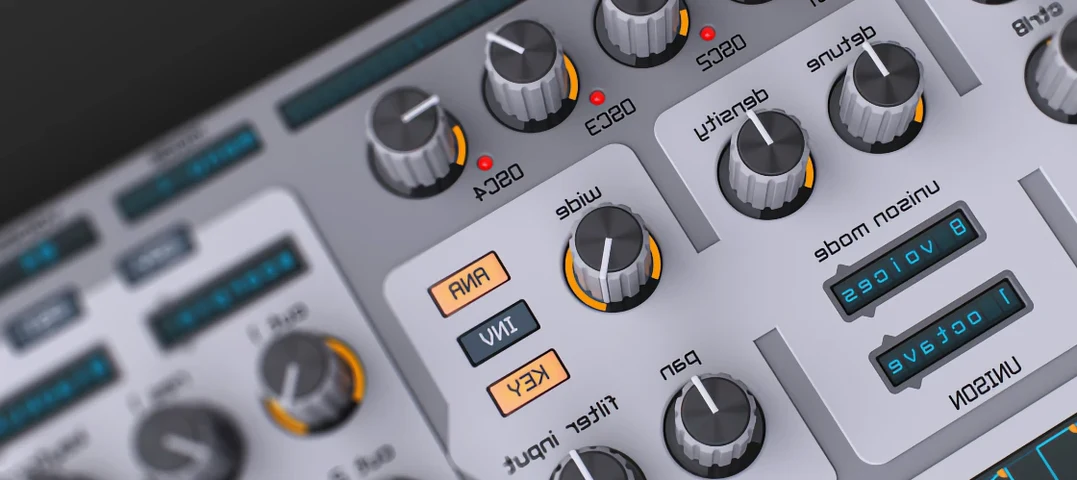
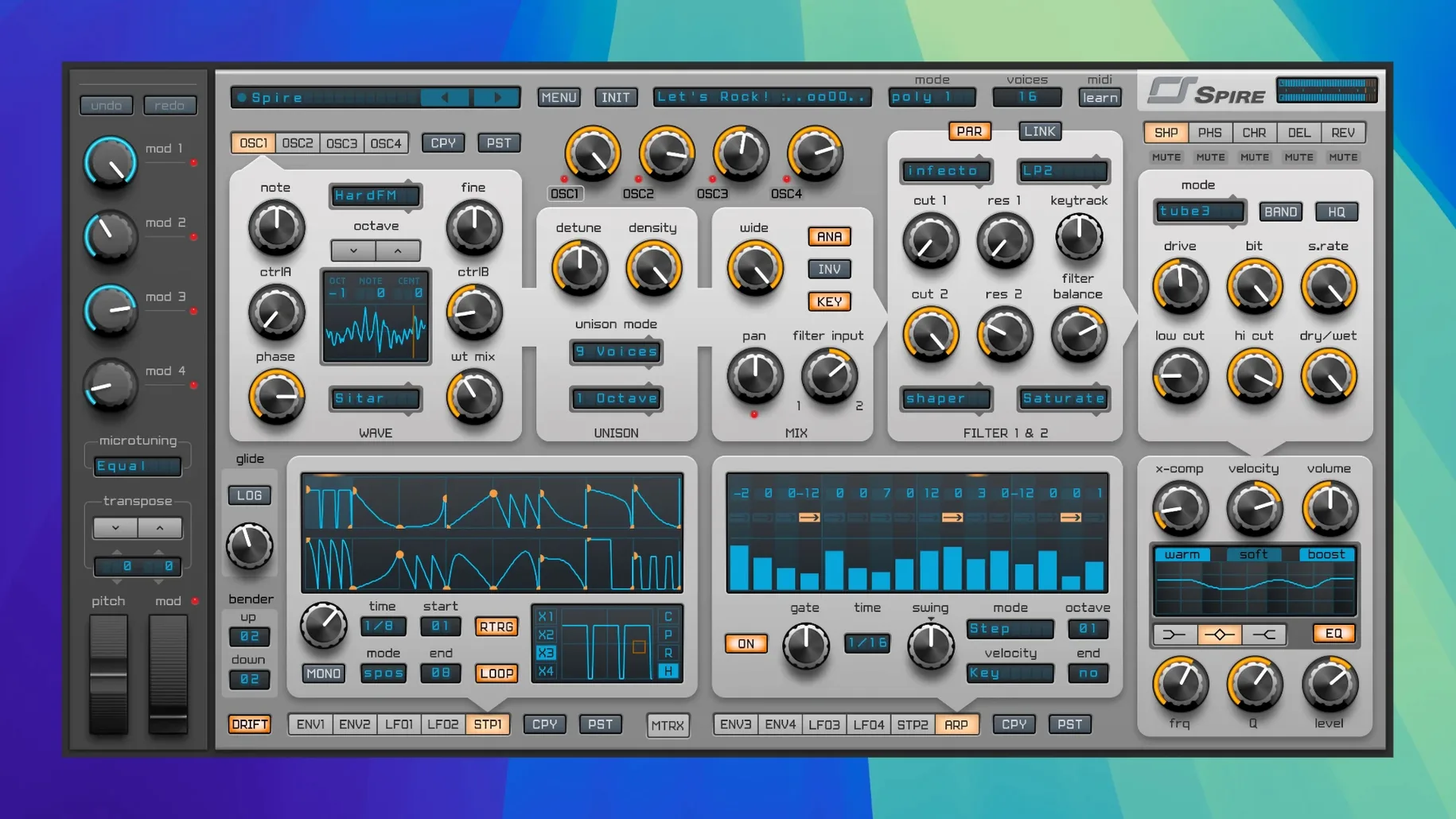
A kick thuds through the monitors. You open Spire, pass a few basses and land on a pluck that sits in the pocket. Everything is where your eyes already look.
- A clean, modern tone that cuts through a busy arrangement
- Four oscillators with wavetable scanning and a tight multimode filter
- More than 1500 presets and an immediate layout
Beginners often load a preset and twist the cutoff knob, then wonder why the patch doesn’t open up. Spire’s filter is not the only gatekeeper. Almost every factory patch routes something through the modulation matrix — often velocity to filter envelope amount, or aftertouch to wavetable position. If your MIDI controller sends fixed velocity, or you never touch the mod wheel, the sound stays half-closed.
Another common mistake: stacking unison voices and leaving the stereo spread at zero. You get phase weight but no width. Push the spread to about 40% and drop the detune slightly; the sound opens without turning to mush.
One more. The arpeggiator and step sequencer share a lane, and people click between them without noticing the latch button. With latch off, the pattern stops the moment you lift your fingers. A small thing that causes a lot of quiet confusion at 2 a.m.
Chain placement
Spire fits into a chain cleanly. It does not try to replace your channel strip or your bus effects. I place it after a utility gain plug-in and before a character compressor — something with a slow attack that lets the transient through. The synth’s own reverb and delay are fine for sketching, but for a finished sound I send it to a bus with a convolution reverb and a tape echo. The internal phaser, though, stays. It’s surprisingly liquid.
On macOS, Spire respects Audio Unit conventions. Host automation writes smoothly into Logic’s latch mode. MIDI learn handles external controllers without fuss. You can drag a modulation source straight onto a knob in the matrix view; no right-click menus, no popovers. The fewer steps between intention and result, the more you stay in the sound.
It also pairs well with a wavetable editor outside the synth. Shape a cycle in your editor of choice, drop it into Spire’s oscillator, and scan through it with an LFO. The import path is short.
Fast designers
Sound designers who work fast and need a single synth that covers plucks, pads, basses, and leads without loading four different plugins. Spire’s oscillator section is deep enough to reward exploration, but the panel layout means you’re never more than one click from the parameter you want.
Electronic musicians making trance, house, and melodic techno find the tone sits in the mix with less EQ than many alternatives. The filter has a slight bite at high resonance that cuts through a dense drop without tearing your ears. Dubstep producers lean on the distortion and the wavetable scanning for growls that still sound controlled.
Bedroom producers on Intel Macs benefit especially — the plugin runs light. A 2015 MacBook Pro can host several instances at a 128-sample buffer without the fan taking off.
Evolving use
Build 5343 is listed for version 1.5.19. The most practical change is macOS 10.13 support, which keeps older machines in service. The build also tightened preset loading times. When you’re auditioning sounds during a session, that half-second shaved off each click keeps the flow from stalling. Apple Silicon support arrived earlier in the 1.5 line, so M-series Macs run it natively with no Rosetta translation layer.
Everyday use shifted subtly. Users who once kept Spire for leads and plucks now reach for it for pads too, partly because the wavetable import became frictionless. You hear it in lo-fi house tracks where a single Spire instance provides the bass, the chord stab, and a noise layer — three sounds, one window, no preset hunting across vendors.
The sound favors precision; character comes from programming, not built-in drift.