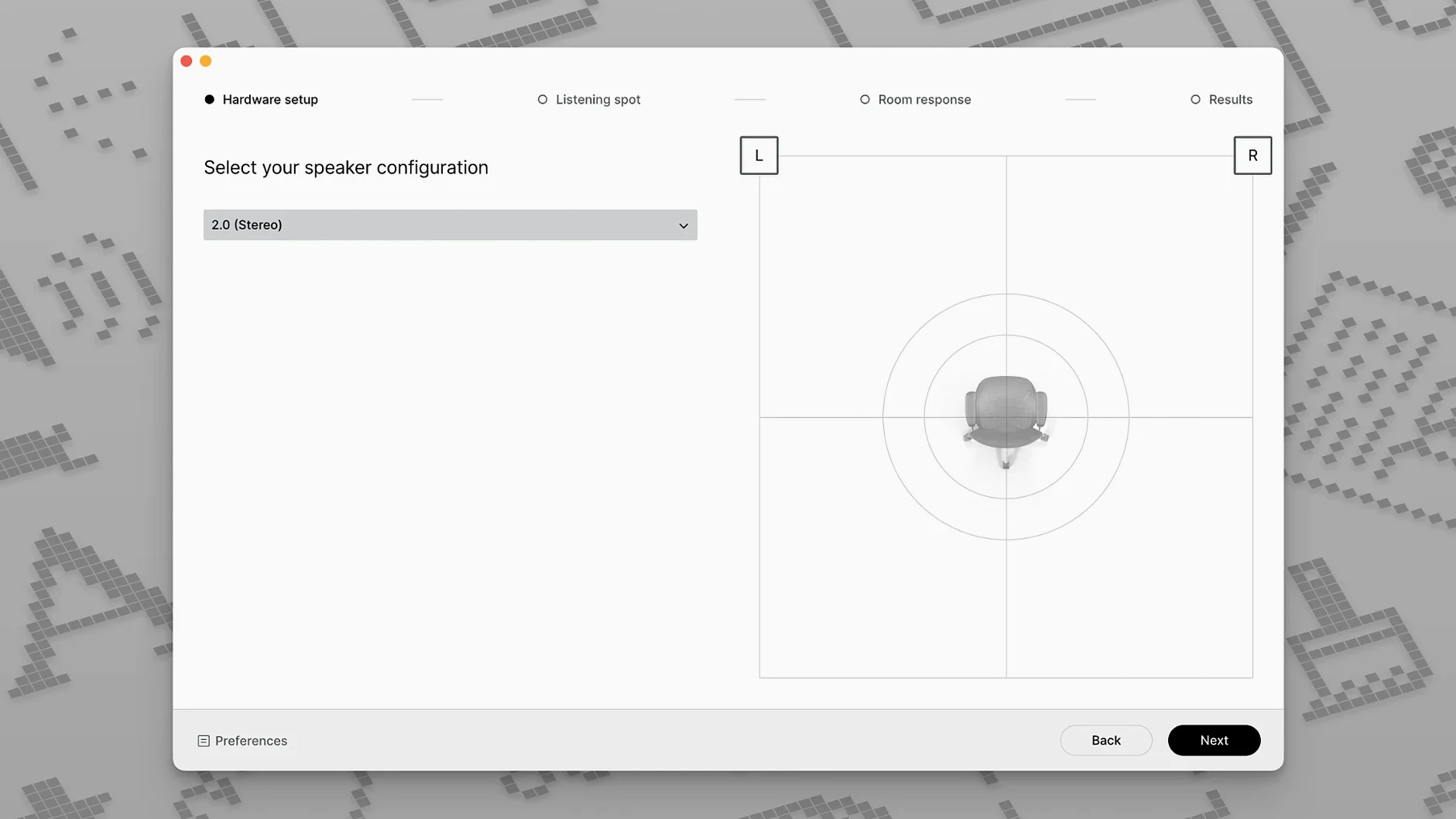
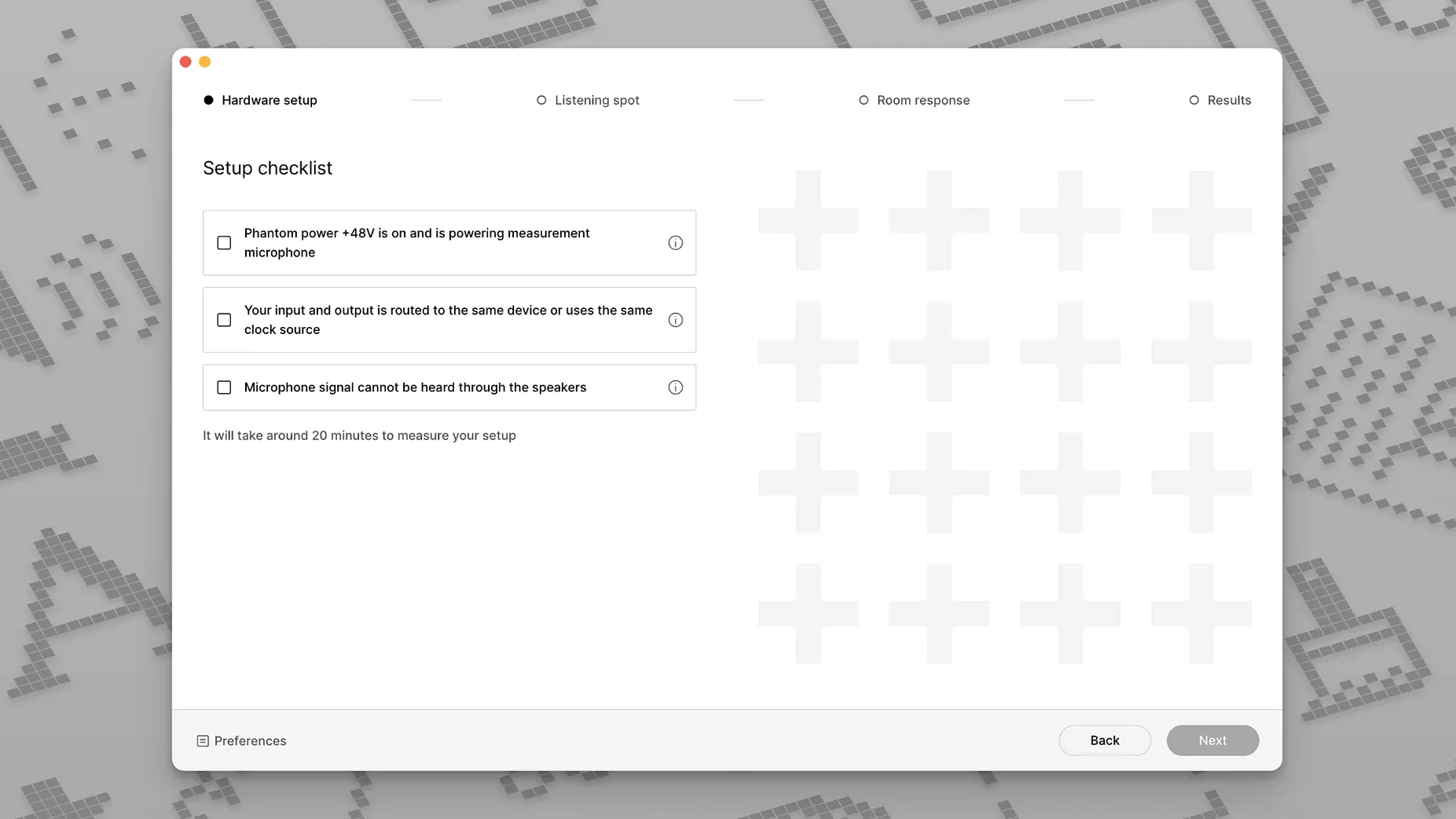
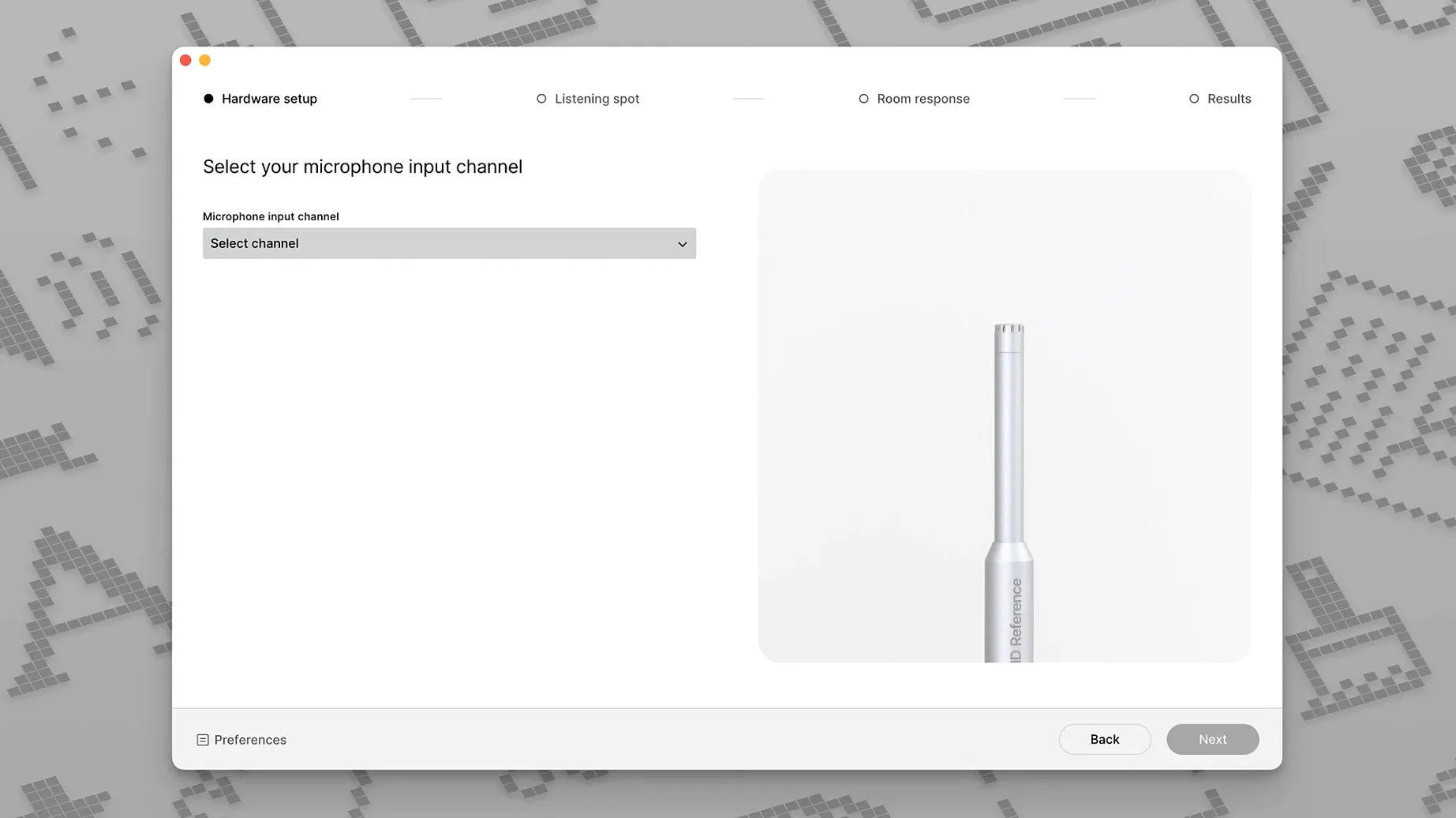
Place the measurement mic, run the test tones, and the room stops making your decisions.
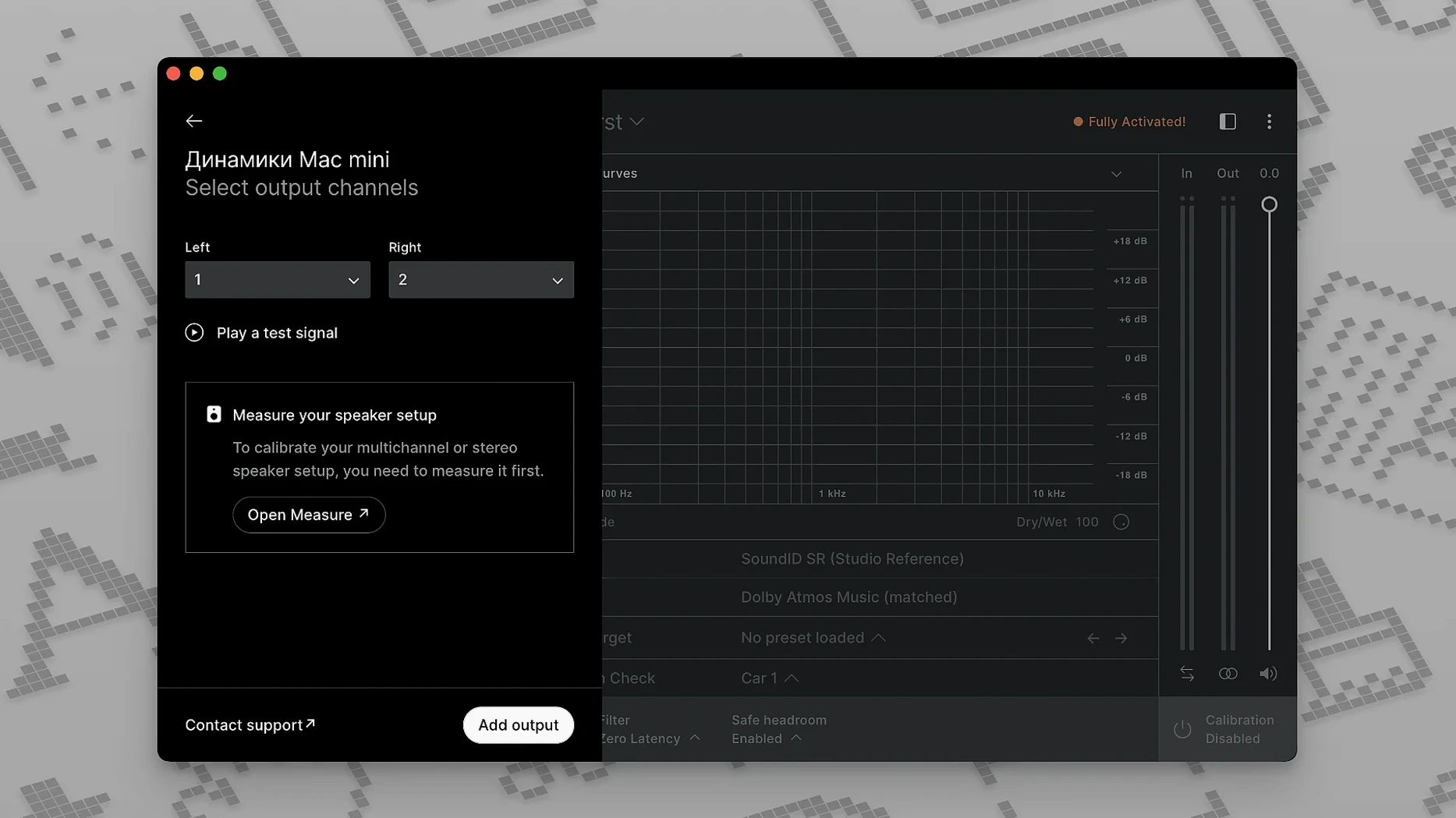
System-wide app — calibration outside the DAW, for any source.
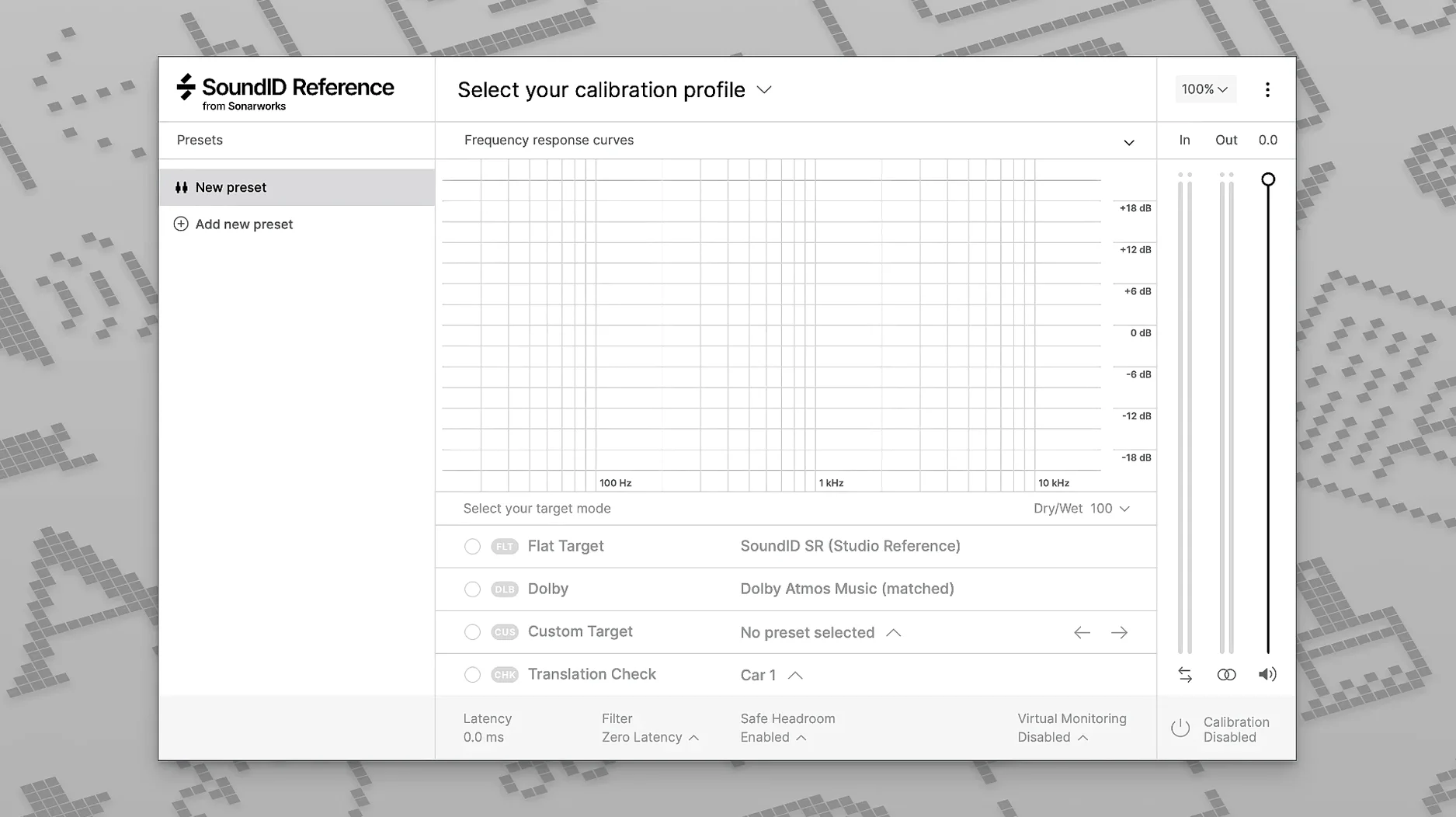
DAW plug-in — on the monitor bus. Toggle calibration, check translation, flip to mono without leaving the session.
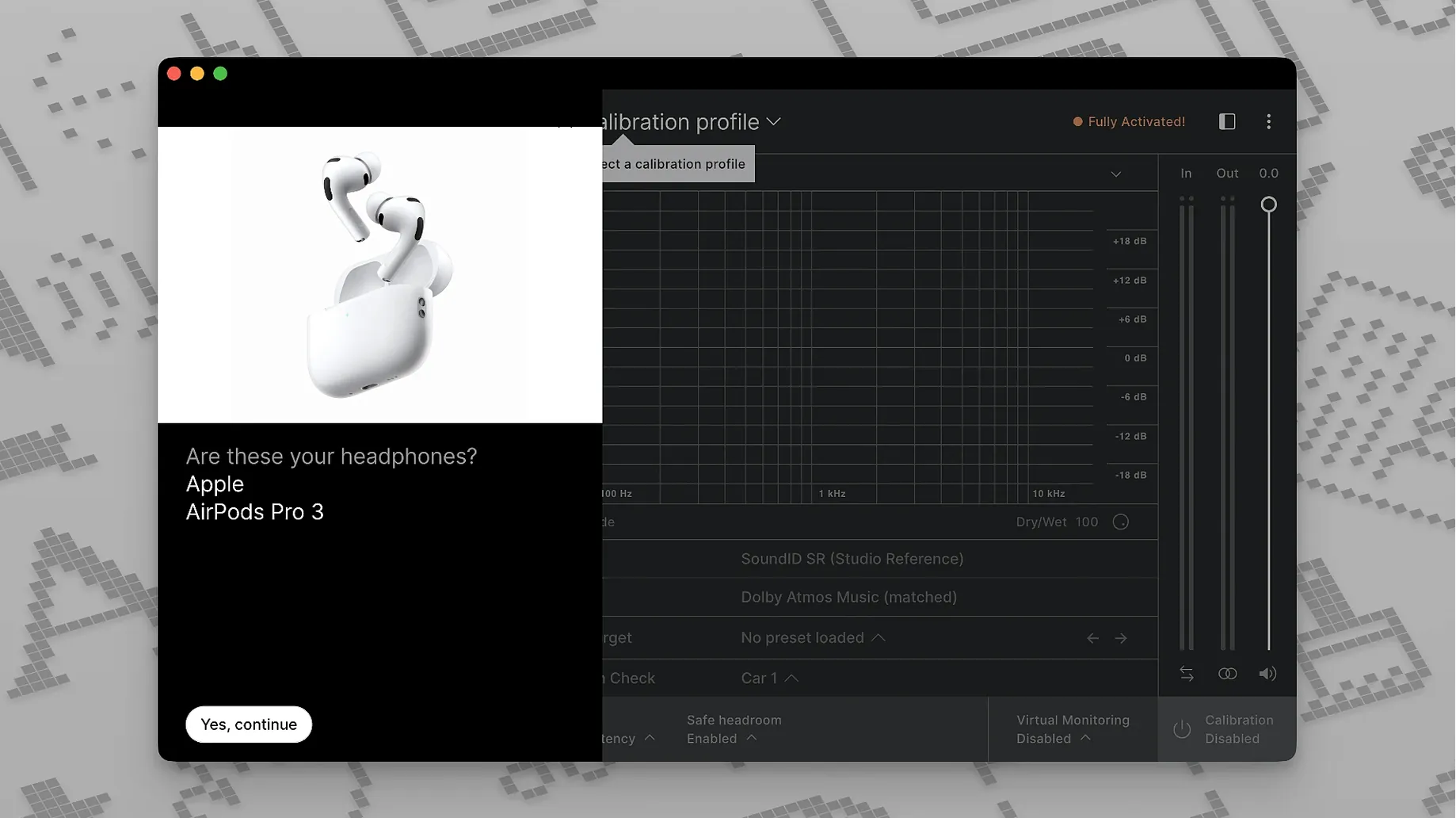
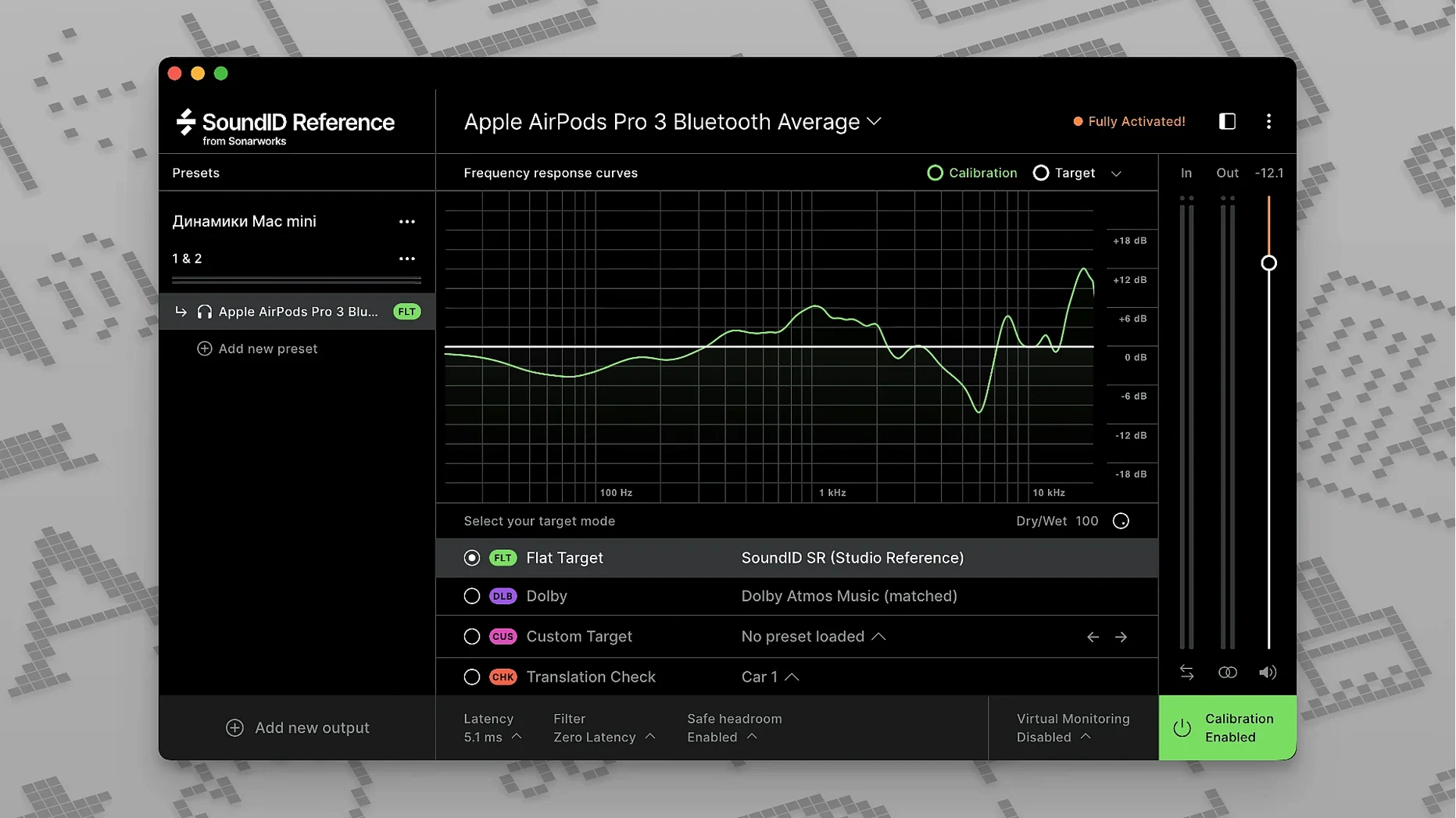
Headphones — a flat response from a large set of headphone profiles.
Multichannel — up to 9.1.6, surround beds and spatial audio with the same engine.
Bass shelf lift
Open the calibration tab. Switch the target mode from Flat to Custom Target. Pull the bass shelf up by a decibel or two. Flat response can feel thin at first; many rooms benefit from a slight low-end rise.
Set the filter type to Zero Latency for tracking, Linear Phase for mix decisions. The difference is subtle but real — phase shifts near the crossover points soften transients.
Turn on Safe Headroom. Calibration boosts frequencies that your speakers under-deliver. A cut at 200 Hz might need a compensating gain bump elsewhere, and the limiter prevents overs. Leave it at −3 dB until you trust your gain staging.
System-wide routing
SoundID Reference runs as a system-wide audio device. Select it in Audio MIDI Setup, and every app — Spotify, QuickTime, a browser — plays through the calibration. No extra plug-in needed for casual listening or reference checks outside the DAW.
For the DAW, keep the plug-in on a dedicated monitor bus. Insert it last, after any metering tools. When you export, bypass it. The calibration belongs to the listening chain, not the render.
Sonarworks profiles export to a handful of hardware units — Apollo interfaces, some Radial and Neve monitor controllers. The calibration runs on the device itself, no app or plug-in open. Latency disappears.
Translation Check sits in the plug-in and the app. It simulates a handful of consumer devices — a laptop speaker, a small Bluetooth speaker, a car system — through the corrected signal. Click through them as you near the end of a mix.