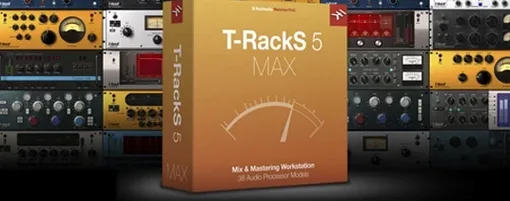
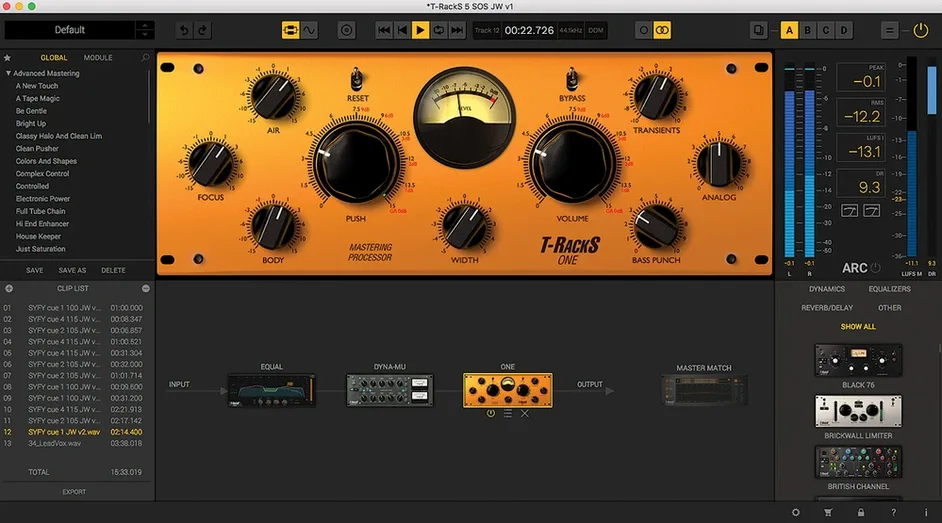
Most engineers know the sound of a single bus compressor. T-RackS takes that idea and makes it modular. You build a chain from individual processors, each modeled for a specific task, and hear the mix change in real time through a redesigned interface.
Four new modules
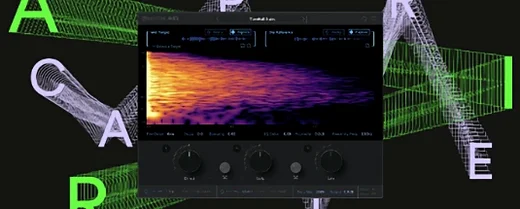
Master Match, Dyna-Mu, EQual, and ONE join the rack. Each has its own color. Master Match references a source track and profiles its spectral balance. Dyna-Mu is a variable-mu compressor that thickens without losing shape. EQual is a transparent equalizer with a clean gain structure. ONE is a single-knob processor for quick level matching. Together they let you address a mix with fewer moves.
Standalone chain
The Mastering Console runs outside the DAW. You sequence an album, set gaps, and embed metadata. The chain stays the same—individual plug-ins or a single suite, floating-point at up to 192 kHz, 32-bit. The sound stays precise.
Compared to others
Ozone tends to put everything in one window. It guides you. T-RackS puts modules in a rack and steps back.
Logic’s stock plugs are clean and capable. They don’t imprint a sound. T-RackS does. The Dyna-Mu alone adds a glue that takes work to get from Channel EQ and the stock compressor.
FabFilter’s tools are surgical. Precise, transparent, and modern. T-RackS leans analog. The EQual is clean, but the rack invites you to run it into something with tubes or transformers. Different intent.
The standalone console is the wedge. Ozone has one too, but T-RackS ties it to album assembly—sequencing, metadata, multi-format export. If you track in a DAW and finish outside it, that matters.
Trust Your Reference
Start with one module. Master Match is the quickest win. Feed it a reference you trust and let it profile. Bypass it a few times. You’ll learn what your room is hiding.
Build a chain of three. EQual first, Dyna-Mu second, ONE last. Save it as a template. Use it on every rough mix for a week. You’ll stop over-EQing.
Open the standalone console on Friday. Sequence four finished tracks. Set the gaps by ear, not by number. Export all three formats at once. You’ll know by Monday if you still need the DAW for mastering.
Resist the module browser for the first few days. Nine processors are plenty. Learn the four new ones before you reach for the classics. Less scrolling, more listening.
Quiet details
The Module Manager lets you hide what you don’t own. A clean rack is a fast rack.
Hold Option and drag a module to copy it with its settings. Useful for parallel chains.
The dithering panel offers four shapes. It’s easy to miss. It sits at the end of the chain and matters only when you export below 32-bit. Set it once per album.
Parallel slots are a right-click away. The button is small. A Dyna-Mu in parallel does subtle thickening that serial mode can’t.
The interface resizes smoothly. On a laptop, run it at 75% and keep the meter bridge visible. You’ll catch peaks you’d otherwise miss.
If you’ve looked for a T-RackS 6 torrent or a T-RackS torrent to test the new modules, the install is a standard procedure. The rack loads fast on Apple Silicon, and the floating-point path keeps headroom even at 192 kHz.