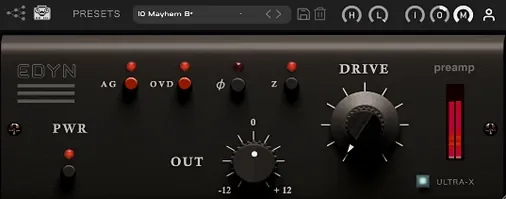
It runs on any Mac from macOS 10.14 onward, Intel or Apple Silicon. The installer covers AU, VST3, and AAX.
What does Drive do
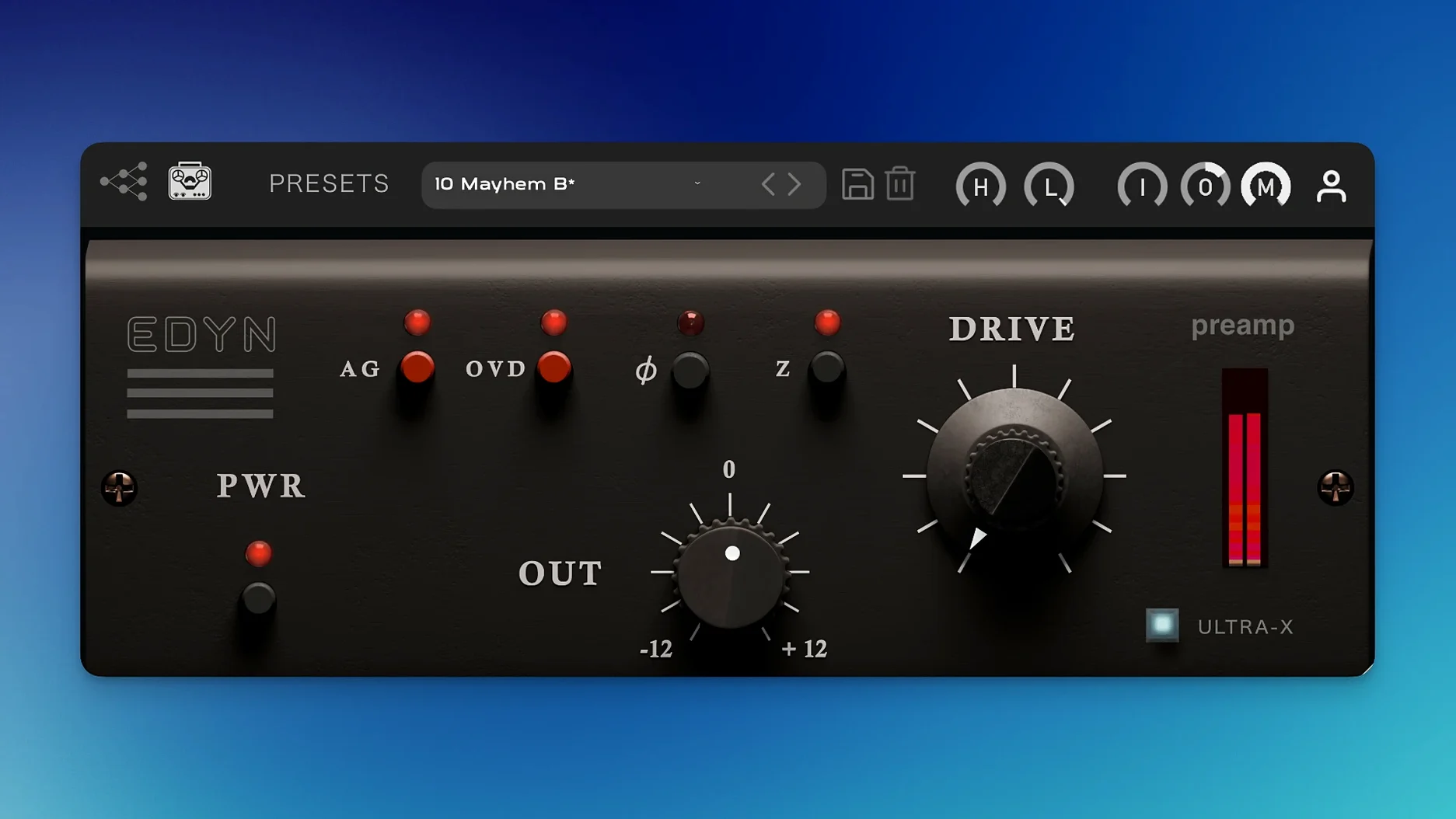
Drive adds saturation modeled on discrete transistor circuitry. Push it a little for fast transients and a bright midrange; push harder and the low end stays deep.
How does OVD change things
OVD is a separate overdrive mode. It takes the same preamp character and roughens the edges further, useful on drums or a bass that needs to cut.
What are the filters for
High-pass and low-pass filters sit in the signal path. They clean up rumble and harshness without reaching for another plugin.
What keeps the level stable
Spend the first session on a single source. A drum bus or a vocal chain works best. Insert EDYN, set impedance to 200 ohms, and raise Drive until the meter nudges. Toggle OVD on and off. Listen, then bypass the plugin entirely. The difference is what you are paying for.
After that, try the Mix control at 50 percent on a bass group. Parallel saturation keeps the original attack while the wet signal fills the low mids. For vocals, start with the high-pass filter around 80 Hz and the low-pass at 12 kHz before you touch Drive. It prevents the preamp from exaggerating sibilance or rumble.
Pre-compression placement
EDYN sits early in the chain, before compression. The transient response it adds makes a compressor’s threshold more predictable. On a drum bus, follow it with a FET-style compressor and the snare stays present without extra EQ.
The impedance switch interacts with any model that came before it. A 50-ohm setting loads a mic emulation differently than 200 ohms — tighter, slightly darker. Try both on the same DI bass line and keep the one that sits better in the mix.
With Logic’s track stacks or Pro Tools’ routing folders, place one instance on the sum and another on a key subgroup. The cumulative saturation from two light Drive settings often sounds richer than one pushed hard.
Mistakes
The most common mistake is leaving OVD engaged by default. It is not a second Drive knob; it is a different texture. On a full mix it can blur the center image. Use it on isolated elements — room mics, a parallel crush bus — and leave it off elsewhere.
Another slip: ignoring the gain staging into the plugin. If the input signal already peaks near zero, even mild Drive settings push into harshness. Pull the Input control back until peaks sit around -12 dBFS, then compensate with Output.
Automatic gain compensation is helpful but not transparent. It reacts to average level, so a percussive source can still feel louder after processing. Trust your ears, not the meter.
Automatic gain compensation keeps output level in check while you drive the input. Phase inversion helps when blending parallel signals.