Search
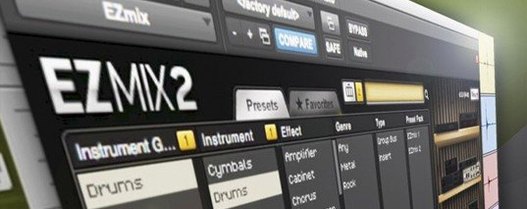
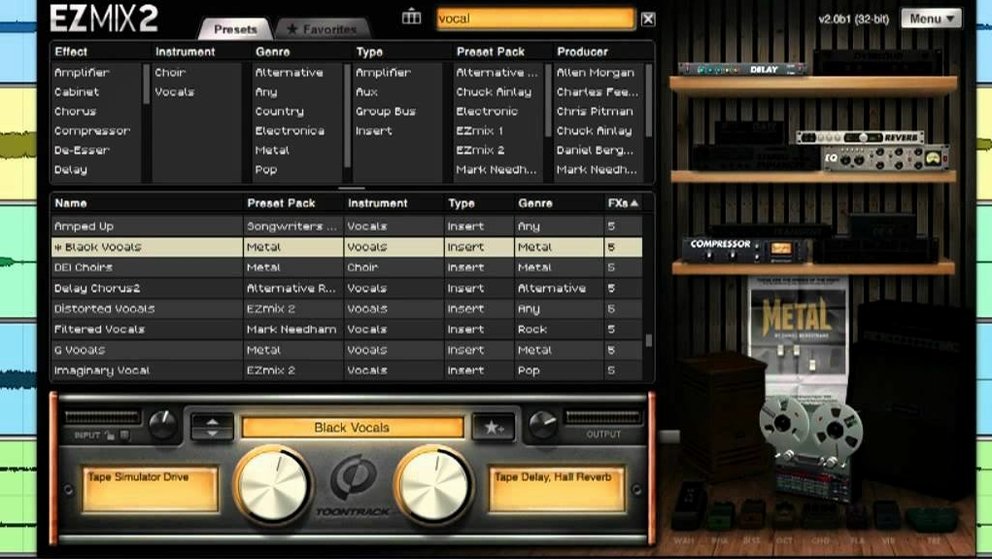
The preset browser is the heart of it. Type a word — snare, bass, master — and the list shrinks to a handful of usable starting points. No folders, no plugin chains.
Adjust
A single fader changes intensity. Turn it down to pull the effect back into the background. Push it up and the character takes over.
Move on
Home studio evening
A singer-songwriter finishes tracking a vocal at 10 pm. Kids are asleep. Headphones on. The raw take sounds flat against the piano — too dry, too forward. Opening a full channel strip means dialing EQ, compression, de-essing, reverb, each from scratch. Energy gone by the second plugin.
She opens EZmix, types vocal, scrolls three presets. Clicks one called Airy Pop Vocal. Auditions it. The fader sits at 75%. She drags it to 40% and the vocal tucks into the piano without losing presence.
Ninety seconds. She exports the rough mix, closes the laptop. Tomorrow she listens fresh. Tonight she sleeps.
Default Folder
Open preferences before you do anything else. Two changes help immediately.
Set the default preset folder to your most-used pack. The browser loads faster and shows fewer irrelevant results. If you do guitar work, point it at the guitar and bass presets. For mixing, the core EZmix pack.
Disable the automatic gain compensation if you compare presets. The default keeps output level stable, which masks how a preset truly affects your signal. Turn it off, audition presets, then re-enable it once you find the one.
DI Guitarists
Guitarists who record direct benefit immediately. The amp and cabinet presets turn a clean DI signal into a finished tone without routing through external amp sims. Practice, write, print the track — same plugin, same sound.
Podcast and voiceover editors get more than they expect. One insert handles noise shaping, compression, and presence. No separate de-esser, no loudness meter hunting. A single fader pulls the voice forward or back in the mix.
Producers who teach or mentor find it useful as a reference tool. Load a preset, study which effects sit in the chain, and understand why a bass sits tight or a snare cracks. The chain is visible but not editable — a constraint that becomes a lesson.
Everything lives in one place: guitar tones, vocal polish, drum compression, final limiting. Click a preset, set the wet/dry balance, and keep working.