If your DAW handles the mix, WaveLab handles the finish. It sits after the tracks and buses, on the stereo or surround output, where precision matters more than flow.
You use it for mastering, but also for detailed editing and audio restoration. It does not replace your DAW; it completes the job the DAW starts.
Sample-accurate cleanup
- Sample-accurate editing and cleanup
- Dolby Atmos master montages with channel-based surround files
- Forensic audio analysis
- Binaural monitoring with a personal HRTF profile
- Transferring audio ranges to other applications, with or without effects
English-only interface
- Interface language is English only
- Requires macOS 13 minimum
- Intended as a dedicated mastering stage, not a general production DAW
Restoration request
Imagine someone who finishes five tracks a week for indie labels. They open a stereo mix, adjust the final EQ, check loudness against the client’s reference, then export. This is routine.
But the same engineer also receives a request: restore a damaged live recording from a festival archive. Clicks, hum, a channel dropout near the end. In WaveLab, they switch to the spectral editor to isolate the hum without touching the voice above it. They pull the restored file into a new montage, place it alongside the reference, and deliver both versions before dinner. The tool does not interrupt the pace; it just handles two very different tasks inside one window.
Dolby Atmos fix
Version 13.0.30 quietly fixed a practical limitation. Before it, Dolby Atmos montages could only hold object-based material. Now you can drop channel-based surround files directly into the same montage. That removes a conversion step that used to sit between mix and master.
The binaural monitoring side also improved. You can load a personal HRTF profile instead of relying on a generic curve. For someone checking how a spatial mix translates to headphones, this means fewer surprises later.
Montage misuse
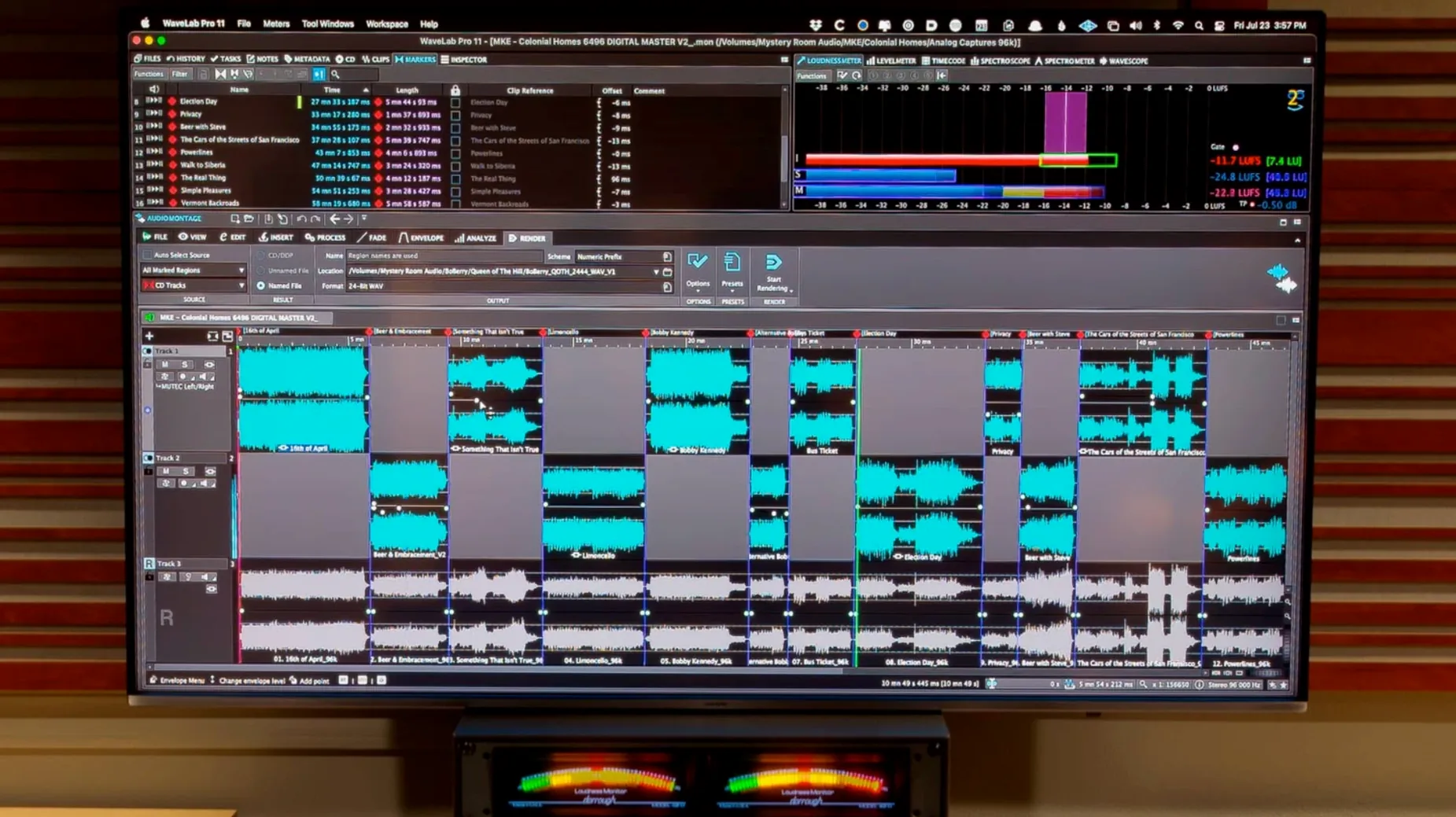
The first mistake is treating the montage like a DAW timeline. You are not supposed to stack dozens of tracks and mix from scratch. A montage is for sequencing, comparing, and finalizing material that already sounds right.
Another is ignoring the synchronized navigation between the file editor and the montage. When you spot a click in the montage, you can jump to the same position in the file editor instantly. Beginners sometimes fix things clumsily in the montage, then wonder why the source file still carries the error.
Finally, new users often overlook the ARA plug-in path. If you already work in Cubase, Nuendo, Reaper or Studio One, you can open WaveLab’s editing engine without leaving the session. Dragging audio across with or without effects becomes a natural extension of the mix, not a separate export-and-reopen ritual.
Synchronized file and montage navigation keeps long projects coherent.