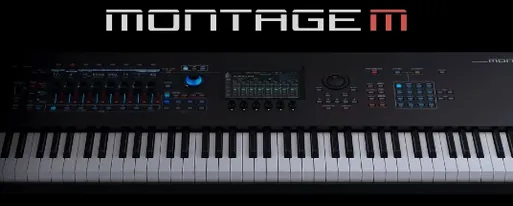
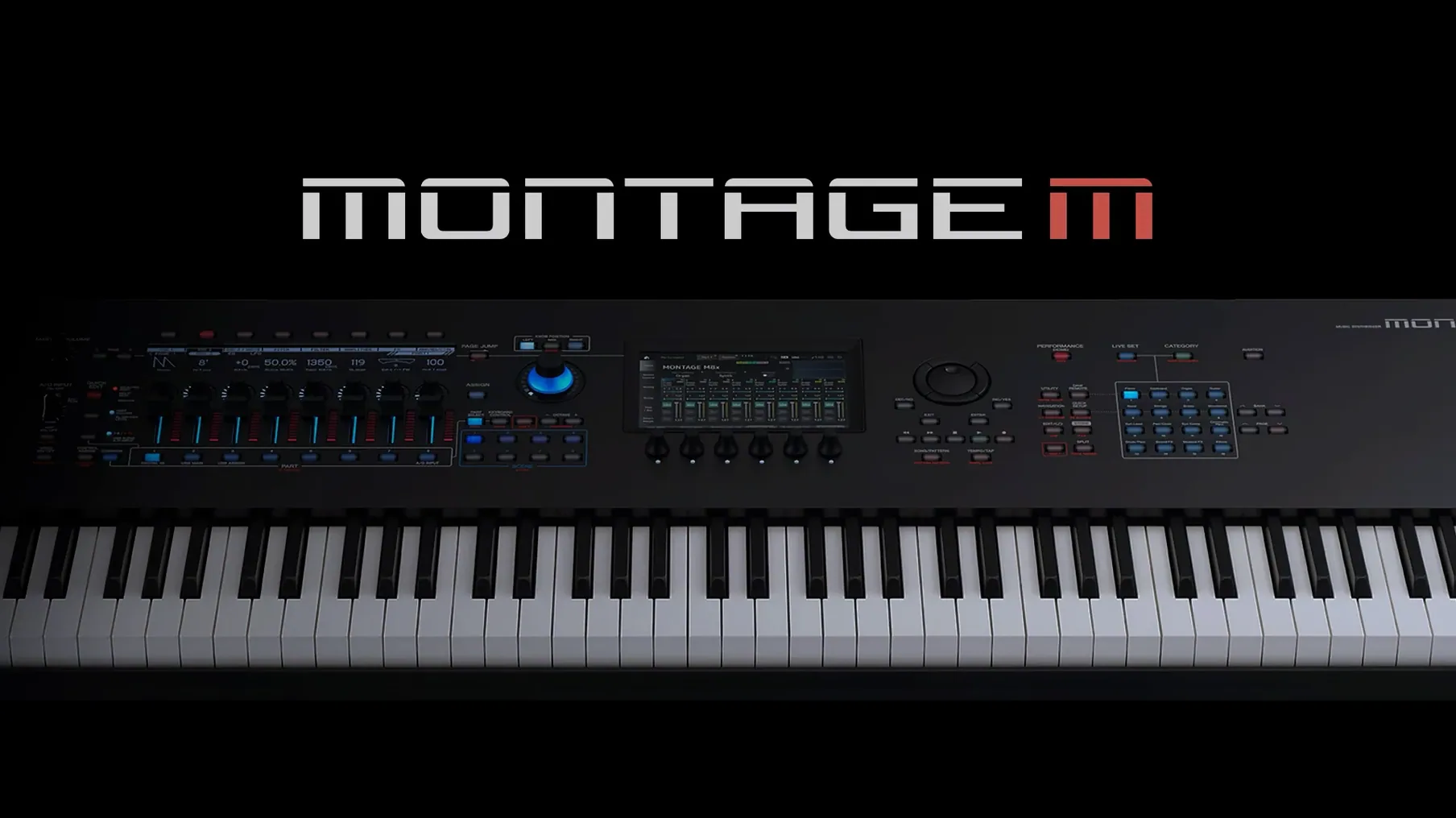
If you know the MONTAGE M, the plug-in feels like the same instrument moved to a second screen. Same engine, same response.
The editor is the draw. A computer display shows modulation routings and partials without menu diving on the synth. Changes stay with the DAW project.
A typical session starts quietly. You open a project from last week, and the MONTAGE M sits powered off in the corner. The plugin loads the performance from the saved state. Eleven parts, a motion sequence, two arpeggiators. No waiting for hardware to boot. You adjust the filter on part four by dragging a node on the computer display. Render a four-bar phrase offline. Then switch on the hardware, sync, and hear the same edit through the same keybed.
It removes the ritual of setup from short sessions. Twenty minutes still feels like twenty minutes of music.
Last edit wins
New users often edit the plugin without realizing the hardware is also connected. Both sides try to sync, and the last change wins. Confusing, but avoidable. Pick one place to edit until you understand the sync direction.
Another common slip is treating the plugin as a standalone instrument. It needs a DAW track just like any software synth. Open it in a host first, then look for the sound.
Some expect every hardware feature on day one. The plugin mirrors the engine, but a knob here or a screen shortcut there behaves differently. Read the patch notes after each MONTAGE M update. Yamaha aligns the two over time.
Bounce ambient fast
A few details matter more than they first appear.
- Project recall. Plugin settings live in the DAW project. No separate librarian file to manage.
- Offline rendering. Bounce a track faster than real time. Useful for long ambient passages.
- Multiple instances. One computer can run several performances at once, if the CPU allows.
- Same display language. The computer editor uses the hardware's structure. No translation layer between your fingers and the engine.
For MONTAGE M owners, the plugin quietly removes the distance between the studio computer and the instrument. The yamaha expanded softsynth plugin for montage m macos free page adds nothing to the hardware. It simply makes the hardware less necessary for daily editing.
Sync keeps both sides honest. Work on the hardware, open the plug-in, carry on.