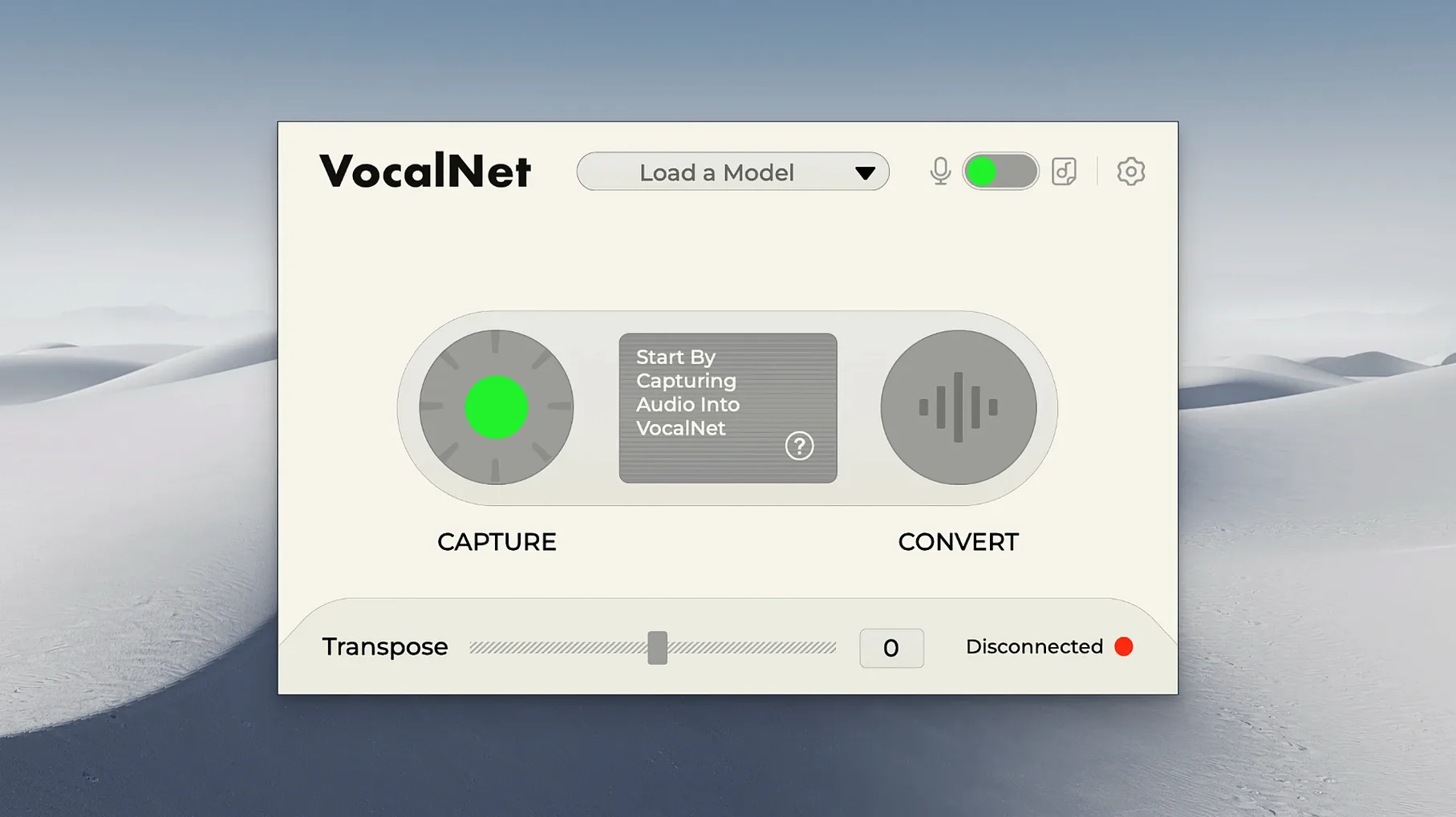
Recording a second vocal track or hiring a voice actor interrupts a session. VocalNet handles this inside the DAW, on your own machine.
Native formats
The Mac installer places VST3, AU, and AAX formats. It works on Apple Silicon and Intel 64-bit systems running macOS 10.15 or later.
Real‑time blend
It processes a vocal in real time, blending several voice samples into the signal. Sing or speak into it — the output gains character without adding a second performer.
Is the audio private
Tightened alignment
Early builds could drift out of sync on longer takes. 1.0.4 tightened the real‑time alignment. Latency dropped enough that monitoring through the plugin while tracking feels immediate, not rubbery.
The blending algorithm also gained a smoother crossfade between samples. A rough mid‑range warble that crept in during slow morphs is gone now. Quiet sibilants keep more of their natural shape when the timbre shifts.
Sampler hybrids
Drop a raw vocal into Quick Sampler or Alchemy, then pass the result through VocalNet. The AI treats the pitched‑up grains as a new voice source. You get a hybrid texture that neither the sampler nor the plugin could produce alone.
On Apple Silicon, the AU version loads inside Logic’s Live Loops grid without glitching. Combine it with Phat FX on a bus, and you have a performance chain that morphs a spoken phrase into a percussive stab across a few bars.
One walkthrough
Imagine you want a breathy whisper that rises into a clear alto — from nothing but a dry baritone take.
Place VocalNet on the vocal track. Load a whisper sample into slot one and a sung female phrase into slot two. Set the blend slider to the whisper side.
Draw a slow automation ramp over eight bars, moving the slider across to the sung sample. As the cursor moves, the timbre climbs. The original baritone becomes a thin, airy texture, then gradually thickens into a clean alto.
Route the output to a short reverb on a send. Bounce the result in place. You now have a morph that stays in tune without layering a single extra take.
Processing stays local. No audio leaves the computer.