
A beat maker that eats the world outside your window.
On a track — Drop it where you would place a drum machine. It generates patterns from a single recorded sound, so a door creak becomes a hi-hat and a drawer slam becomes a snare. The sequencer stays locked to your project tempo.
On a bus — Route a rhythmic but uneven loop through Life to steal its timing and apply it to a clean percussive sound. Good for tightening live room mics without losing the human feel.
Ducking — The Duck feature added in 1.2 lets you sidechain any sequencer lane to the kick. Insert it on a bass bus, key it from the kick channel, and the low end breathes around the beat without extra automation lanes.
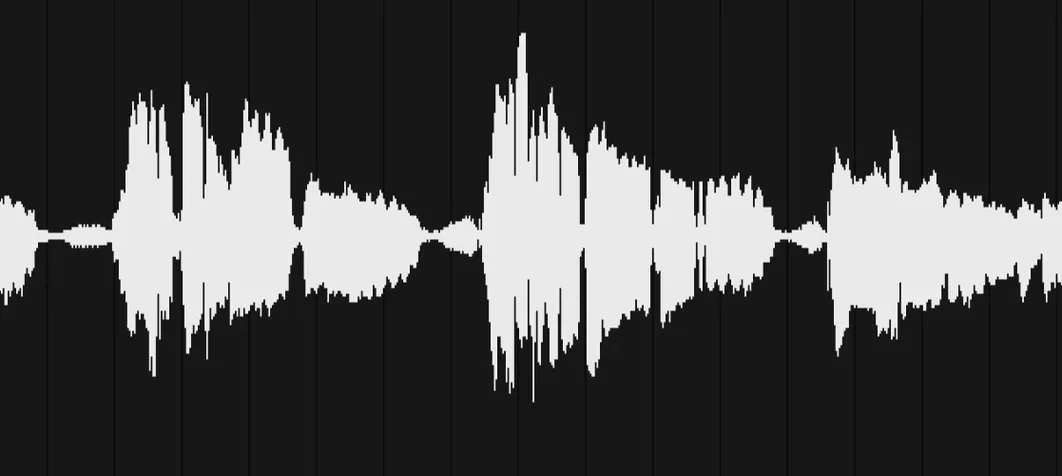
Blank waveform
A blank waveform after recording usually means the DAW buffer setting is too low. Bump it to 256 or 512 samples before arming Life's input. The buffer resets to normal playback after capture.
Timing drift happens when the sequencer clock and the DAW clock disagree. Toggle the transport a couple of times. If that fails, nudge the generated MIDI region by a few ticks. Small offsets are normal with any audio-to-MIDI conversion.
Mobile recordings not appearing in the desktop plugin come down to sync. Both devices need the same Wi-Fi network and the app open on the phone. No cloud middleman — it transfers directly. A router with client isolation turned on will block the handshake silently.
Building a kit from a coffee break
Open Life Field Recorder on a phone. Record four short sounds: spoon against ceramic, chair scrape, a cupboard close, a zip pull. Stop at eight seconds total. The app trims silence automatically.
Back at the desk, Life lists the new file under recent captures. Drag it onto a pad. The engine slices transients and maps them across the sequencer lanes. A spoon hit lands on the snare lane. The cupboard close fills out a kick. Hit play in the DAW. A rhythm runs immediately.
Pull the decay fader on the chair scrape lane down to 200 ms so it reads as a shaker. Push the zip pull through the Duck feature, keyed from the kick, and it ducks under the downbeat. Four sounds from a kitchen counter become a playable kit in under two minutes.
Save the kit preset. Next session, it recalls with all lane settings intact. The same four recordings can drive a dozen different kits just by reassigning slices to different lanes and adjusting envelopes.
Short clips
Recording too long a source clip. Life works best with isolated transients under fifteen seconds. A two-minute field recording with traffic and chatter produces muddy slice detection. Short, deliberate sounds give the engine clean attack points.
Treating it as a sample player. Life does not store audio for manual triggering — it generates patterns from transients. Dragging a one-shot onto a pad and expecting it to play on keypress will frustrate. The sequencer drives the output. The pad holds the sound, but the pattern brings it to life.
Ignoring the envelope per lane. Default decay and hold values work for percussive hits, but a metallic scrape or a vocal fragment needs longer release to read as a texture. Adjust one lane at a time while the loop plays. The difference between noise and groove is often a single knob turn.
Skipping the Duck routing on bass-heavy kicks. Without sidechaining, a long low-end thump smears the downbeat. Route the kick lane to trigger ducking on any lane that shares its frequency range. The mix tightens without touching a single fader in the DAW.