Squinting at a bright page at midnight. Manually hunting for a dark mode toggle that doesn't exist.
Eye strain — the slow, dull ache after hours in a white browser window.
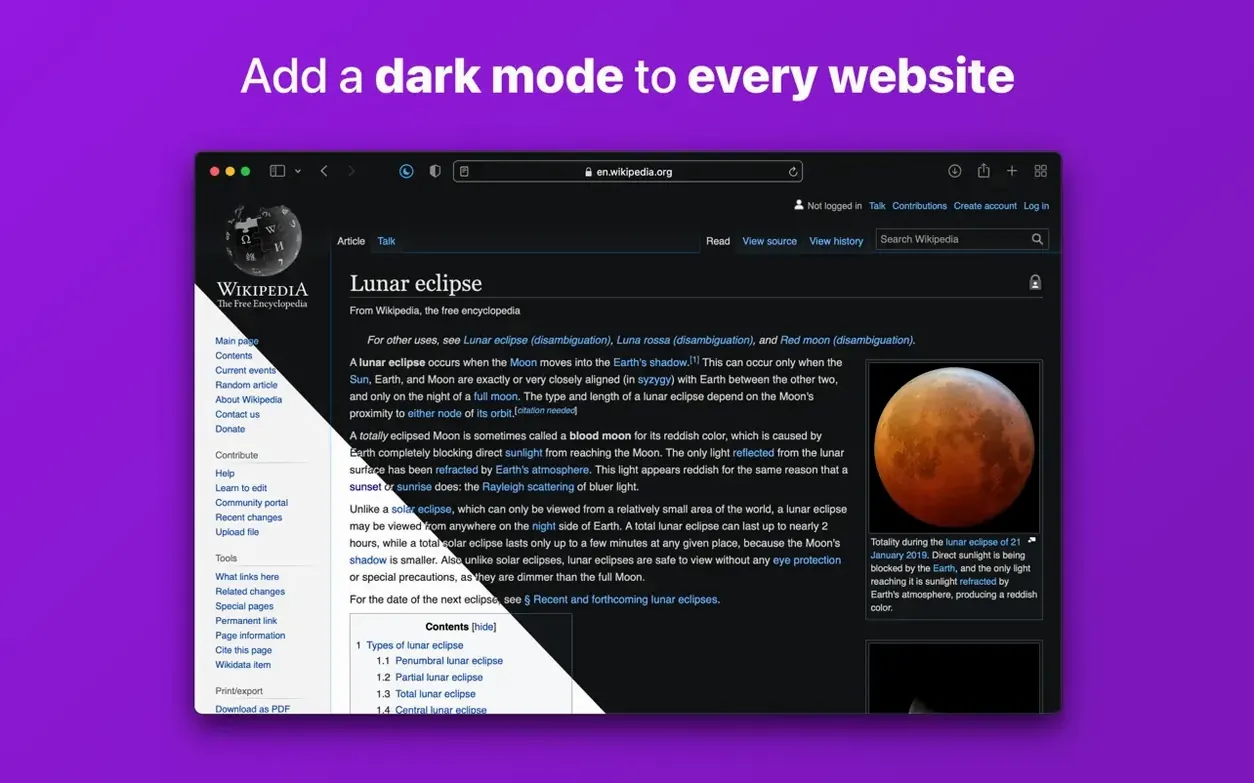
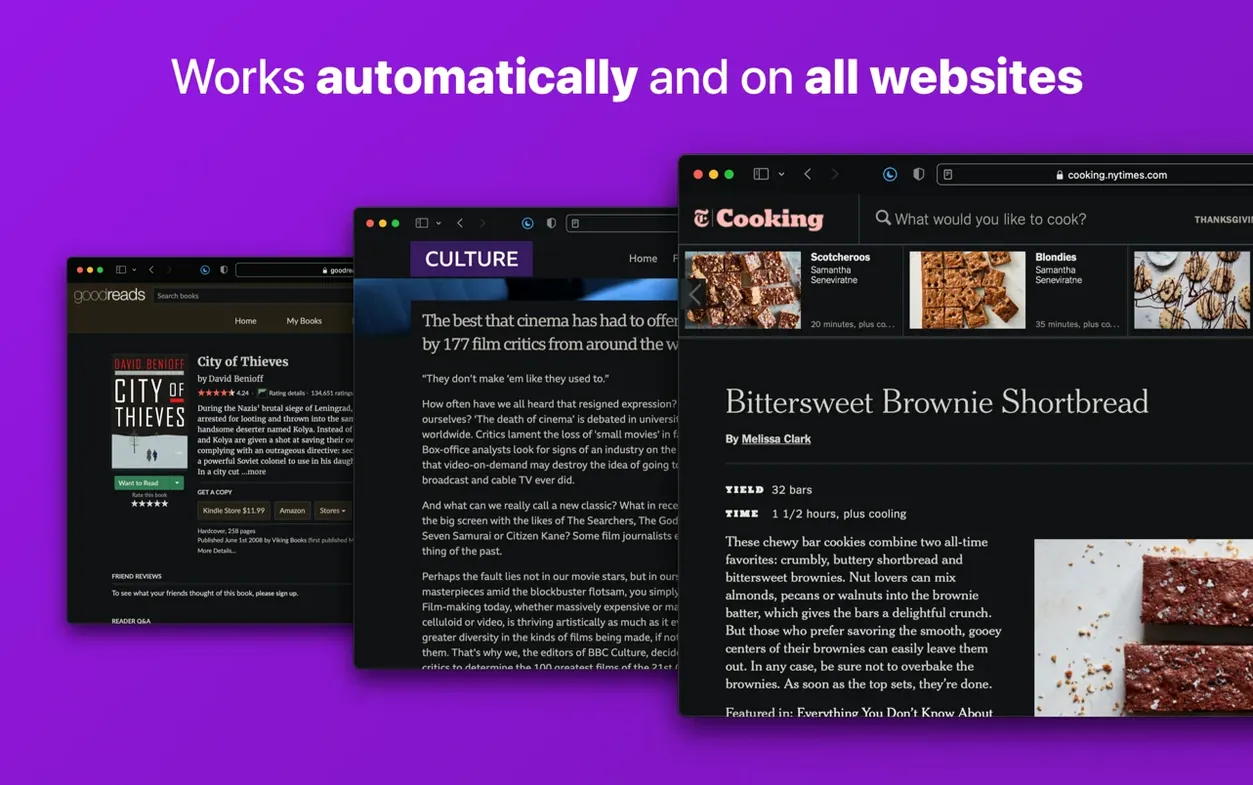
Auto dark mode — Noir applies a dark theme the moment a page loads in Safari. No buttons, no delays.
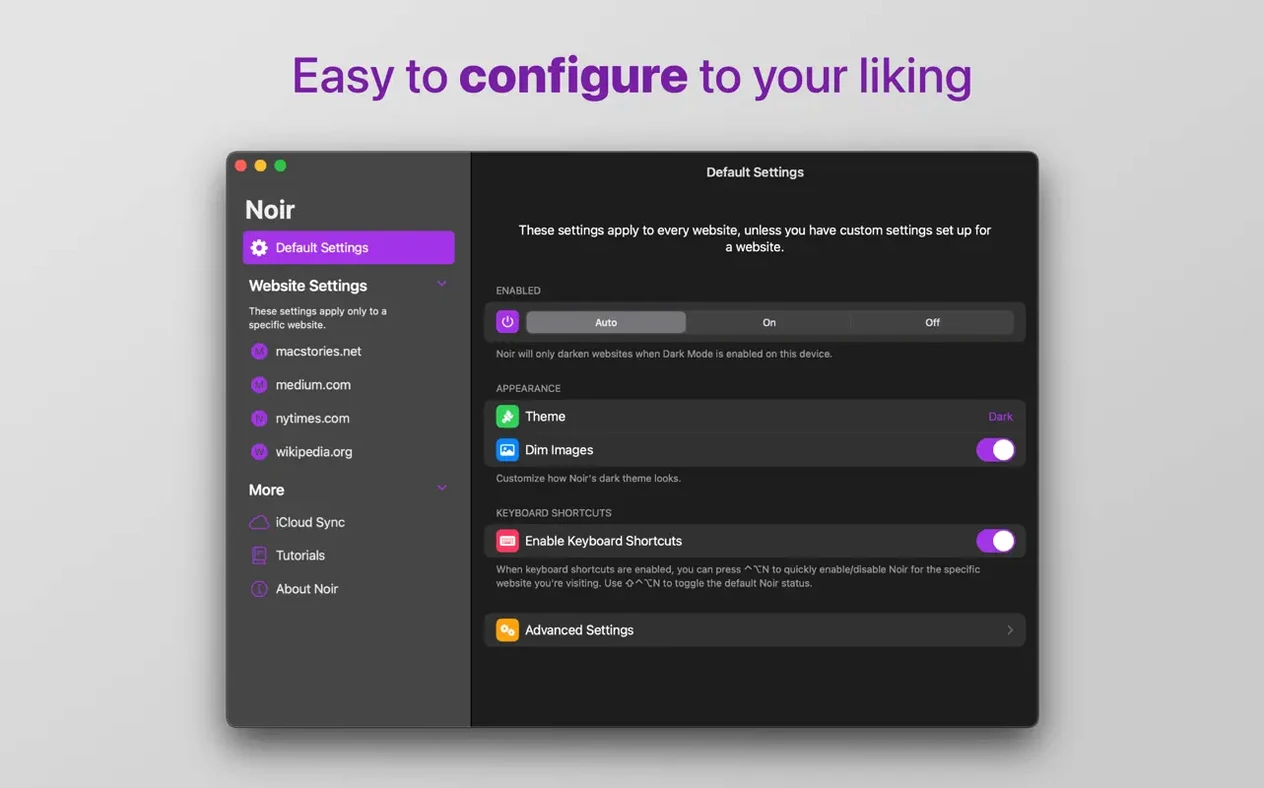
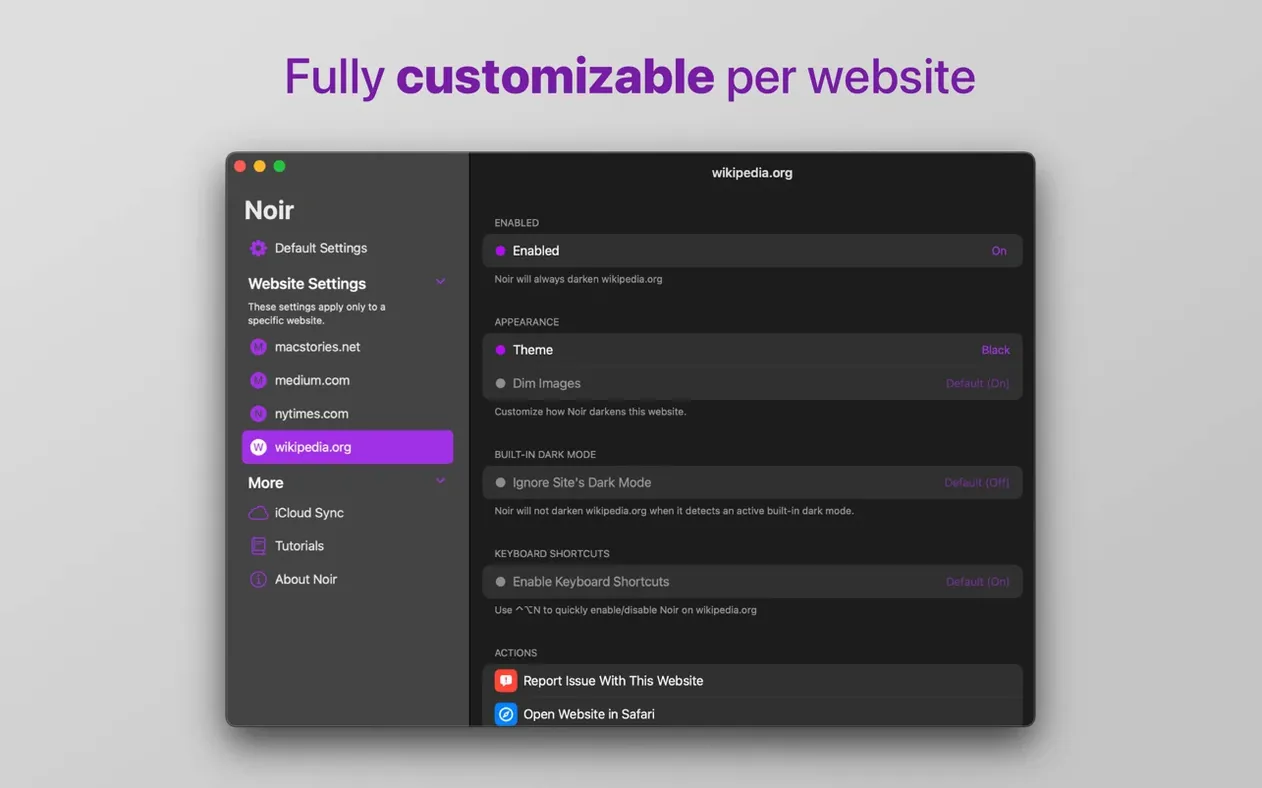
Per-site control — teach Noir to leave a site alone, or lock one to a specific theme. It remembers.
Shortcuts integration — wrap dark mode into a larger routine. One action.
A designer opening a client’s portfolio site late in the evening. The page background is stark white. Noir recalculates the palette from the existing accent colors, not from a generic inversion. The muted navy becomes a dark base. The coral headlines stay warm. She reads the project notes without wincing.
Noir suits a narrow set of people exceptionally well.
Safari-first users. If you live in Apple’s browser for Keychain passwords, Handoff, and reading list sync, Noir keeps the whole stack intact. Other dark mode tools push you toward Chrome or Firefox. This one stays where you already are.
Readers of long-form content. Articles, documentation, research papers. Noir preserves text contrast so paragraphs hold their shape. The eye doesn’t skip lines. Fatigue arrives much later.
People with light sensitivity. A migraine trigger can be a single white flash on a new tab. Noir catches pages before they render fully. That small window matters.
Shortcuts tinkerers. Someone who sets a Night Mode focus on their Mac can tie Noir’s toggle into the same automation. Dark mode arrives with the dimmed screen, not a second later.
A quiet extension that handles one thing well.