VLC opens almost anything. OmniPlayer opens what VLC opens, but feels less like a toolbox and more like a shelf — just your files, ready to play.
It's built for people who keep a lot of video on disk. MKV from a torrent client. A drive full of old AVIs. A folder shared over SAMBA.
Big MKV files
- Playing large MKV files — the 30 GB kind that trip up lighter players
- Switching audio tracks and subtitle encodings on the fly
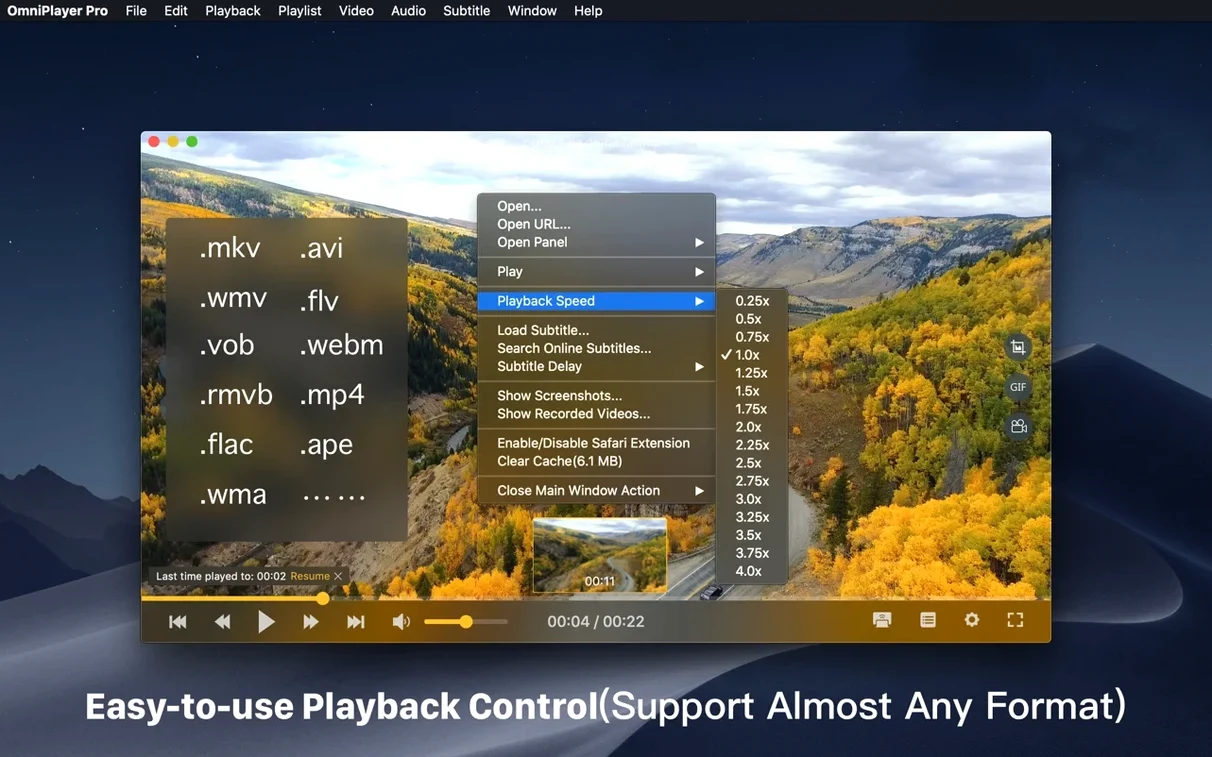
- Previewing a scene before you jump to it, via thumbnails on the progress bar
- Grabbing a 60-second GIF from something you're watching
- Online streams and remote drives over HTTP, SAMBA, or FTP
Intel-only feel
- Intel-only — no native Apple Silicon support yet
- Interface feels functional, not polished
- Playback controls for brightness and contrast are rare, but useful mainly for poorly shot video
Quiet engine
OmniPlayer doesn’t announce itself. On an Intel Mac, it opens in under two seconds and stays small — around 180 MB of RAM for a 1080p MKV. Scrubbing a 4K file is smooth. No beachball. No frame drops I could catch.
The progress-bar thumbnails load fast. On a local SSD, they appear almost instantly. Over SAMBA, there's a half-second wait. Fair.
Stability is uneventful. I left it playing a playlist overnight — mixed codecs, mixed containers — and it was still running in the morning. The 2.1.22 fix for 30 GB MKVs seems genuine. Large files that stuttered in IINA opened cleanly here.
Next to others
VLC is the obvious comparison. VLC plays more fringe formats. OmniPlayer plays the common ones with less clutter. If you live in MKV, MP4, and AVI, OmniPlayer gives you thumbnails on the timeline, easier subtitle search, and a GIF maker VLC doesn’t have. VLC wins on codec reach and Apple Silicon support.
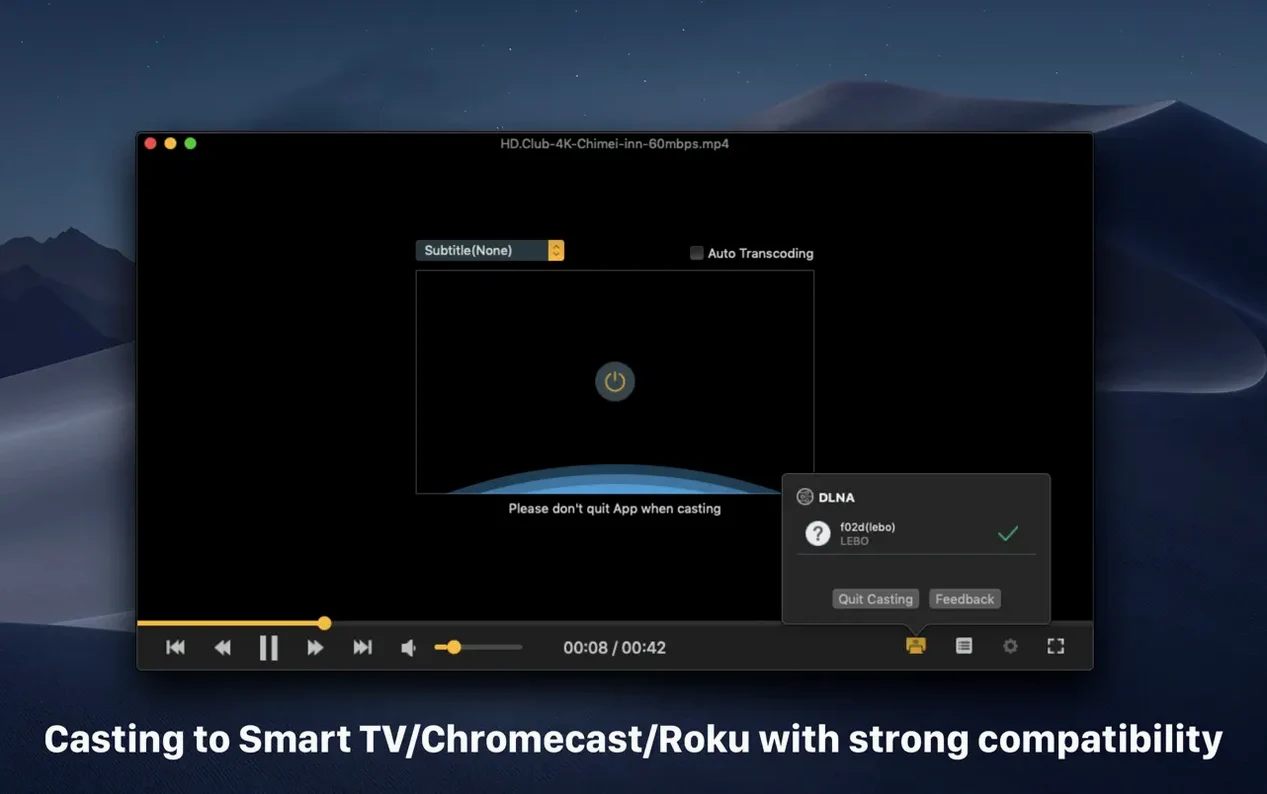
IINA is prettier. It follows macOS design language closely. But IINA choked on a few high-bitrate MKVs that OmniPlayer handled without complaint. OmniPlayer also adds Chromecast and Roku casting, which IINA lacks entirely. If you cast to a TV, the choice is clear.
Elmedia Player shares the casting angle. Elmedia feels more polished for streaming to DLNA devices. OmniPlayer covers DLNA too, plus SAMBA and FTP playback. For local networked drives, OmniPlayer reaches further.
Rotate sideways clips
Right-click the playback window to rotate video in 90° steps. No menu diving. Good for phone-shot clips that arrive sideways.
The auto-hide controls are subtle. Move the cursor away, and the interface vanishes completely. It turns the player into a clean viewing pane — useful when you’re watching something long and don’t want UI chrome burning into an OLED.
Hold Shift while dragging the progress bar to jump in fine increments. Not documented prominently, but it works.
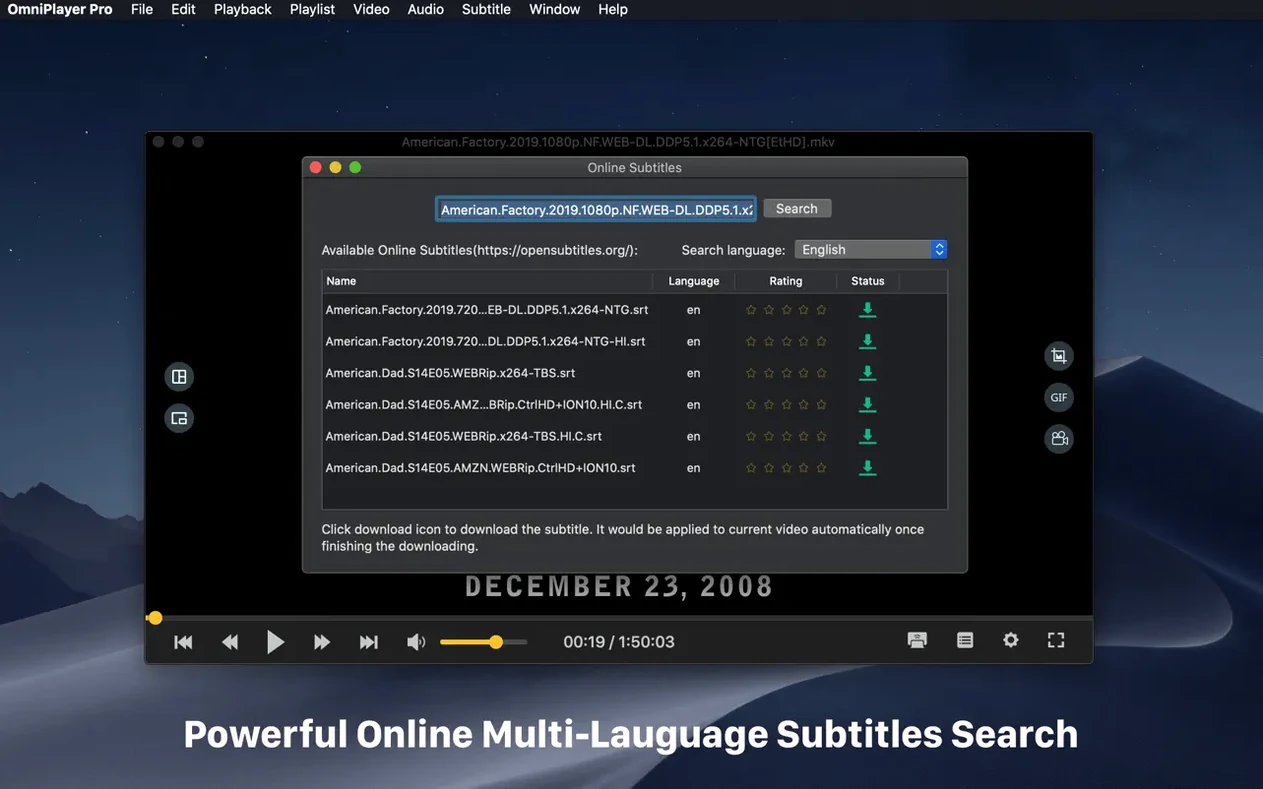
Subtitle search by hash is fast. Drop a file with no subs, hit the search button, and OmniPlayer finds matches in seconds. You can adjust color and size with sliders while the video plays — no need to stop and reopen a preferences window.